Computing
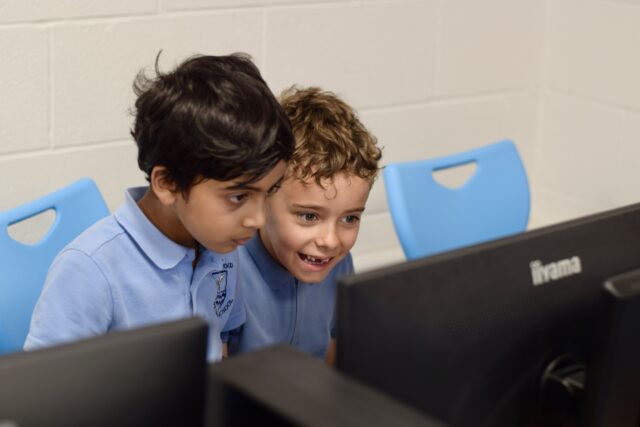
The use of computers and computer systems is an integral part of the National Curriculum and knowing how they work is a key life skill. In an increasingly digital world there now exists a wealth of software, tools and technologies that can be used to communicate, collaborate, express ideas and create digital content. At Stockton Wood Primary School, we recognise that pupils are entitled to a broad and balanced computing education with a structured, progressive, approach to the learning how computer systems work, the use of ICT and the skills necessary to become digitally literate and participate fully in the modern world. The purpose of this policy is to state how the school intends to make this provision.
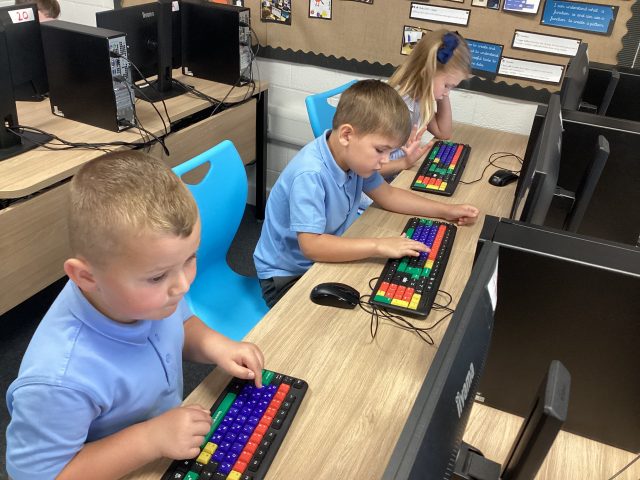
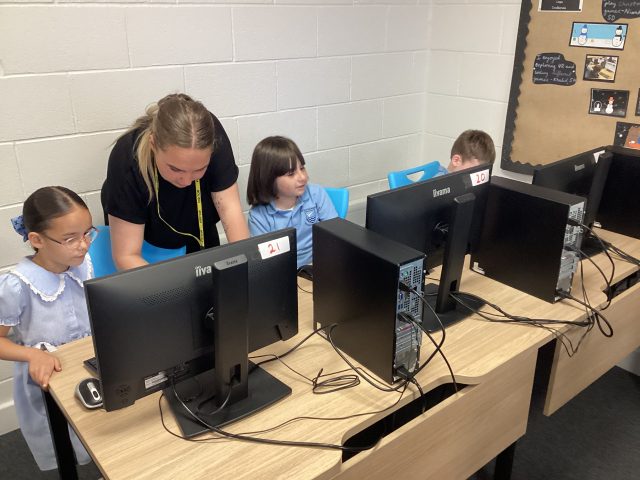
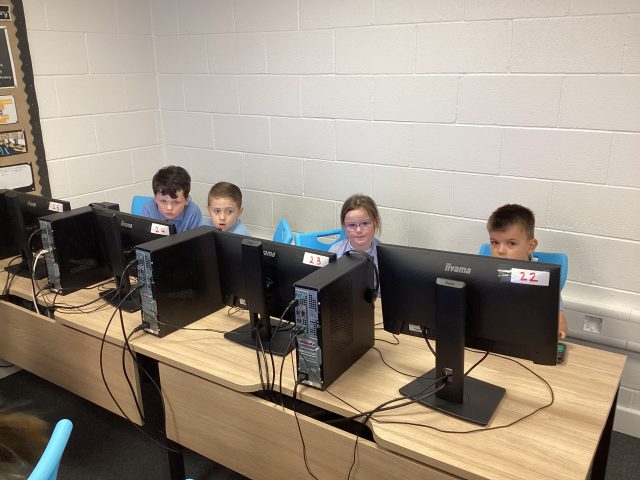
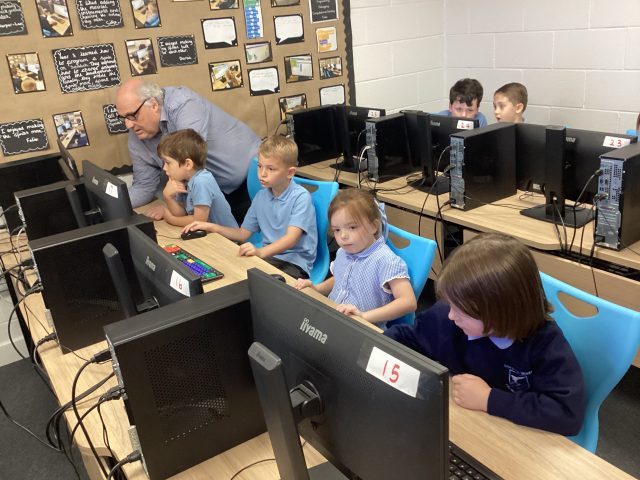
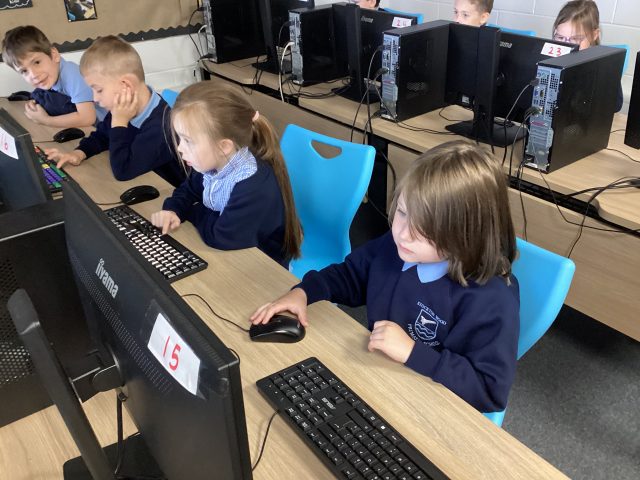
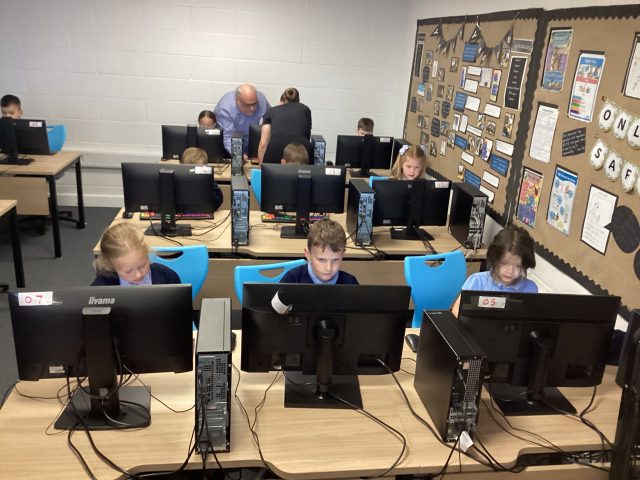
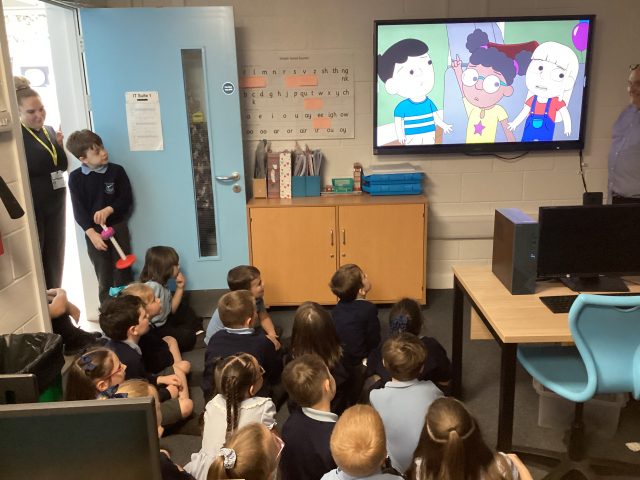
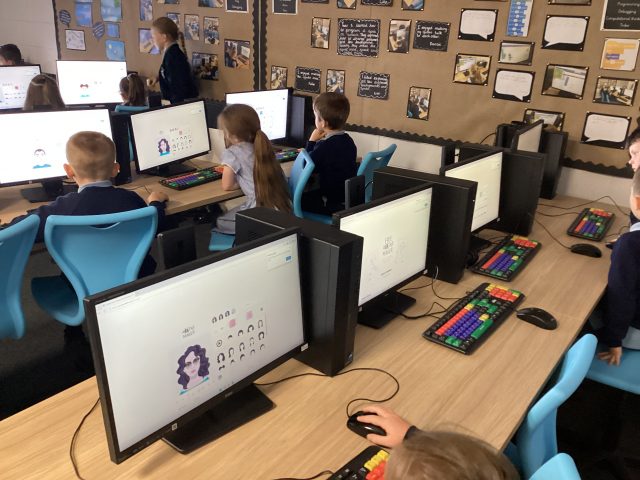
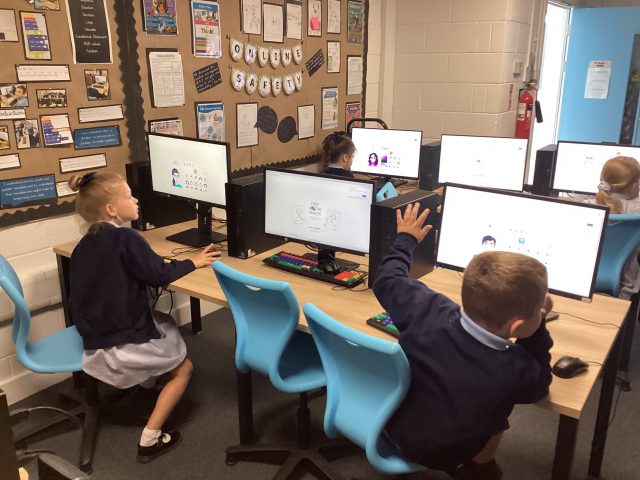
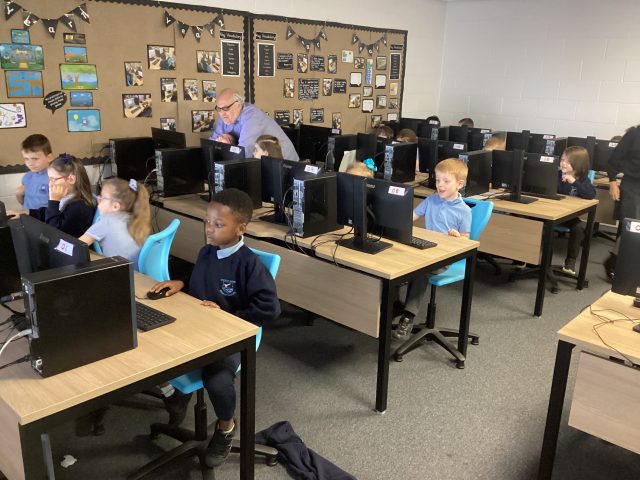
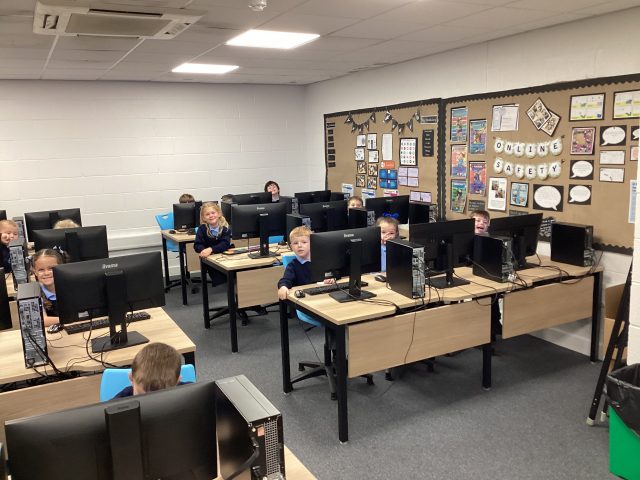
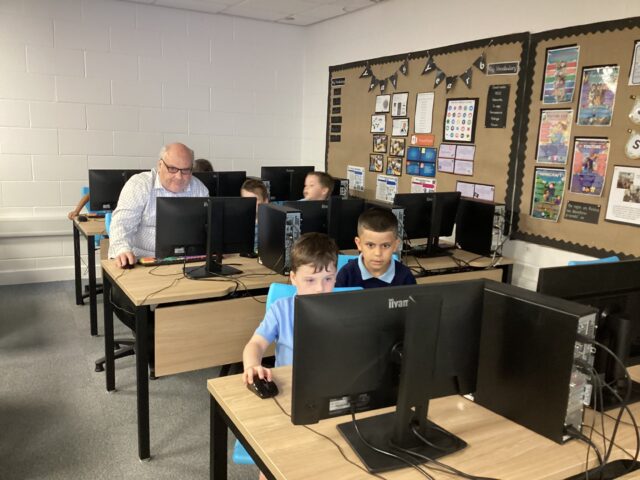
We are fortunate to have Mr Moffatt from MGL who works with different year groups each term, providing exciting computing activities for the children to complete.
Aims
The school’s aims are to:
Provide a broad, balanced, challenging and enjoyable curriculum for all pupils.
Develop pupil’s computational thinking skills that will benefit them throughout their lives.
Meet the requirements of the national curriculum programs of study for computing at Key Stage 1 and 2
To respond to new developments in technology
To equip pupils with the confidence and skills to use digital tools and technologies throughout their lives.
To enhance and enrich learning in other areas of the curriculum using ICT and computing.
To develop the understanding of how to use computers and digital tools safely and responsibly.
Online Safety
The Internet is an amazing place but children need the knowledge and understanding to use it safely.
Our children are regularly taught about the importance of being safe online and what they should do if anything they see or read makes them feel uncomfortable.
Computing Intent Implementation Impact
Progression Framework Computer Science

Computing Chatter

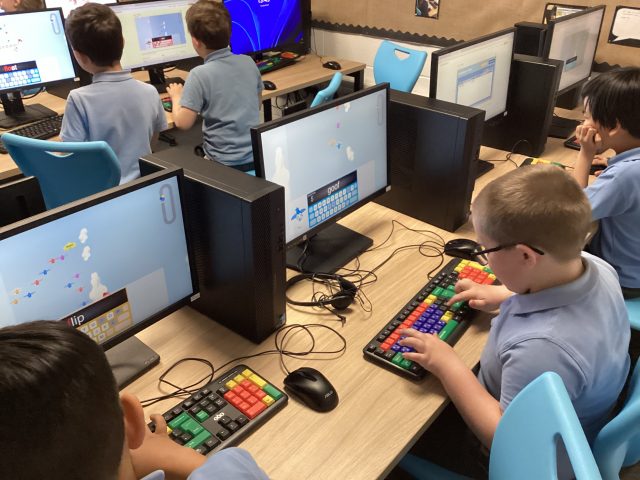
Computing – using keys on the keyboard to control a game
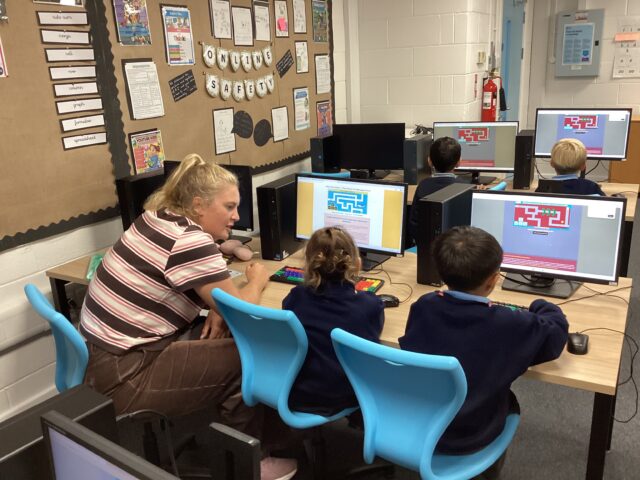
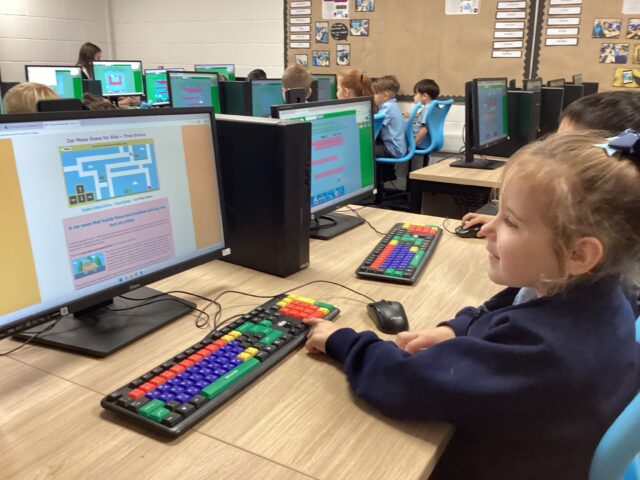
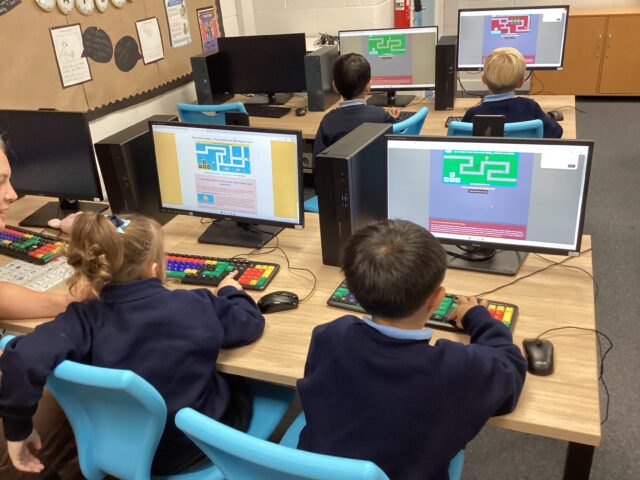
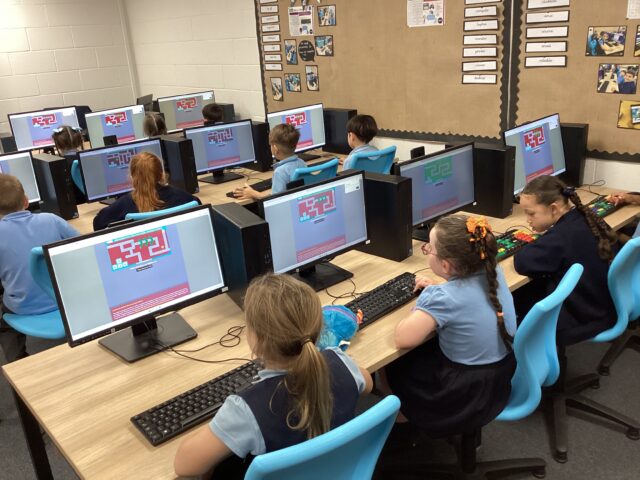
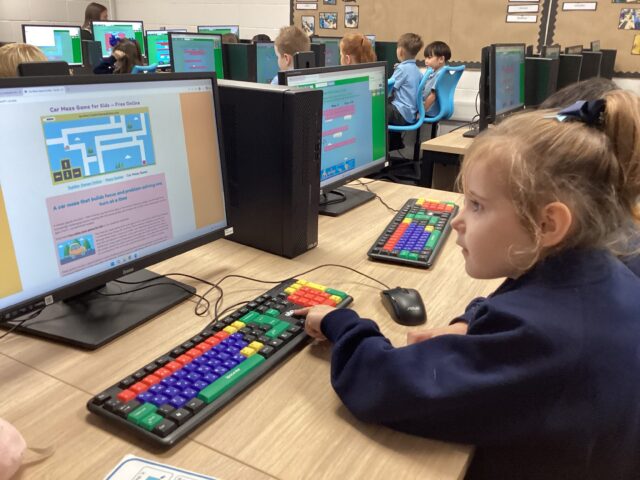
We extended our learning even further today by learning how to use keys on a keyboard to control a game! Computing really is a highlight of our week 🌟
11
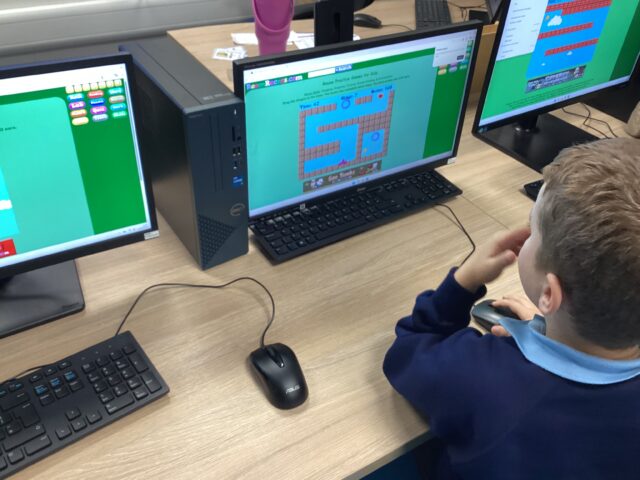
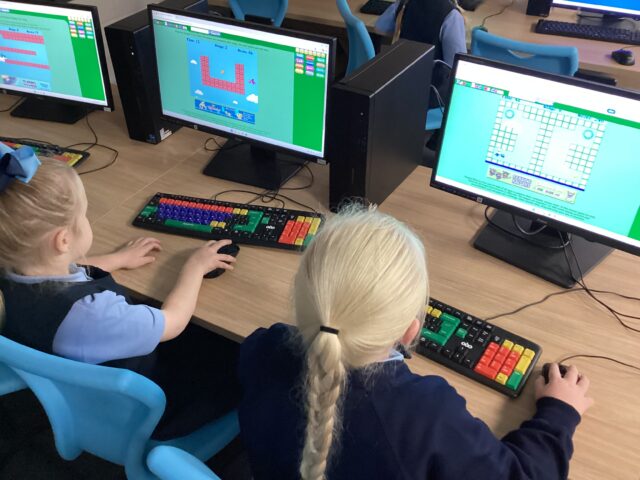
Computing- Clicking and dragging
1B have been practising their clicking and dragging skills in computing using the ‘Dragon drop’ game🐉. Some children even reached really tricky levels and faced challenges.
Year Four – Computing and Science
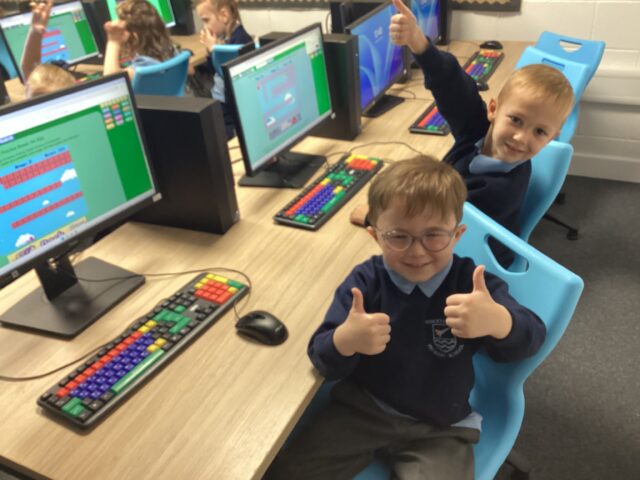
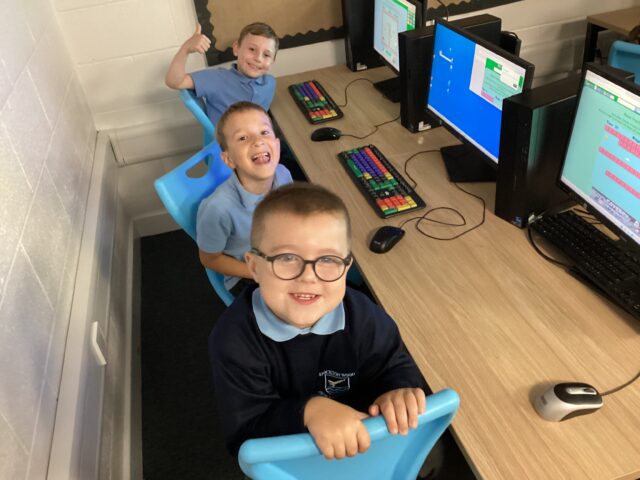
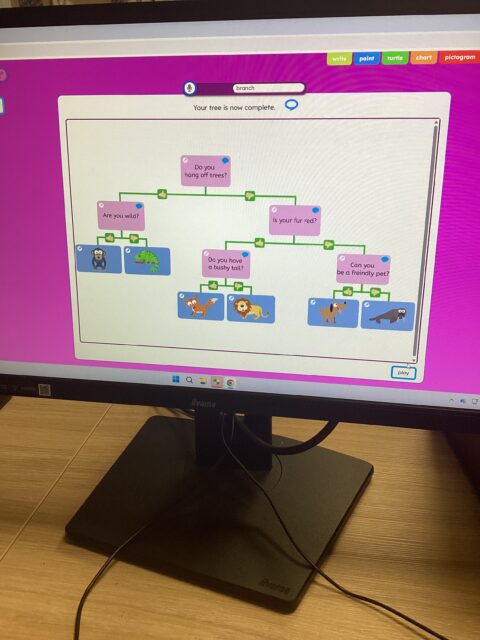
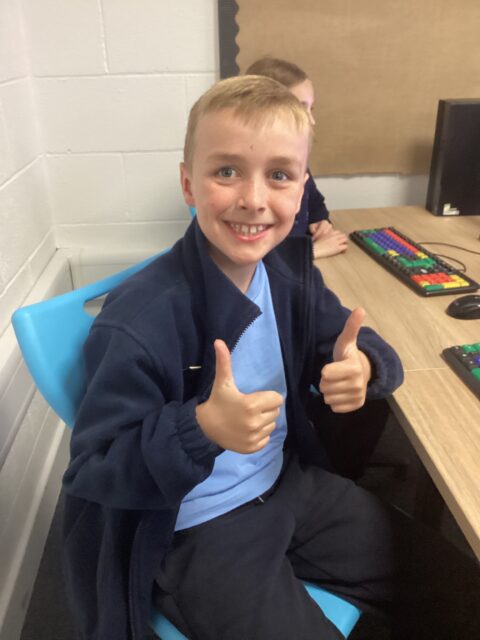
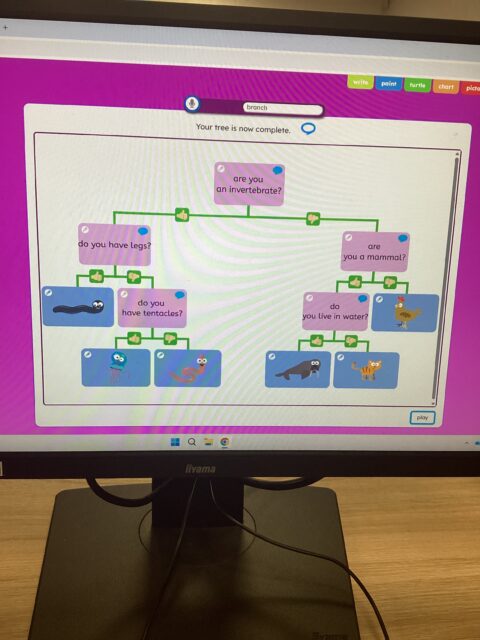
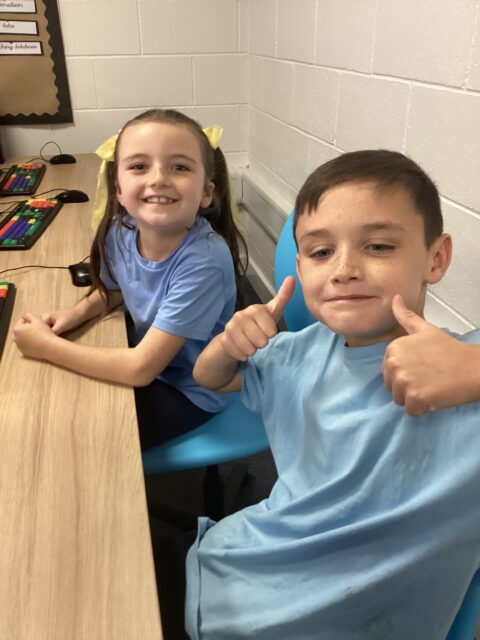
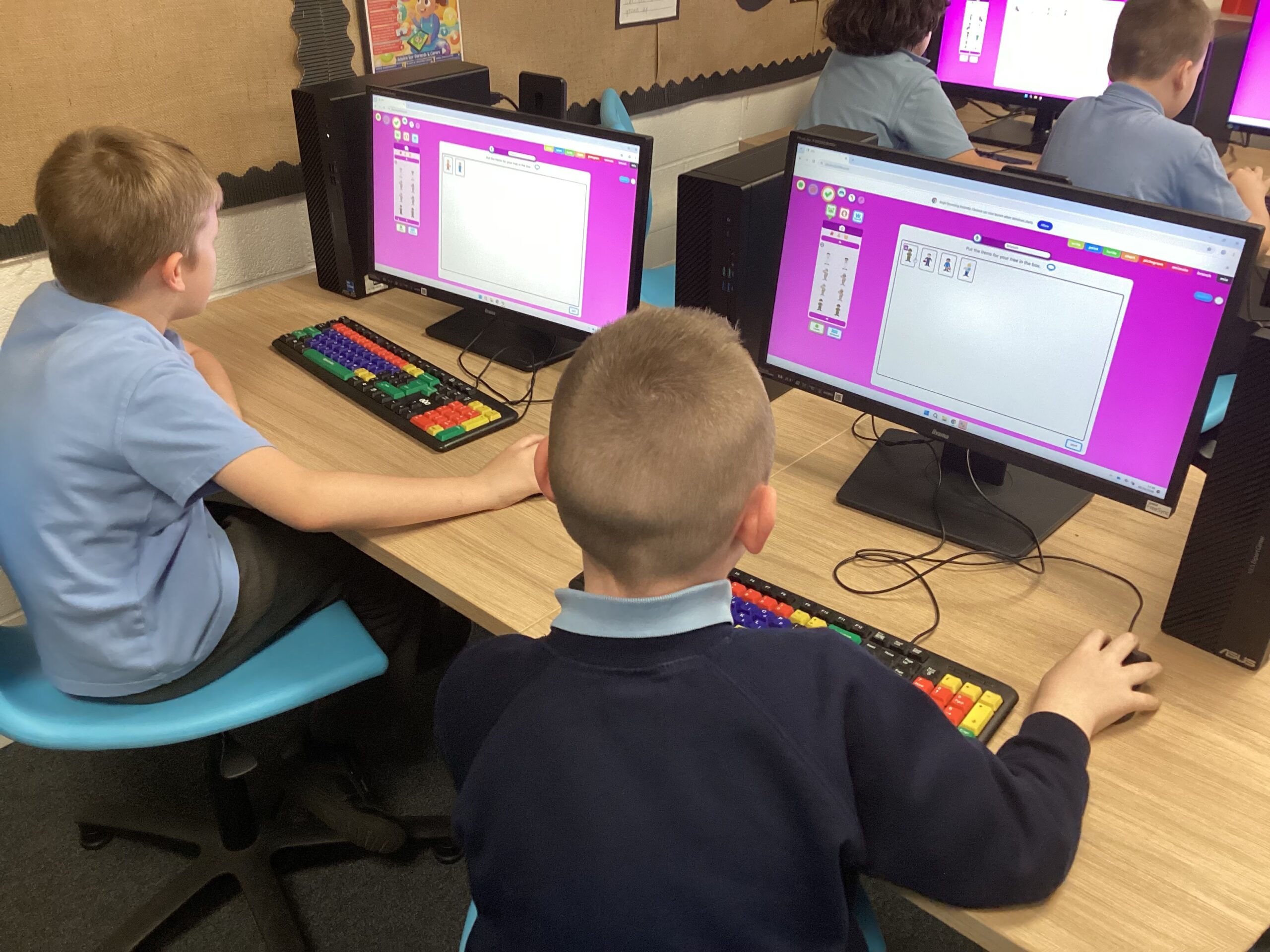
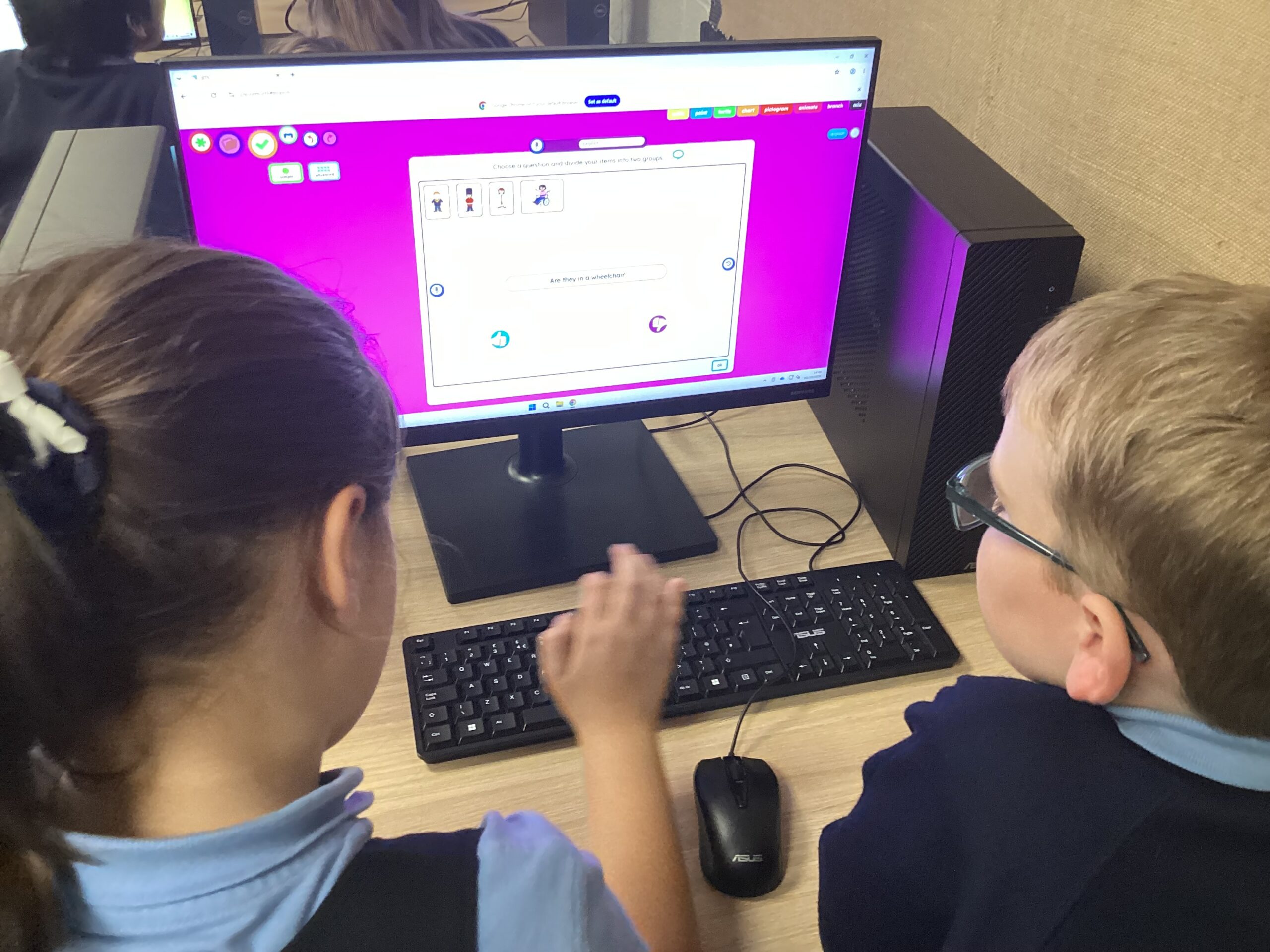
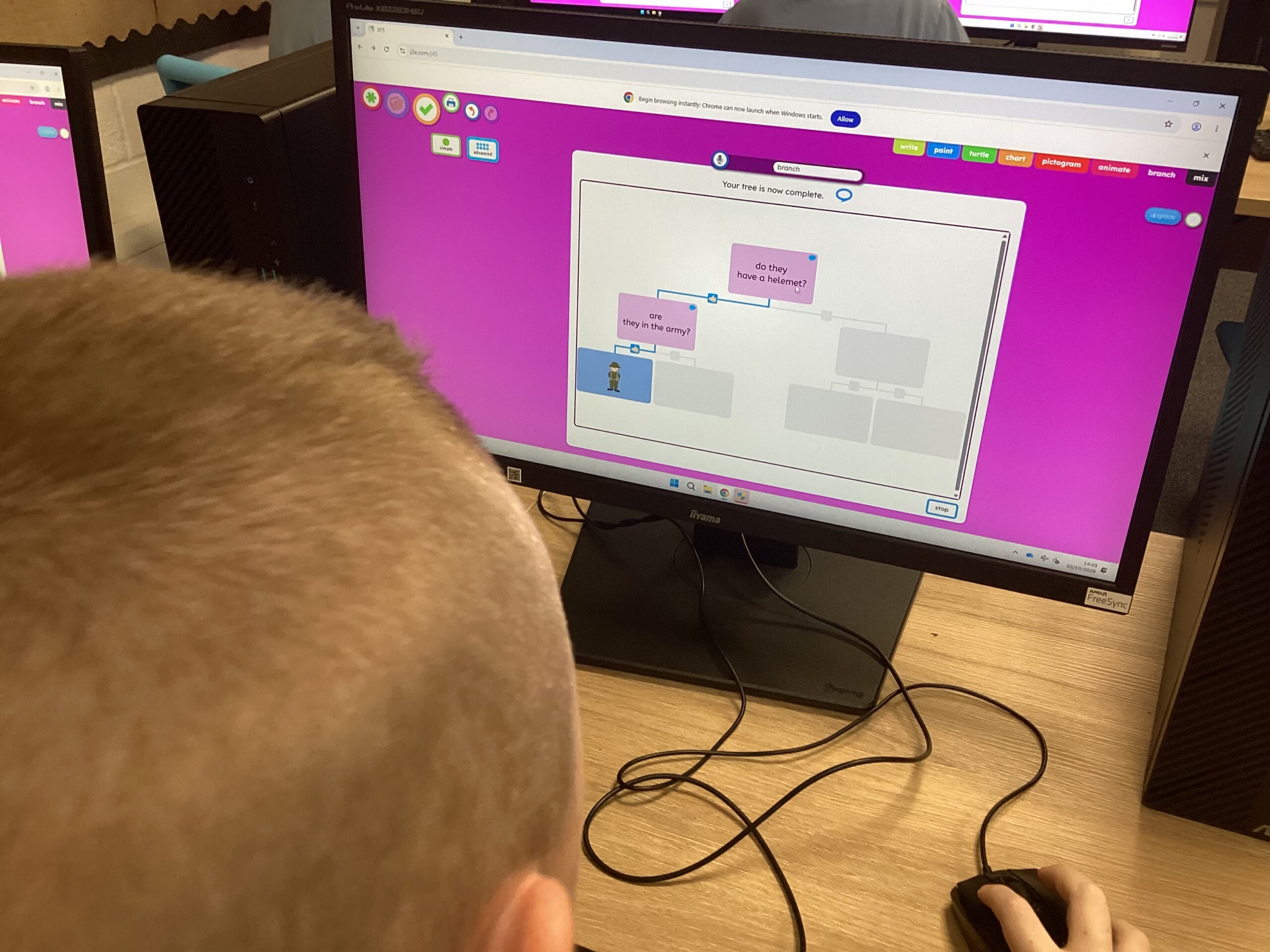
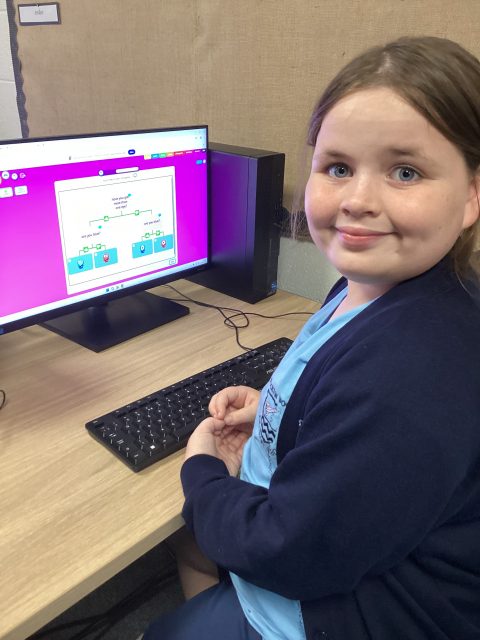
Today Year Four used their scientific knowledge and computing skills to create a range of digital branching database’s.
Computing – typing!
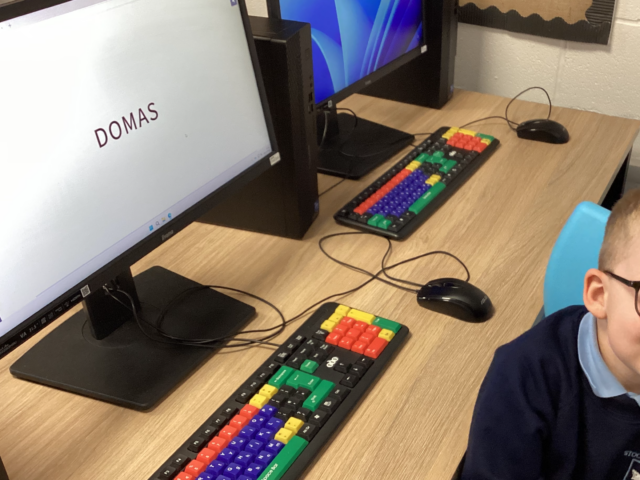
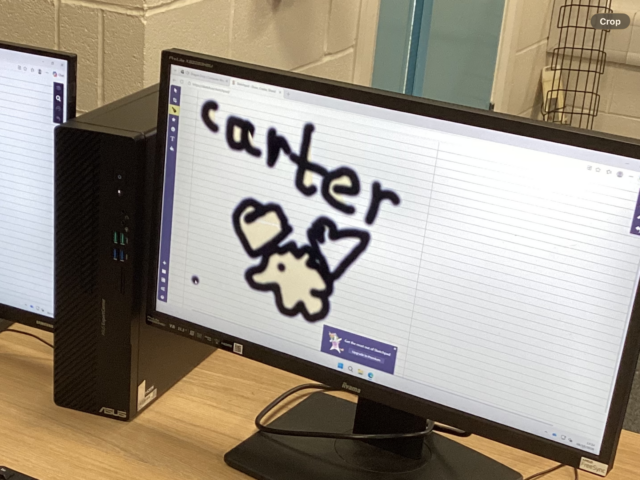
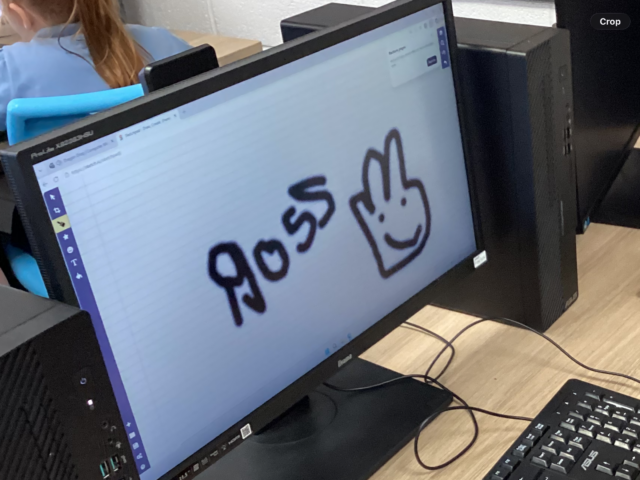
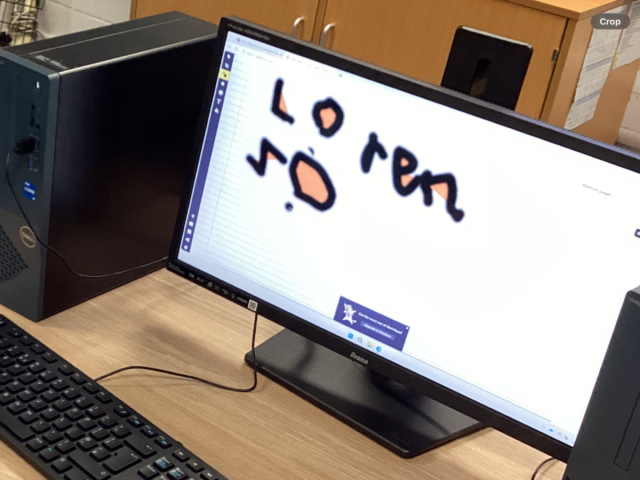
This week, we practised writing our names again using our mouse. Then we moved on to using the keyboard, and using the caps lock for our capital letter!
35
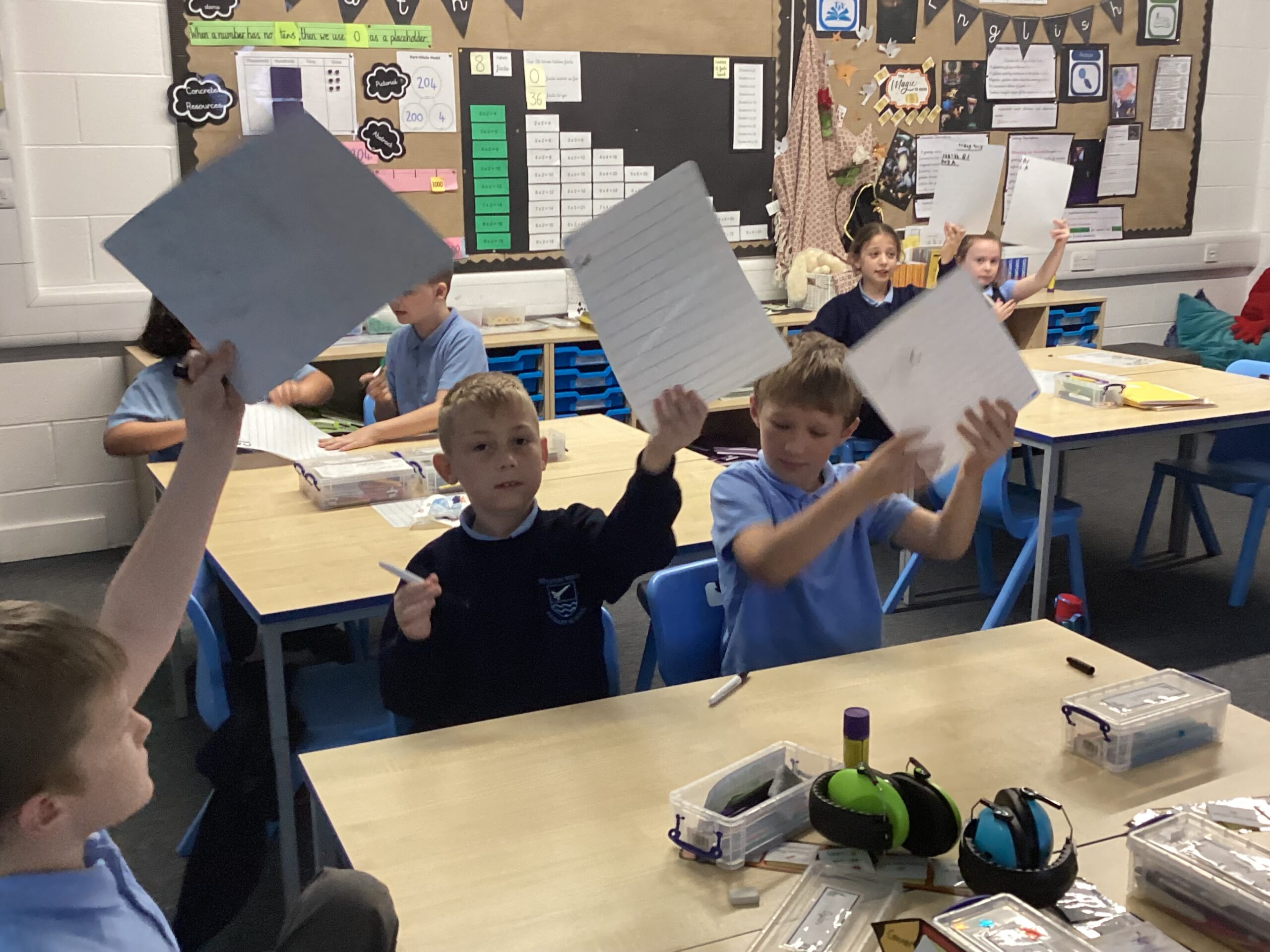
Year 4 Big Friday Quiz
Year 4’s Big Friday Quiz is a hit!
We love earning dojos when we successfully retrieve and recall our previous learning.
Year 4 Computing
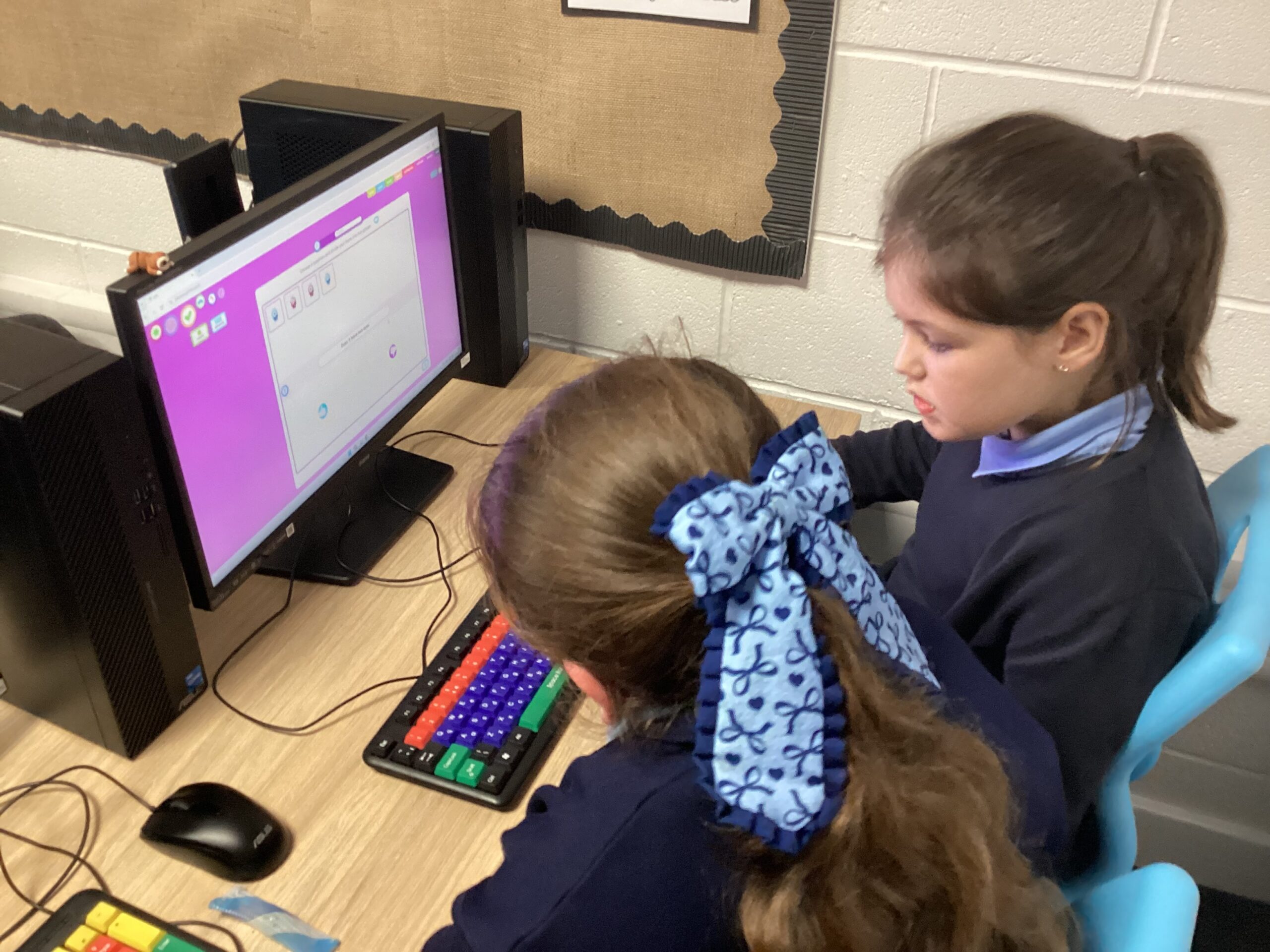
In Computing, we have been creating databases to sort and classify various data, using questions to organise information.
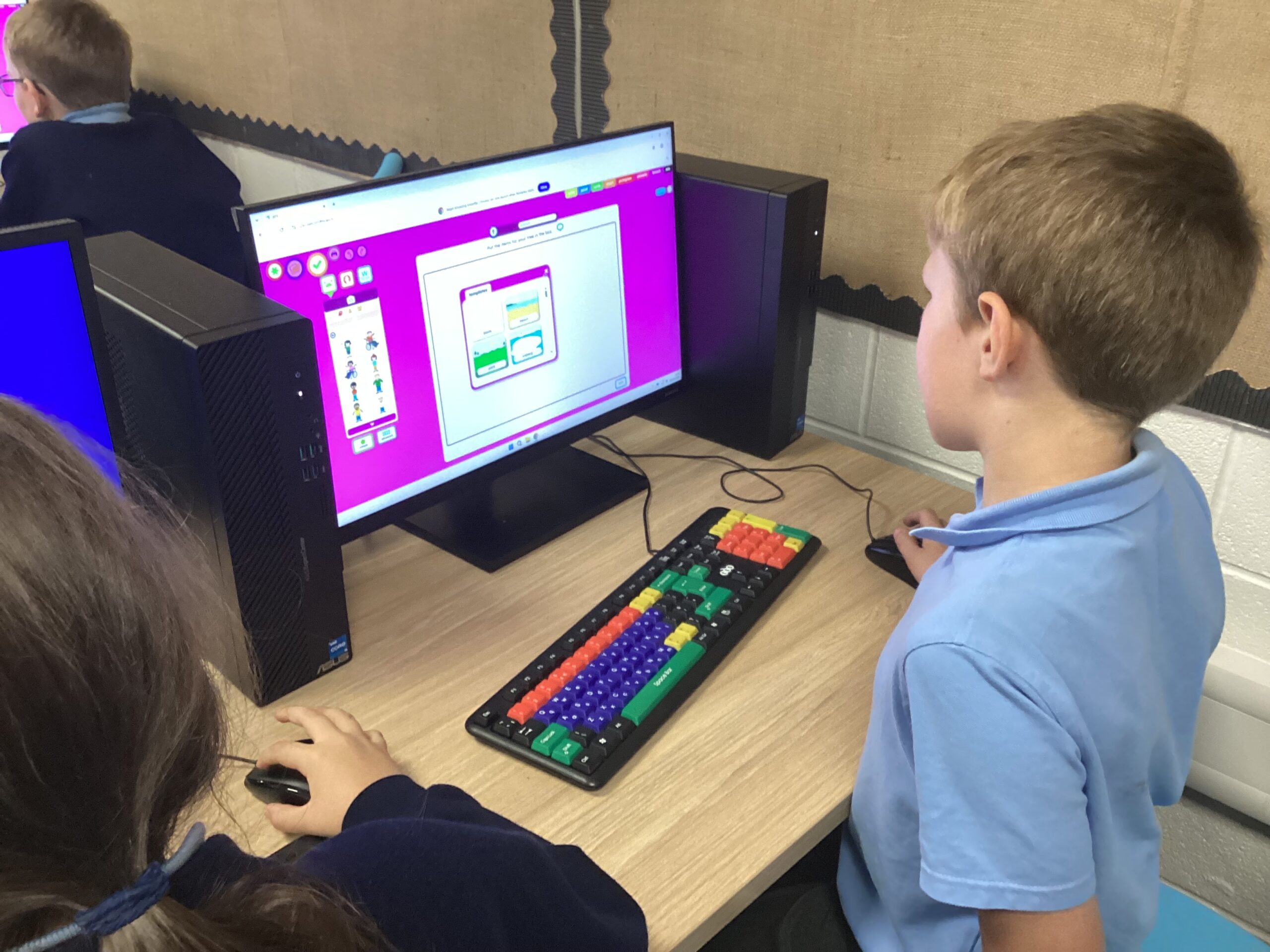
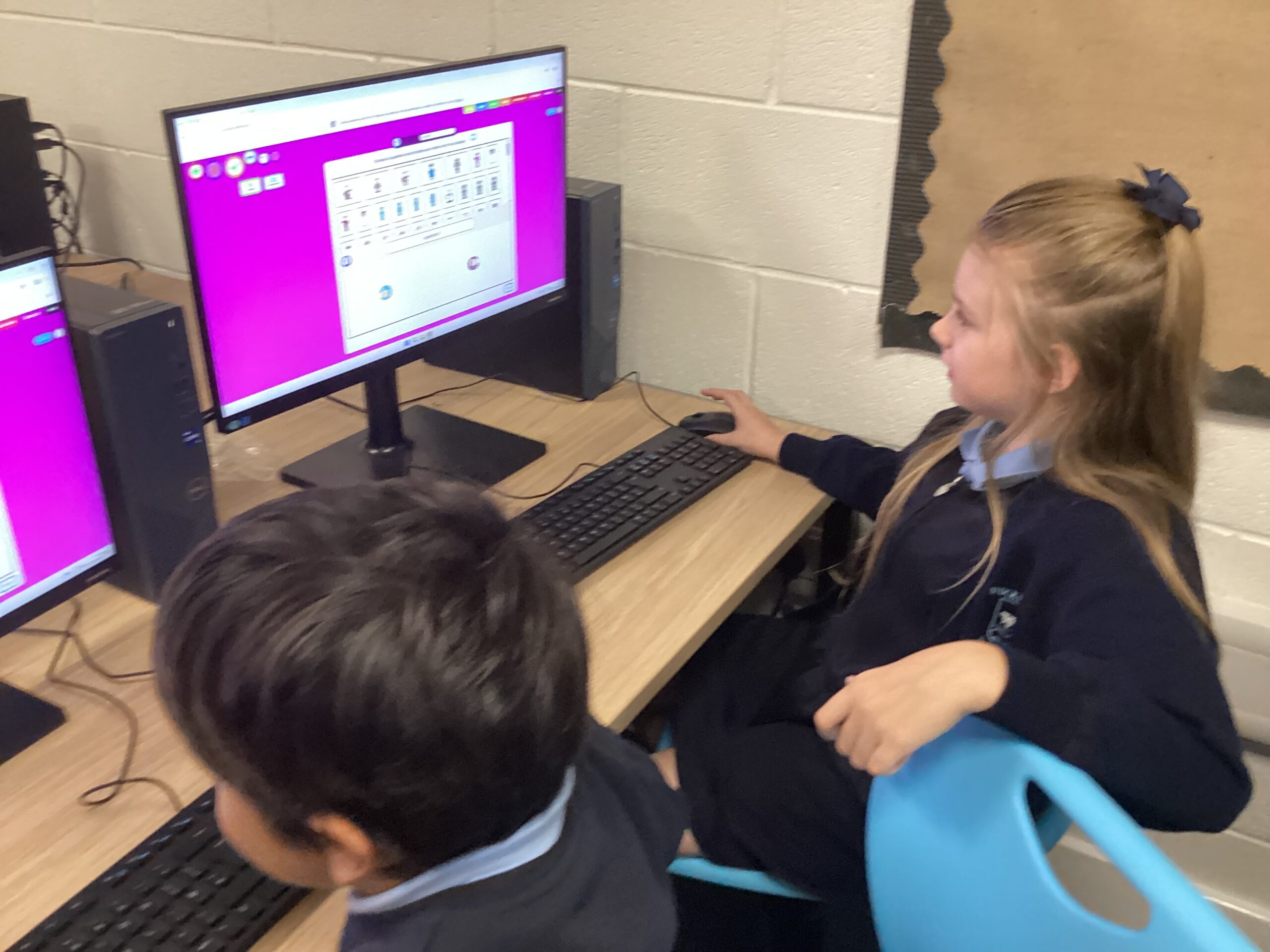
Computing – Keeping Safe Online
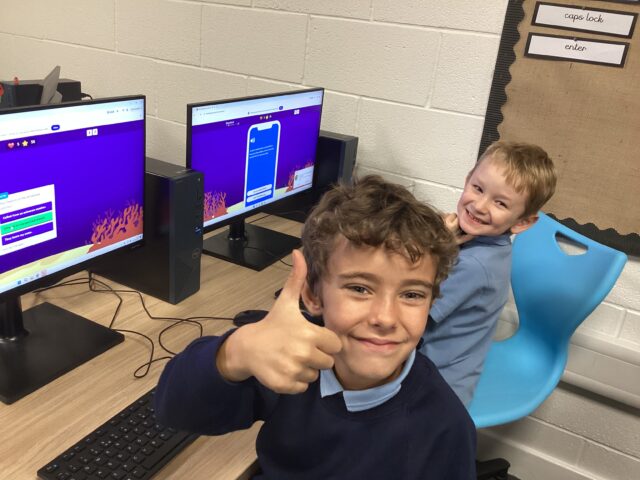
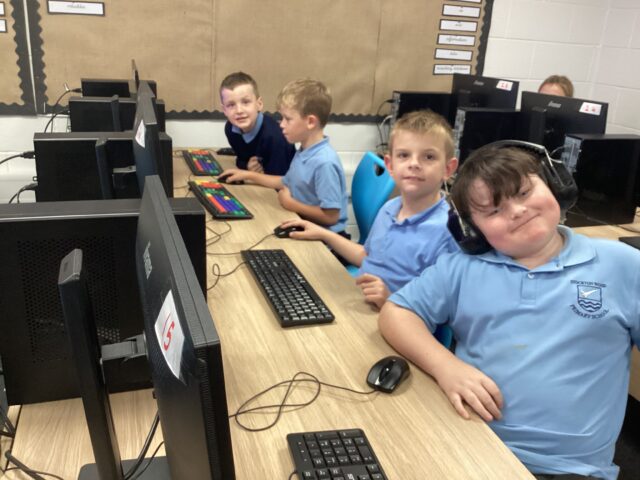
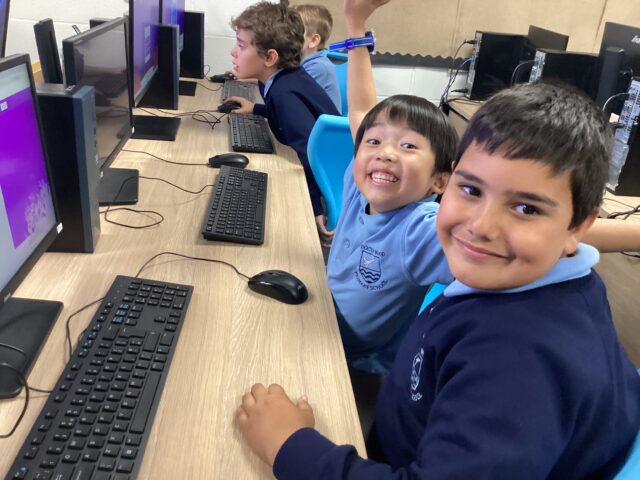
This half term we have been exploring the internet and how to keep safe online.
64
5D – Computing
🎮 Learning through games! 💻
5D have been amazing in Computing this term! Before moving on to our next topic, we enjoyed some fun decoding games and internet safety activities.
The children had a fantastic time and, best of all, they were learning while having fun! 🌟🔐
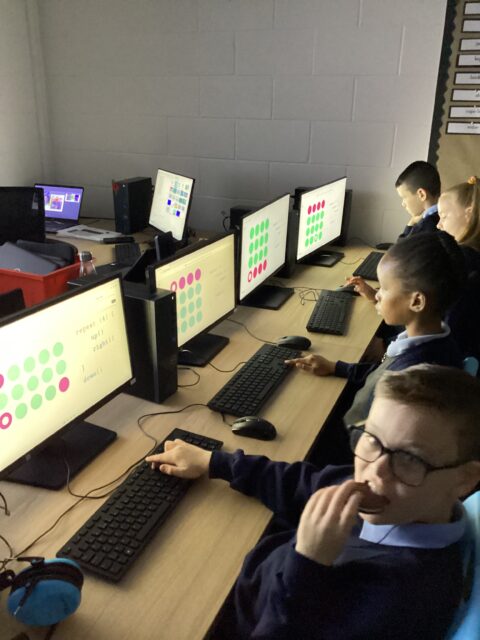
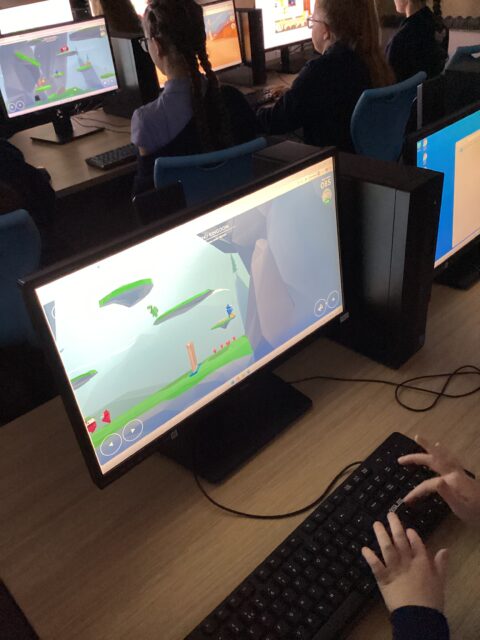
Computing Y2
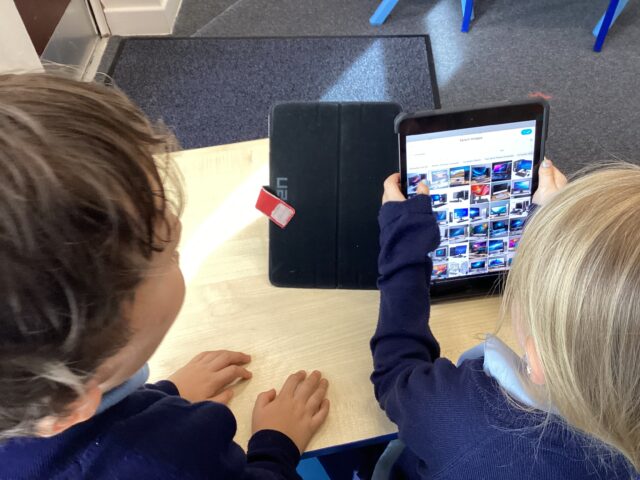
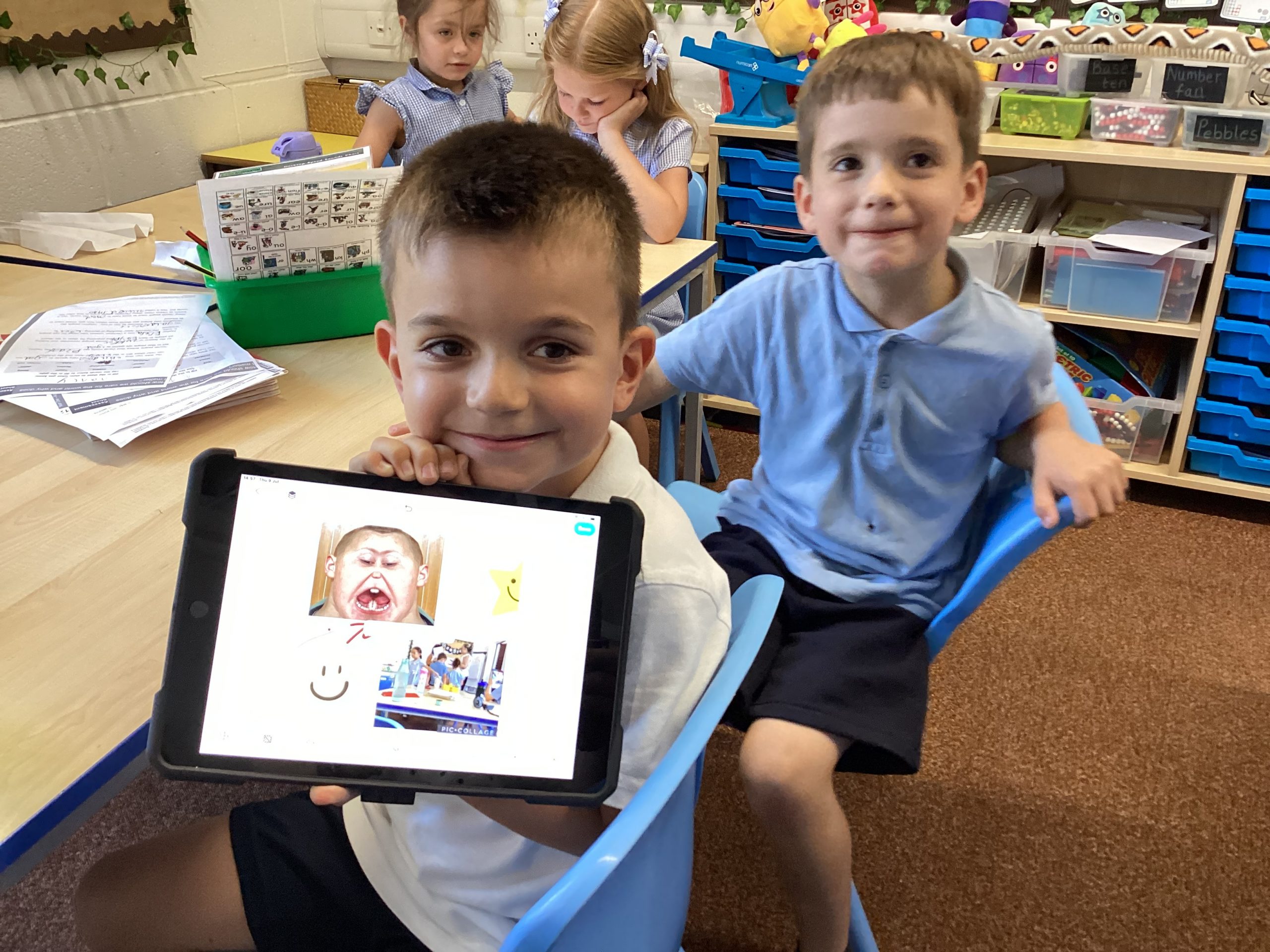
Y2 used Pic Collage to web search images of computer hardware then add text to the pictures. They love their work in computing!
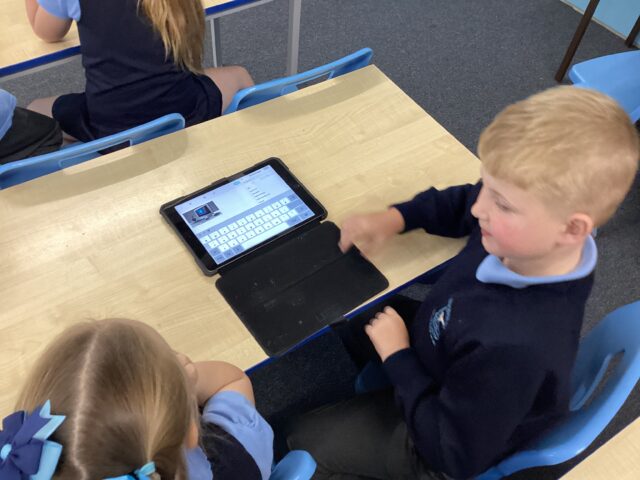
Year 6- Computing
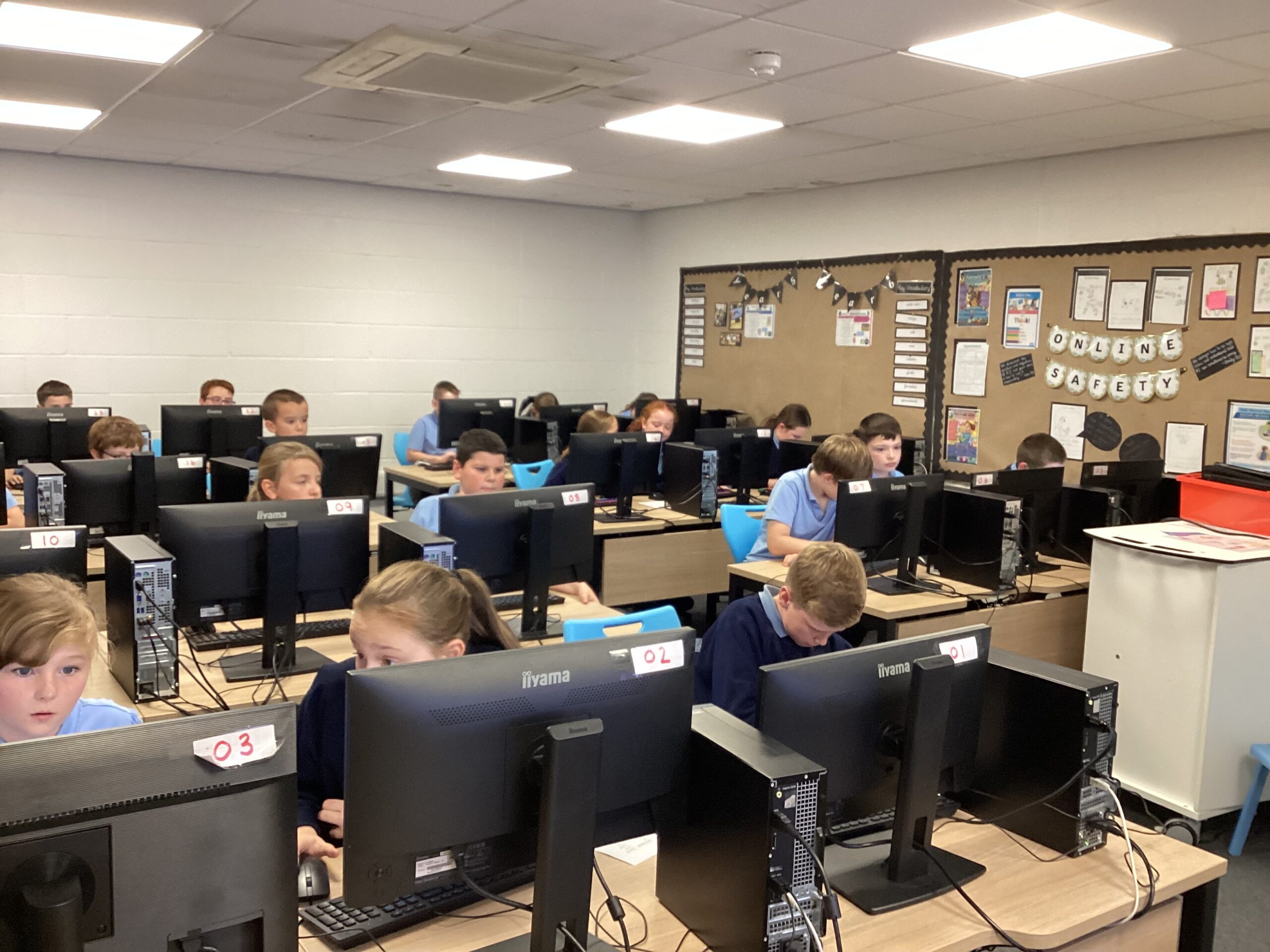
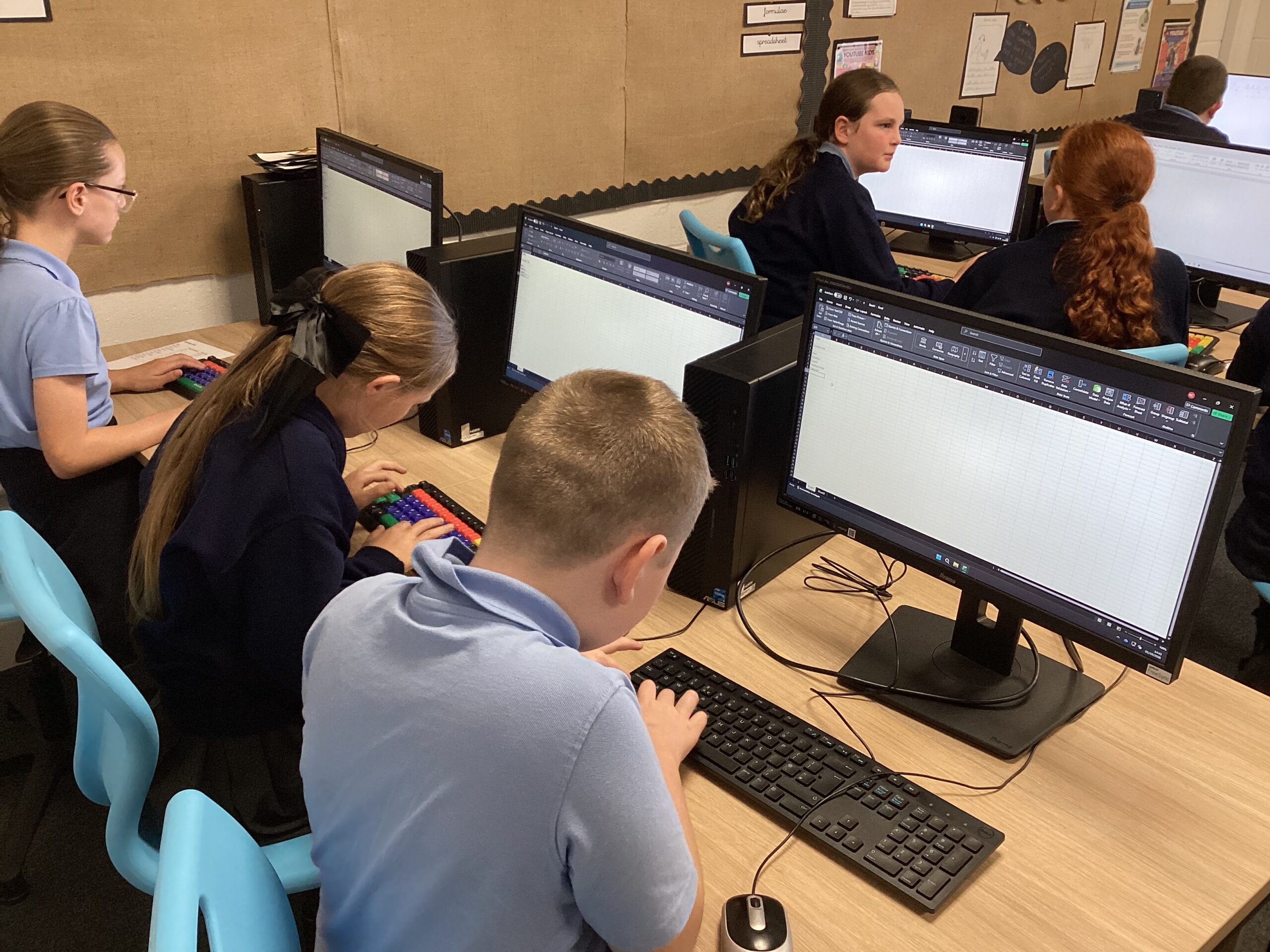
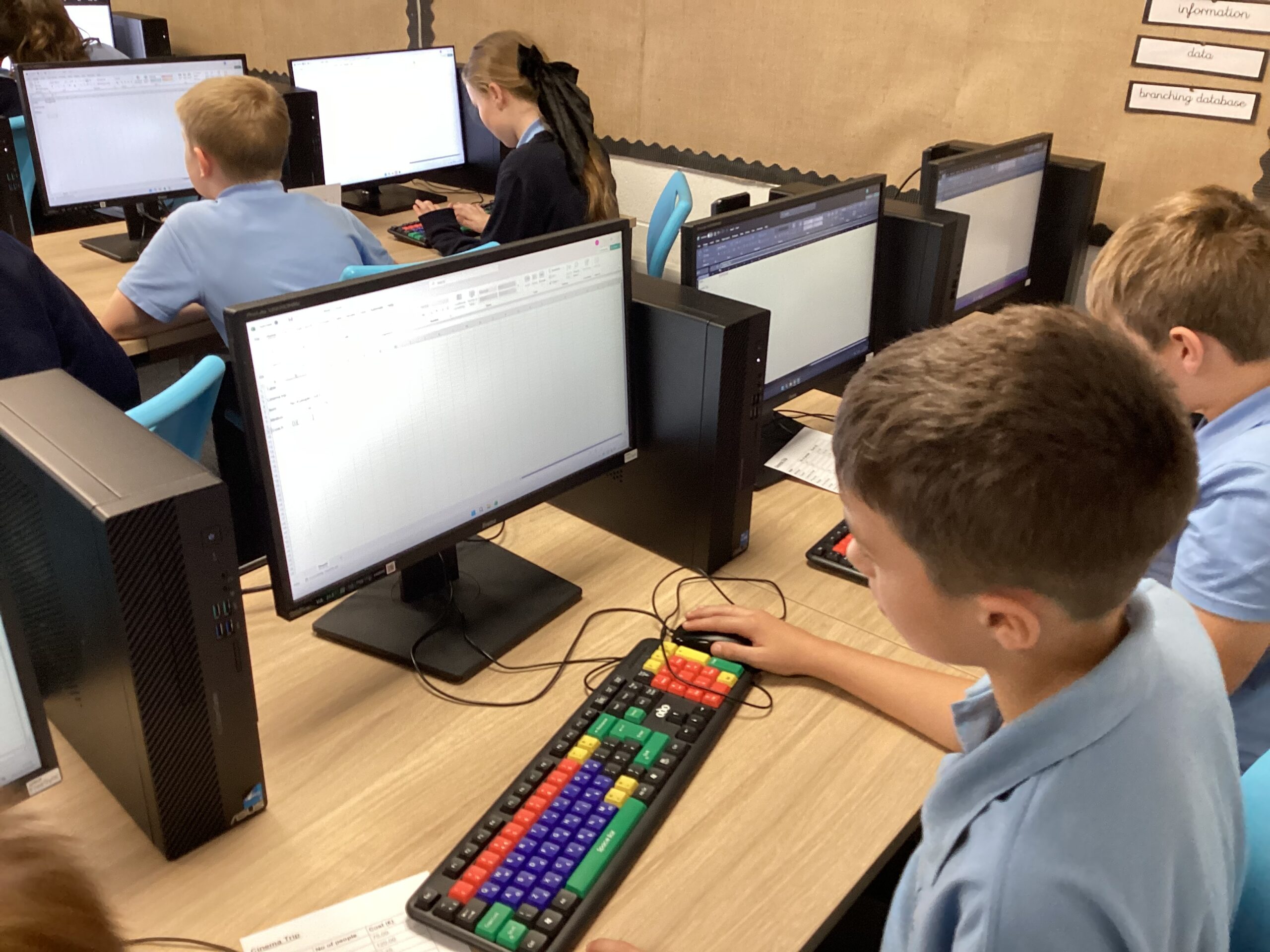
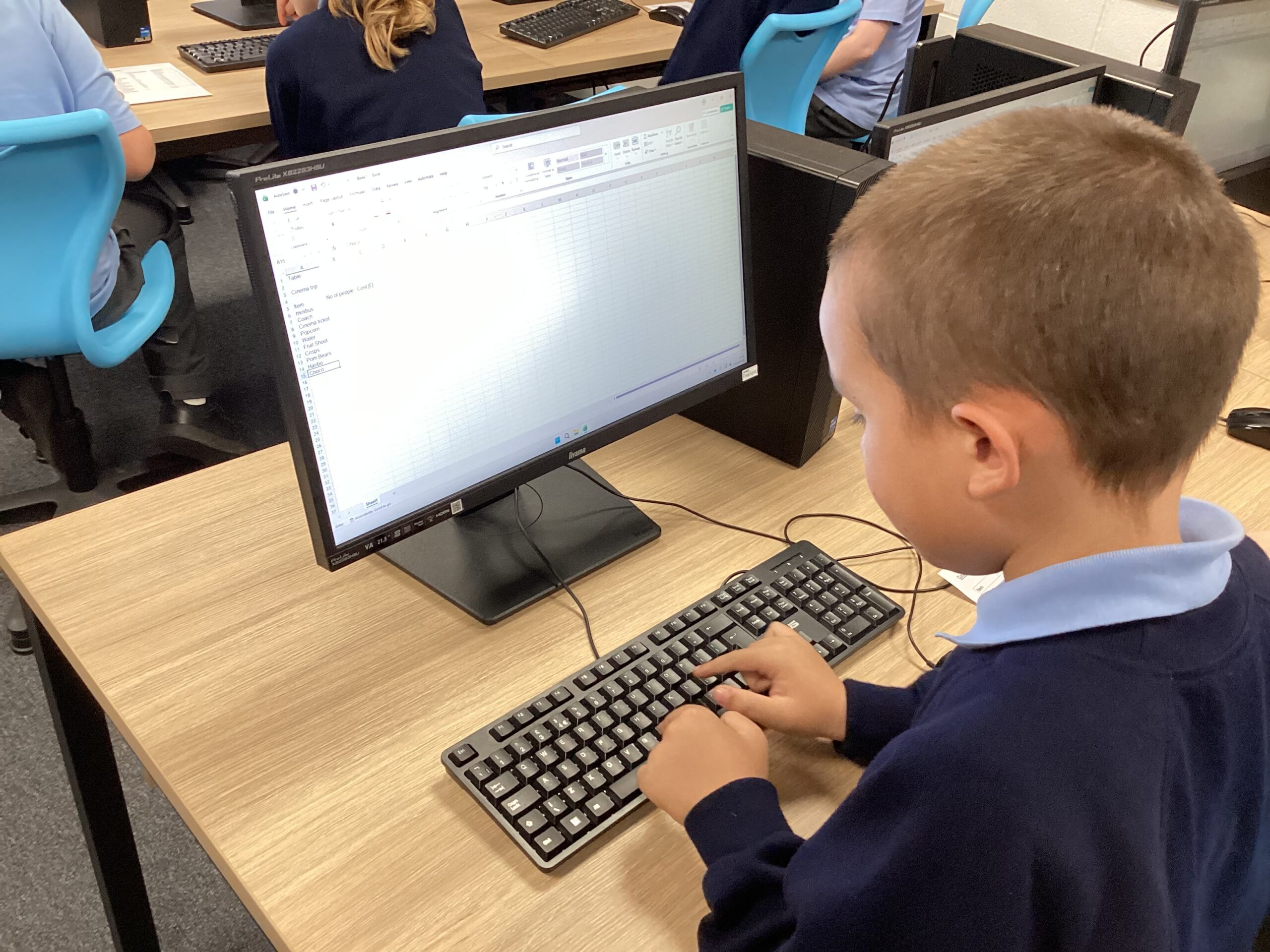
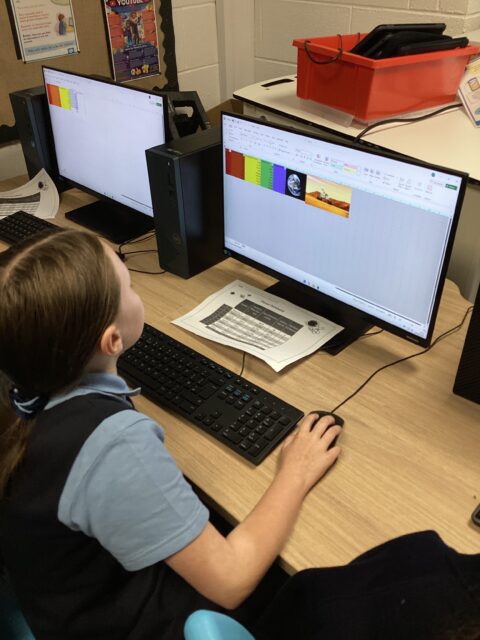
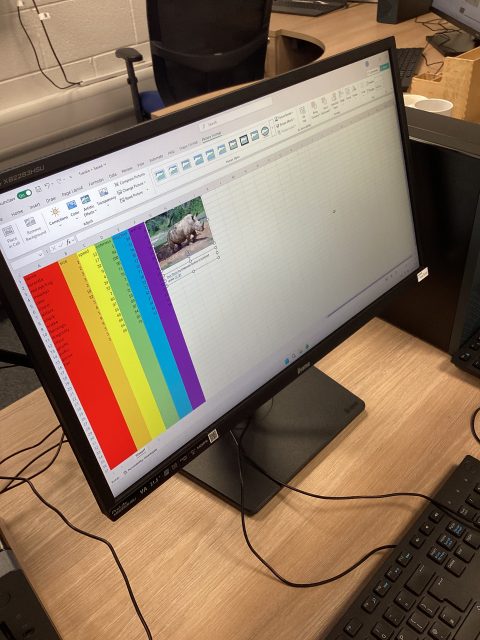
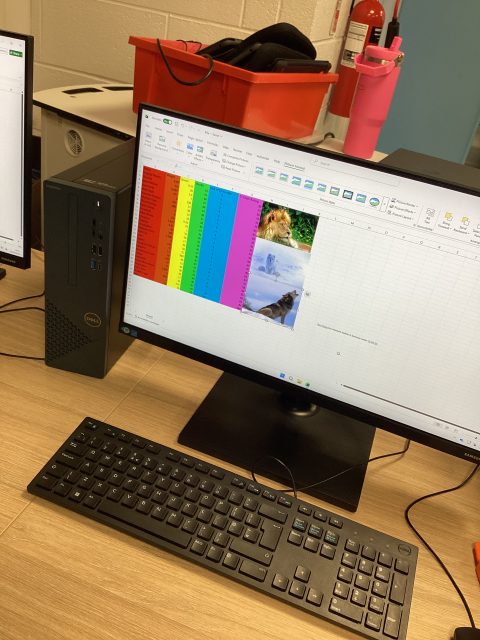
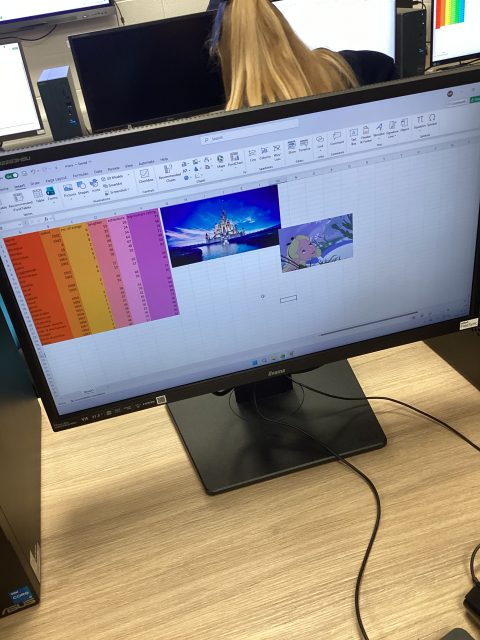
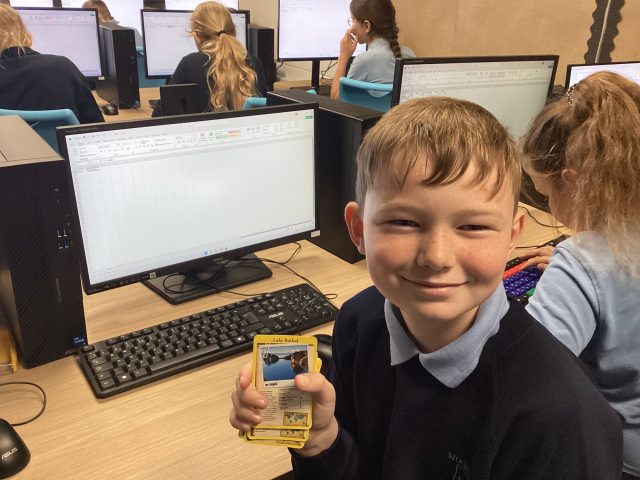
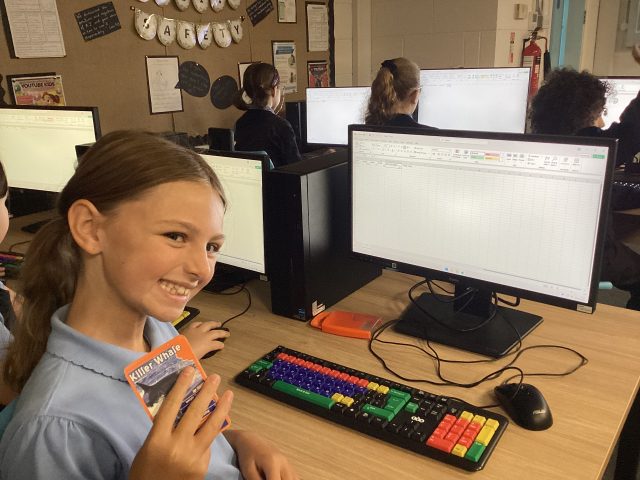
This week, Year 6 have been learning how to use Excel to create and organise data on spread sheets.
Computing – making marks
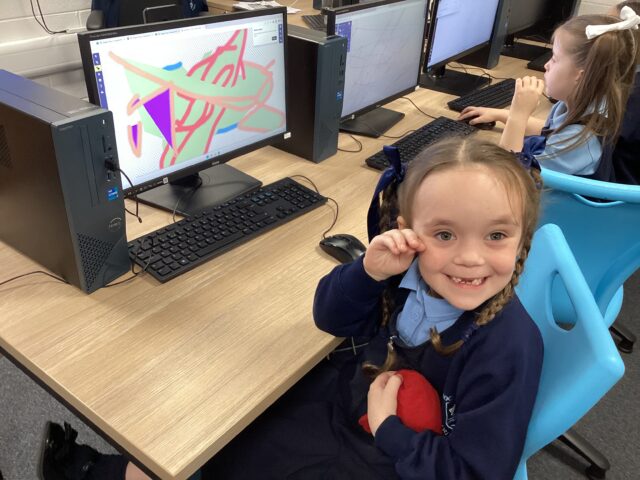
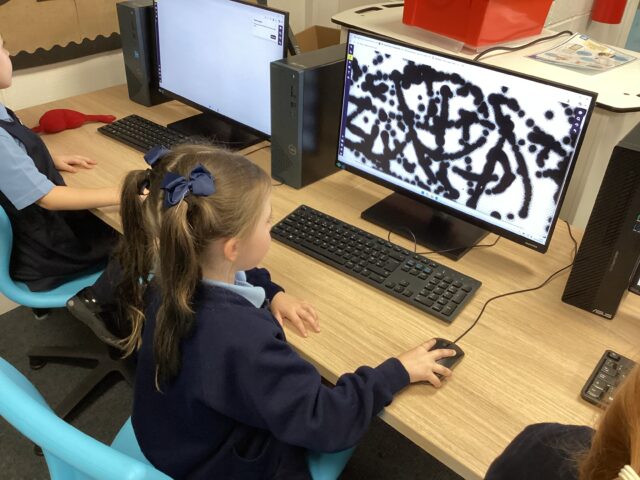
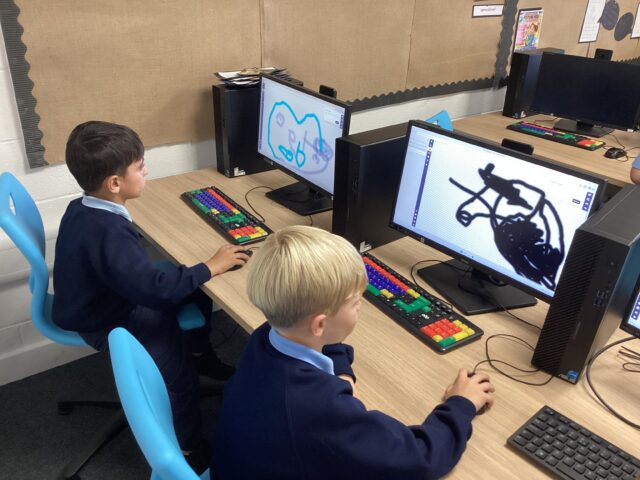
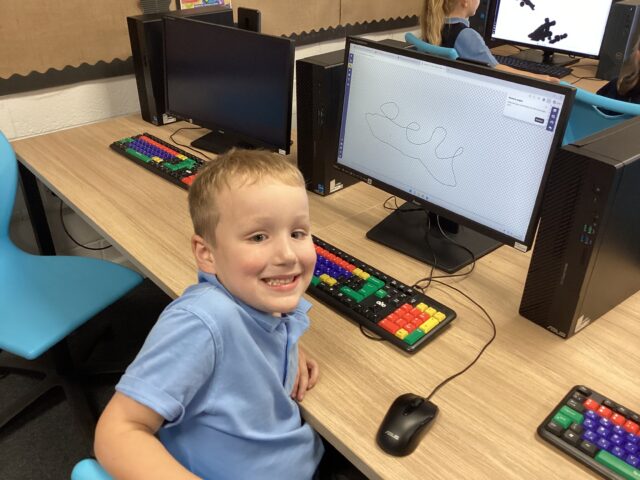
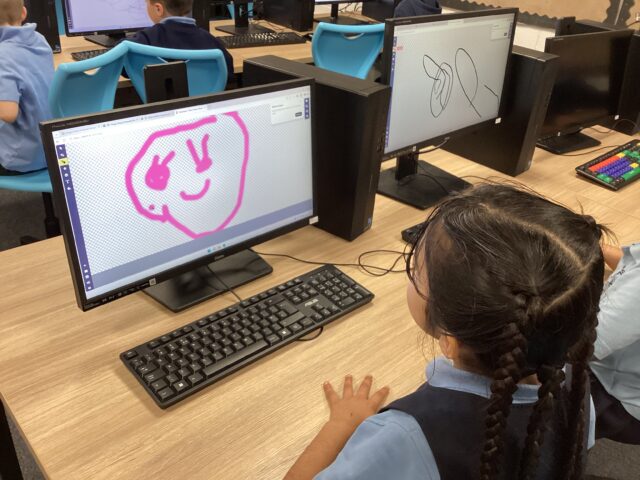
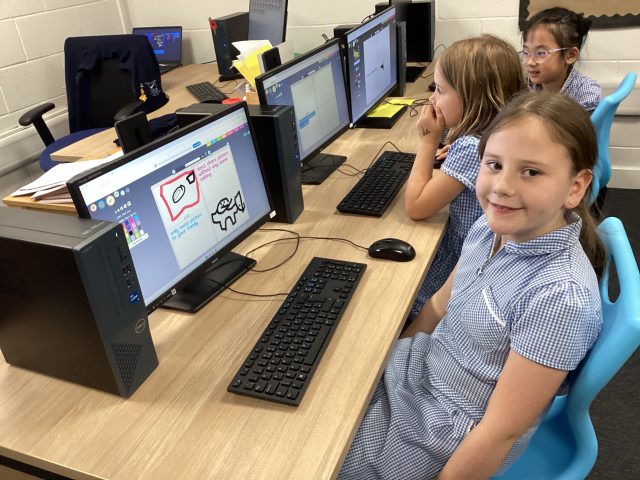
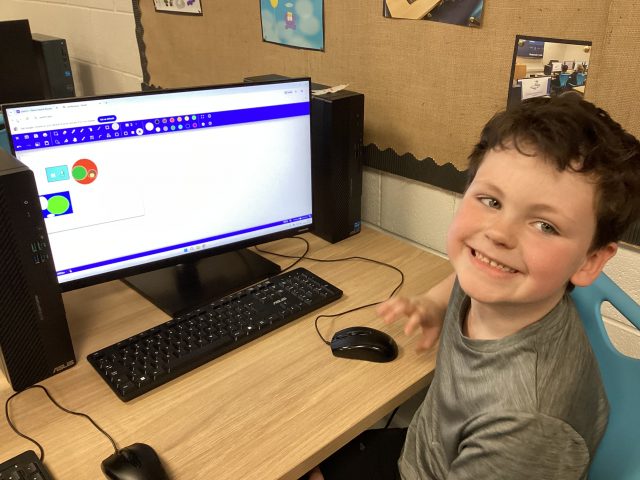
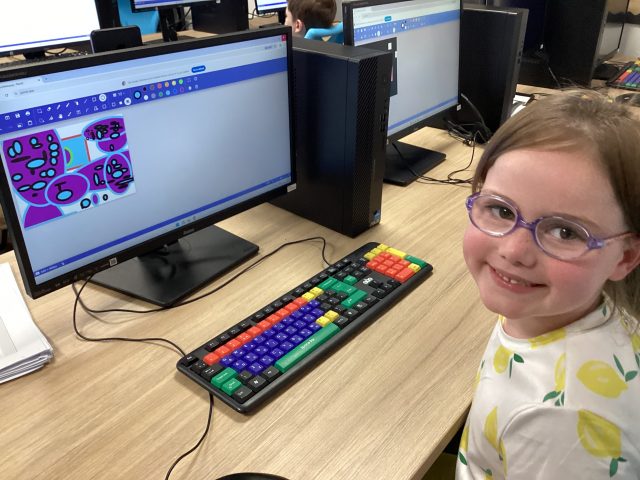
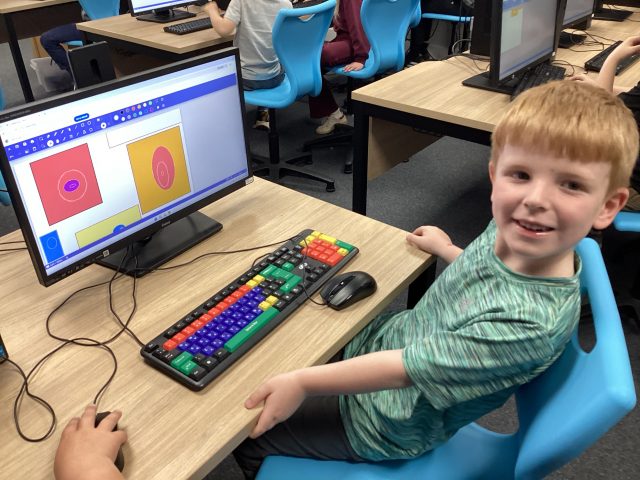
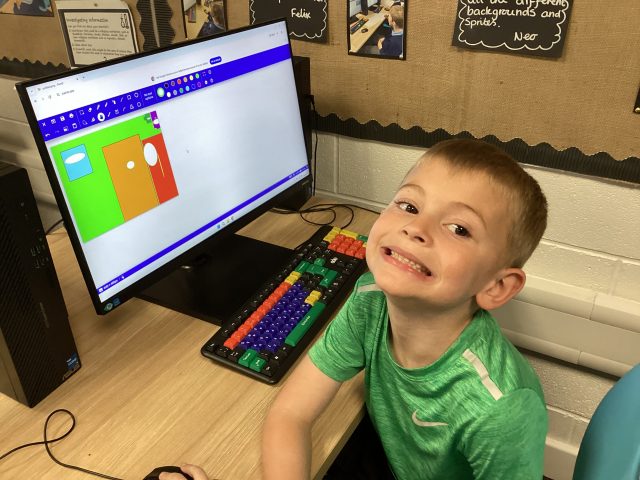
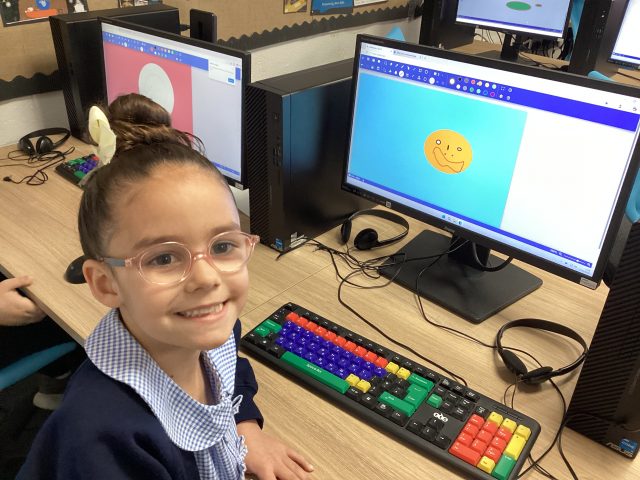
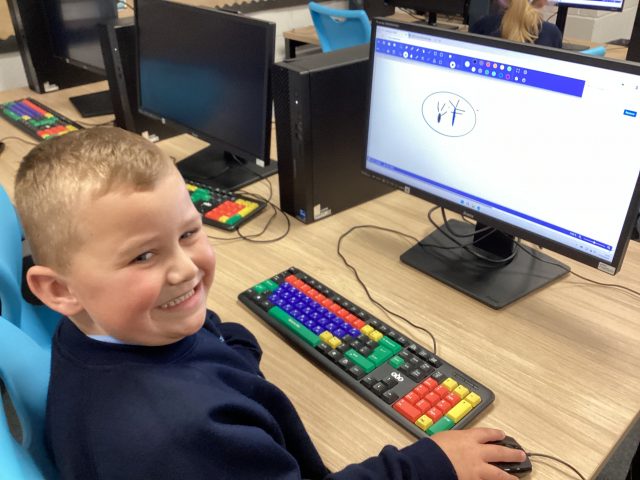
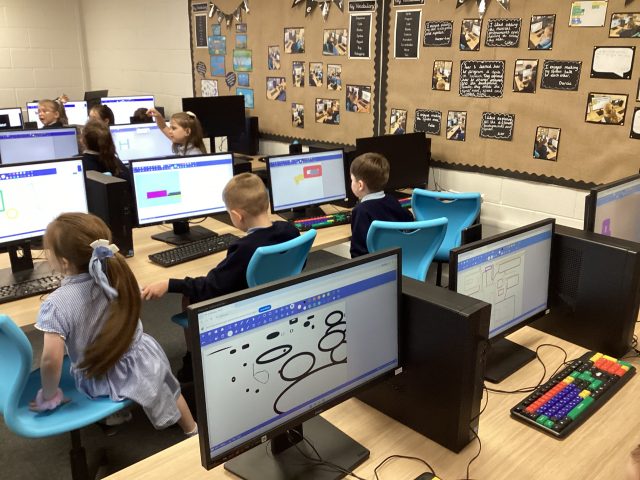
We took our skills to the next level today! We explored Sketch Pad, making marks with different tools and reminding ourselves how to control the mouse. We then were given the task of assigning meaning to those marks! We made some fantastic pictures! Even Mrs Clovis was amazed with our skills!
58
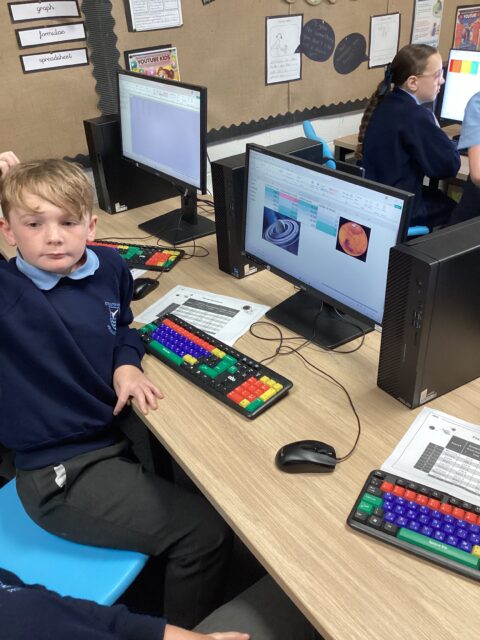
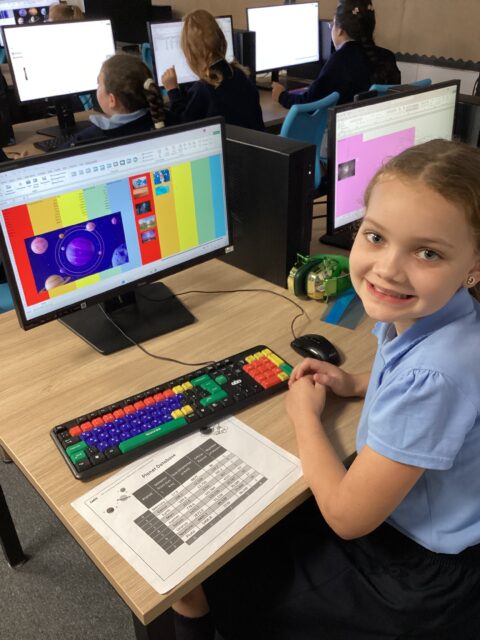
5D computing 💻🪐
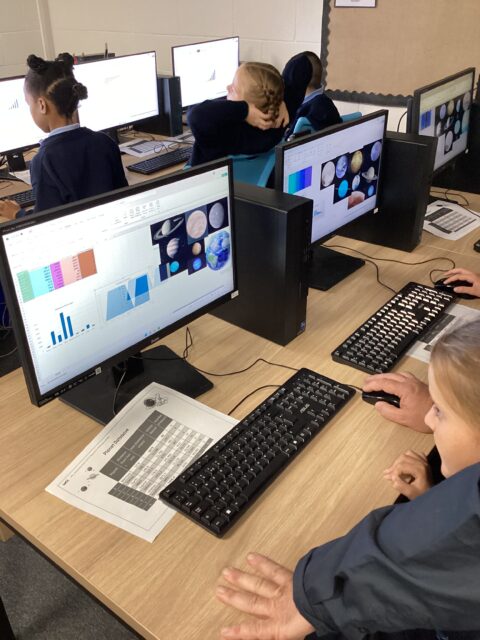
This week, 5D have been creating their own databases full of fascinating information about Space. They have worked incredibly hard to organise, input and present their information clearly, creating some fantastic and beautifully presented databases!
This learning has also linked closely with our English work, where we have been writing about Mars. The children have enjoyed researching and collecting interesting facts to support their writing, while developing their computing skills at the same time. We have been very impressed with the effort and creativity shown by 5D!
1B- Computing
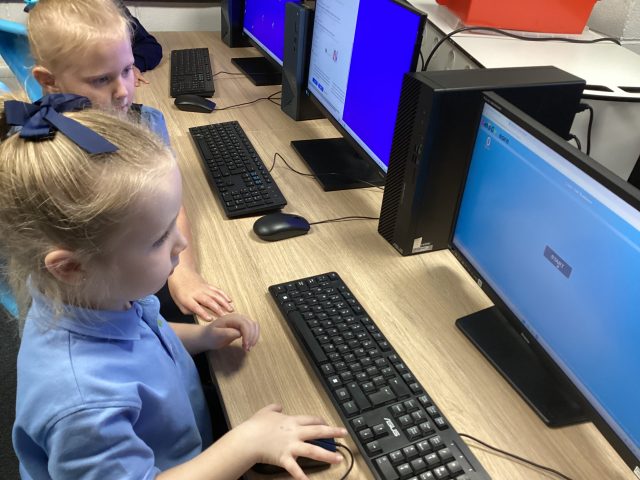
In computing we have been practicing our mouse skills. We learnt how to move the mouse and click to pop the bubbles our screen. 1B had so much fun putting their mouse skills to the test.🫧🖥️
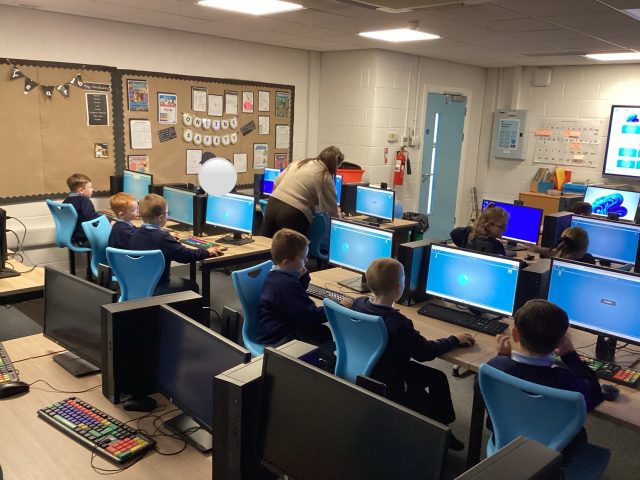
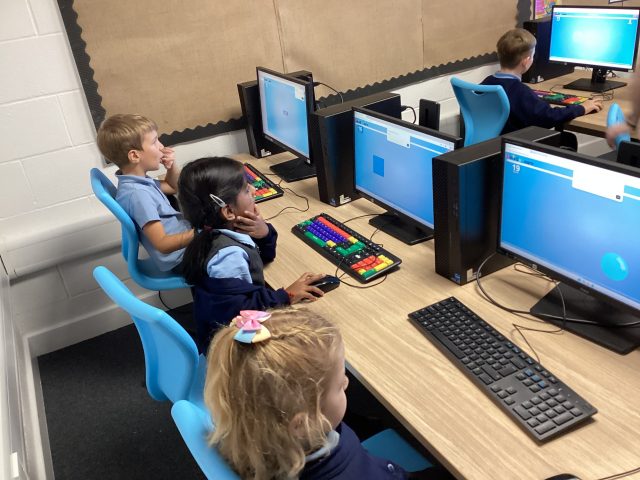
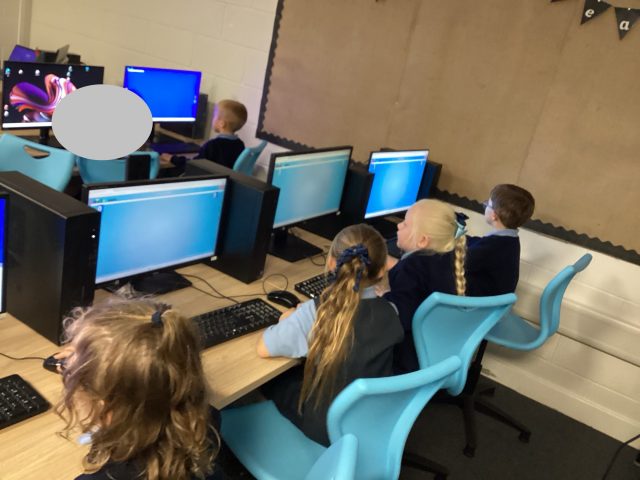
Year 4 – Computing
Great partner work displayed by all today as we explored Branching Databases.
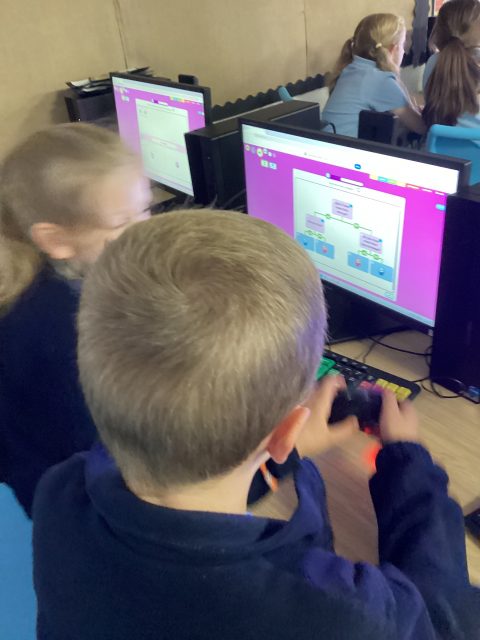
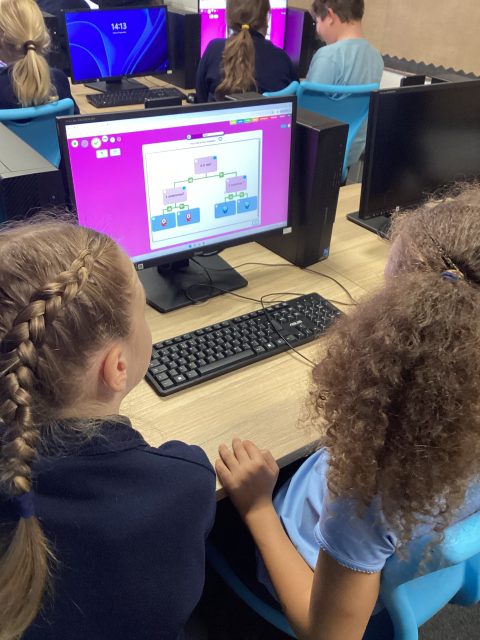
Learning to click and drag using the mouse
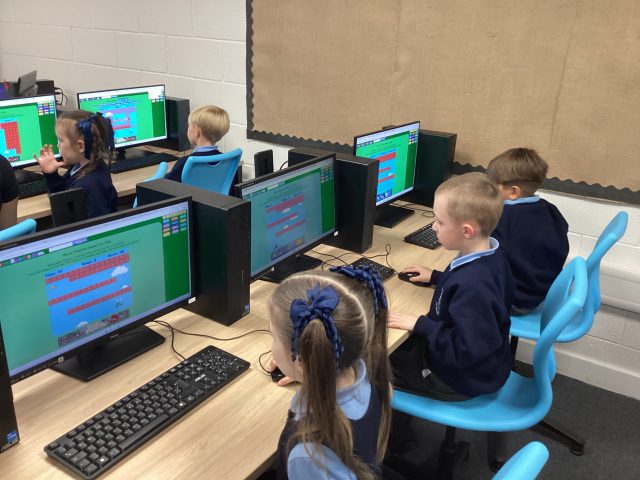
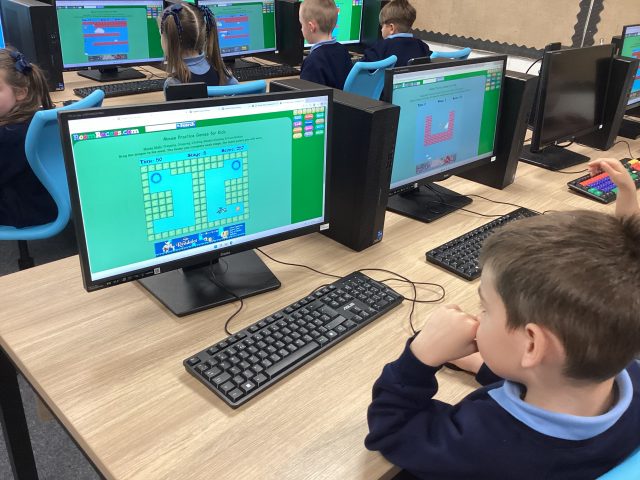
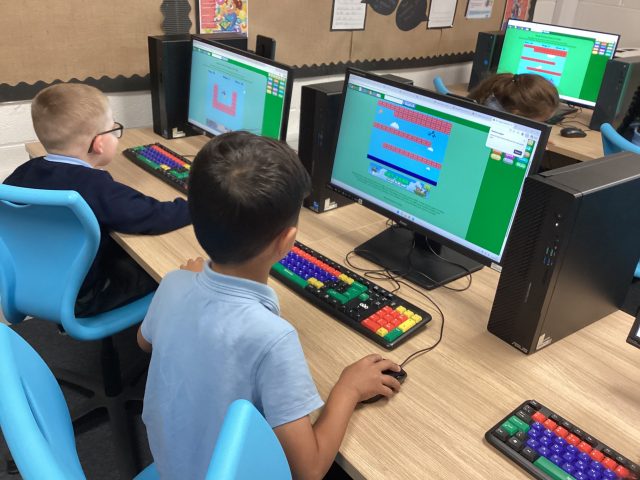
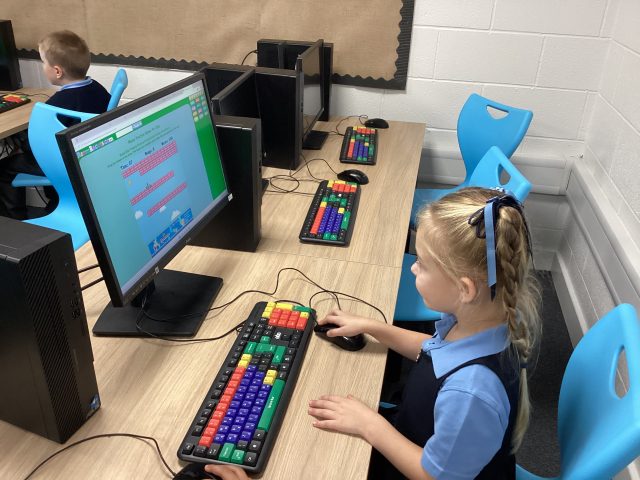
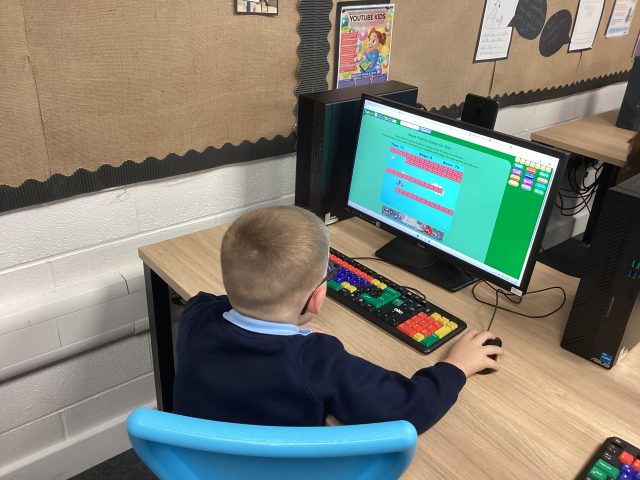
After mastering the skill of clicking using a mouse last week, we developed that skill into clicking, holding, and dragging the mouse to move the dragon to his dinner! We had a couple of crashes, but we never gave up!
82
Our first computing lesson!
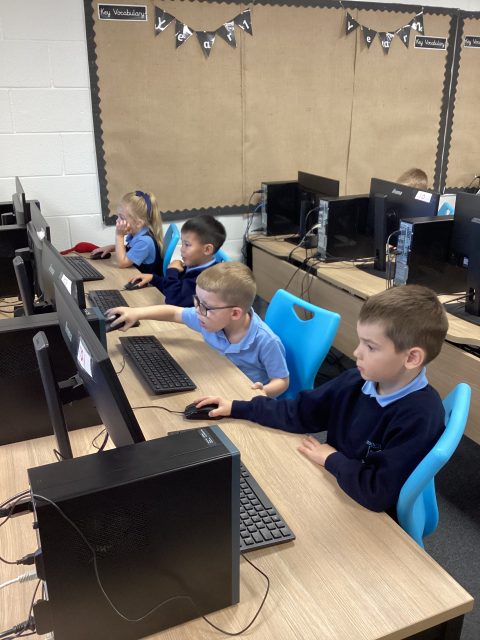
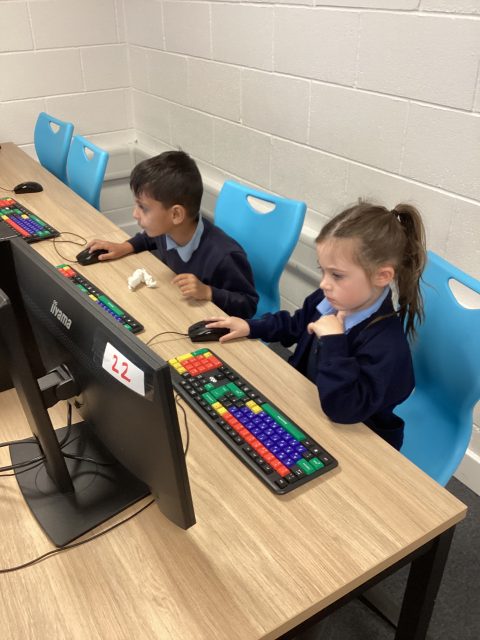
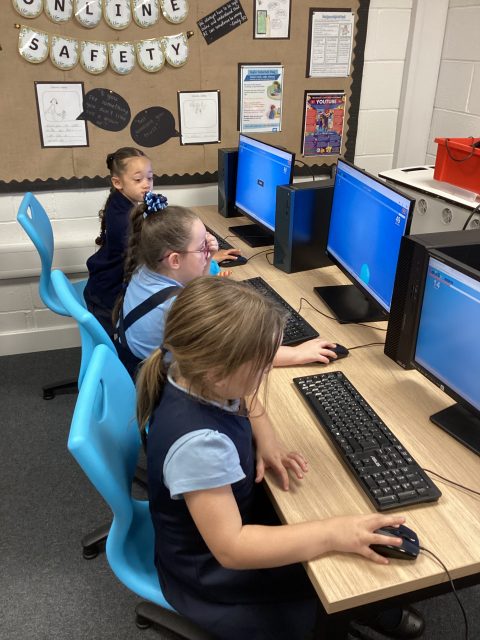
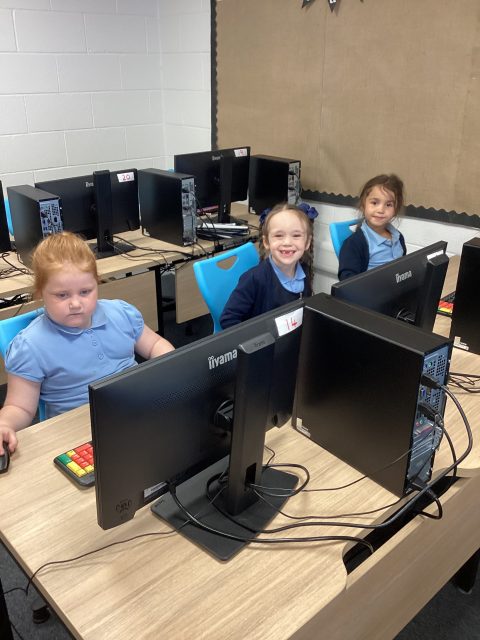
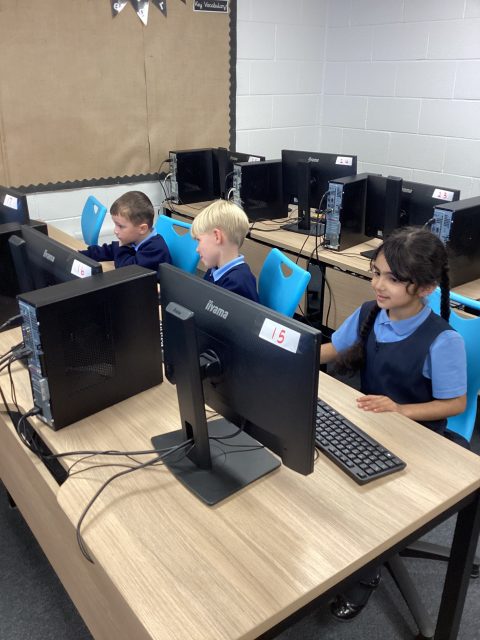
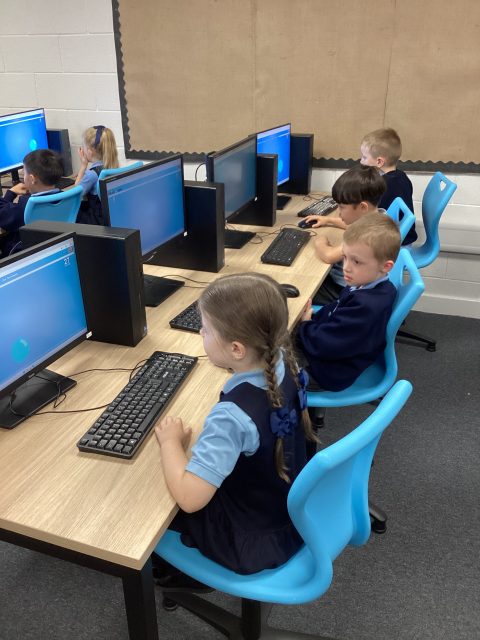
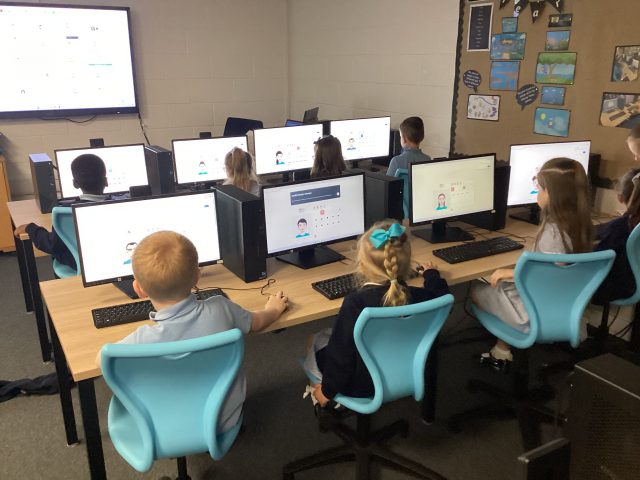
We were so excited to spend time in our computer suite! We talked about the importance of passwords, and why we have them. We logged in together, and then practised our clicking skills using a mouse – we had to pop as many bubbles as we could in only 1 minute!
108
5D – Computing 💻
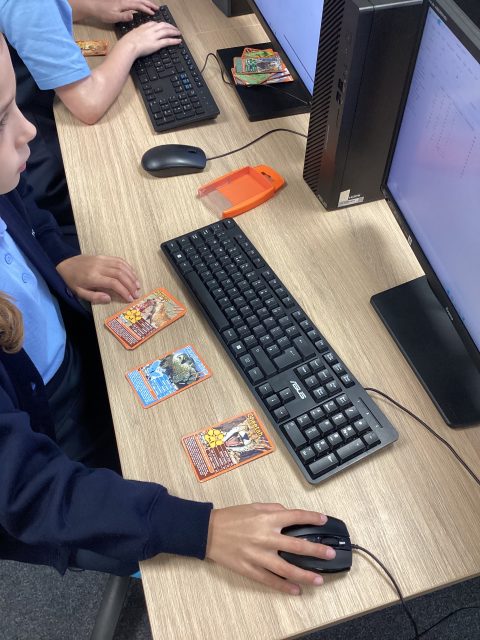
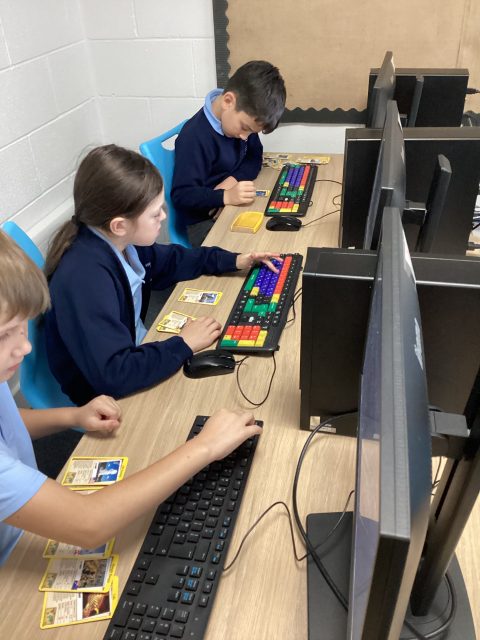
In Computing, 5D have been spending time creating databases using information from Match attacks! The children have really enjoyed gathering information and then displaying it in their own unique ways.
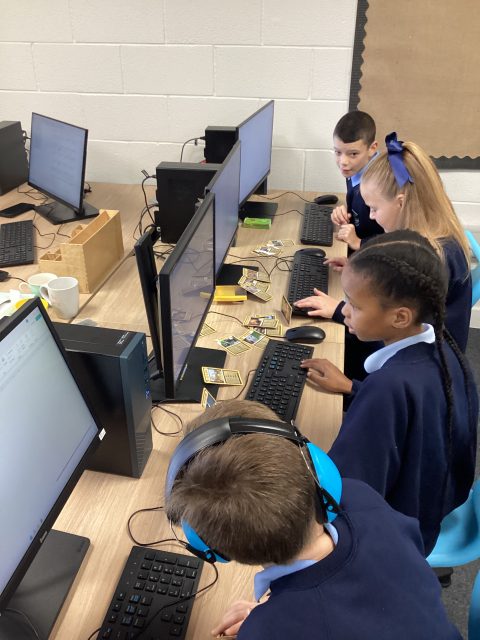
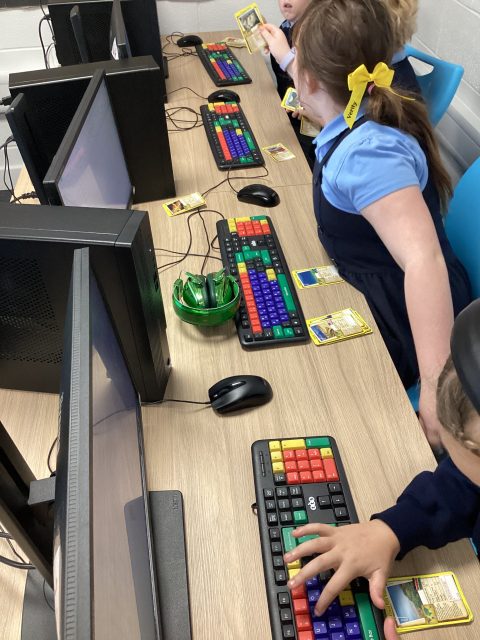
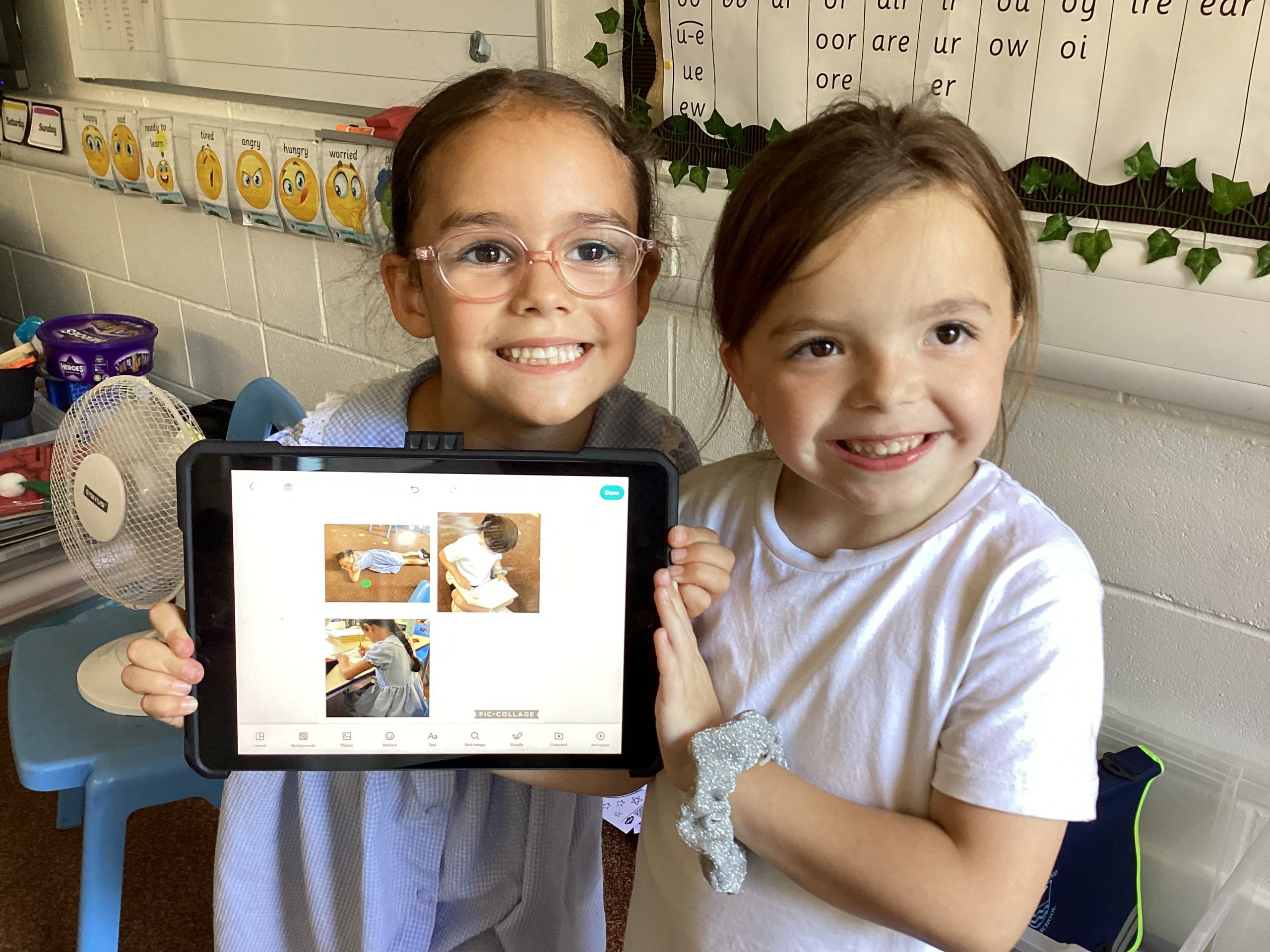
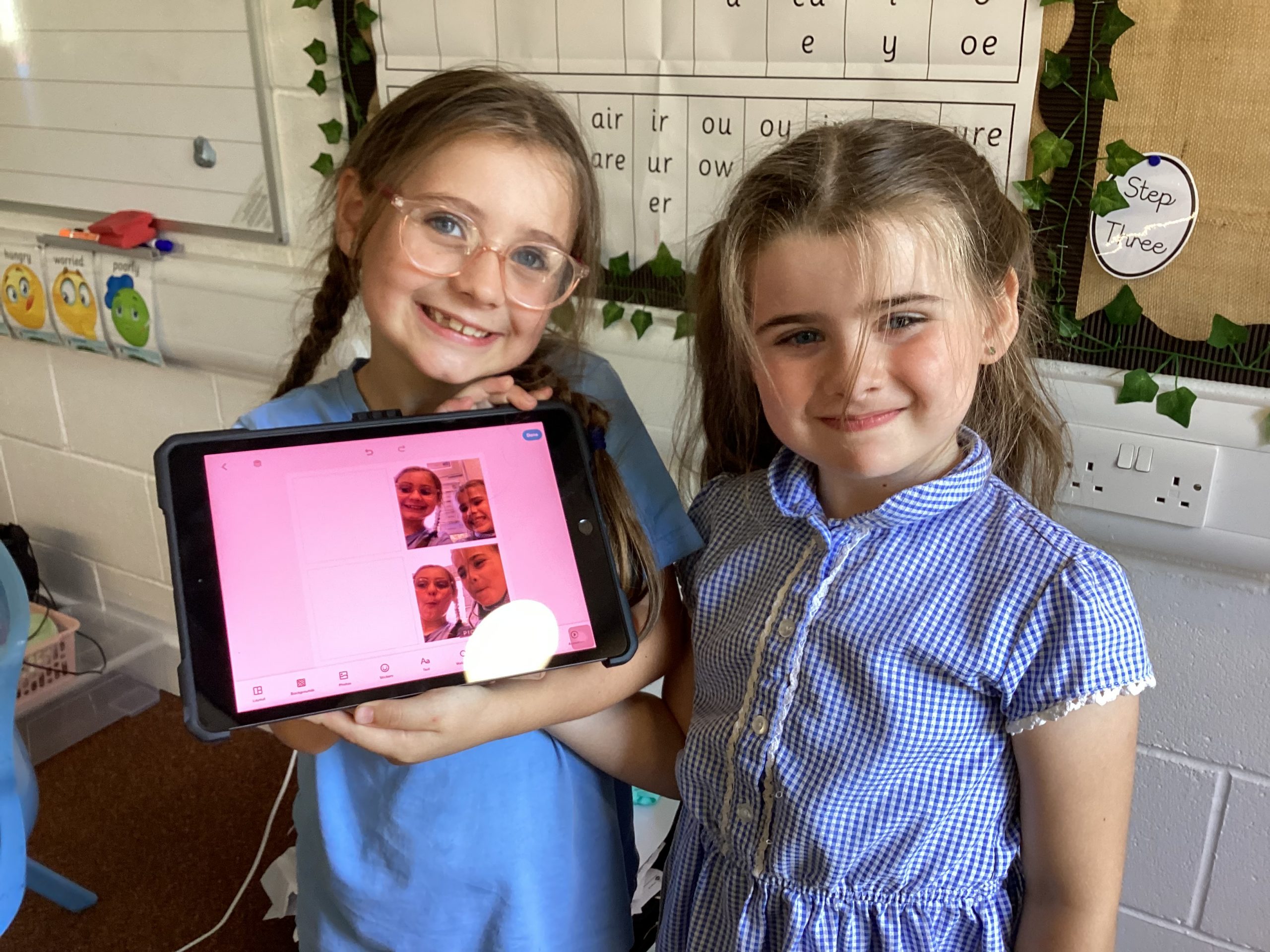
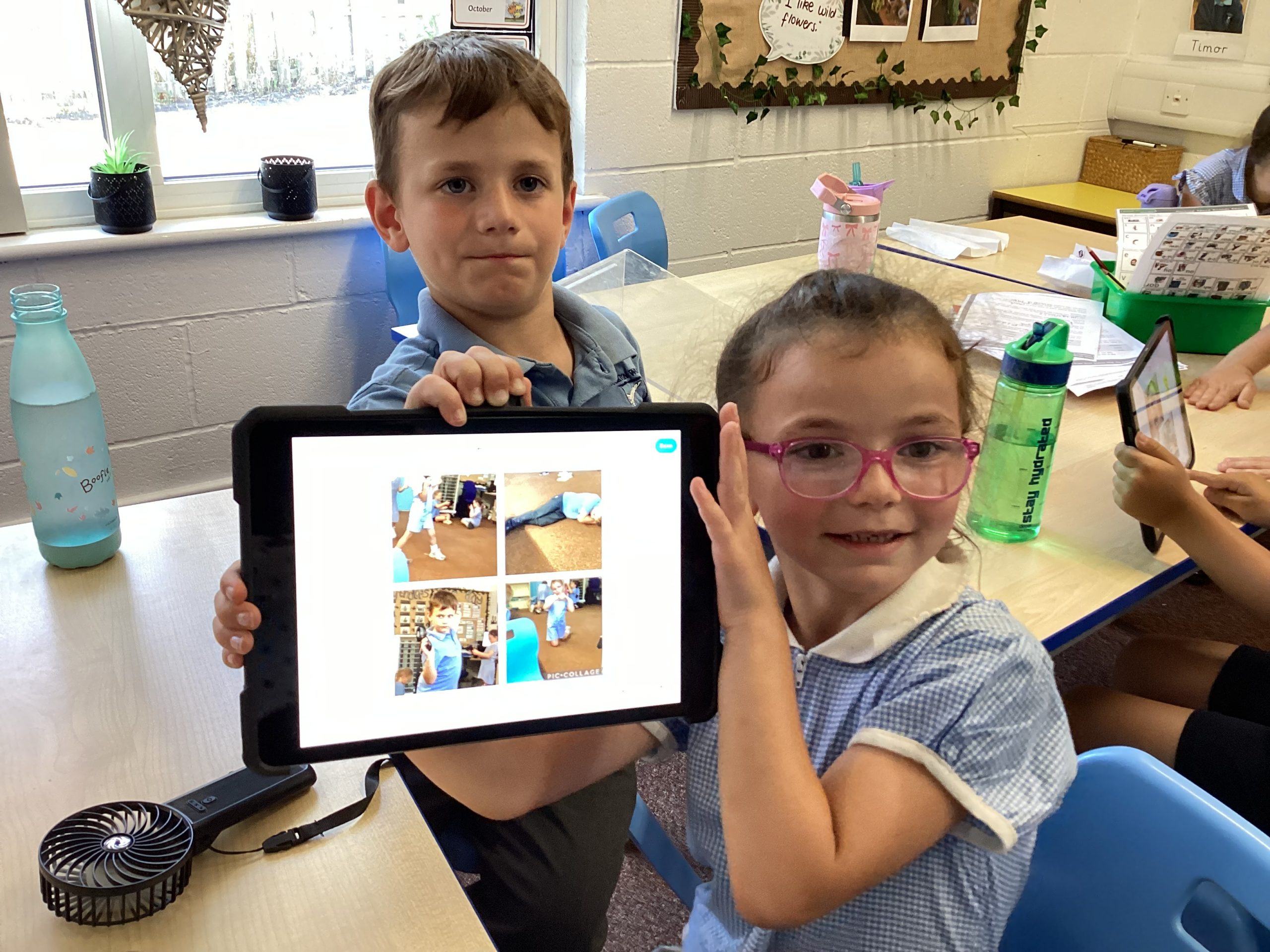
Year 1 PicCollage
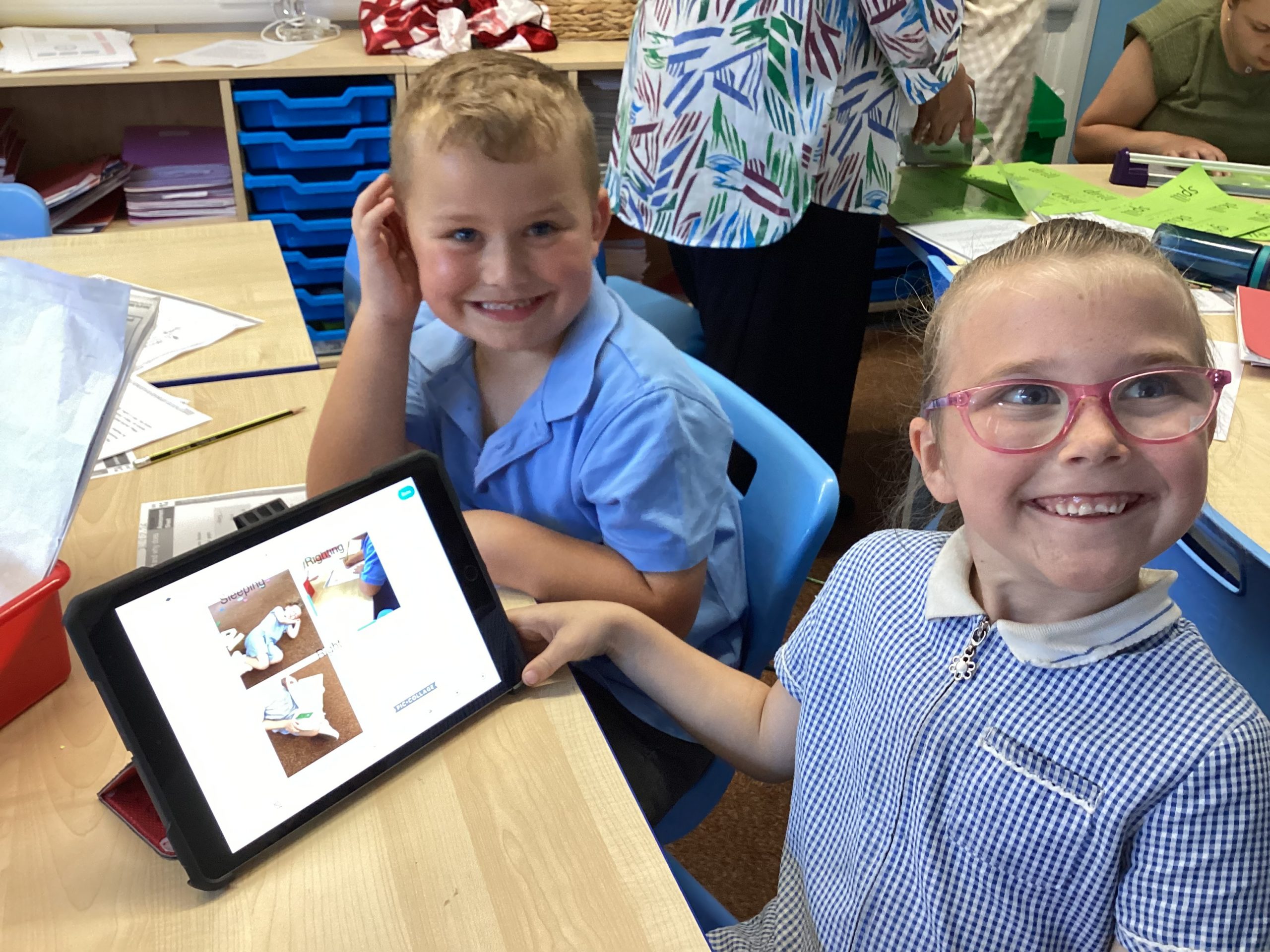
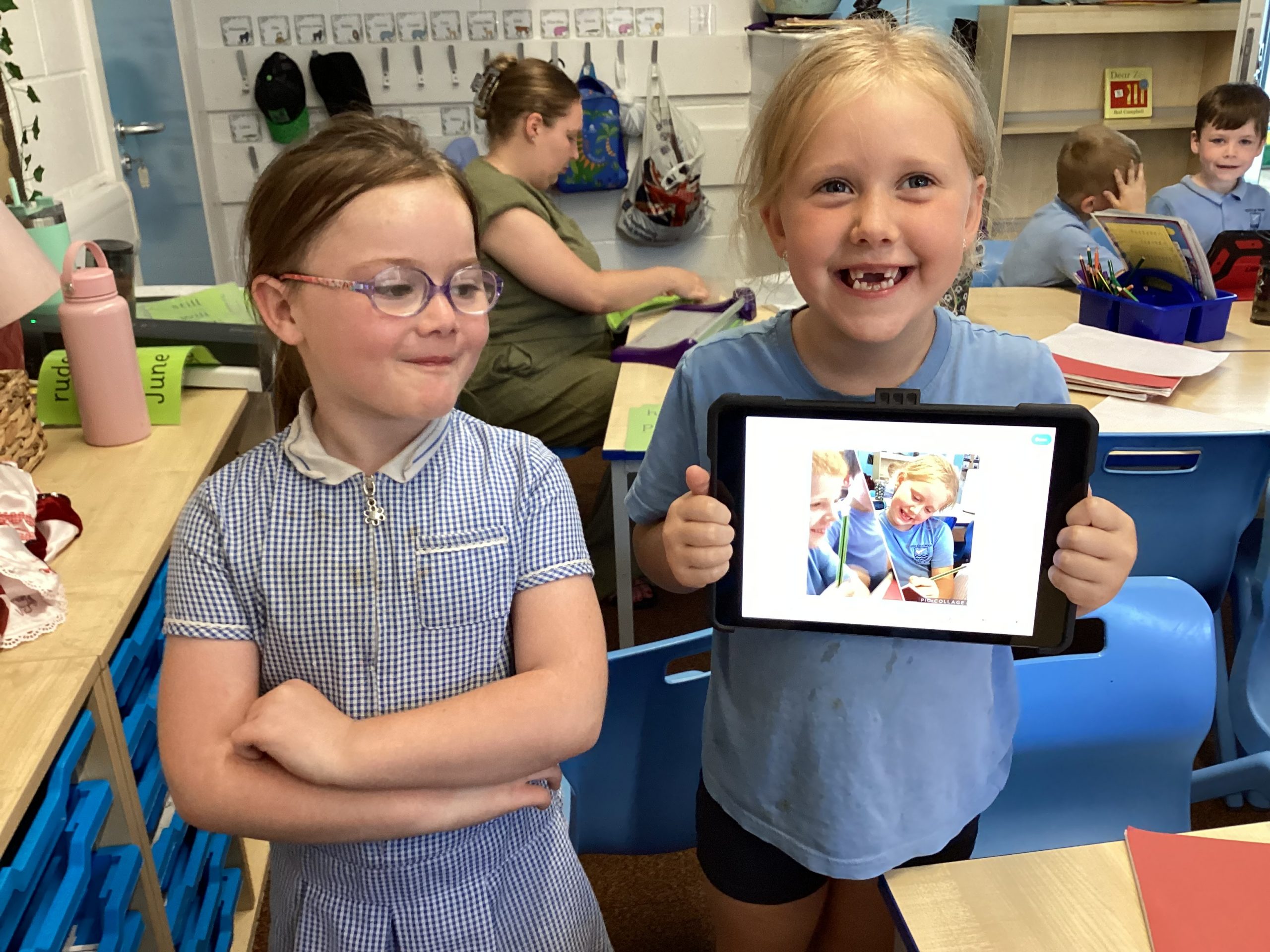
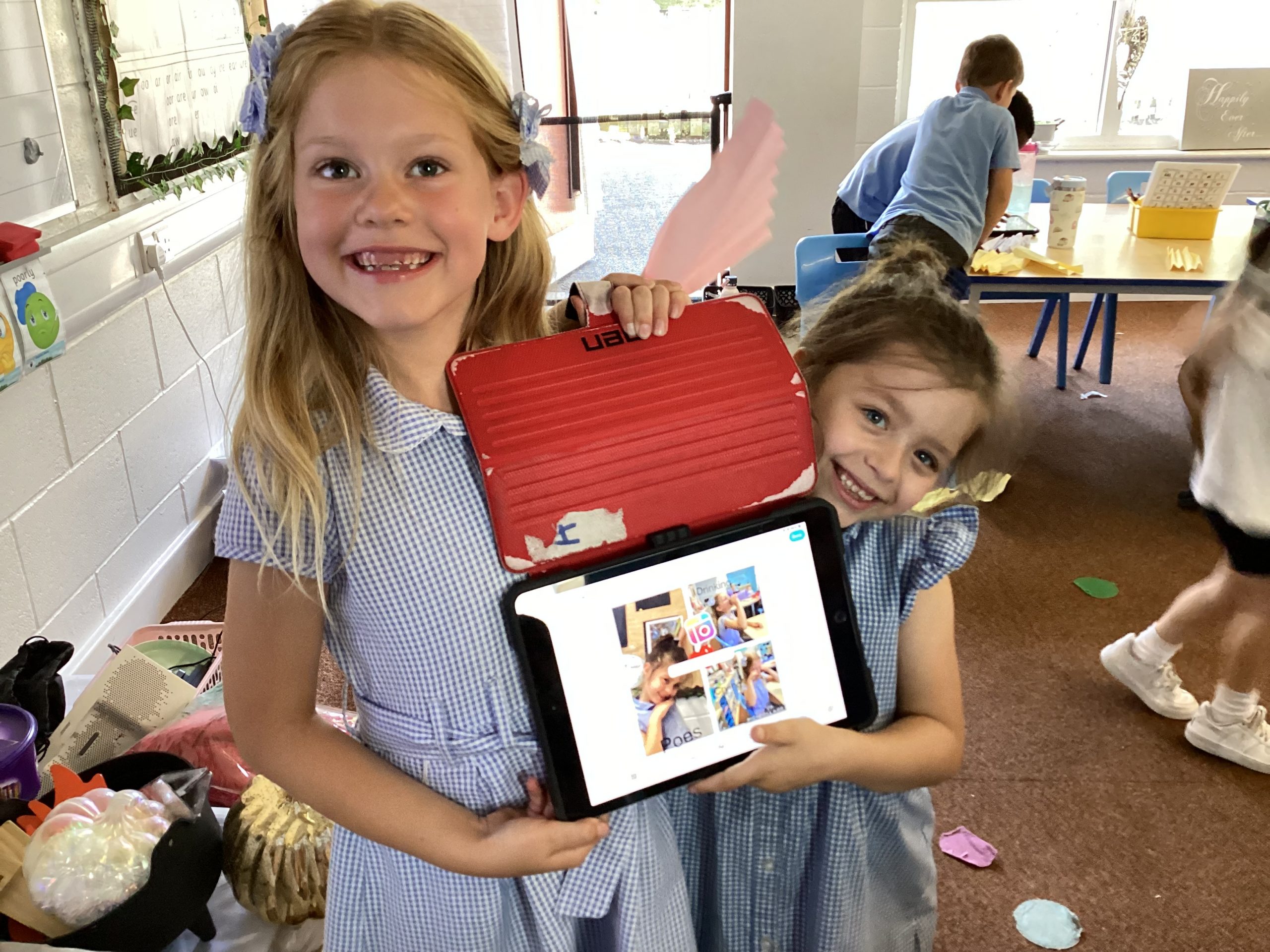
This afternoon, 1C used PicCollage to capture the things they like to do.
5H- English
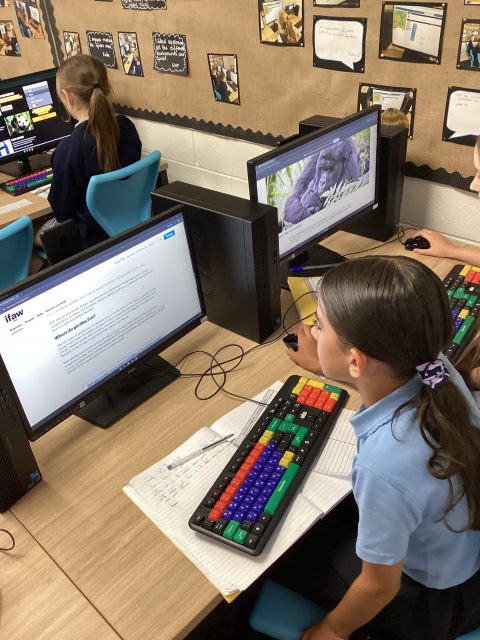
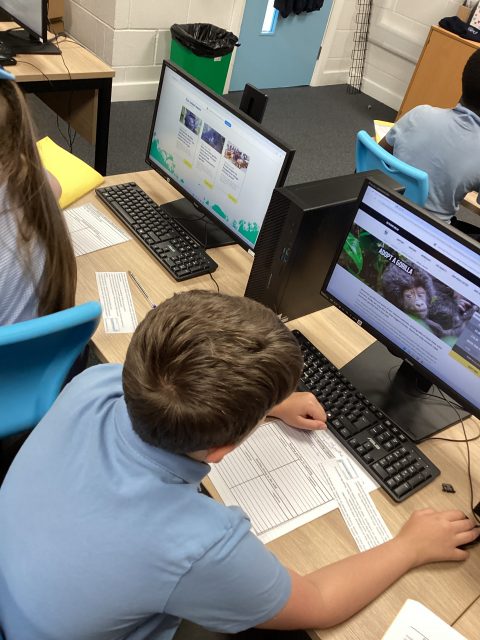
Could gorillas be happier in the wild or in captivity? 5H explored this question by researching pros and cons, followed by a class debate. The children’s discussions were confidently supported by the evidence collected. This is a super start to our write!
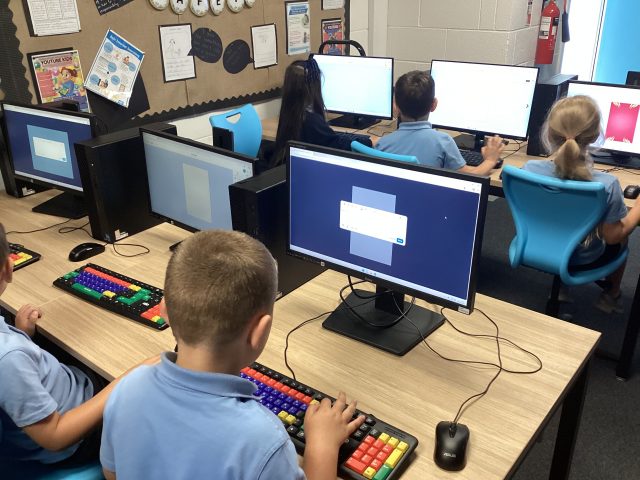
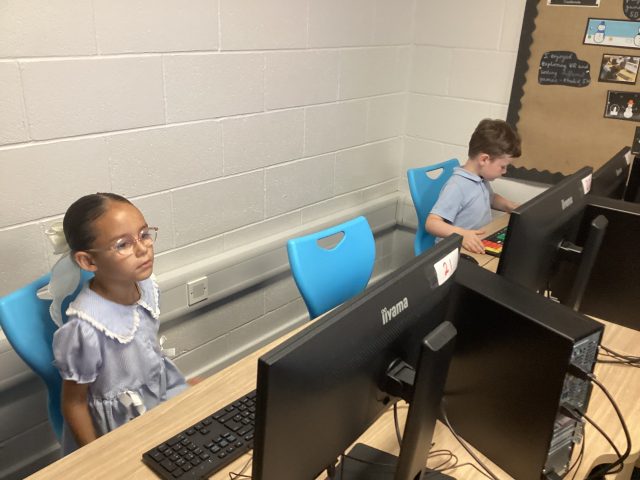
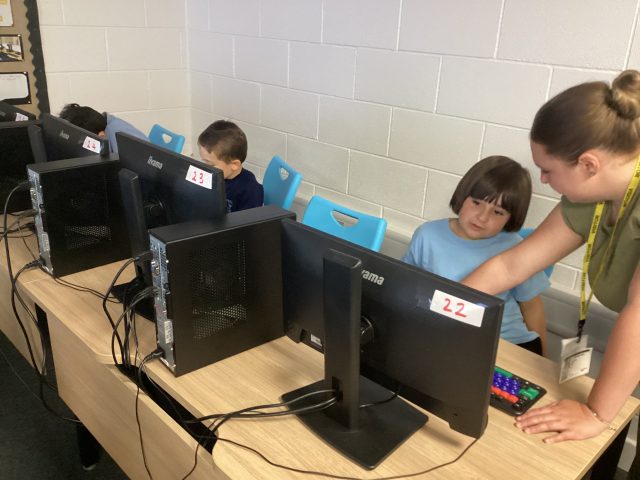
Computing
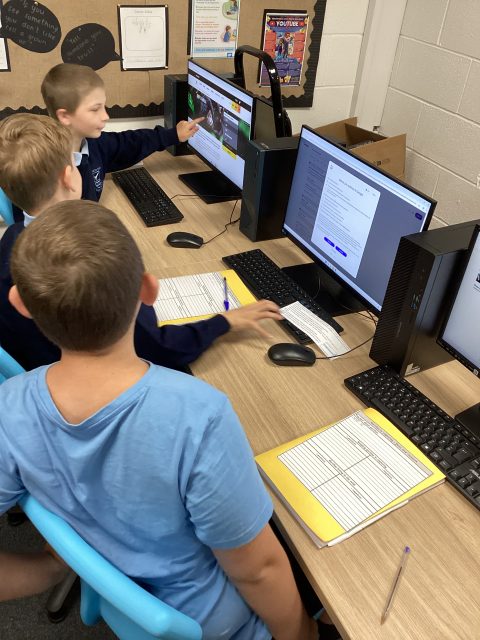
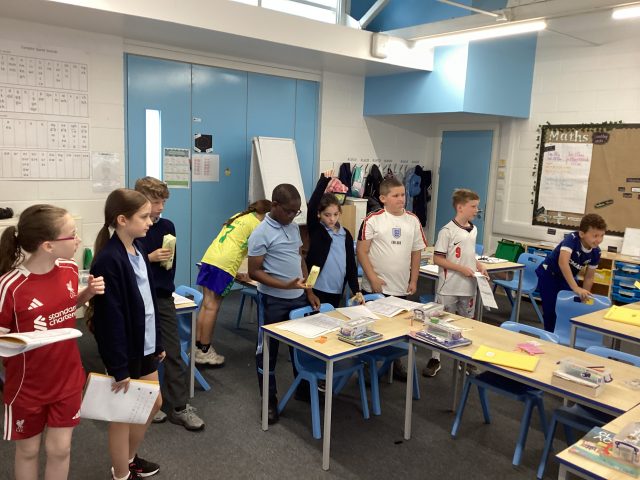
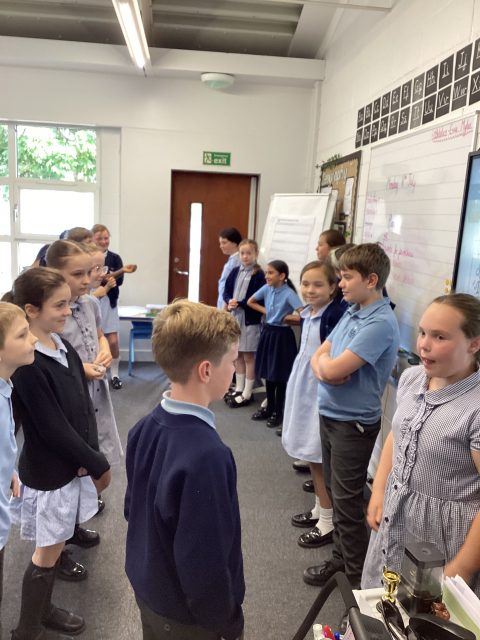
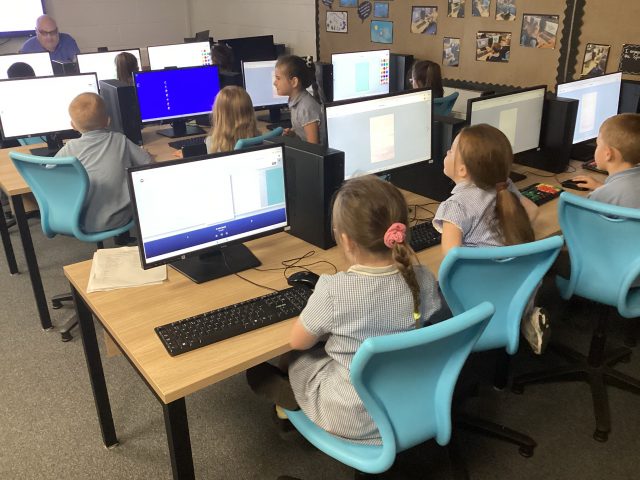
3McK have been enjoying computing this half term. We have been using ‘Isle of tune’ to create our own music!
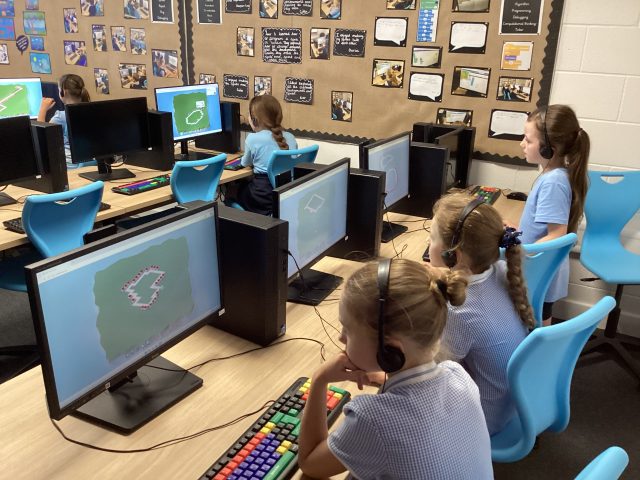
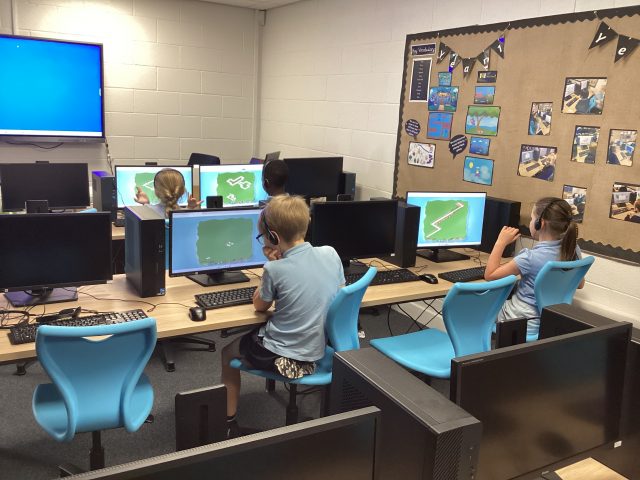
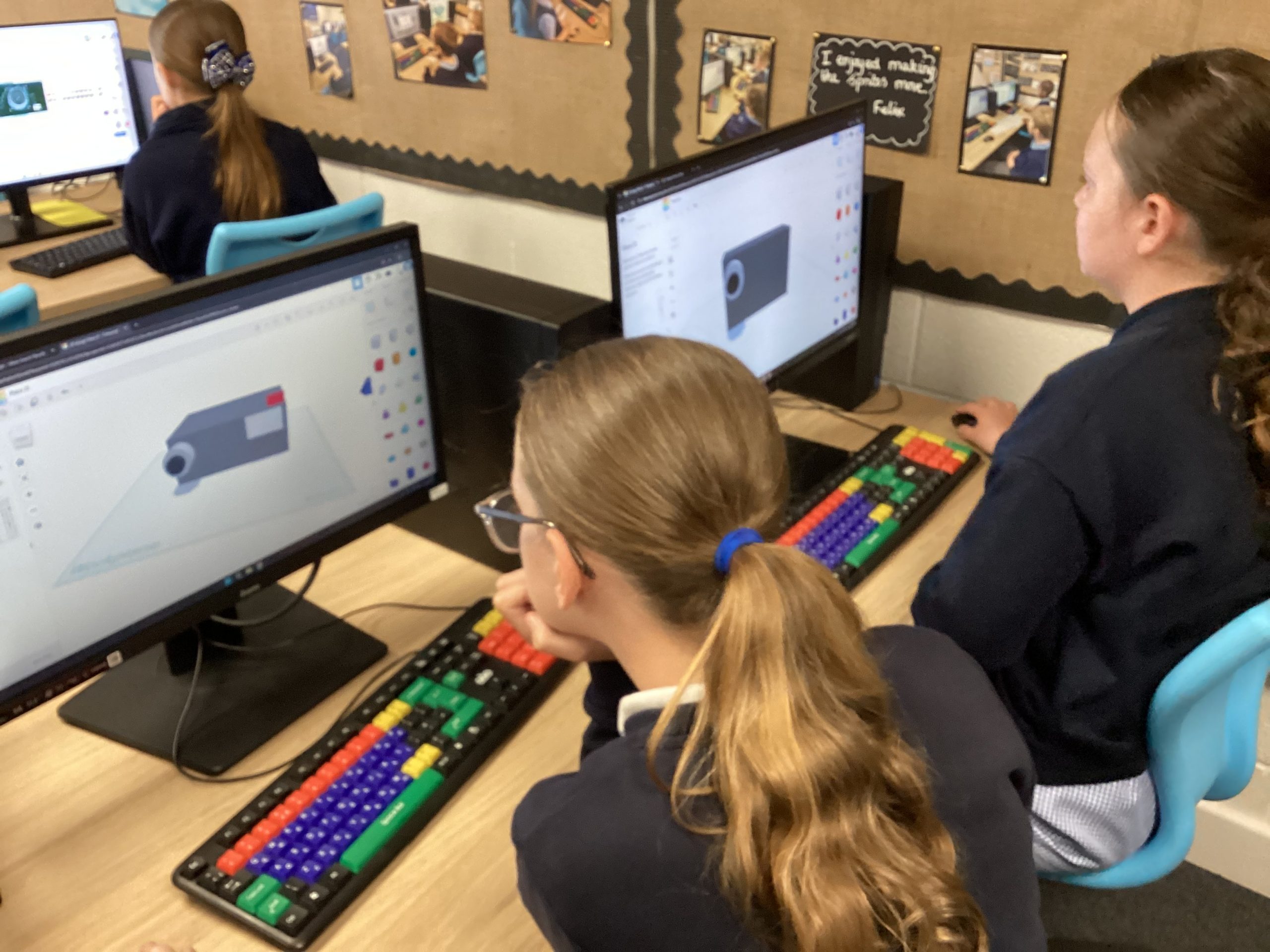
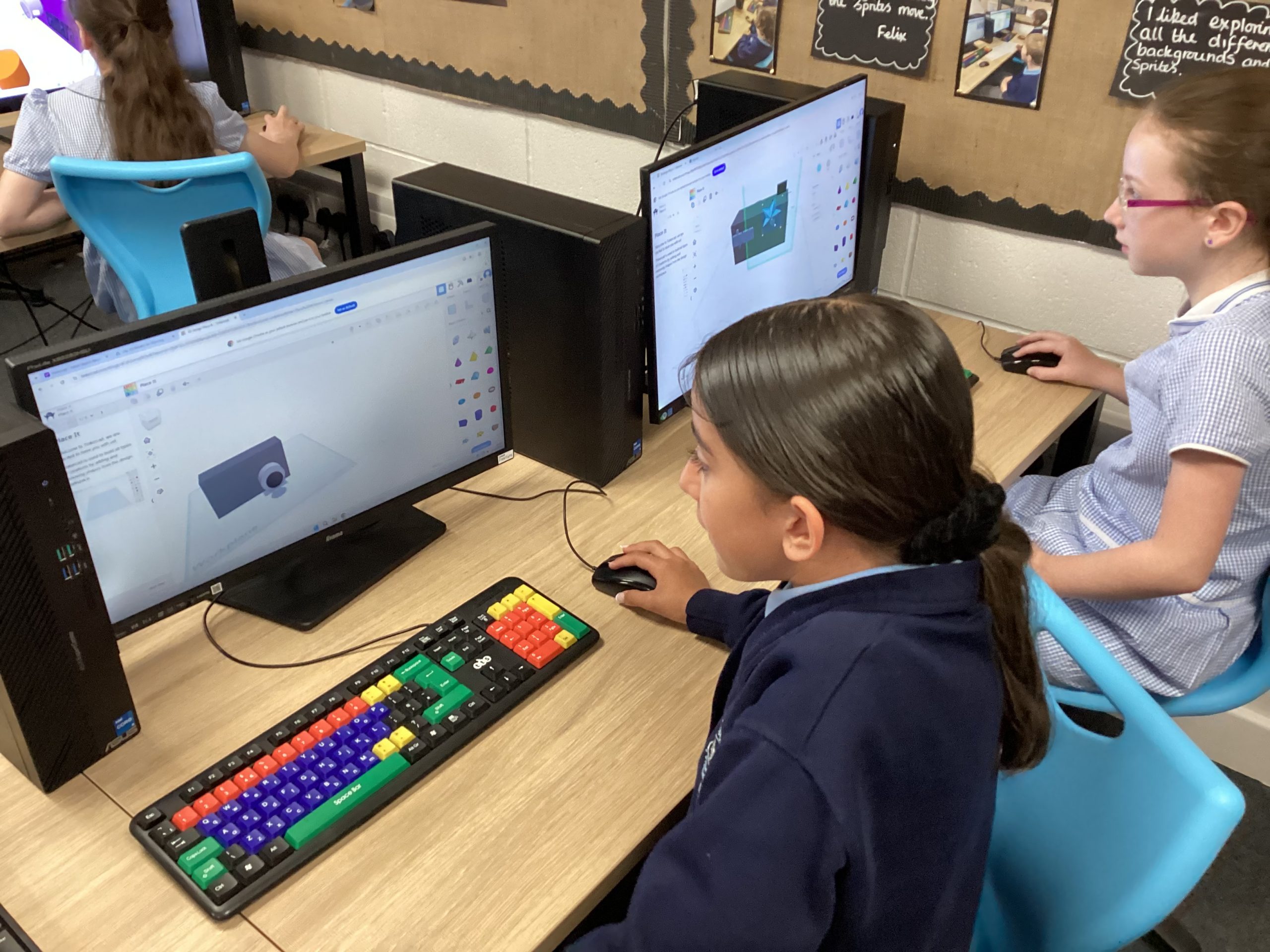
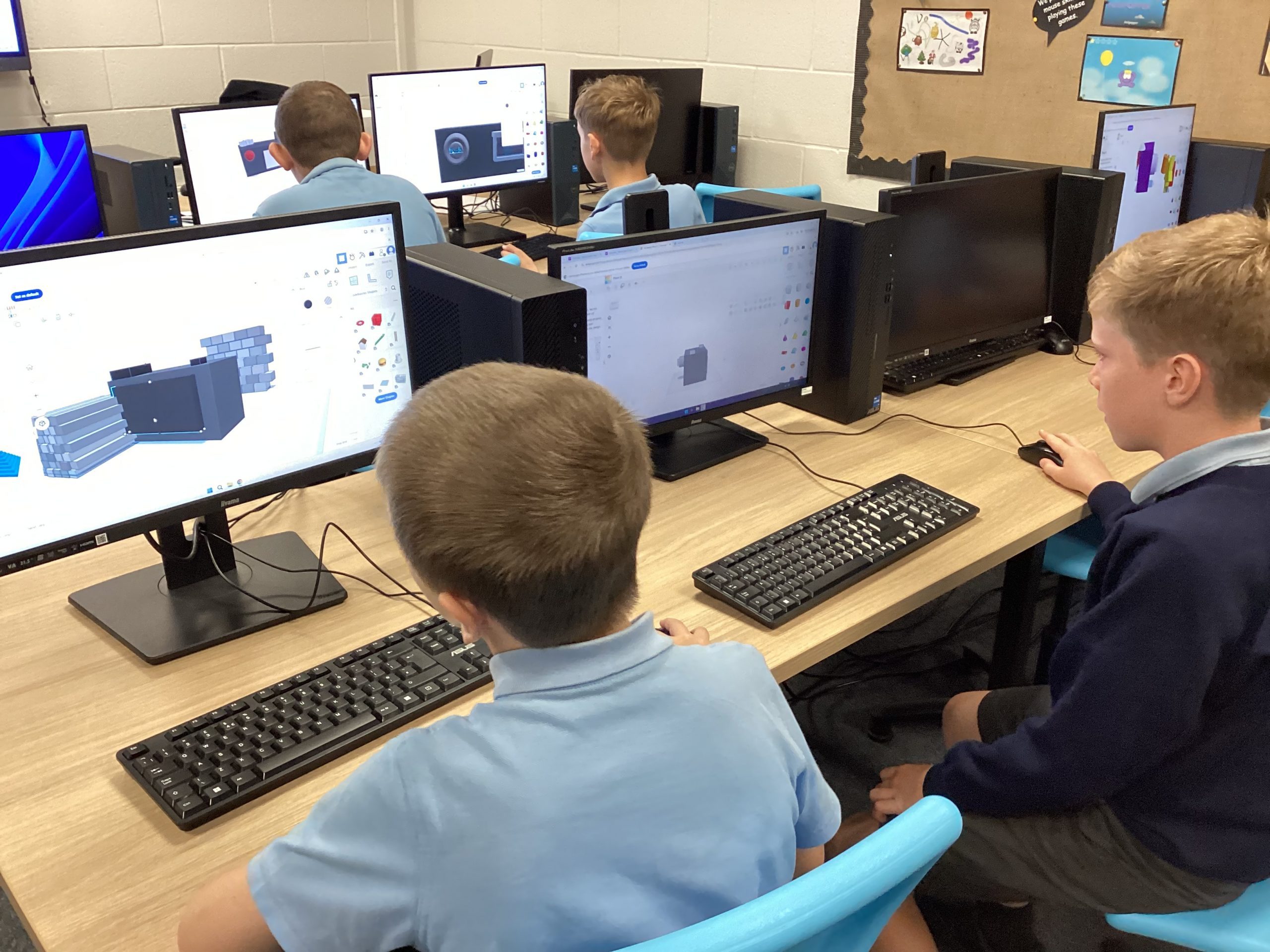
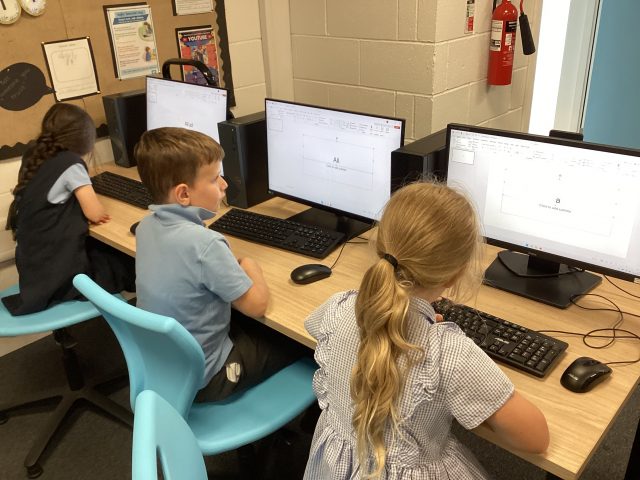
Year 5 3D modelling
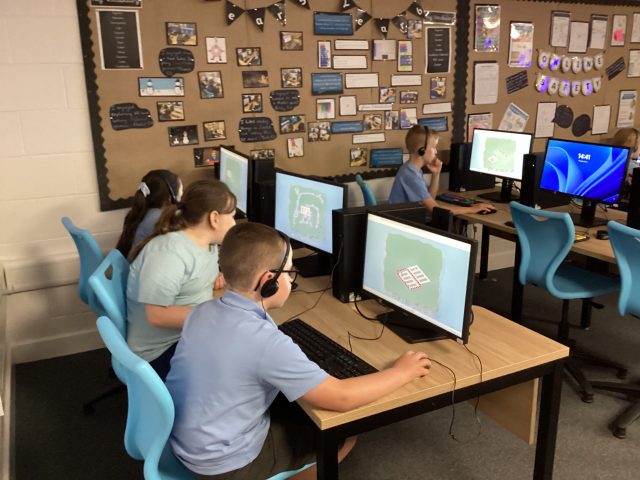
Year 5 have been exploring Tinkercad software to create 3D models.
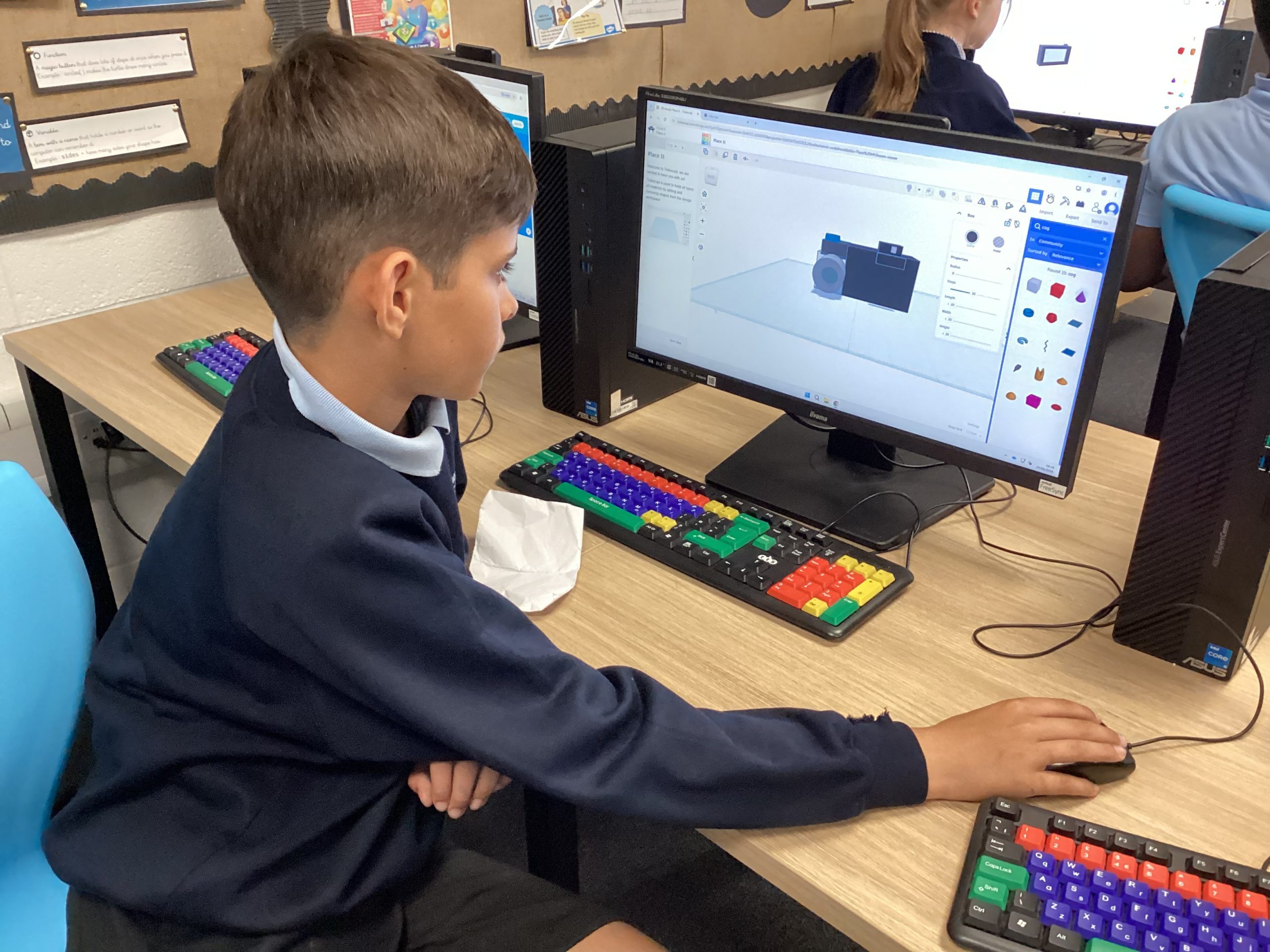
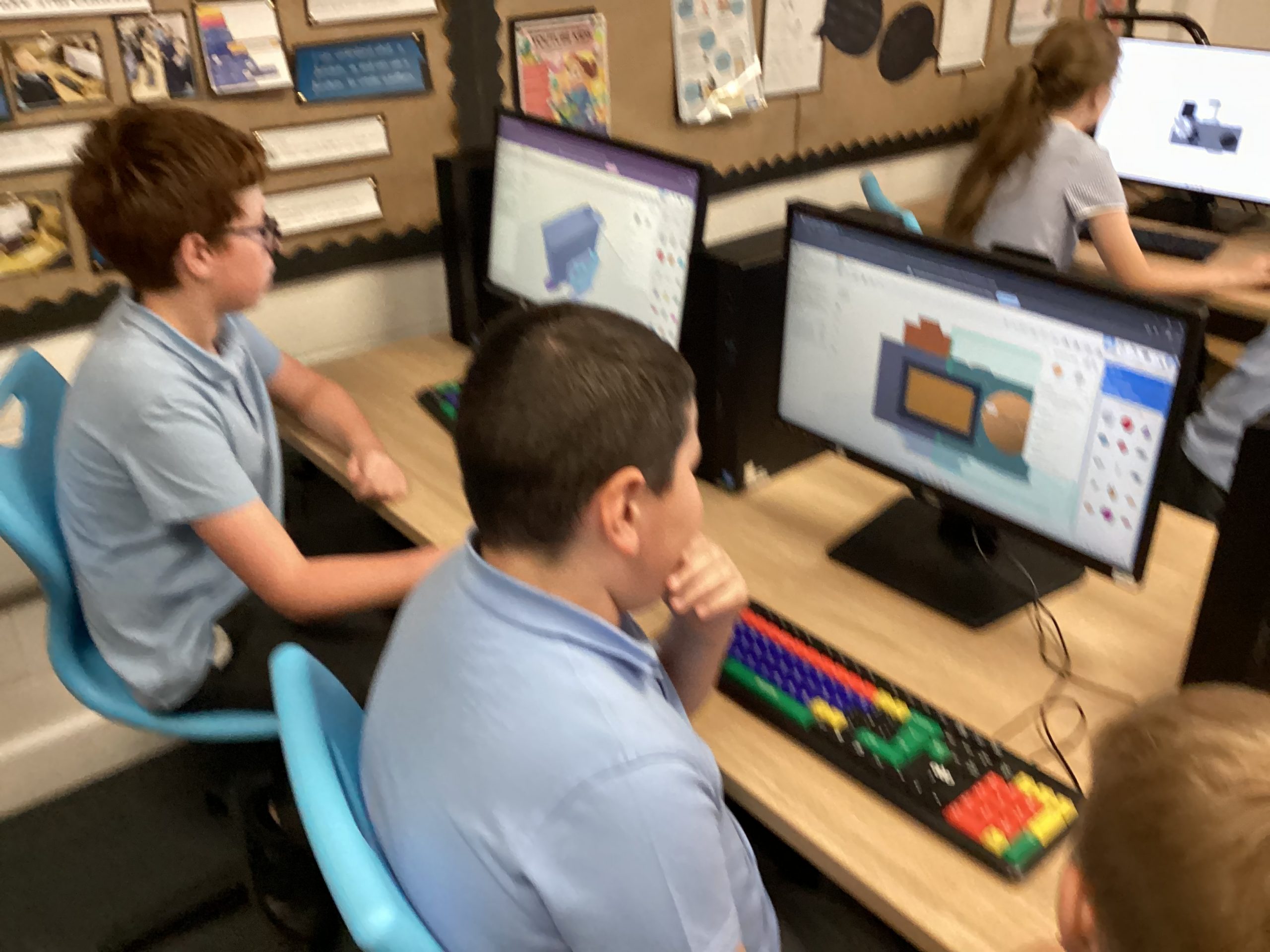
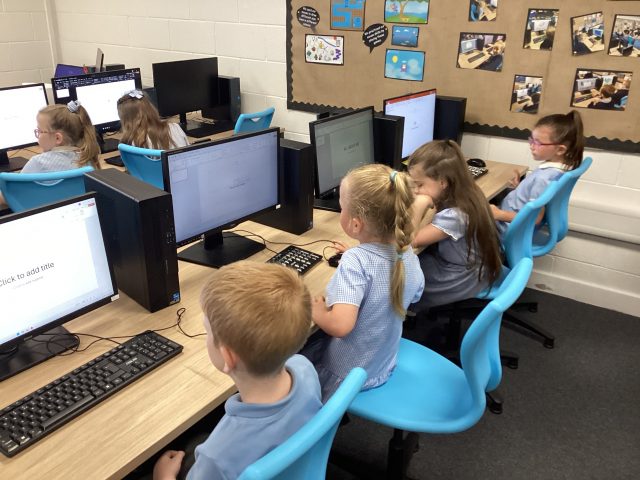
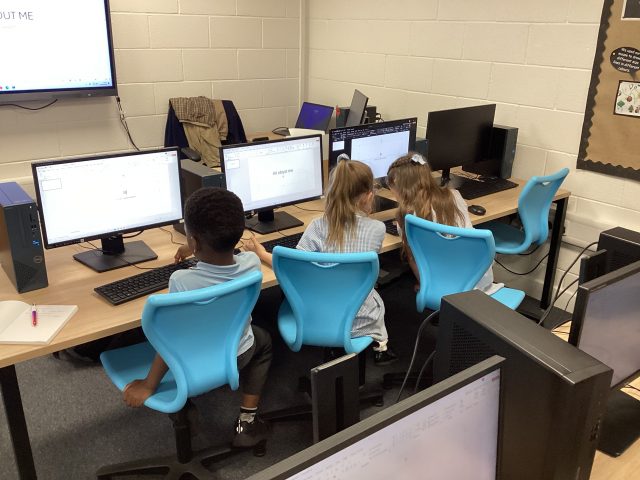
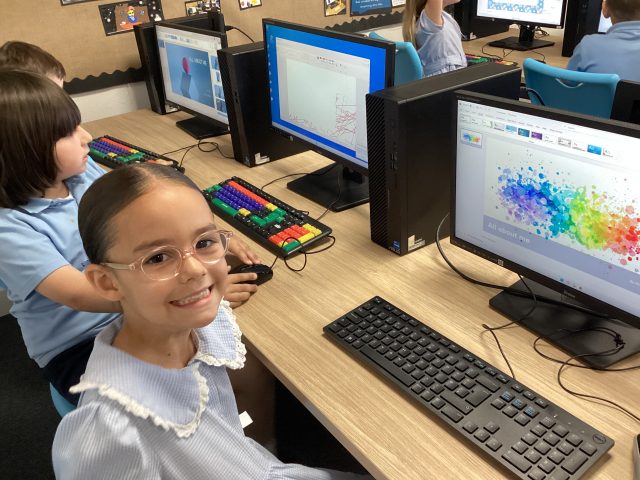
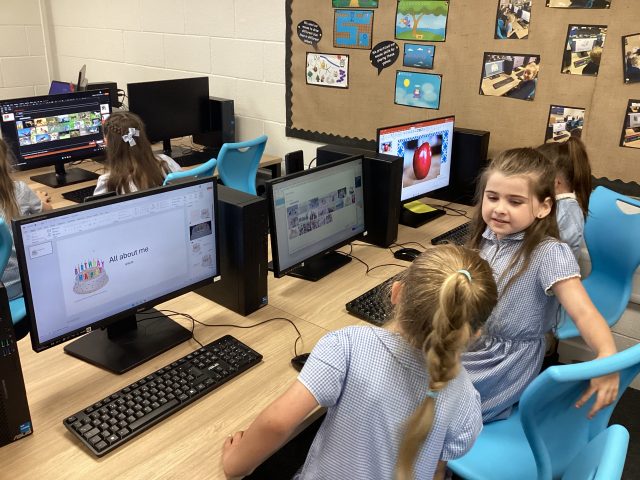
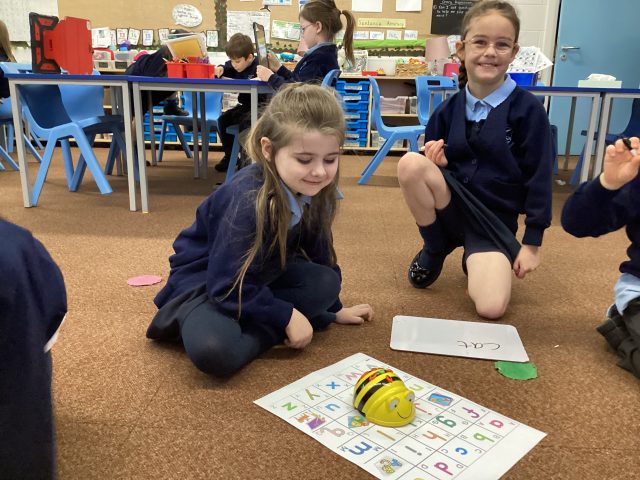
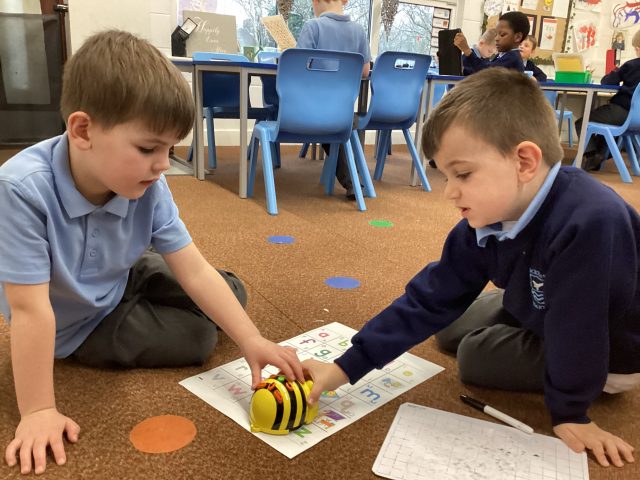
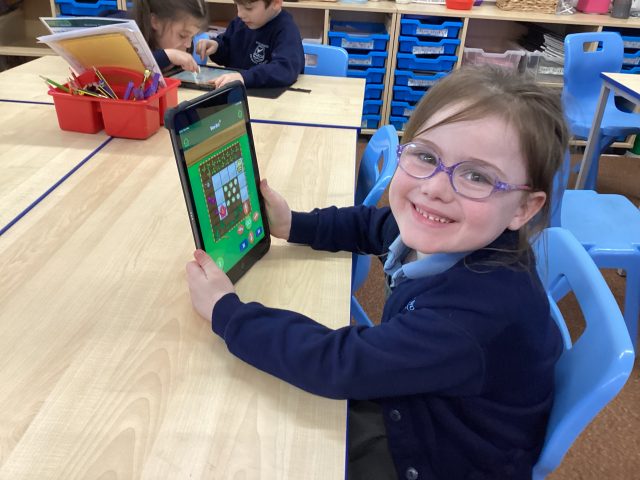
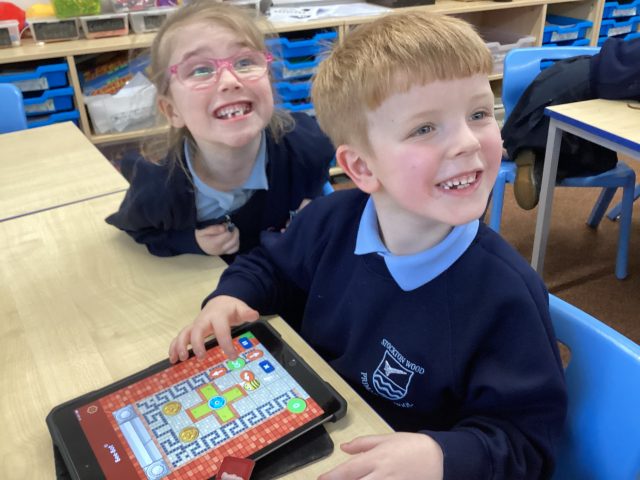
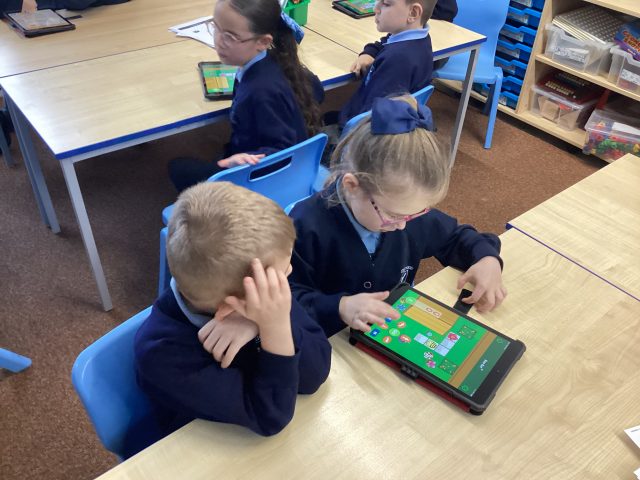
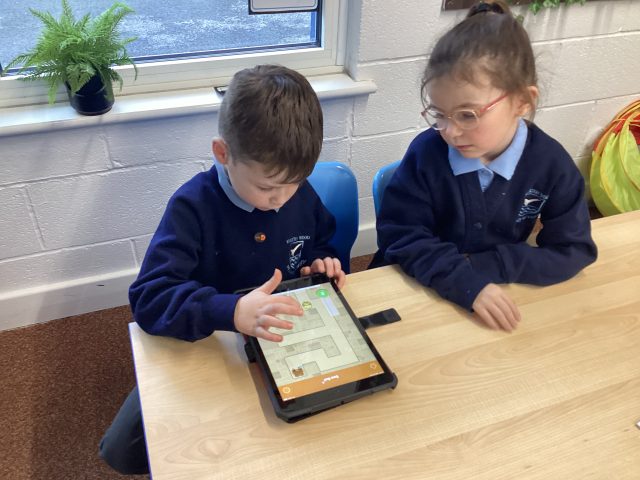
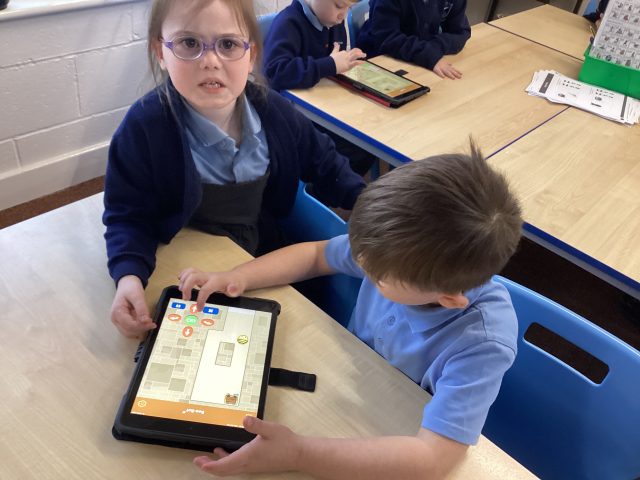
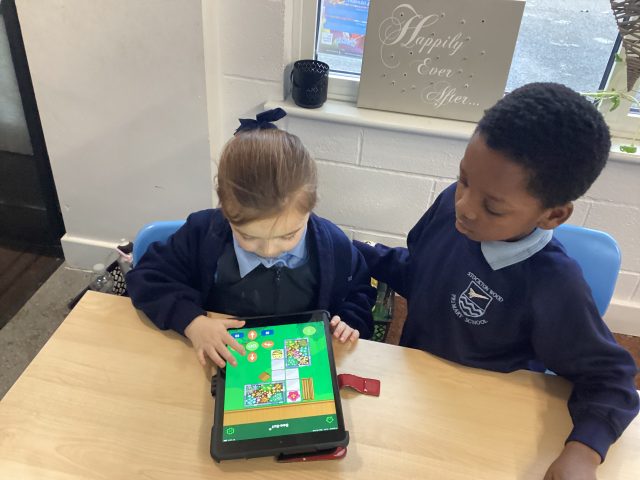
Year 1 Computing
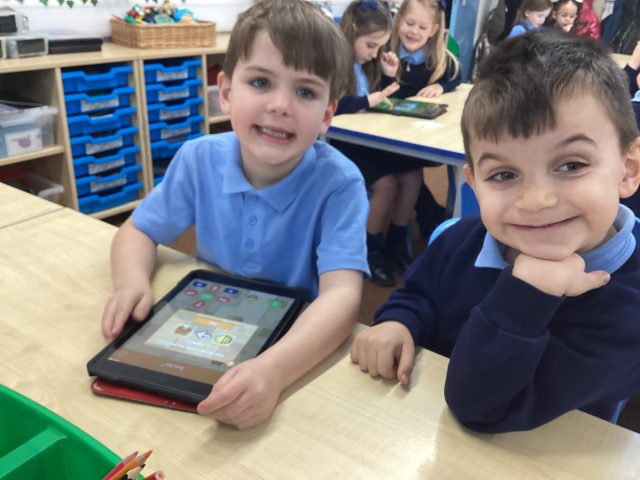
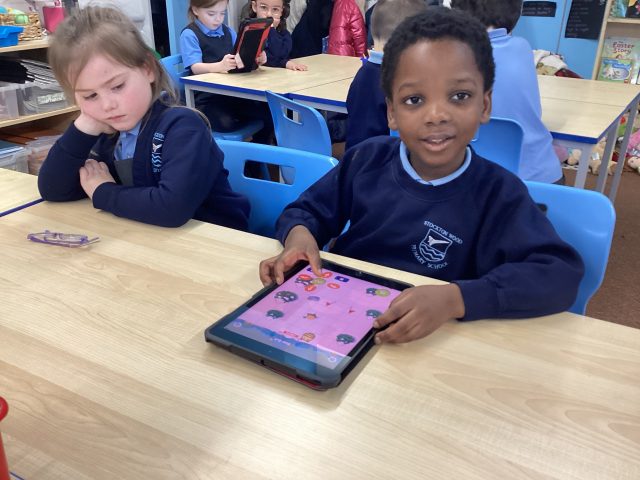
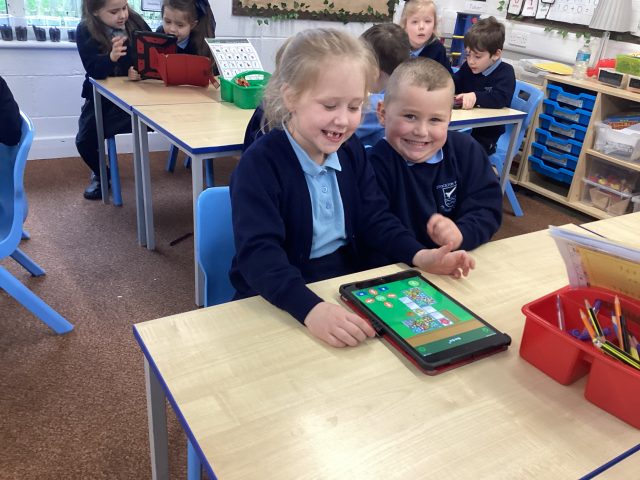
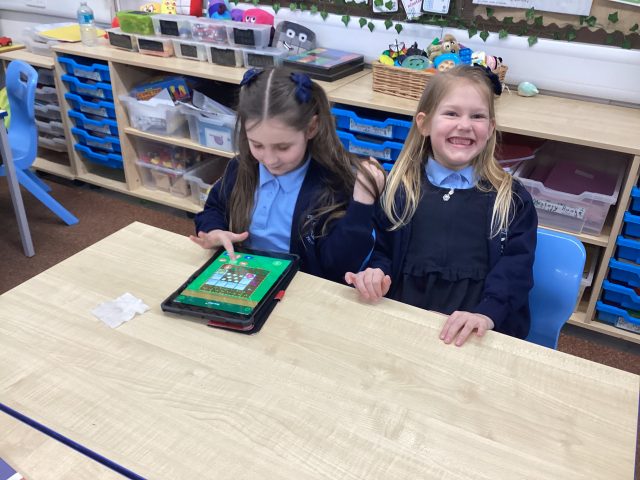
This afternoon, 1C were practicing their coding skills on the iPads.
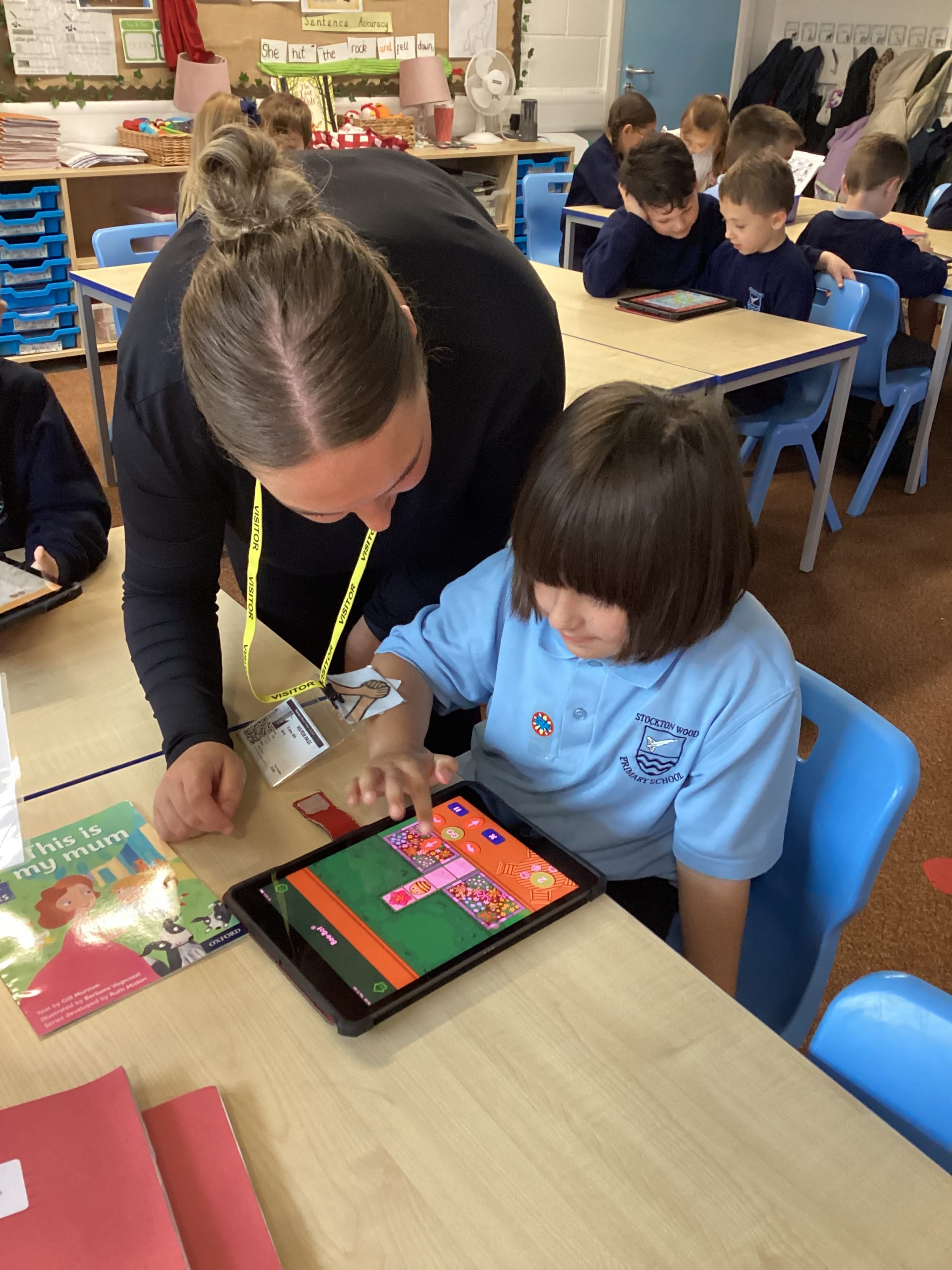
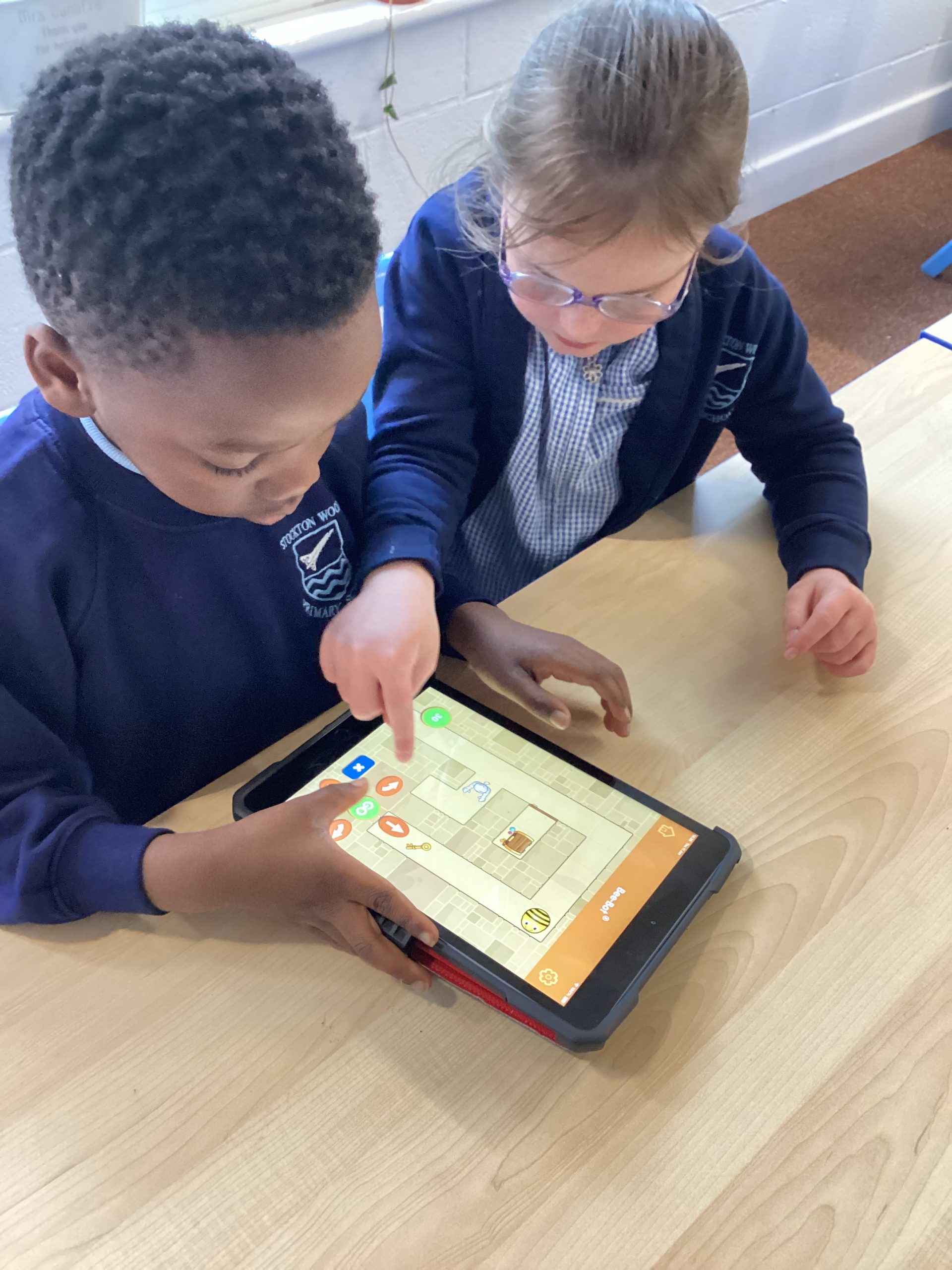
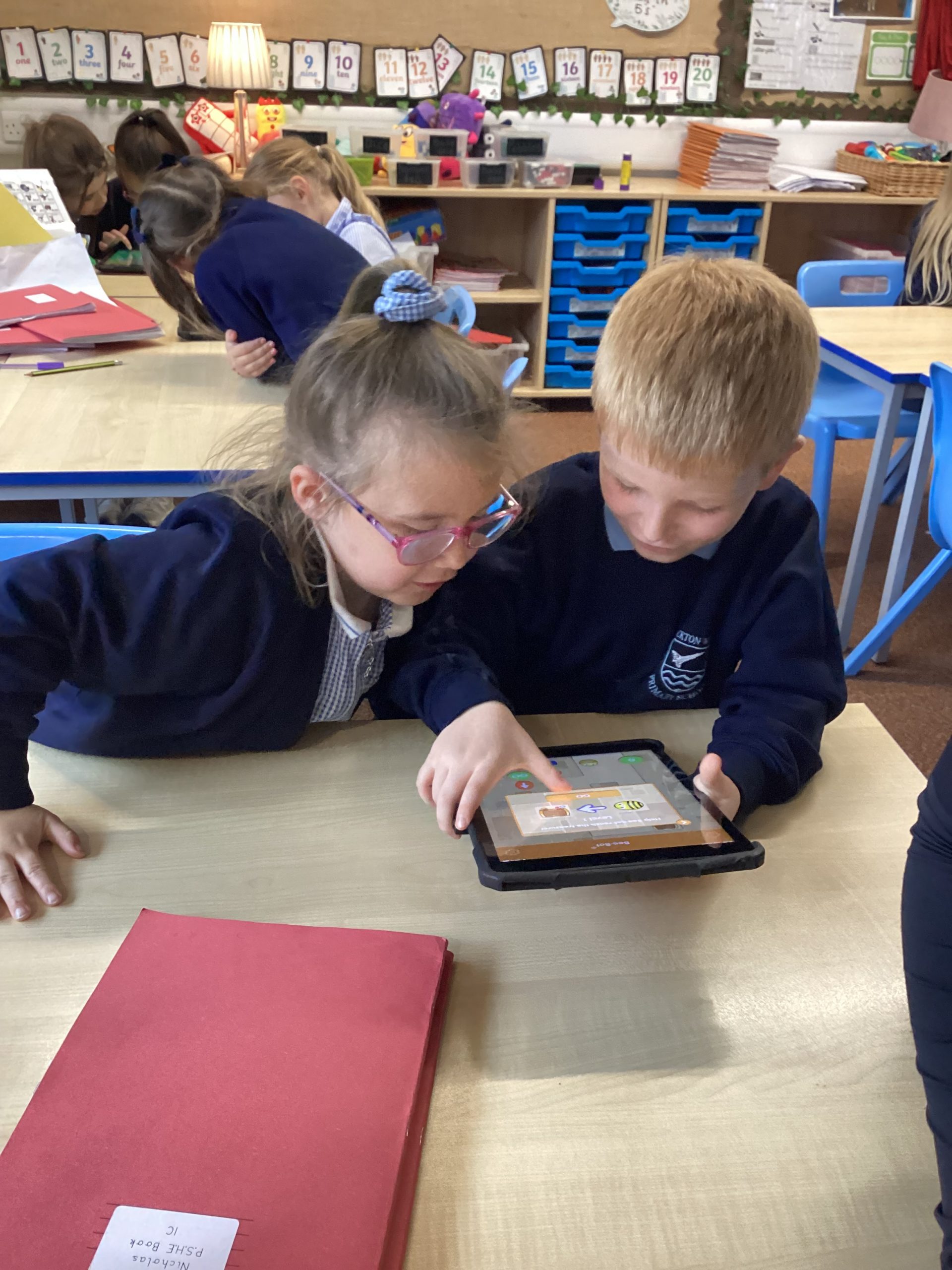
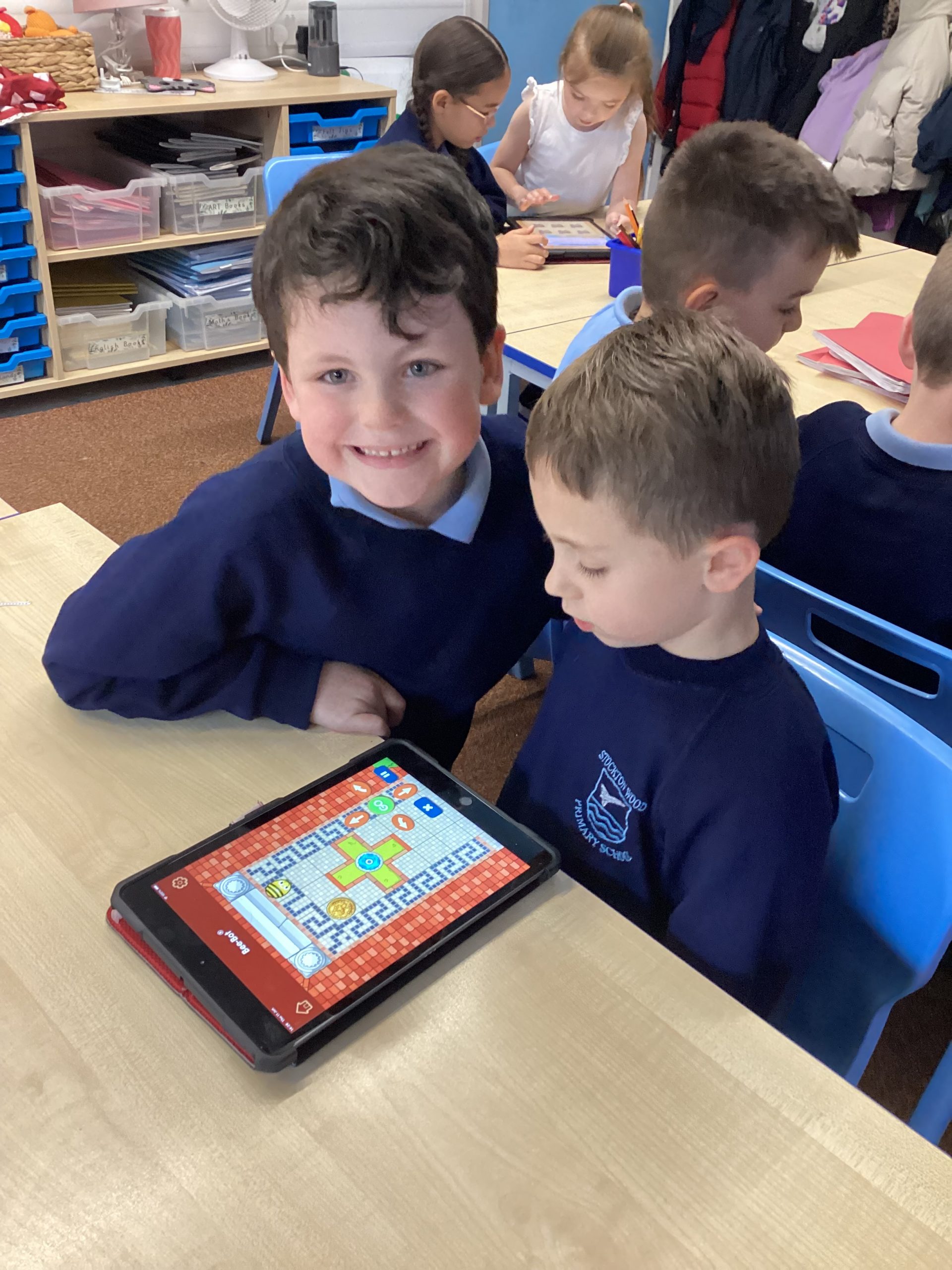
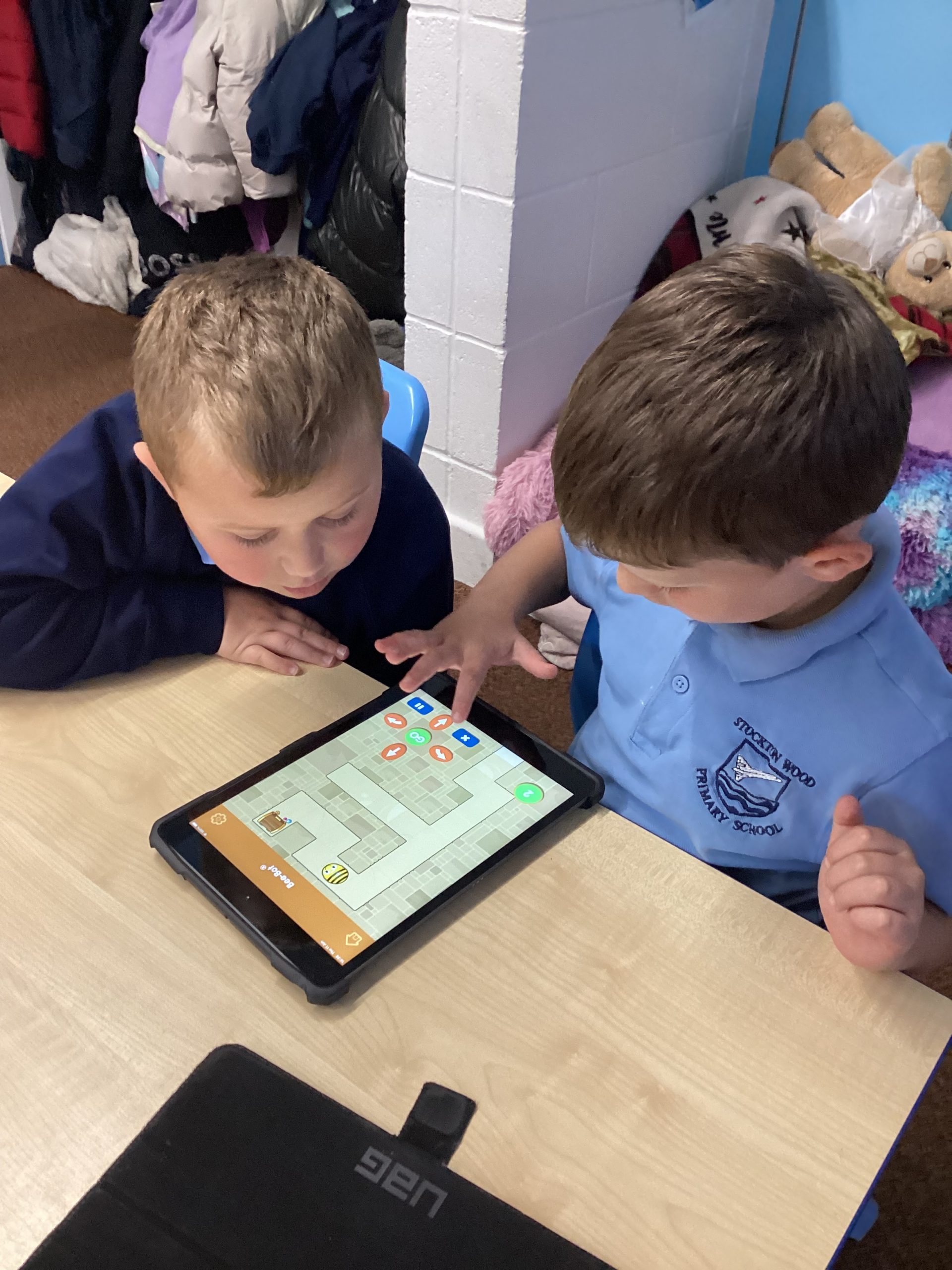
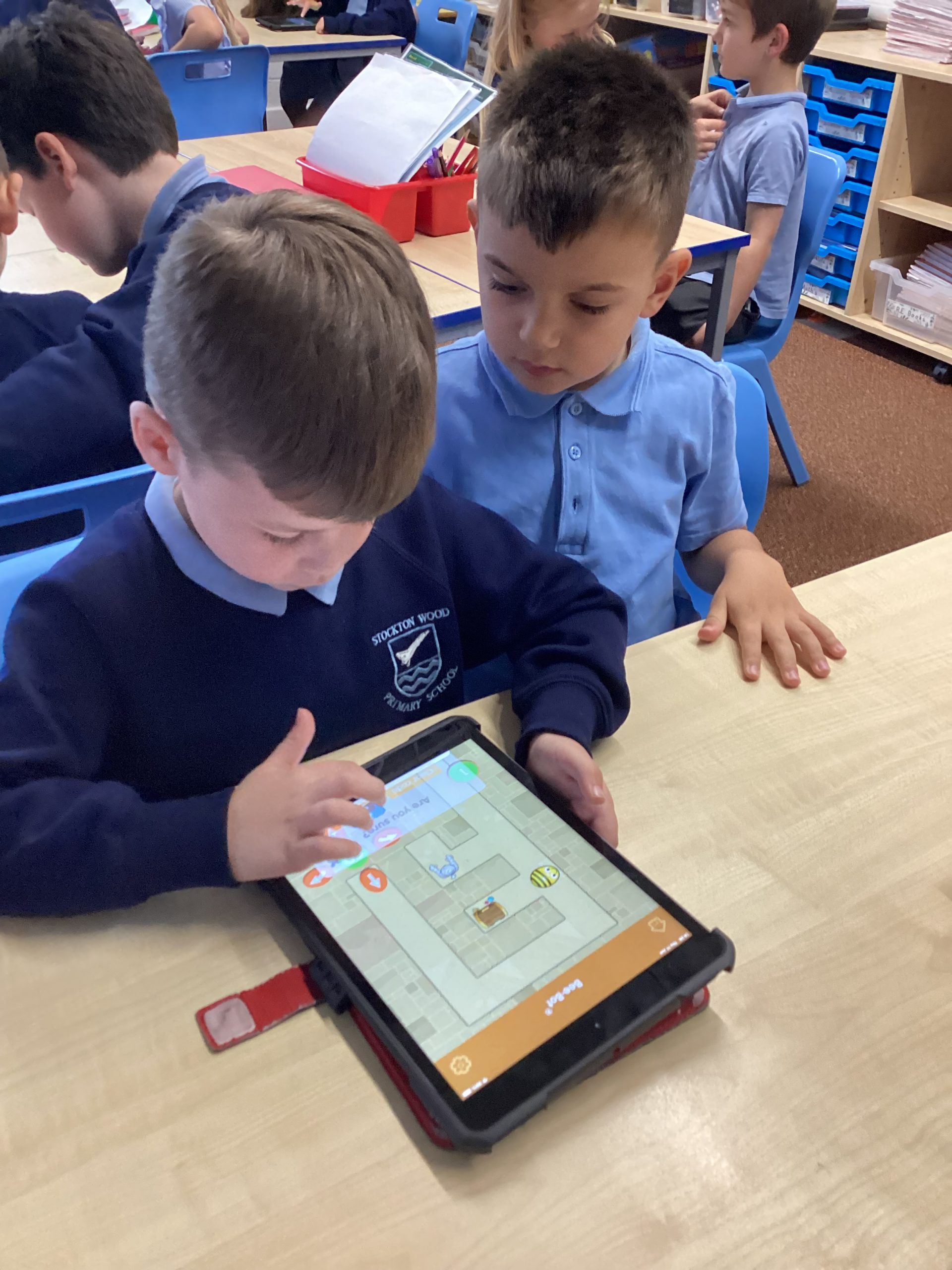
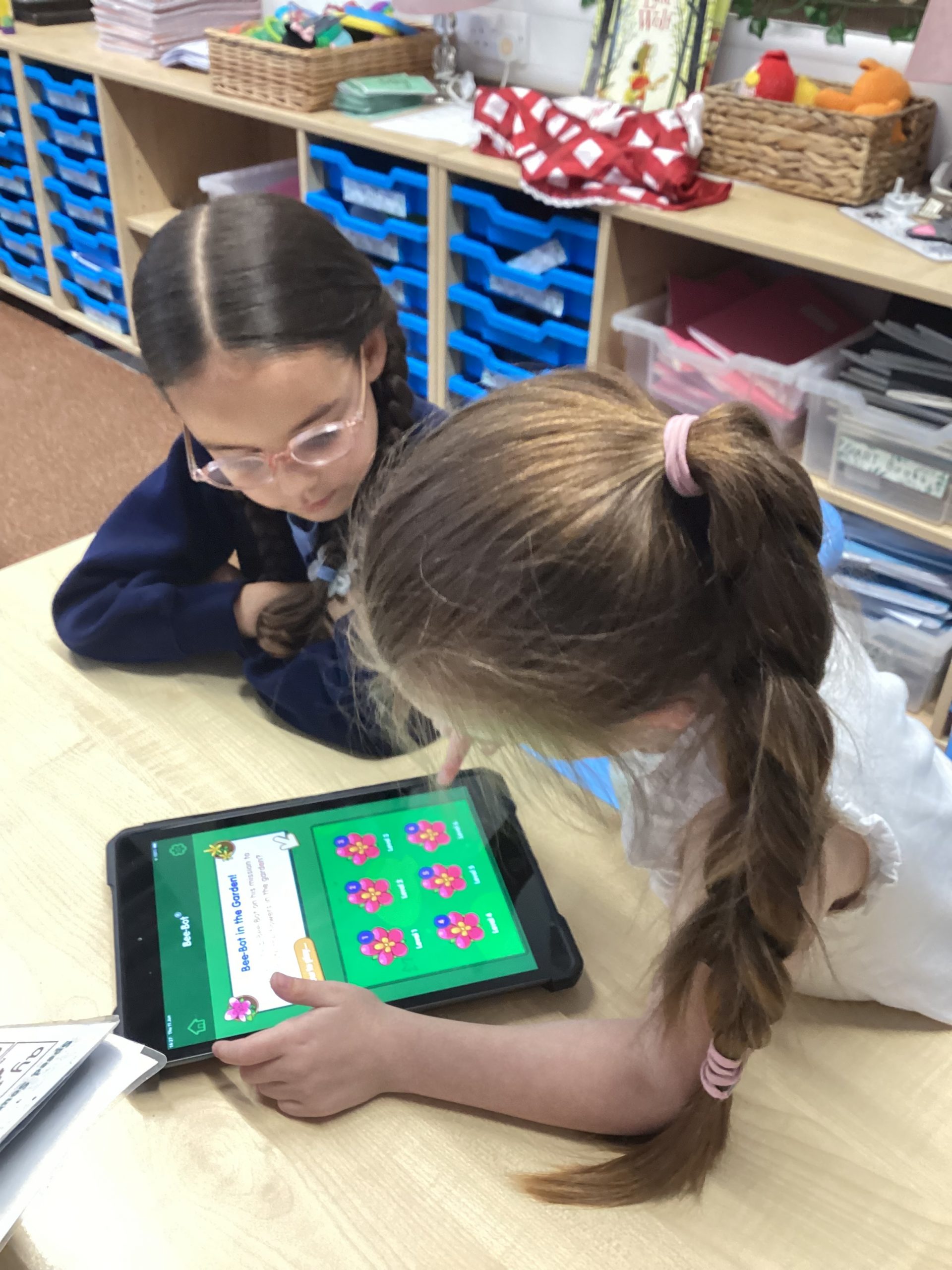
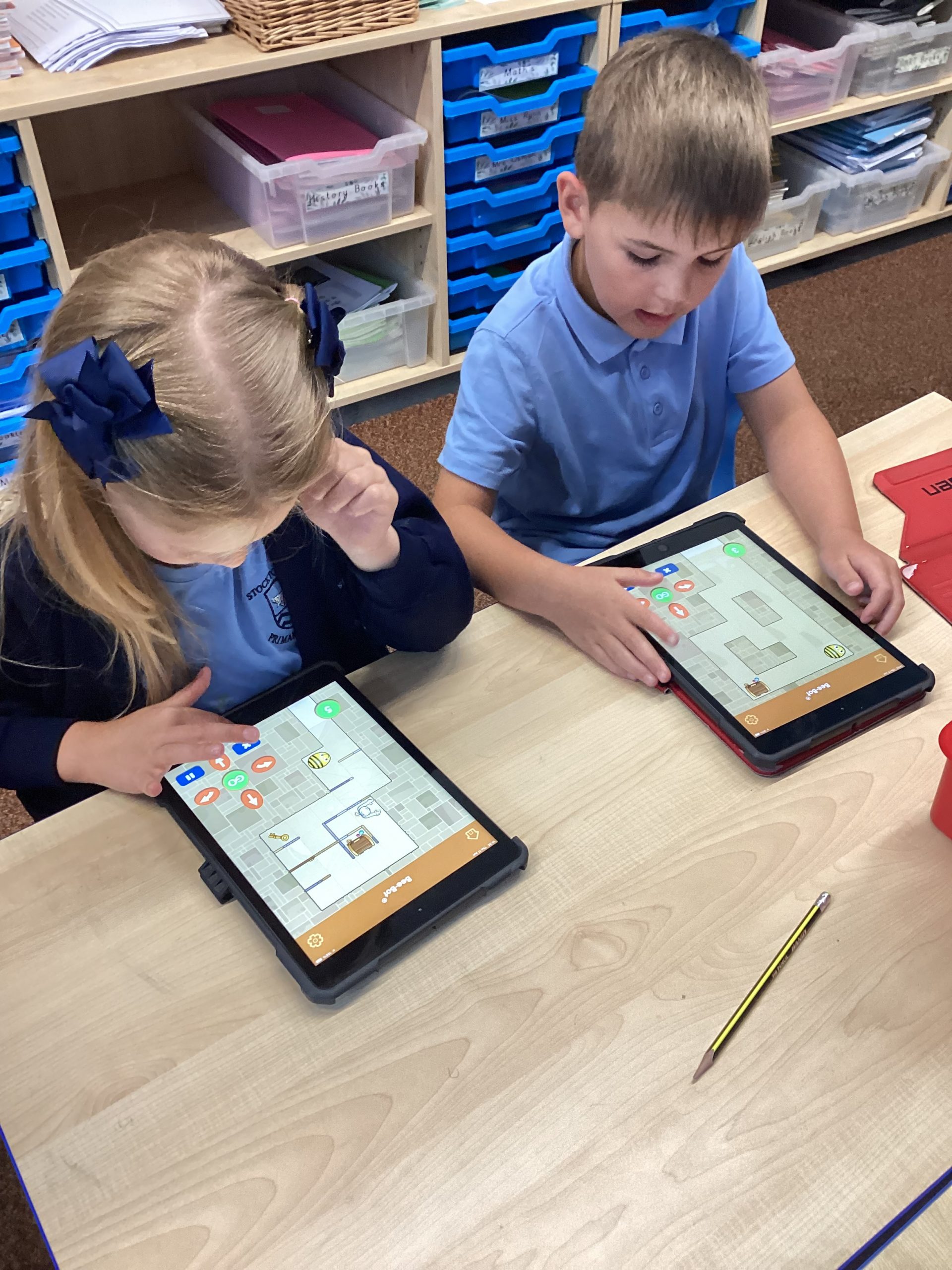
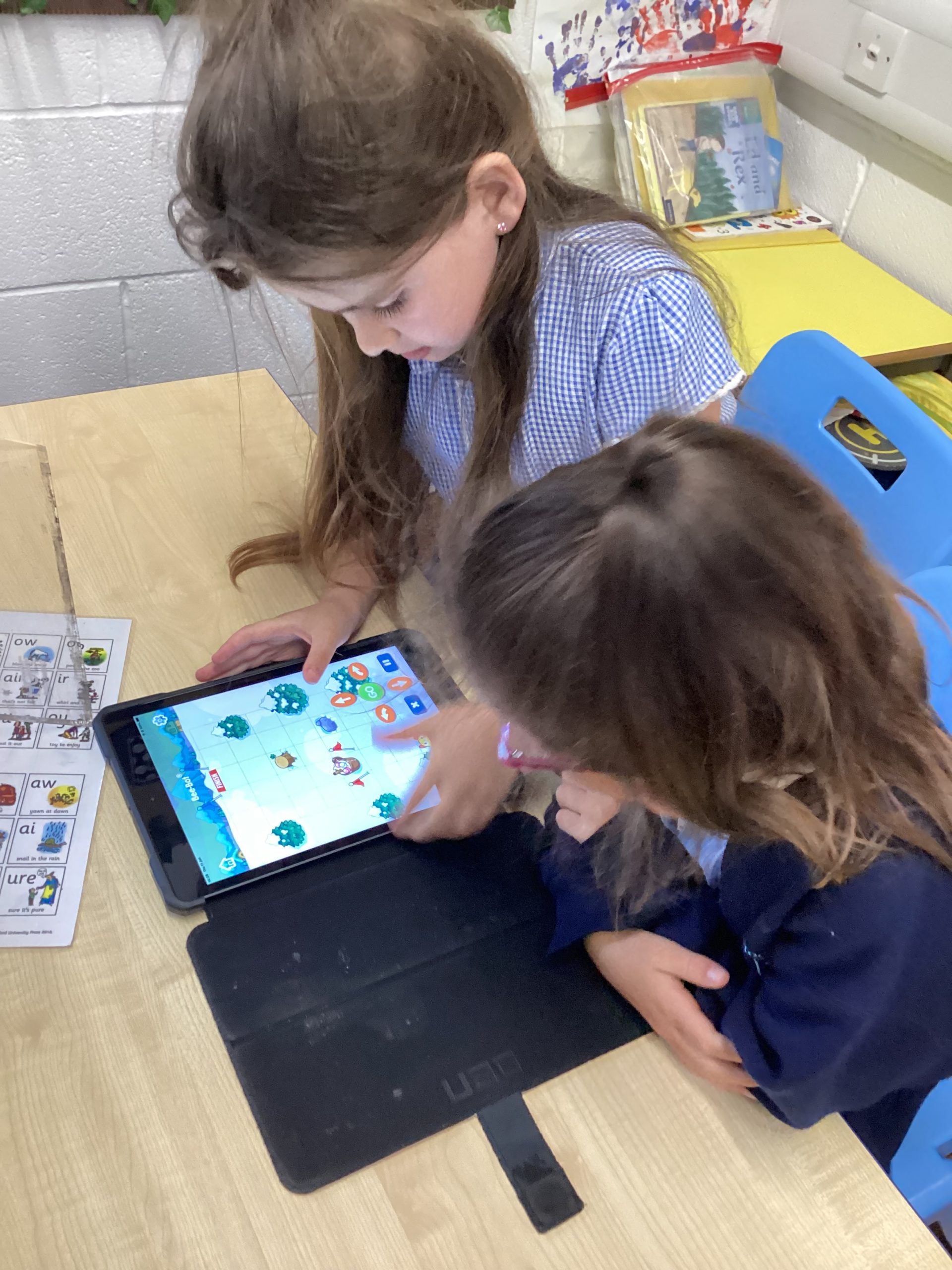
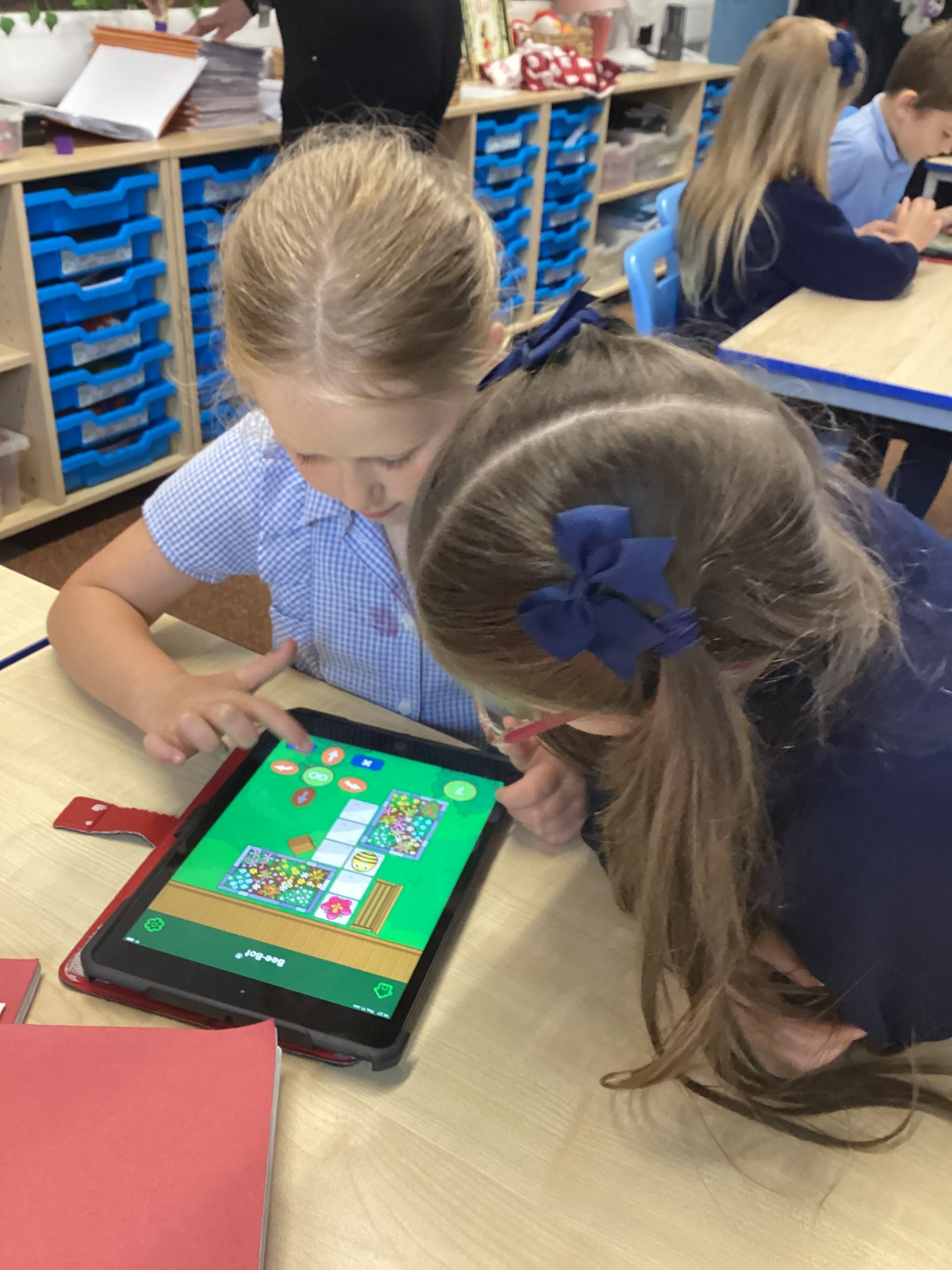
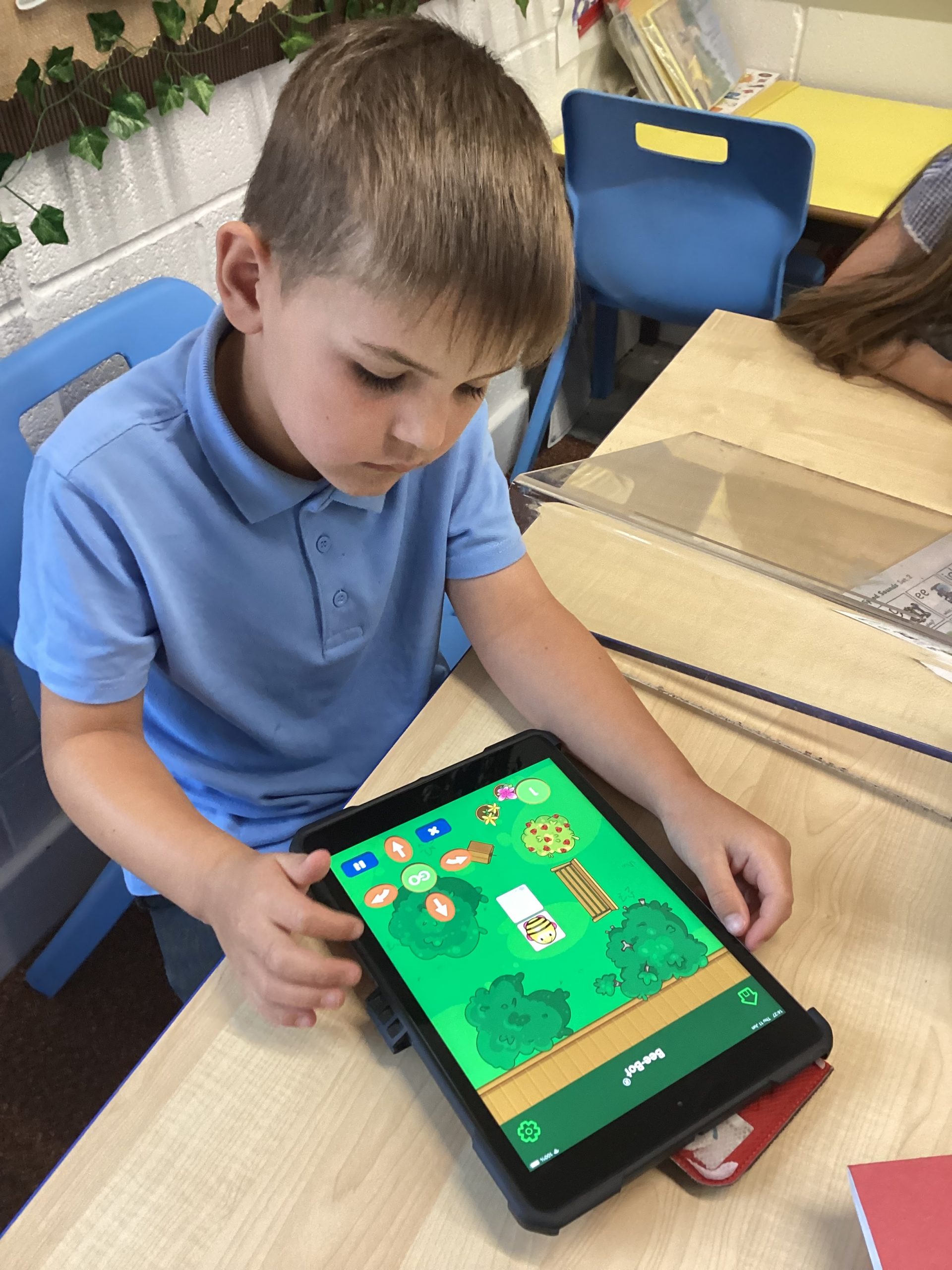
“We have to move the Bee-Bot to complete the levels.”
“The Bee-Bot needs to collect the treasure.”
482
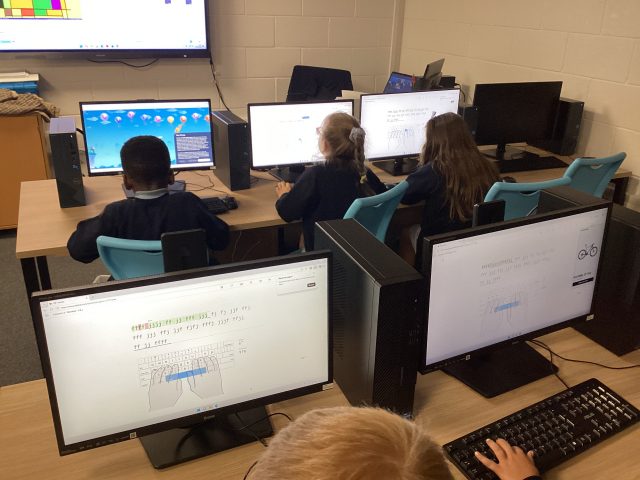
Computing
Year 2 created safety posters about sending photos to others online and to always ask permission before sharing.
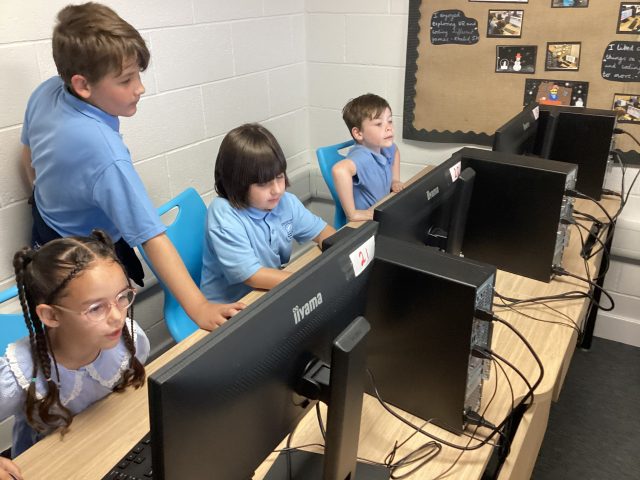
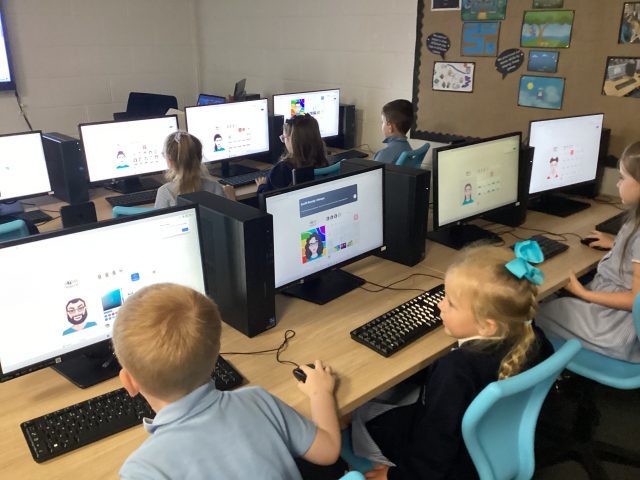
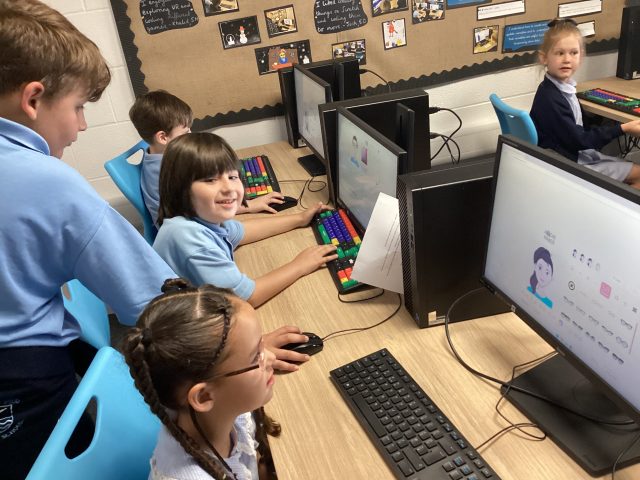
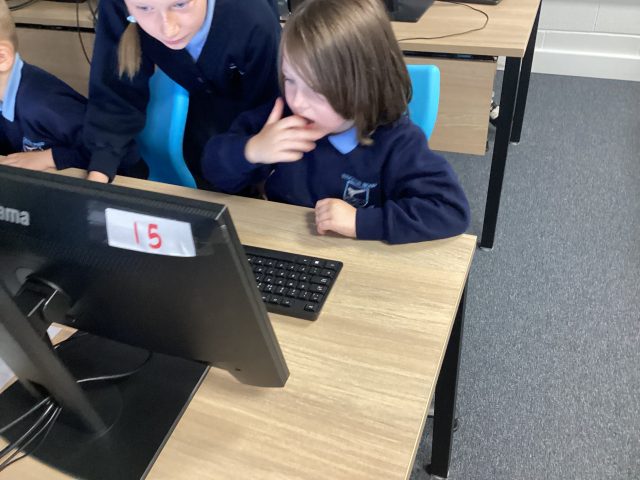
Computing
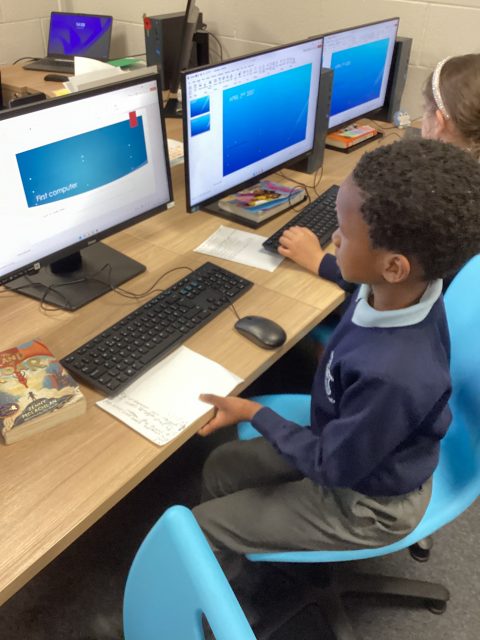
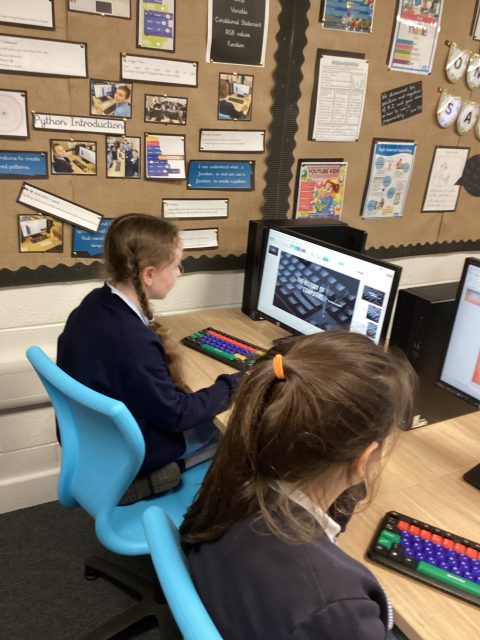
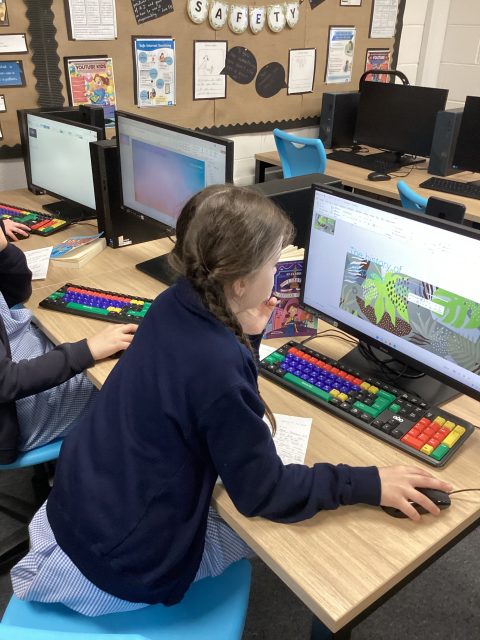
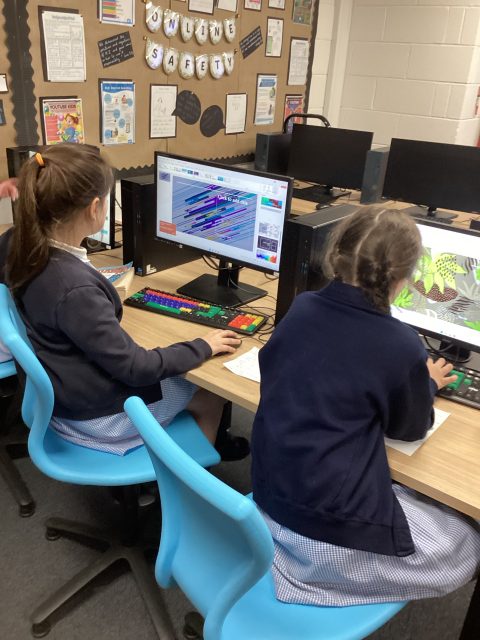
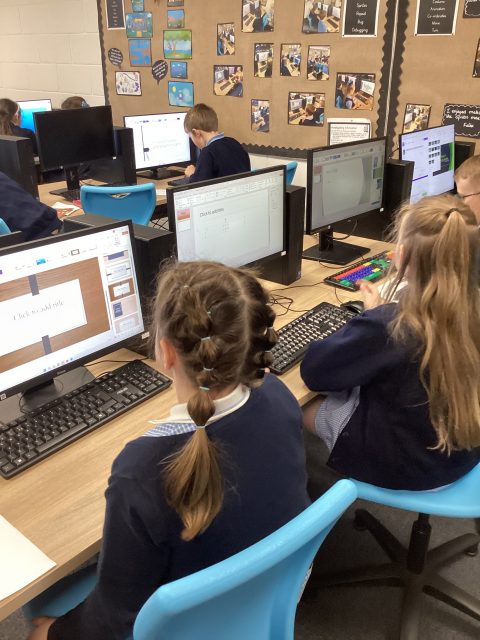
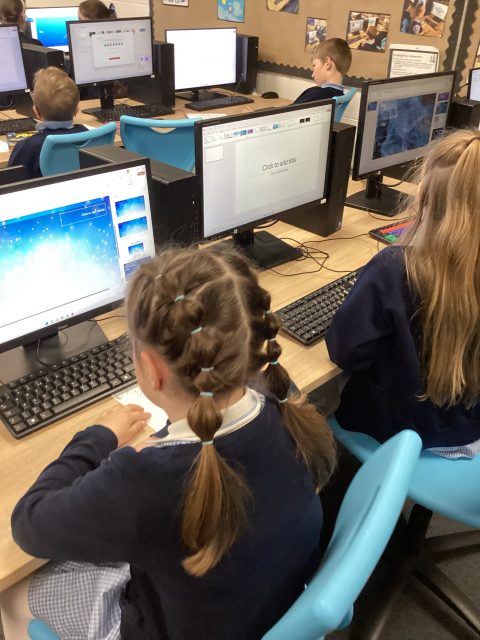
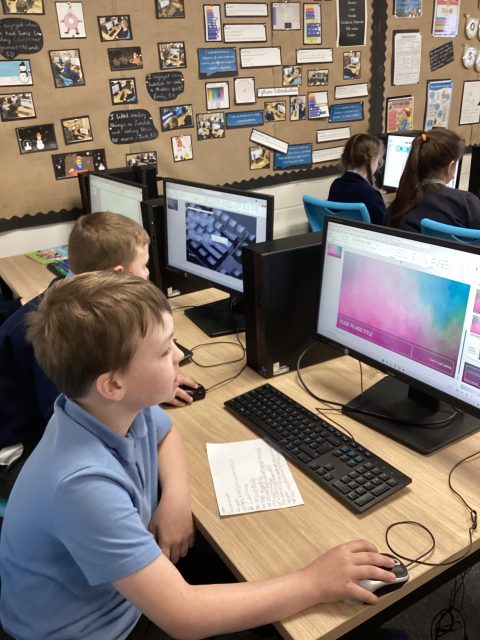
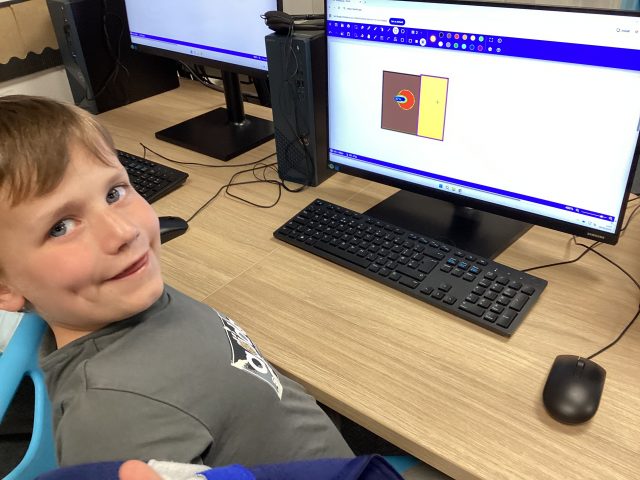
Today, we started to create our own Power Point about the history of computers. We chose a background and a font for our writing. We then decided on the size of our writing.
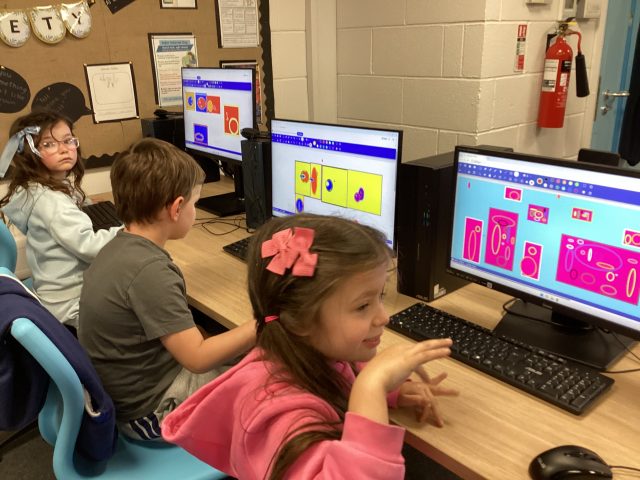
Think you know – Internet Safety
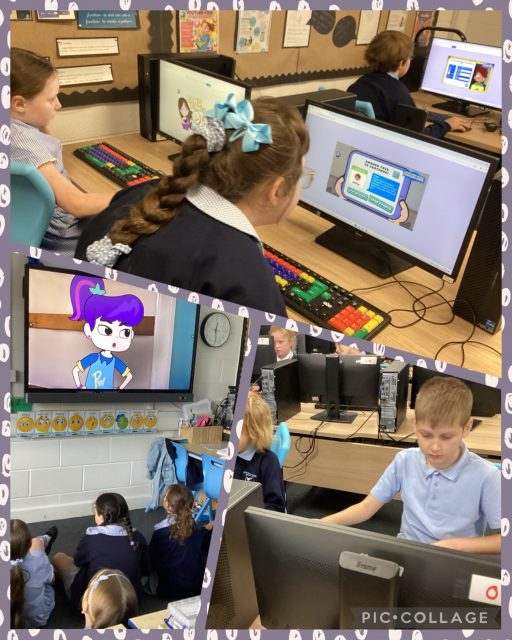
Today we watched three episodes of Think you Know – Play like Share. We had some good decisions of how to keep safe online. We then played “band runner” to test our knowledge.
!
1.14K
History of computers
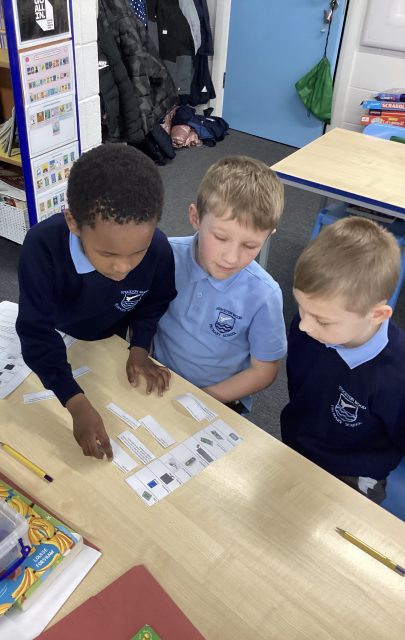
3McK are learning about the history of computers. This week we worked together in pairs to match different computers to their place on a timeline. We even learnt about when the first computers was made!!
Year One – Computing
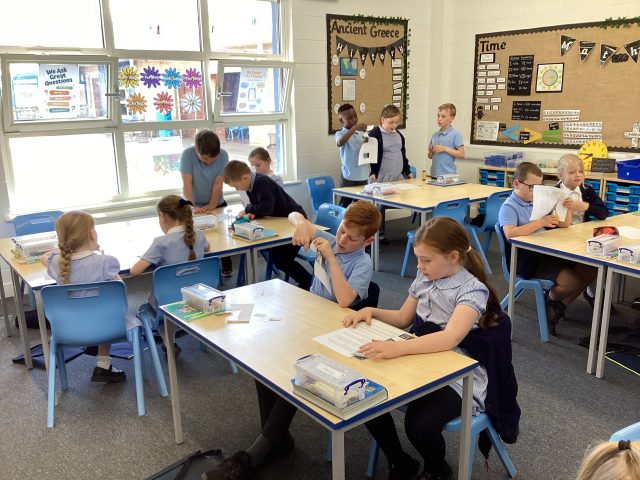
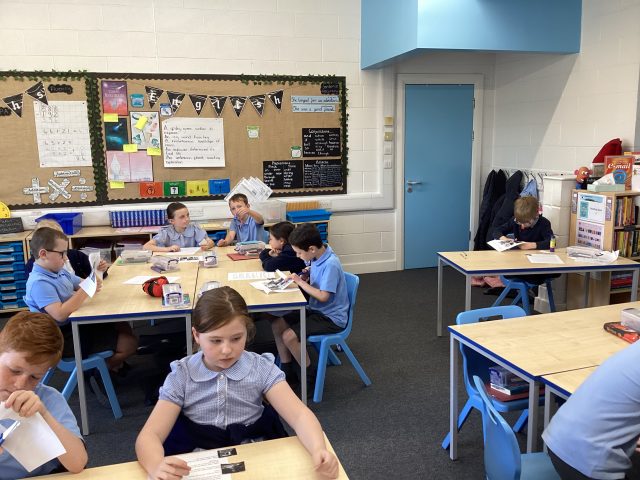
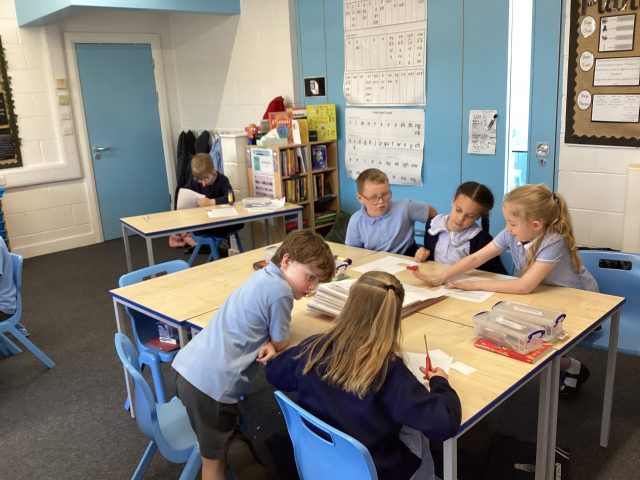
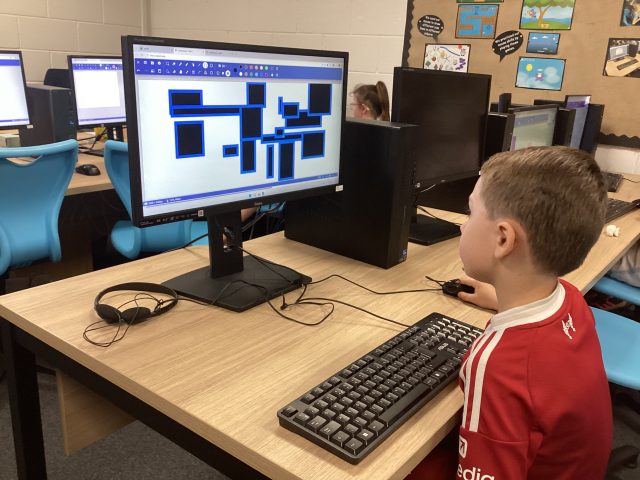
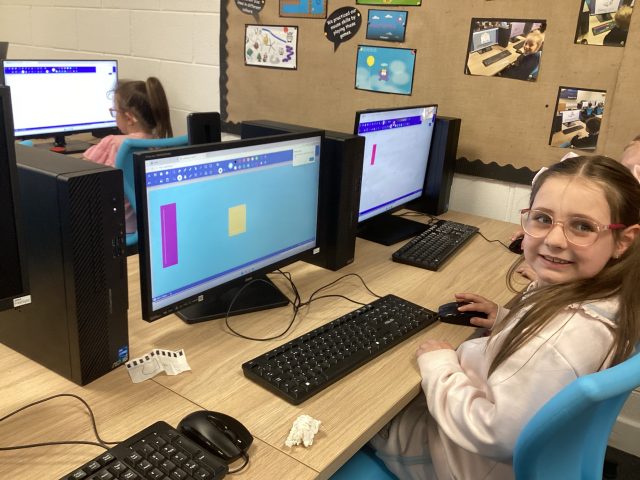
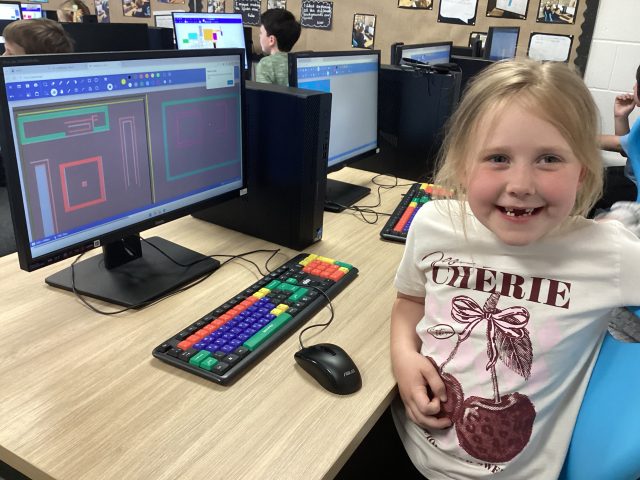
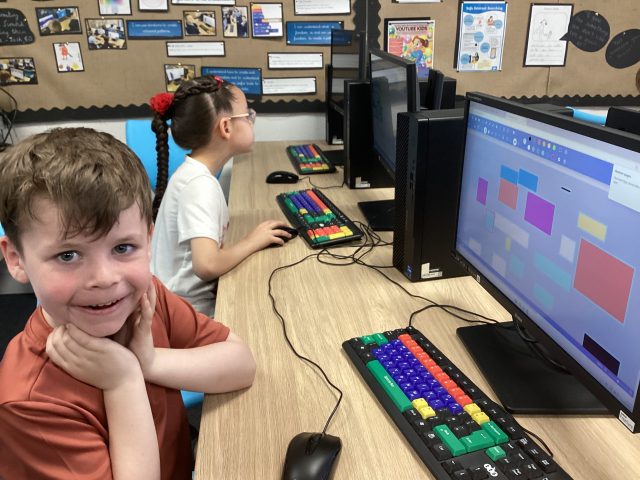
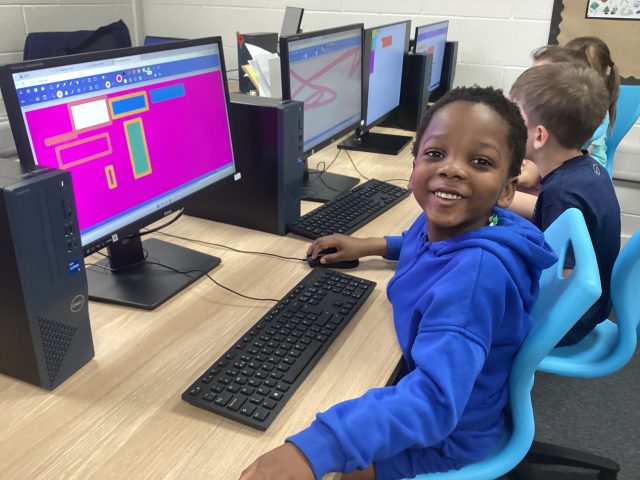
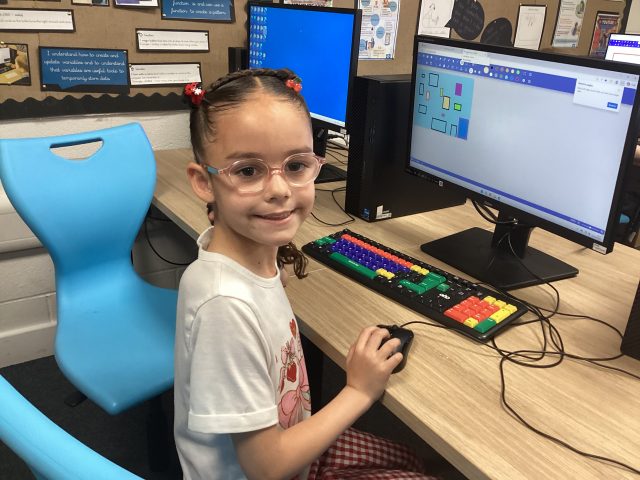
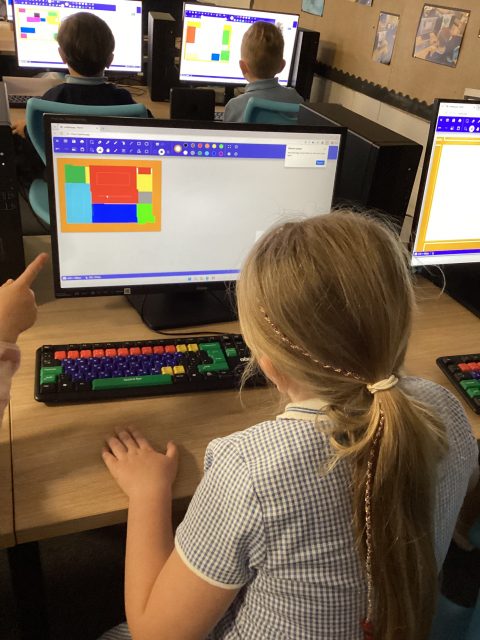
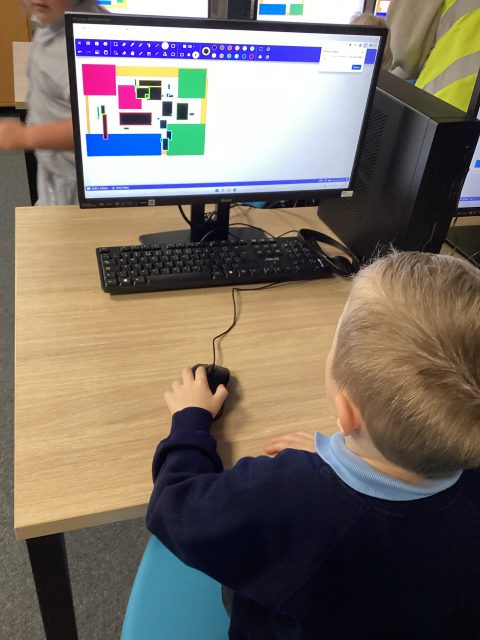
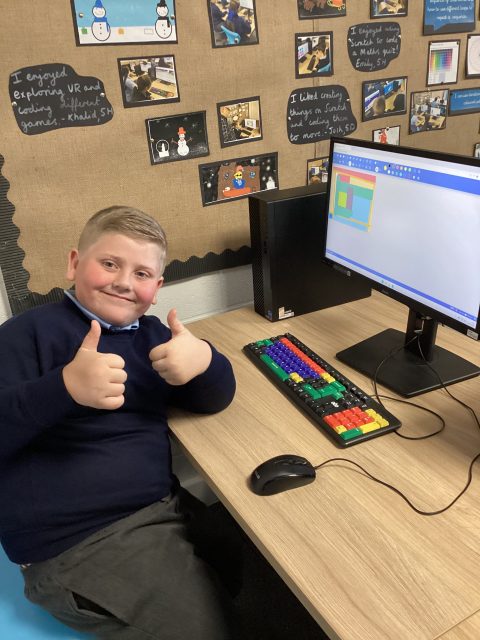
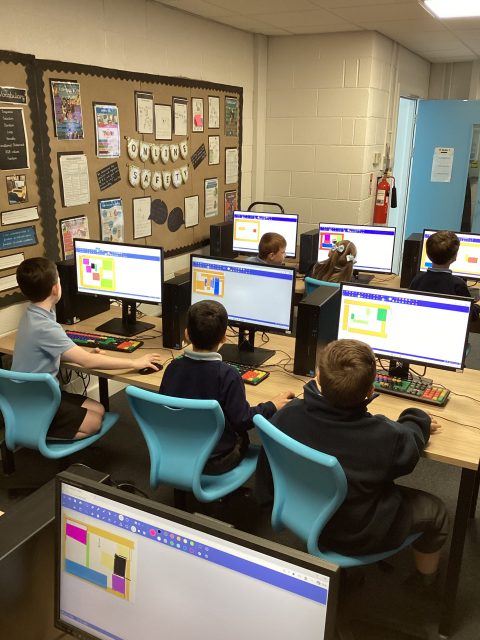
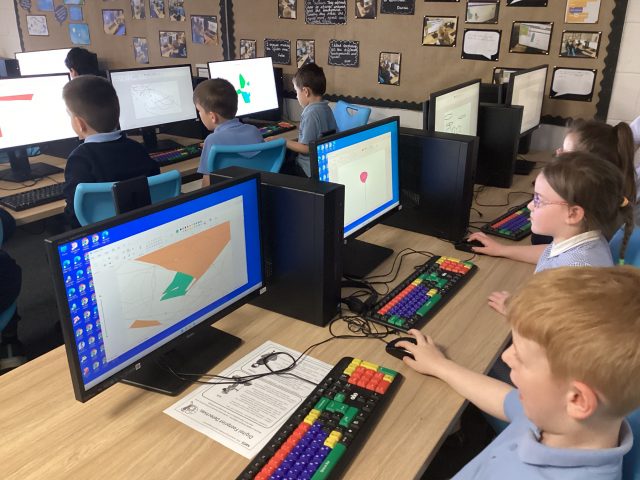
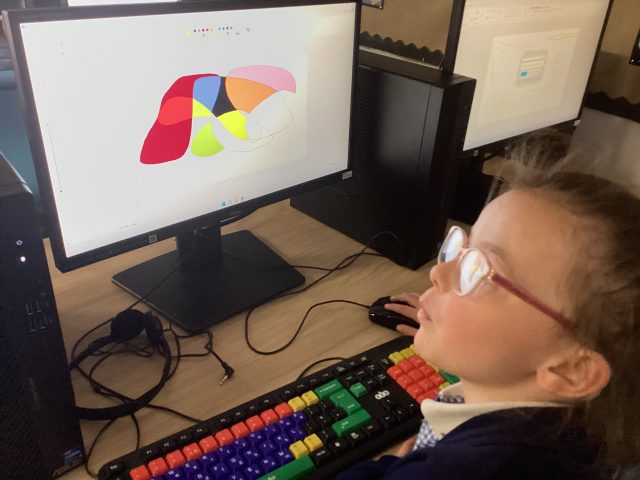
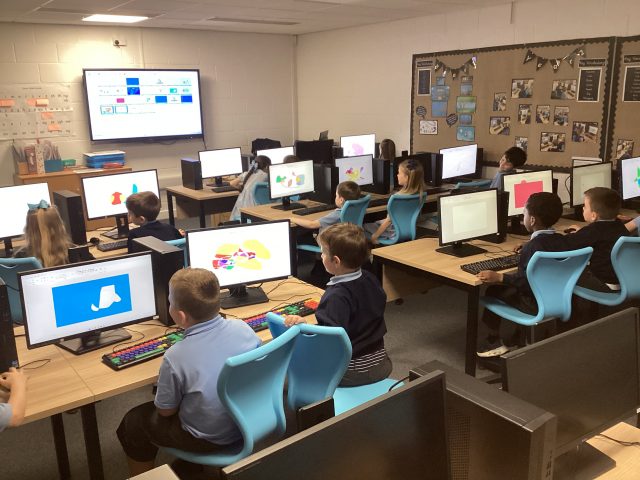
Great computing skills displayed by Year One to create work in the style of Henri Matisse. Good use of paint shape, line and fill tools.
Computing
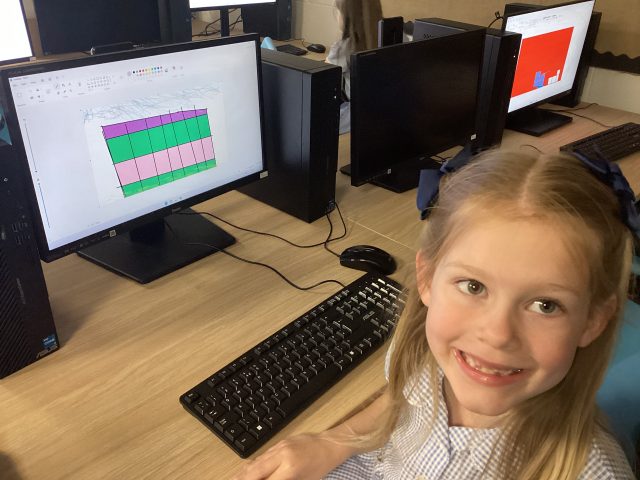
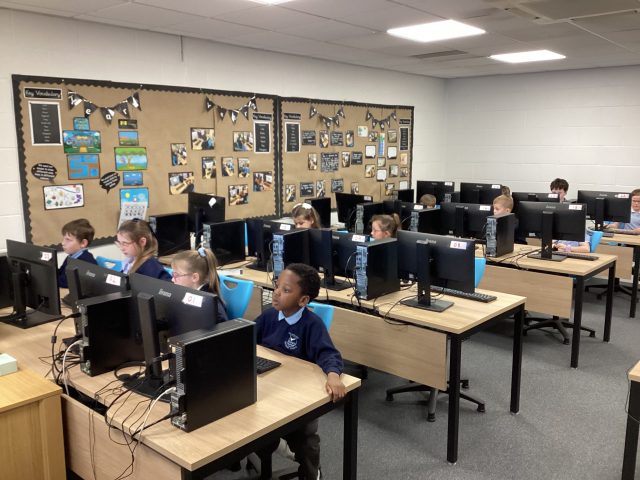
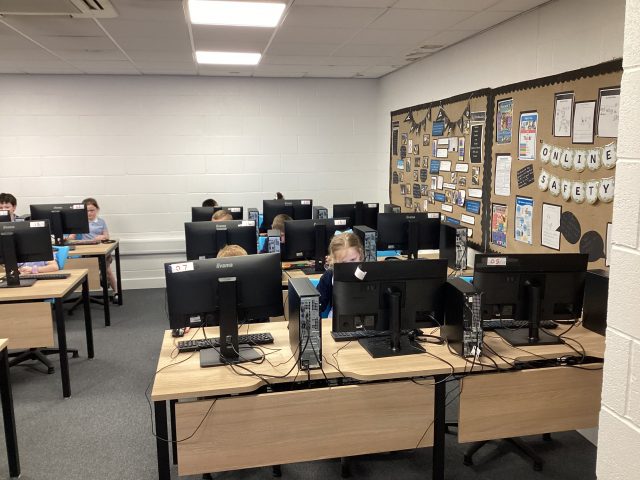
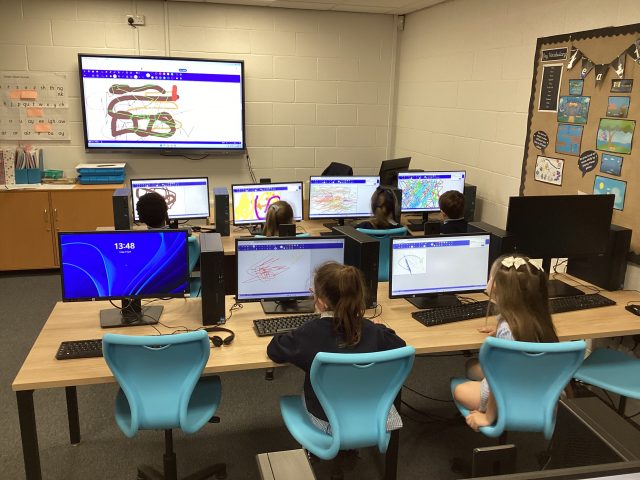
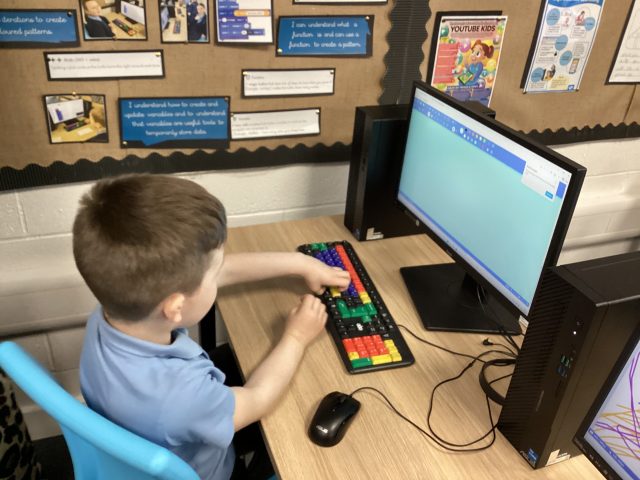
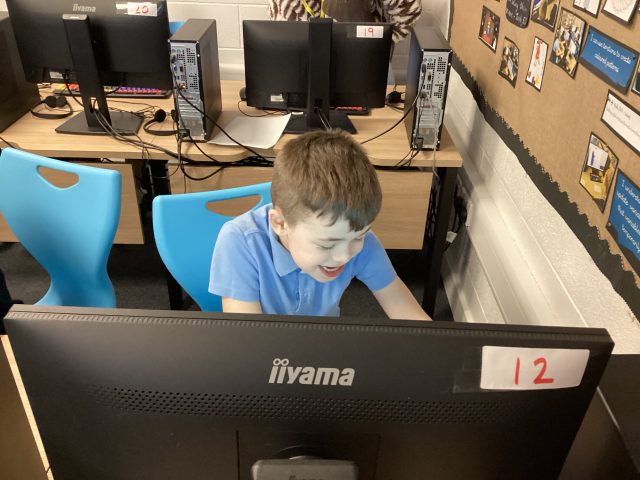
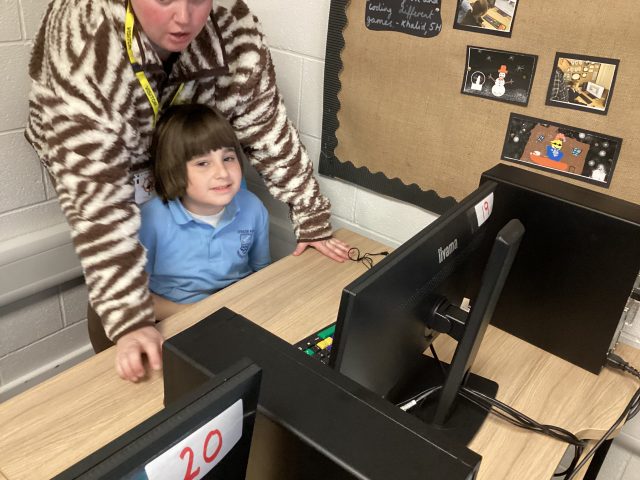
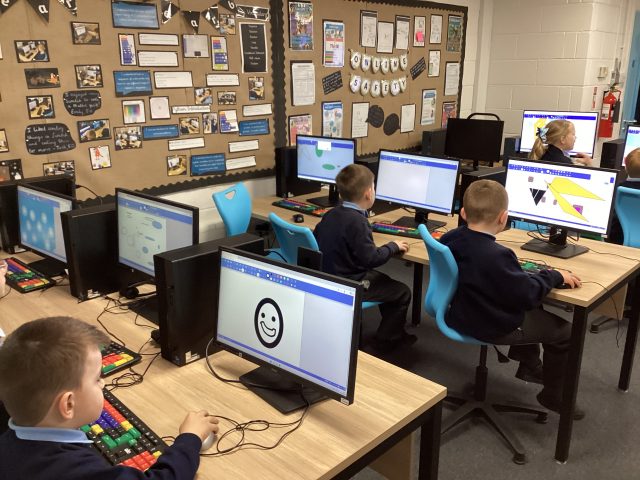
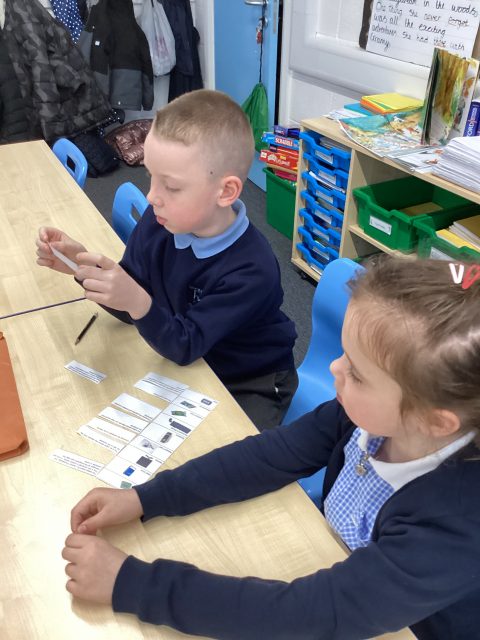
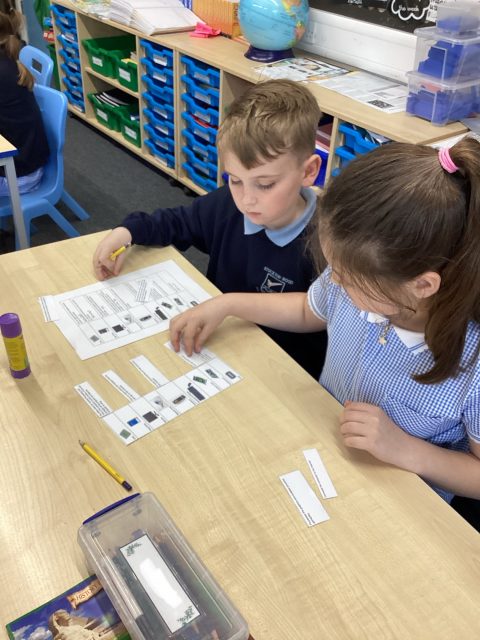
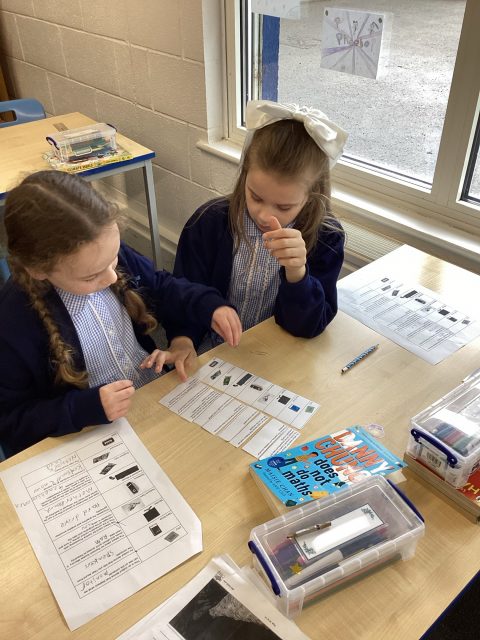
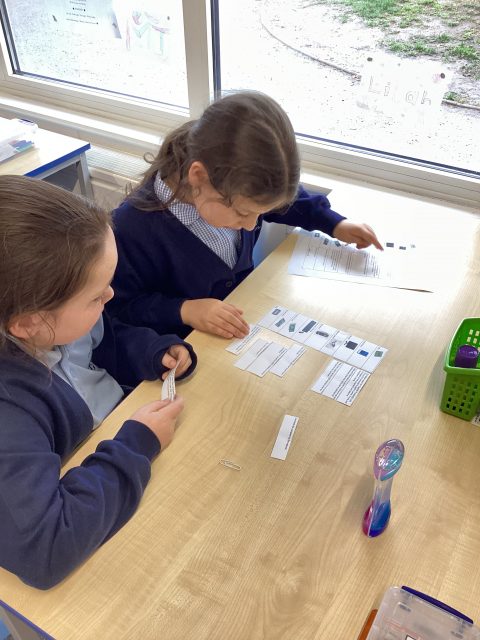
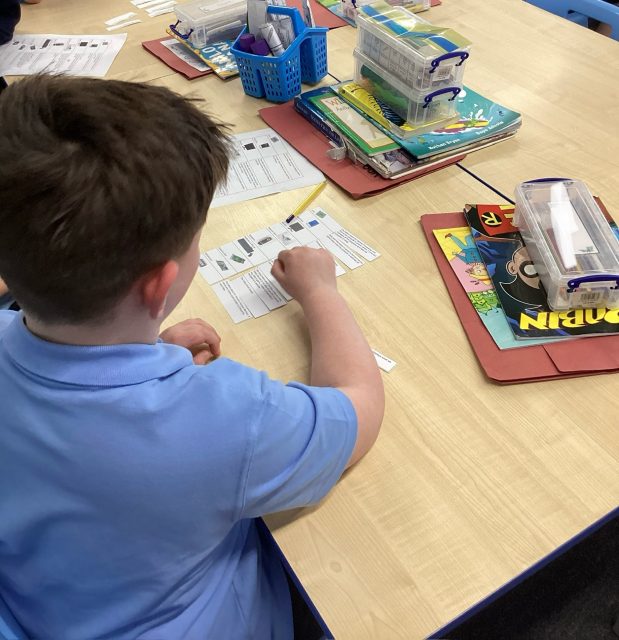
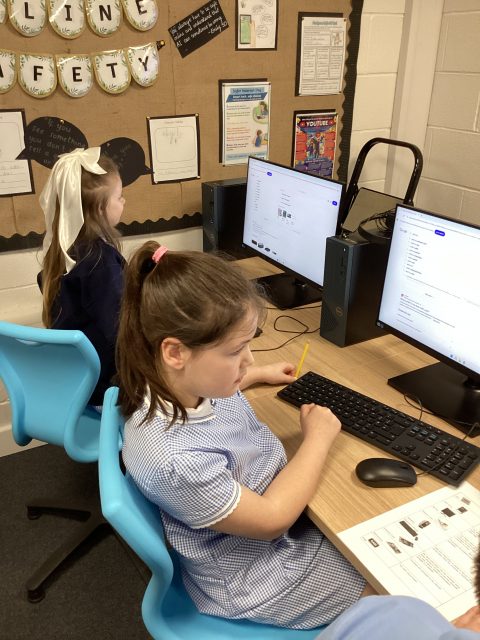
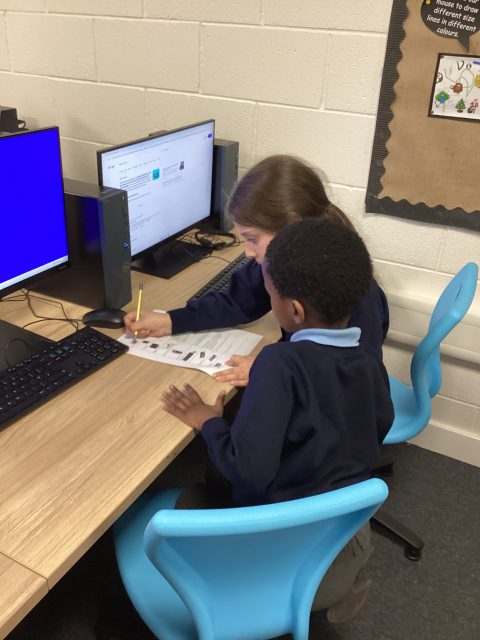
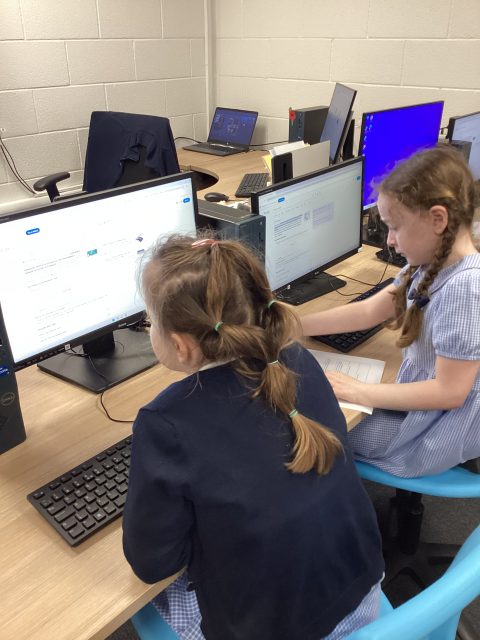
This week in Computing, we researched the different components of a computer and matched them to their function.
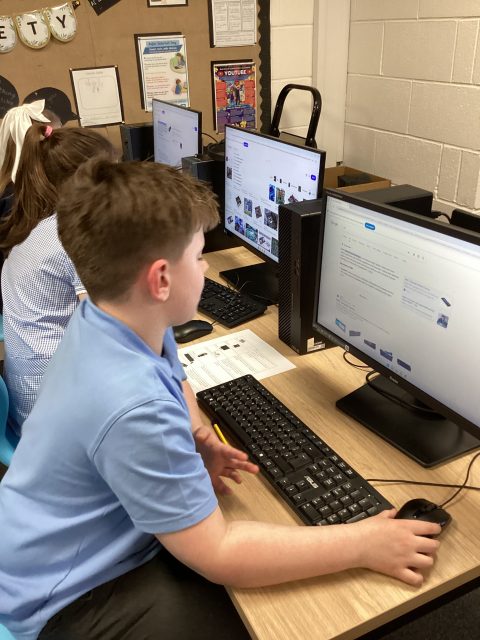
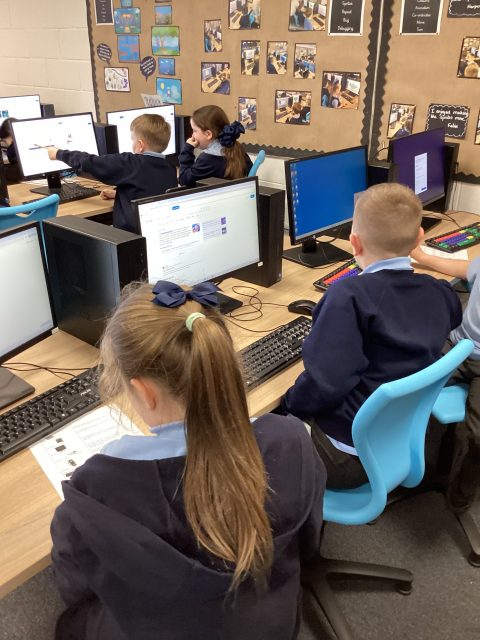
Year One – Computing
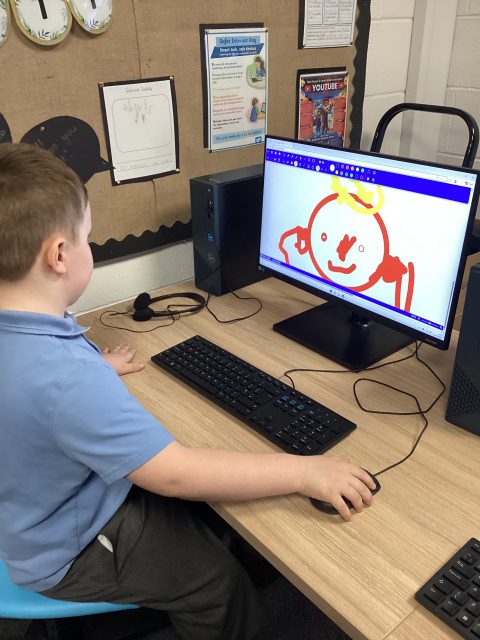
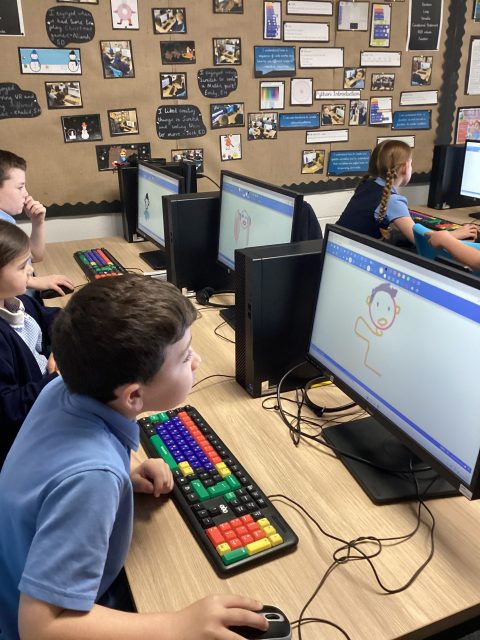
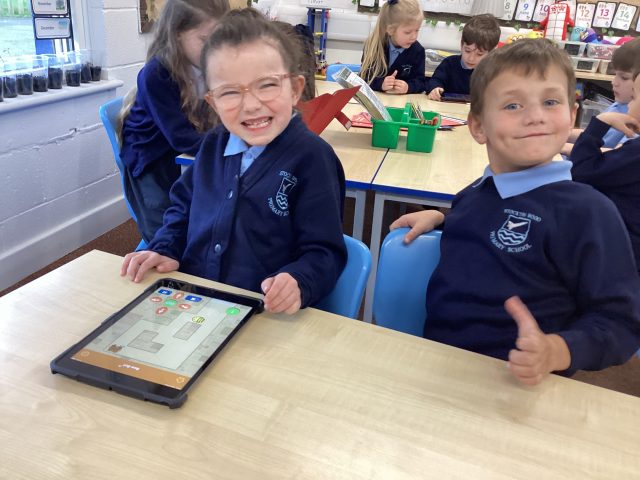
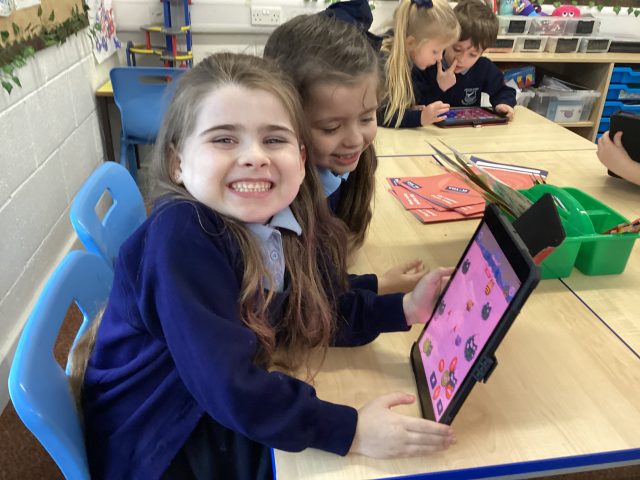
Today we started ‘Digital Painting’ using a range of tools on Paintz App. Look at all our hard workers in Year One, developing their mouse skills and using digital paintbrushes, pens and shapes to create images.
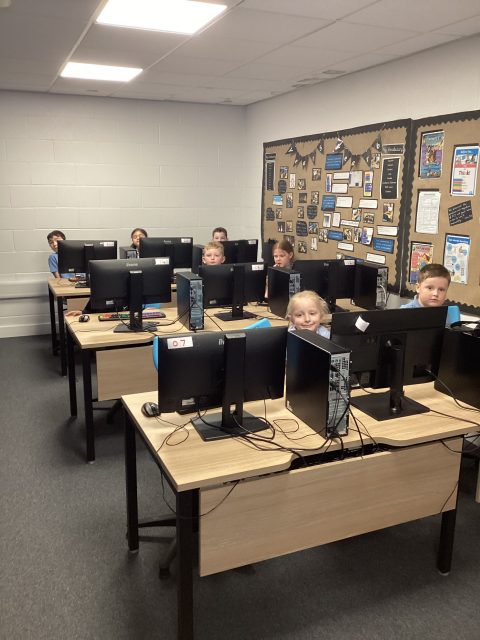
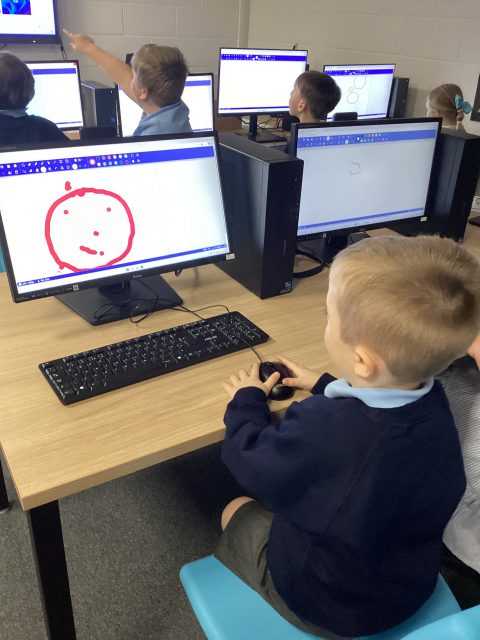
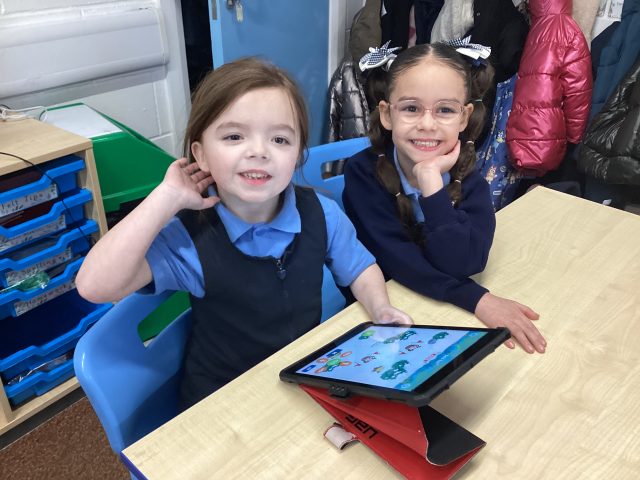
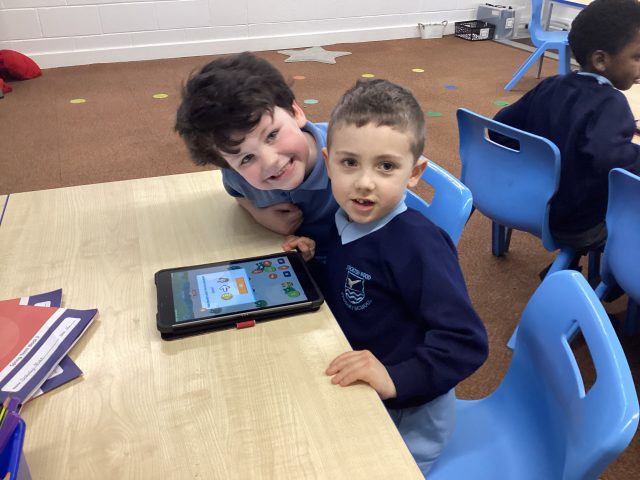
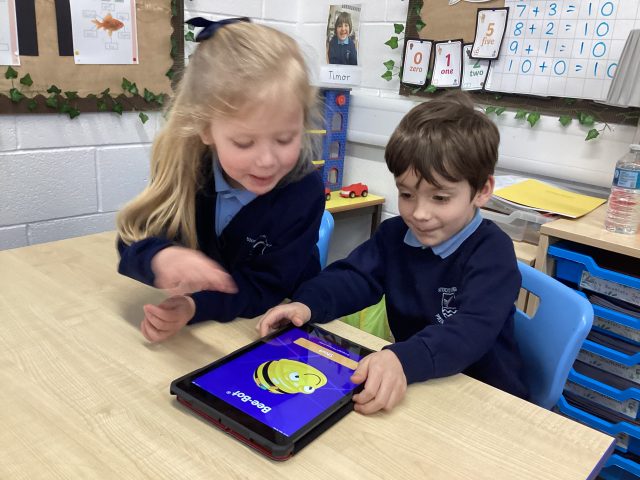
Year 3 Computing
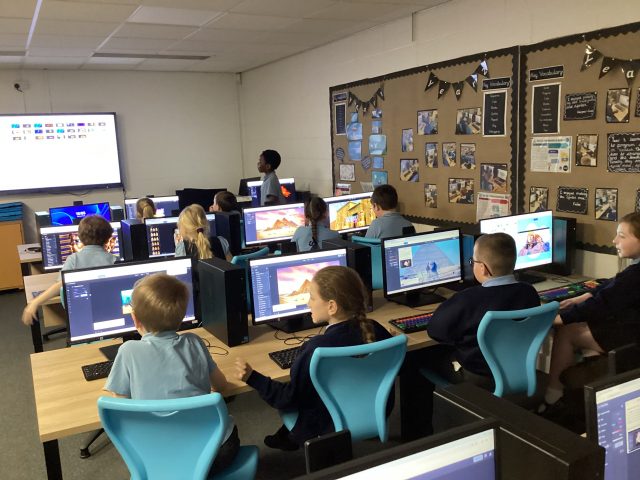
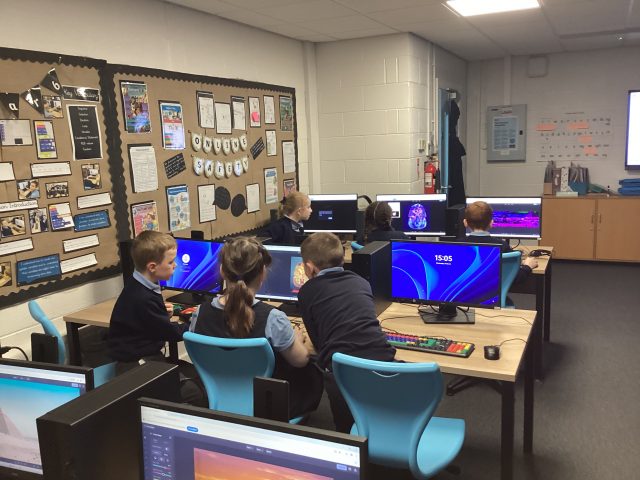
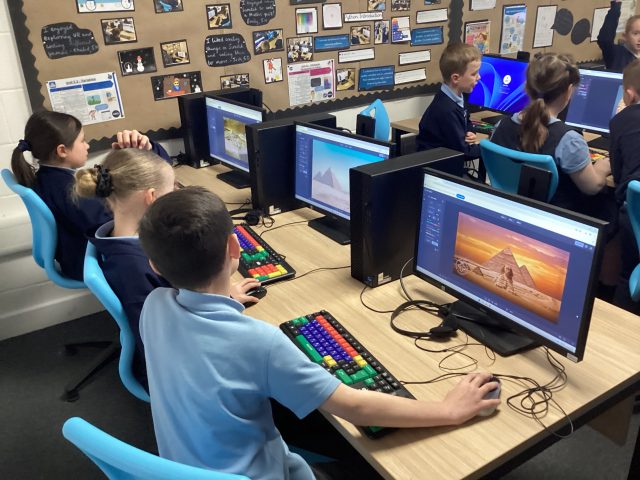
3McK have been enjoying editing photos this half term in computing.
1.46K
Tourism in North America
5H looked at different tourist attractions in North America, in Geography, distinguishing between physical landmarks and human landmarks. They used ipads and laptops to create a tourism fact file about these locations.
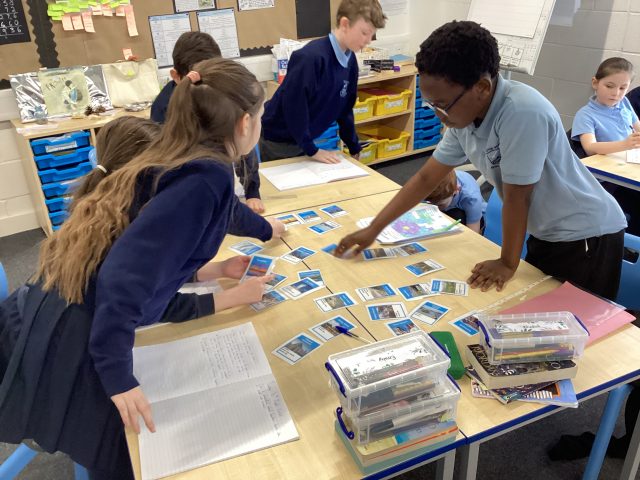
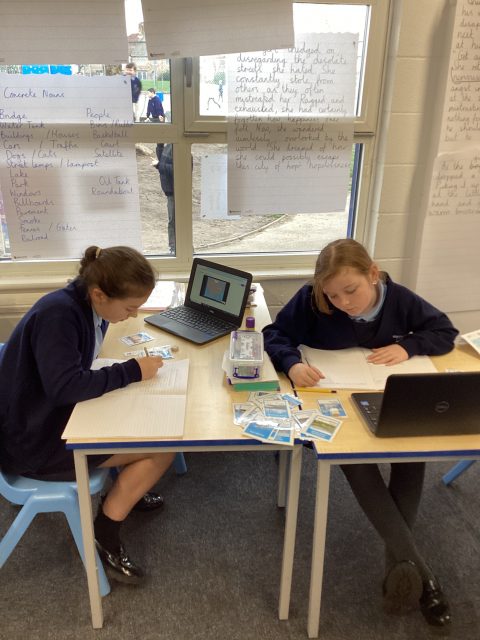
Science and Religion
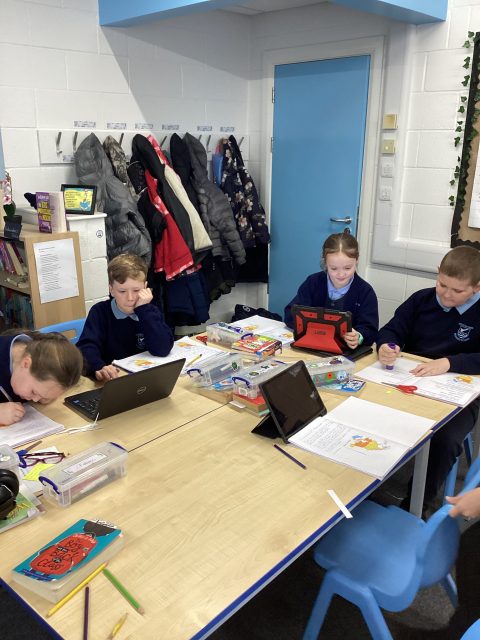
During R.E, this term, 5H have been discussing the big debate question of how the universe was created. We have been exploring both the scientific ideology of the Big Bang and the Christian story of Creation from Genesis 1. The children used computers to research scientists, who also believe in religion and how these views can coexist.
Computing year 5
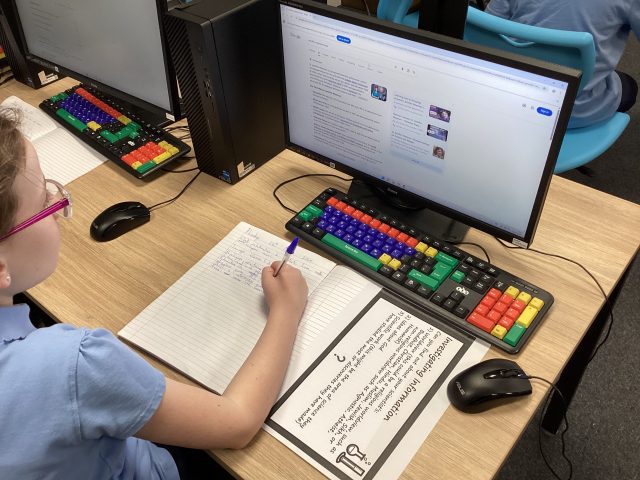
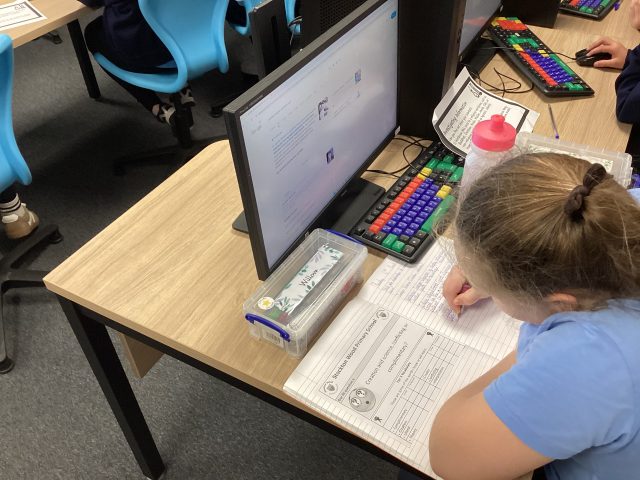
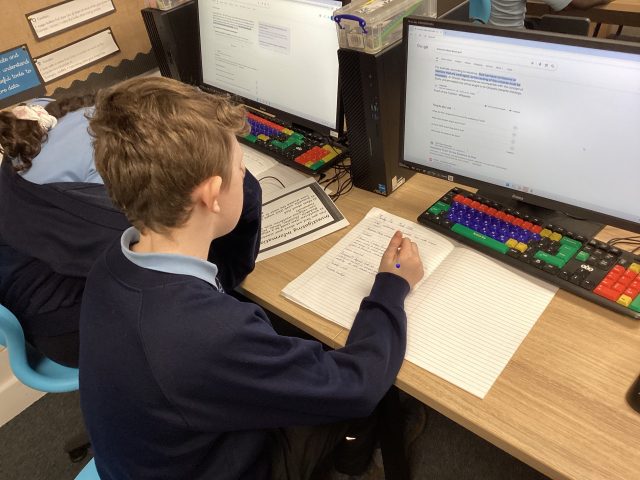
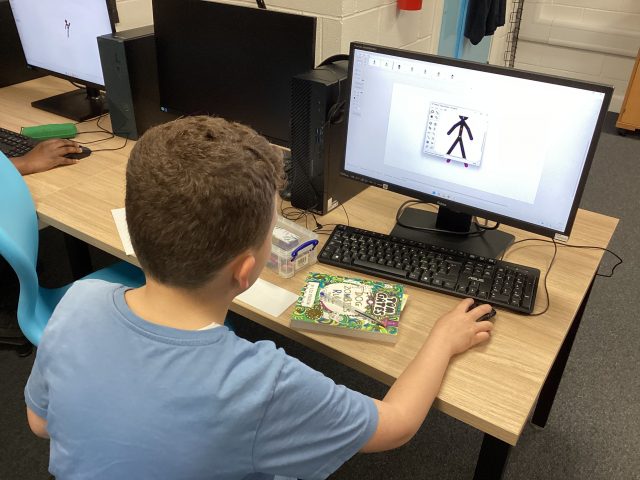
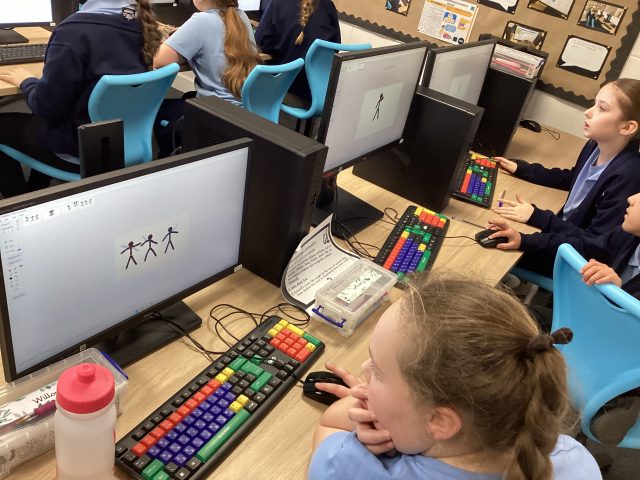
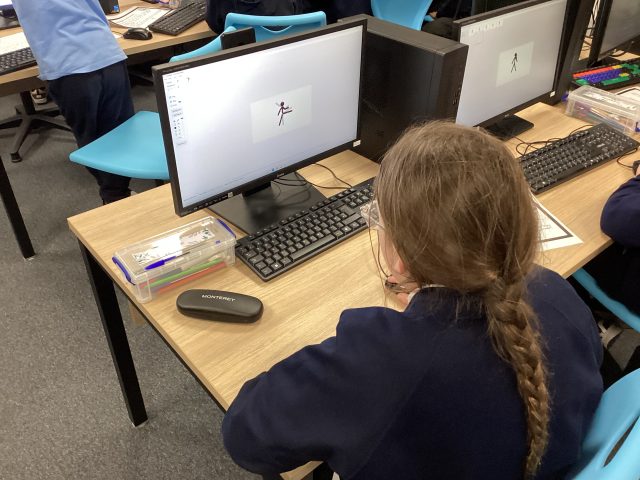
This week in year 5, we have started looking at animation in computing, using Pivot animator to make a stick man move, step by step.
Altering Media
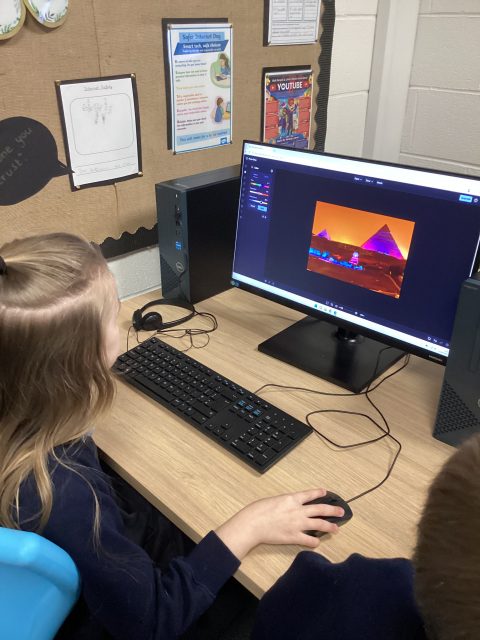
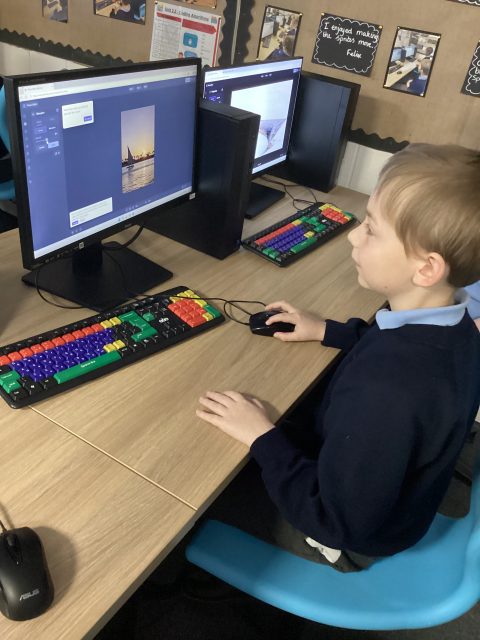
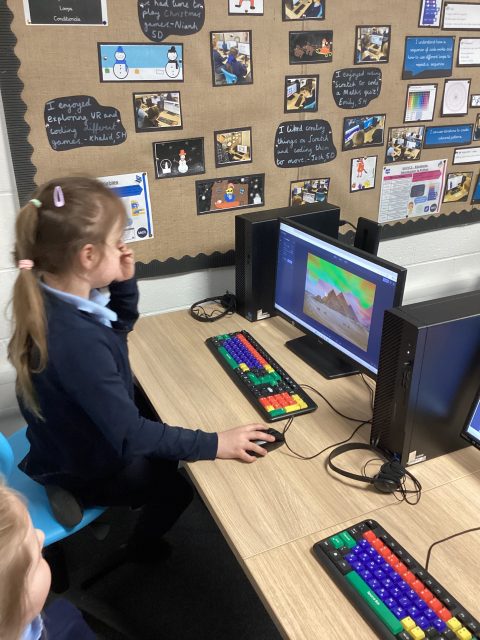
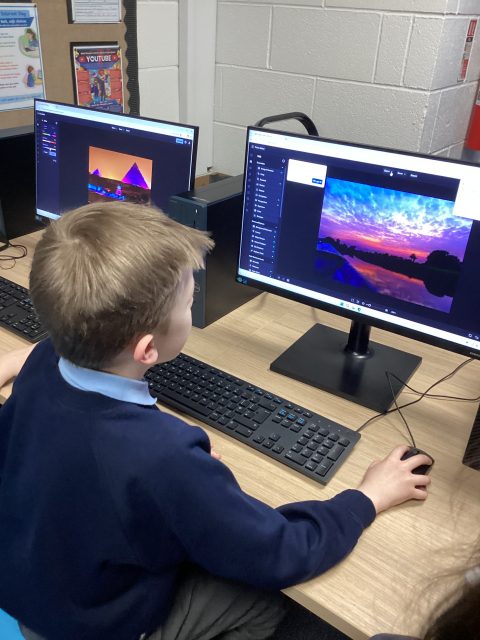
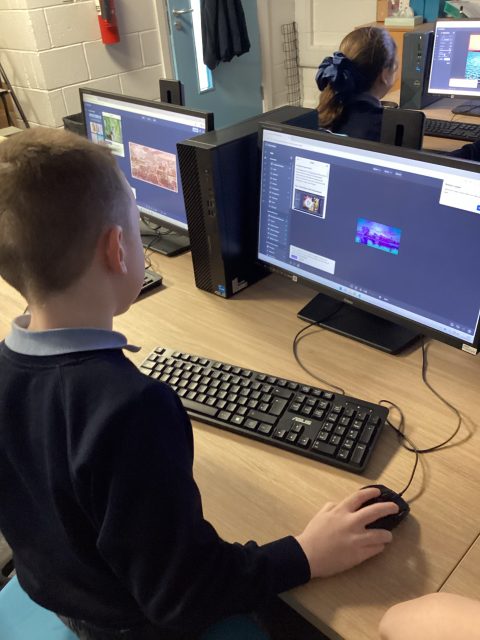
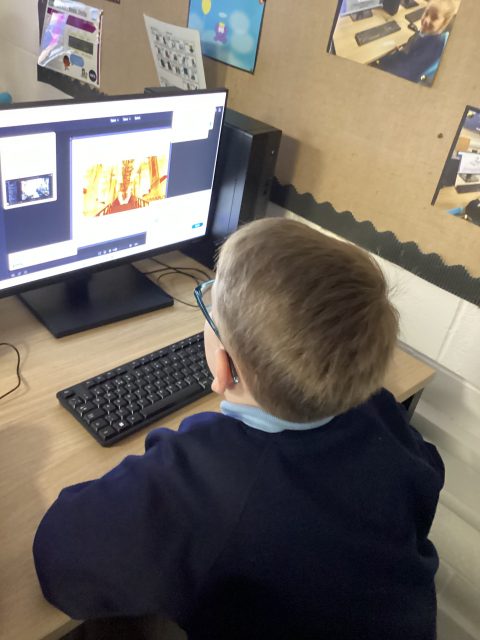
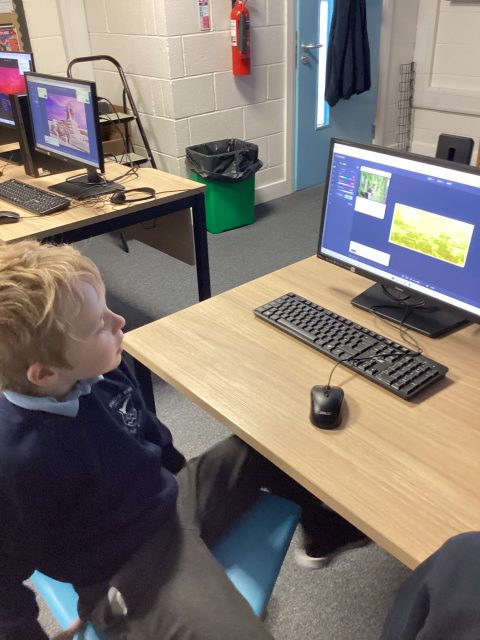
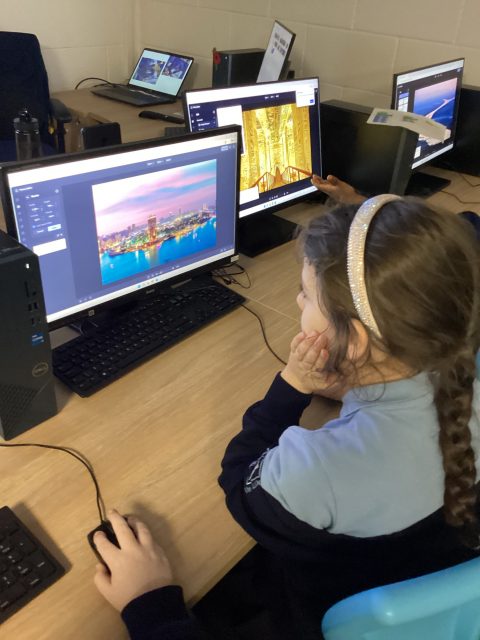
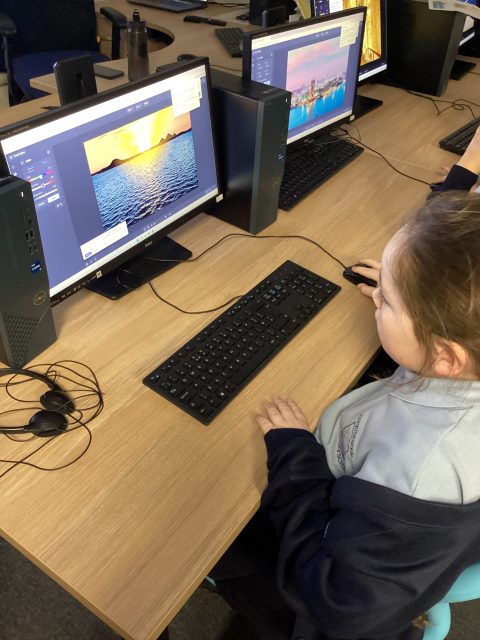
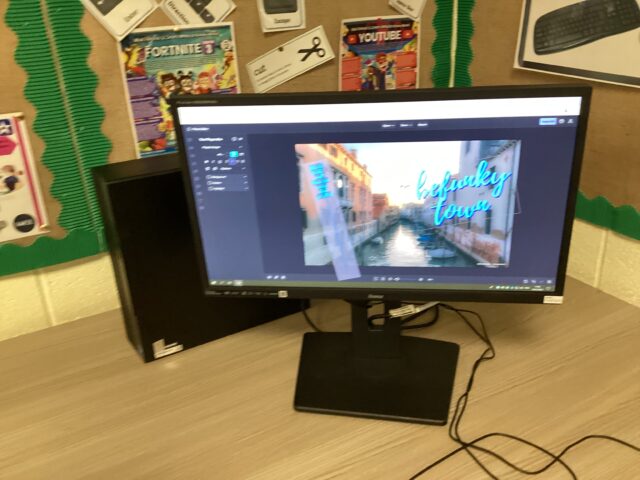
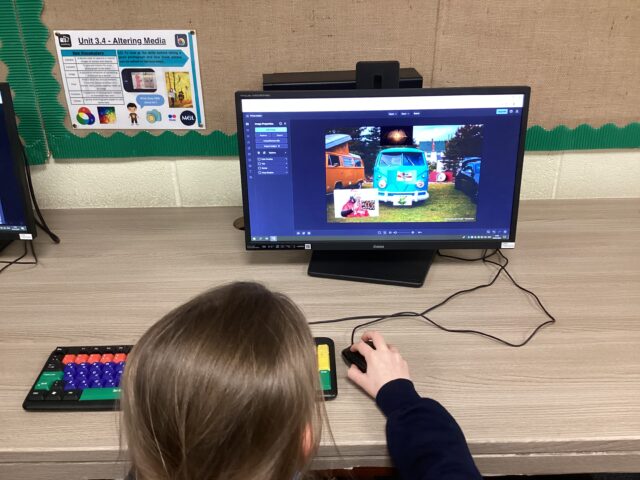
This week in Computing, we altered our favourite images on the photo editor, BeFunky. We altered the colour, size and shape of our images.
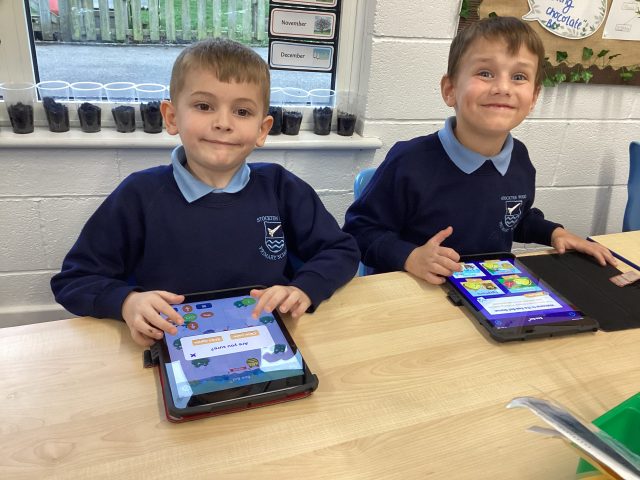
Computing
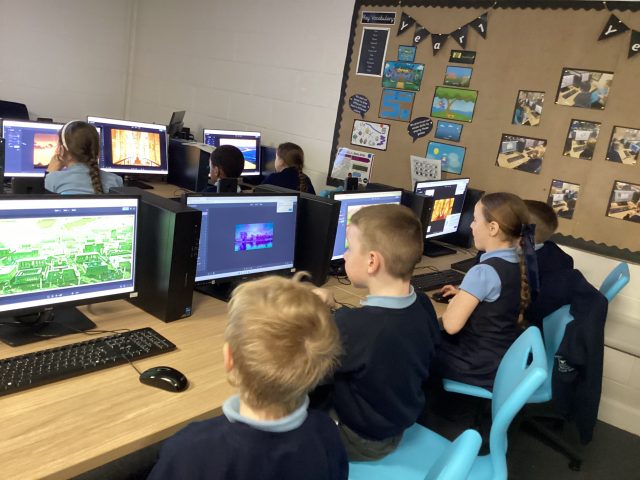
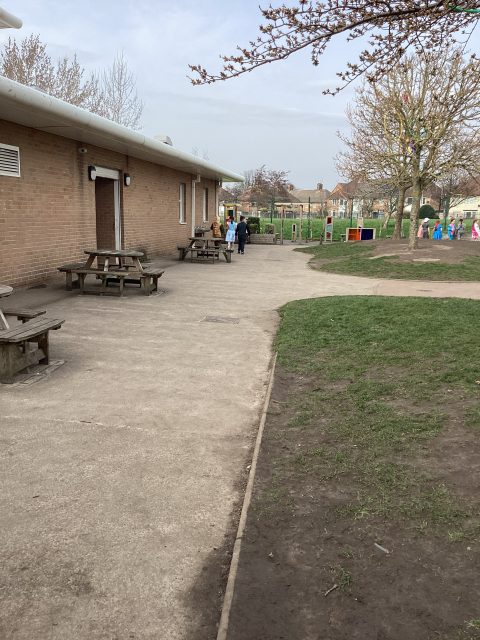
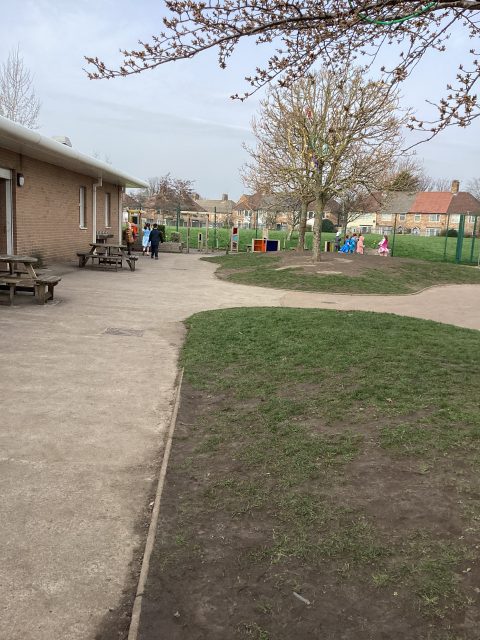
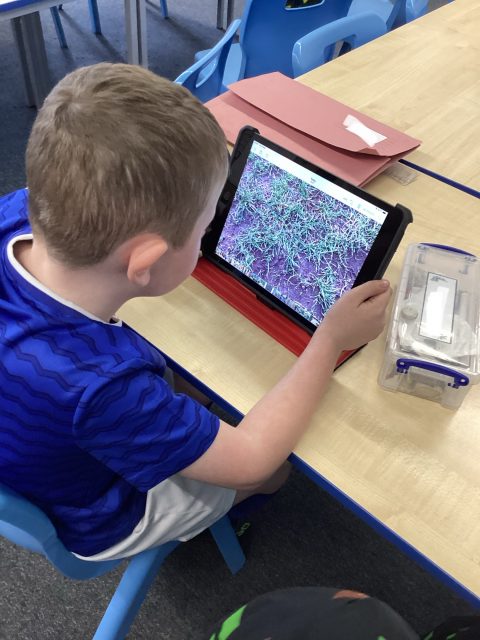
3M enjoyed taking pictures of our outdoor area and practising capturing images from different angles. They then chose their favourite images and discussed why it was their favourite.
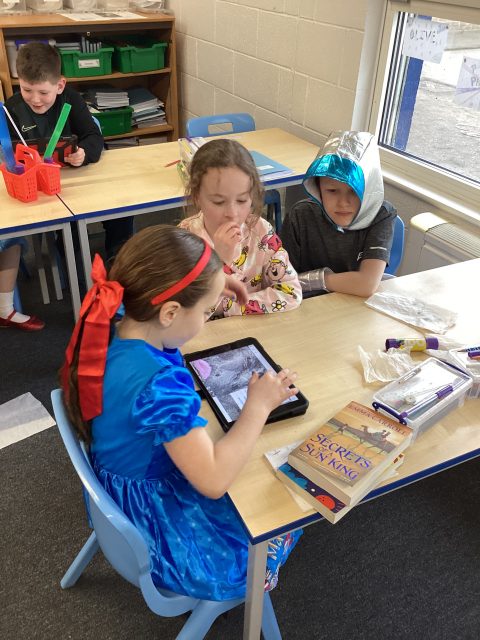
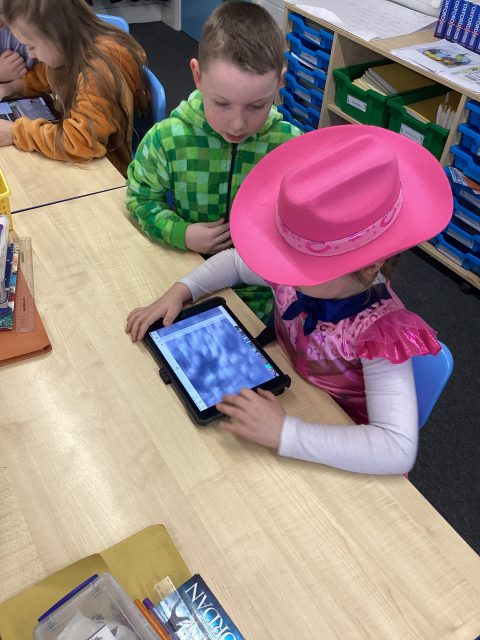
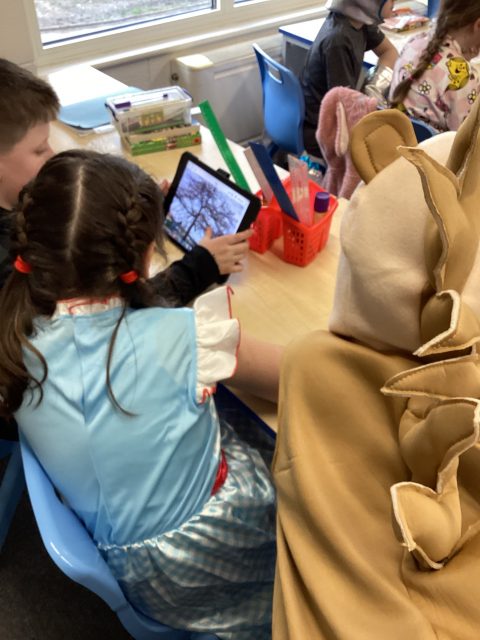
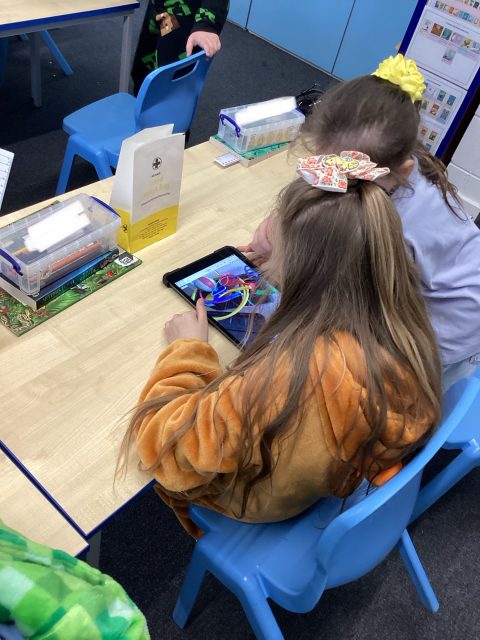
Year 3 Computing
3McK went outside today with our iPads to take pictures of things they found interesting. We ensured that our cameras were focused and we took good quality photos.
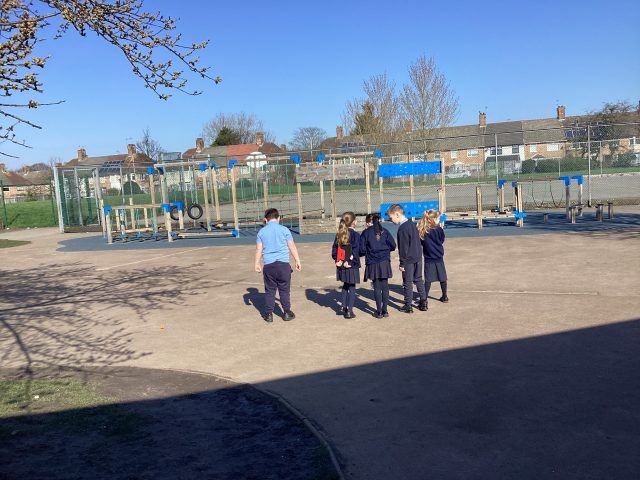
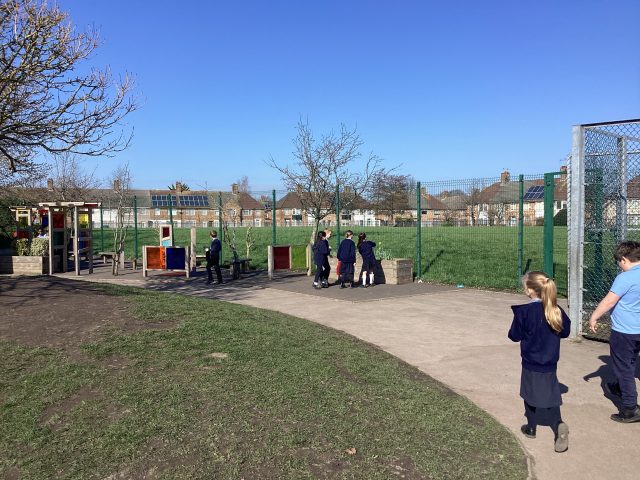
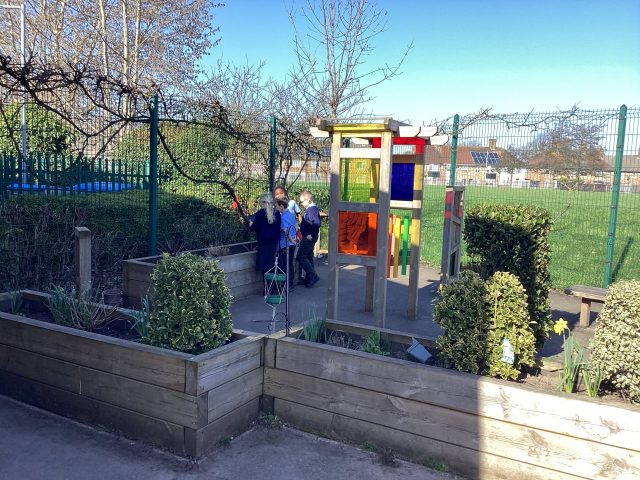


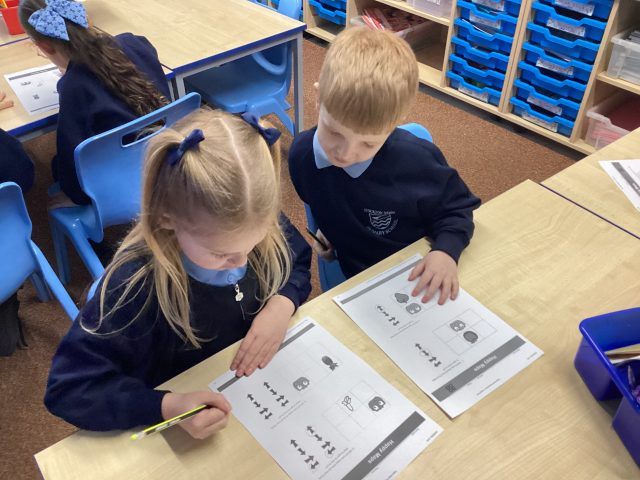
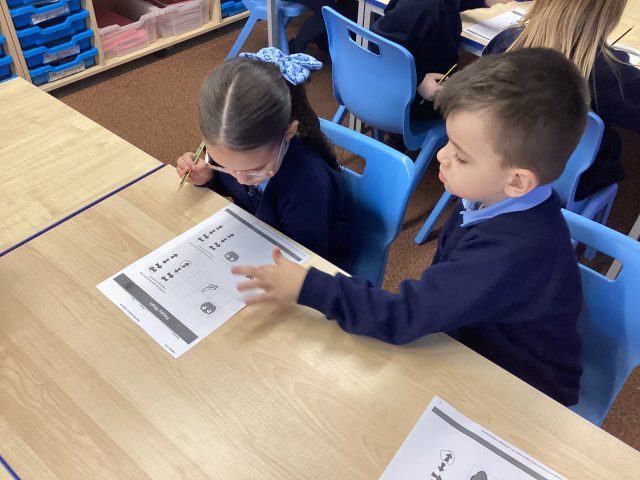
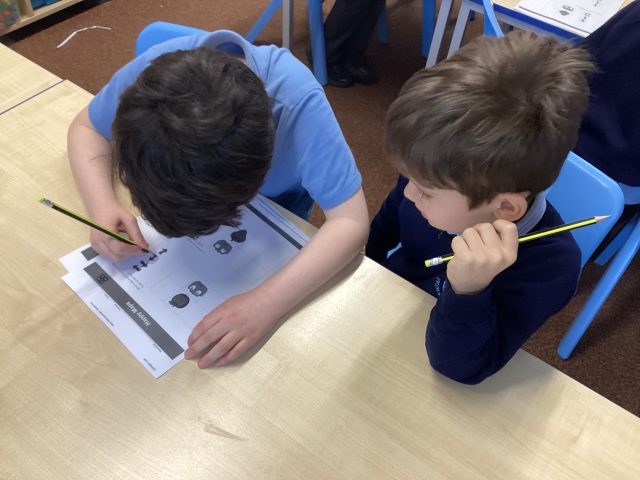
Internet Safety
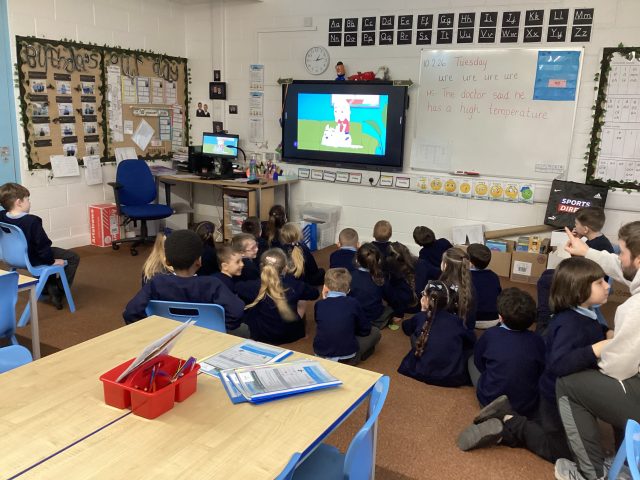
we watched a video all about being safe on the internet. We know that we must tell a grown up if we see something we don’t like and we never talk to a stranger on our devices.
938
LGBT 🏳️🌈 Week
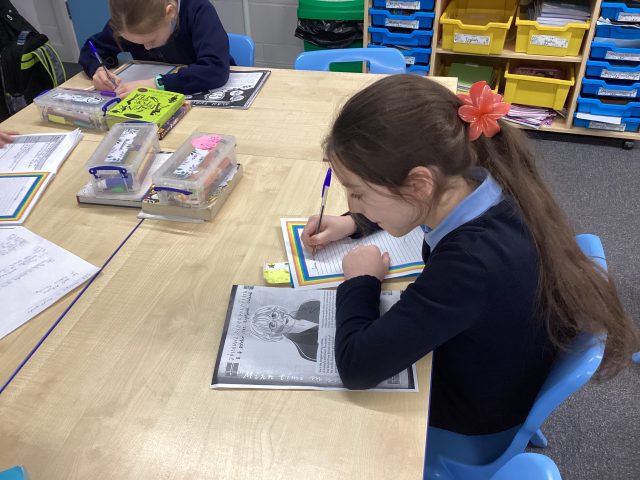
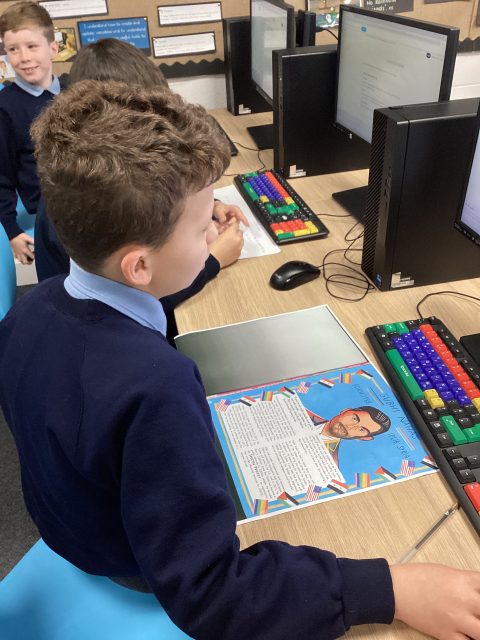
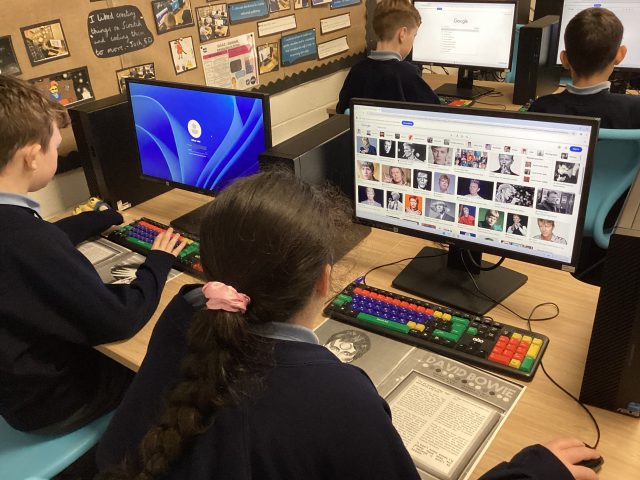
This week year 5 have looked at inspirational people throughout history and the present that have influenced the LGBTQ+ community. We researched some celebrities and icons such as David Bowie and Alan Turing and created an information report for our school display.
Year 6 Computing
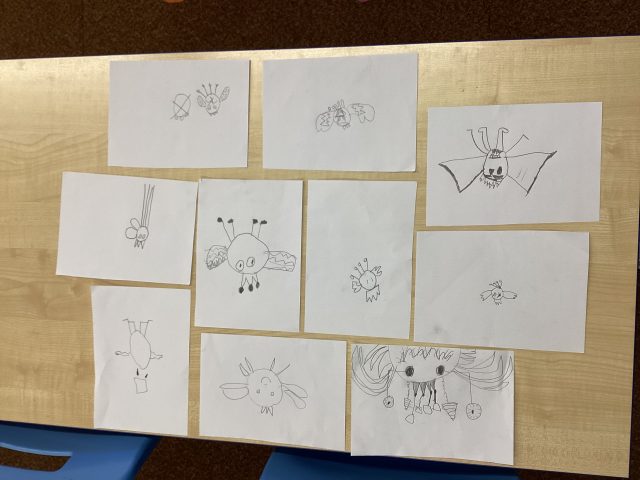
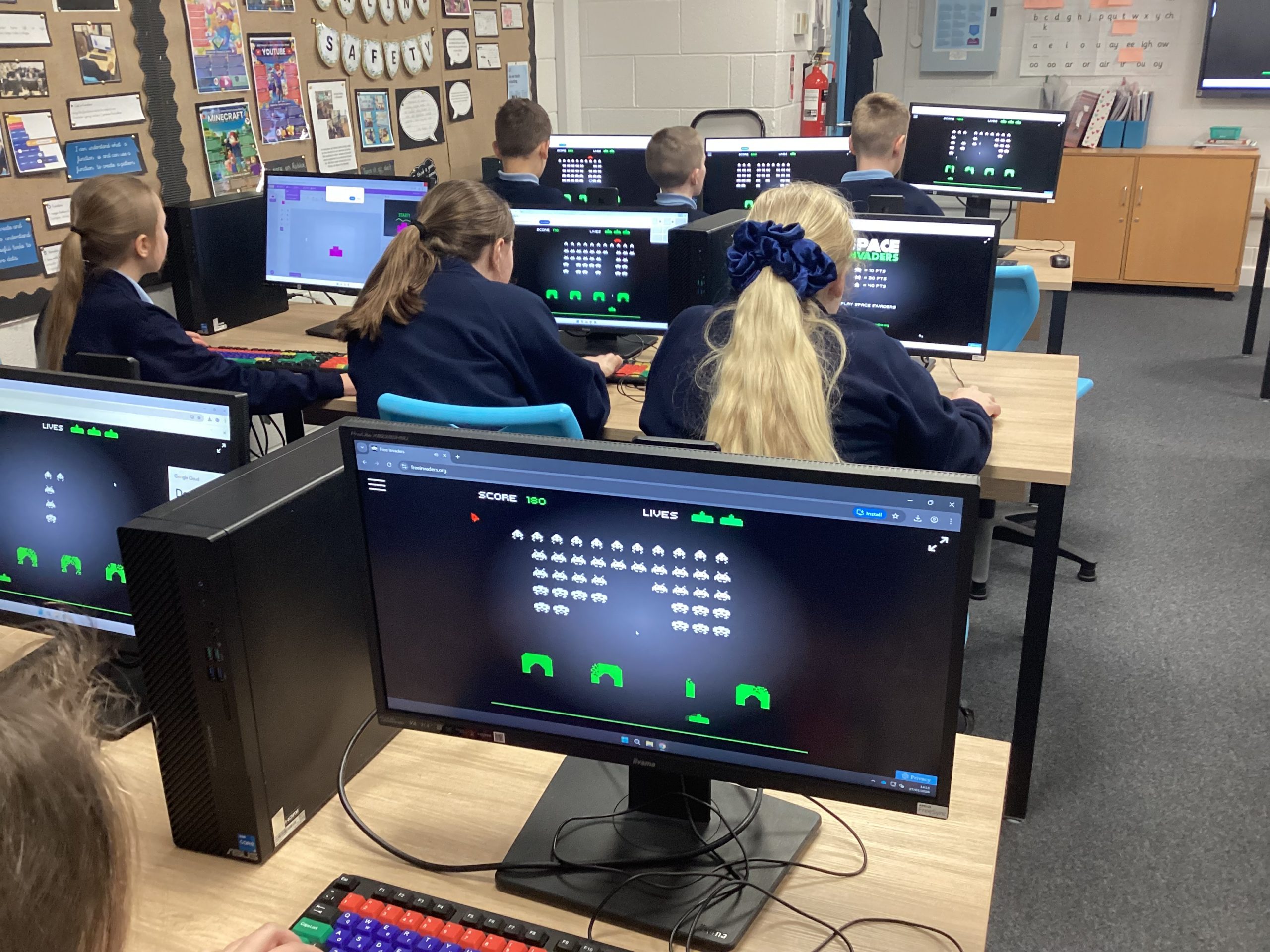
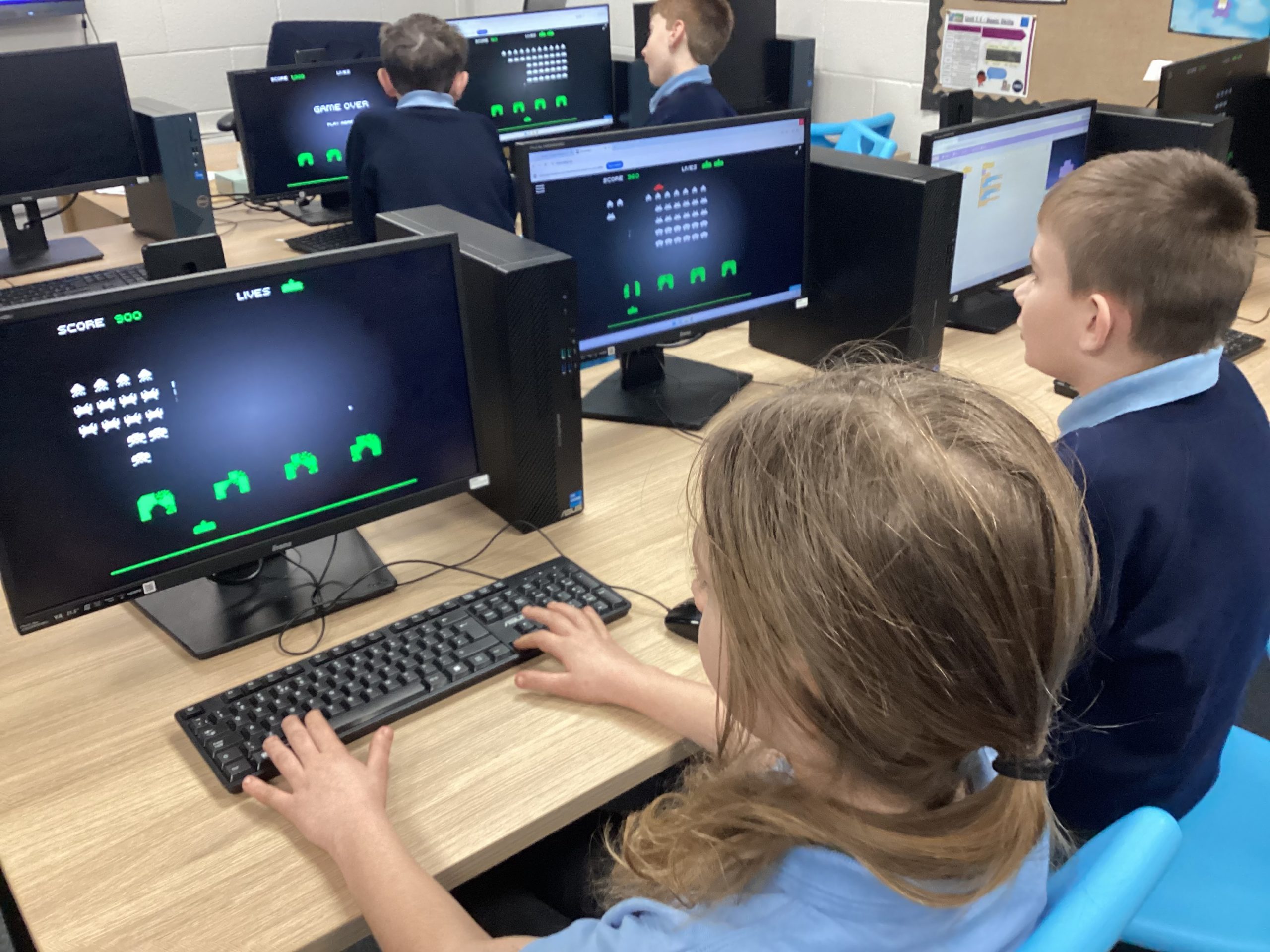
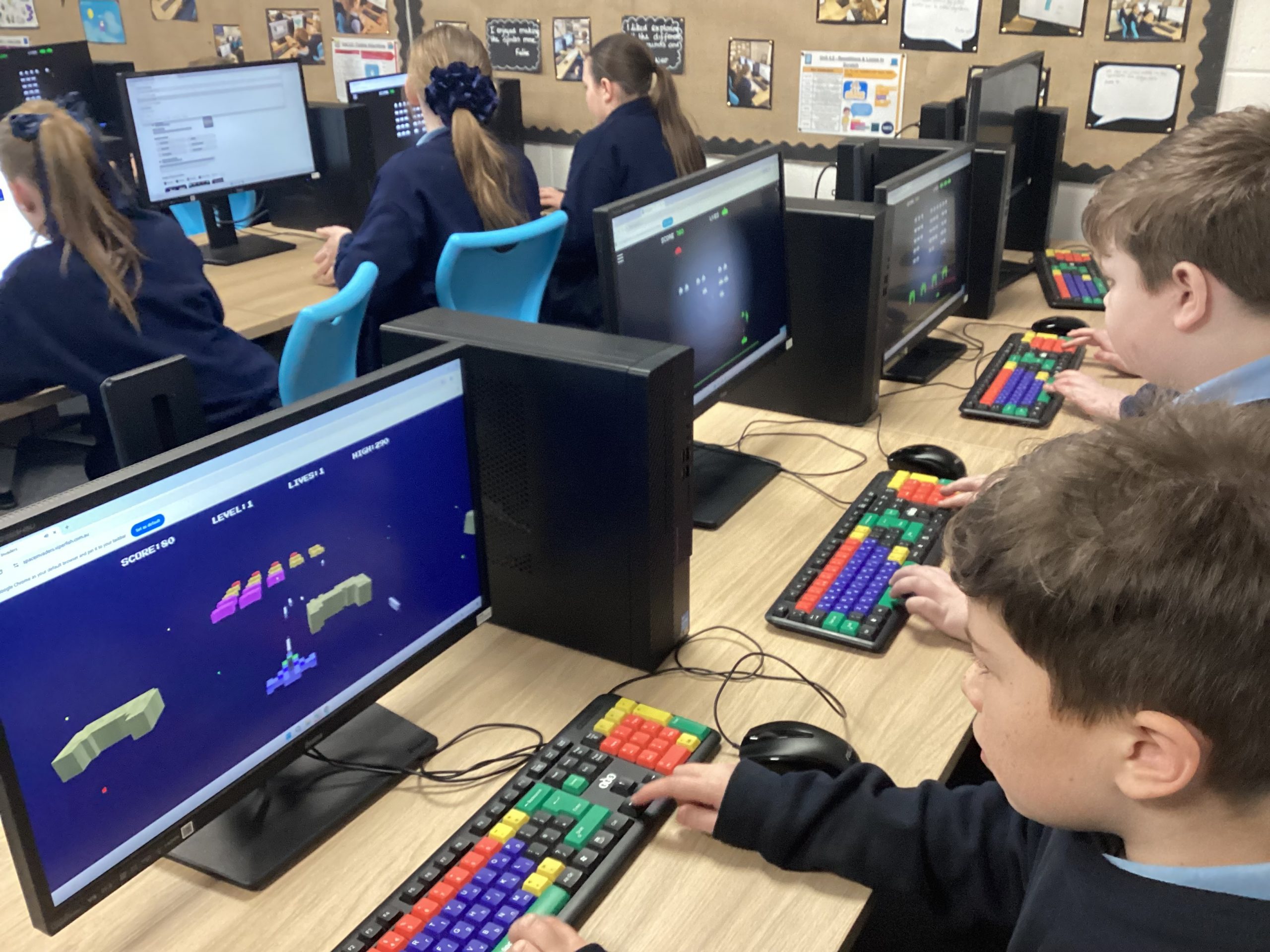
We have been programming our own games, inspired by the classic game Space Invaders.
Watch this ‘space’ for the finished product!
One day you might play one that we’ve created! 🤩
Year 3 Computing
3McK have been enjoying identifying errors in coding and fixing them so they were correct. We then wrote comments explaining what we had changed.
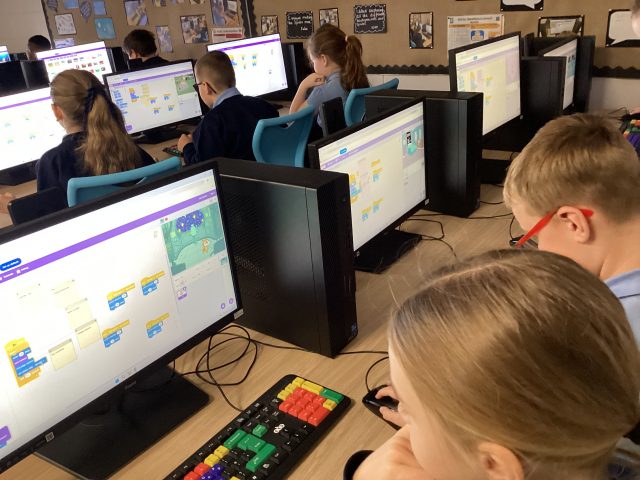
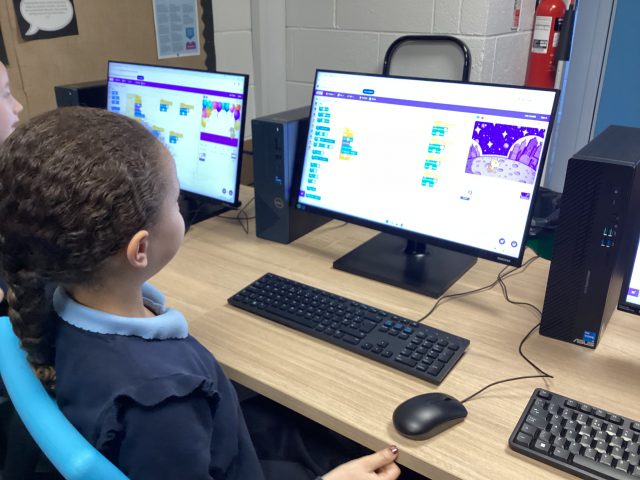
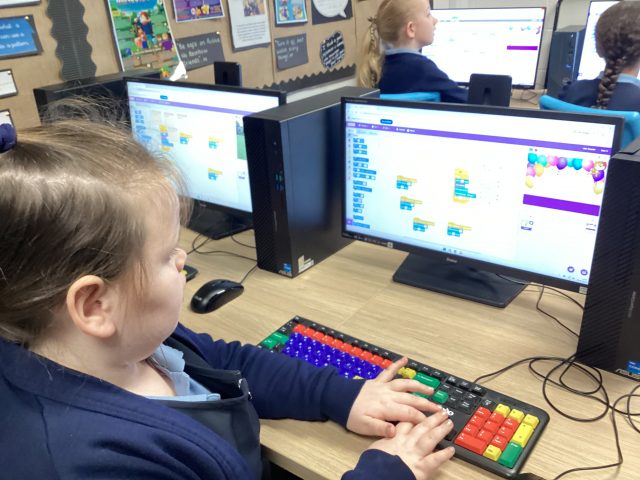
Computing
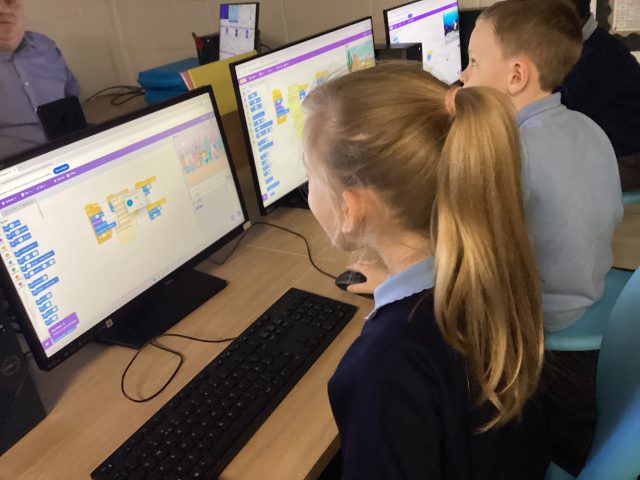
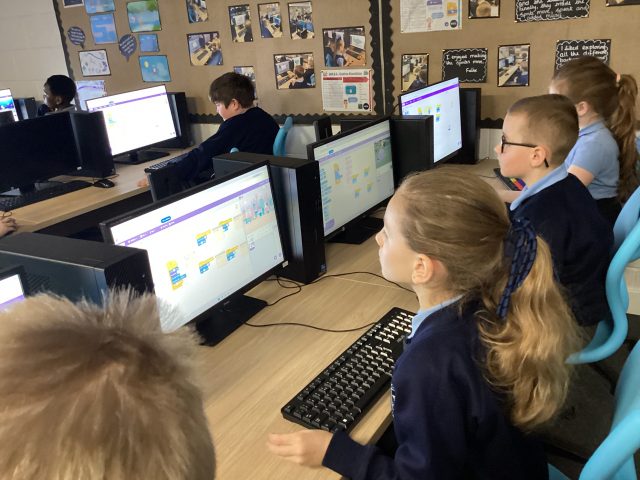
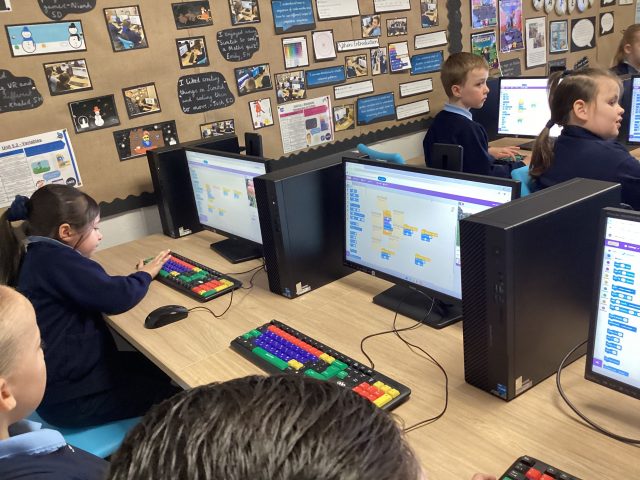
This week in computing we have been using the app ‘scratch jr’ to program a character to complete actions. Here we are designing our own characters and making them dance.
River Research
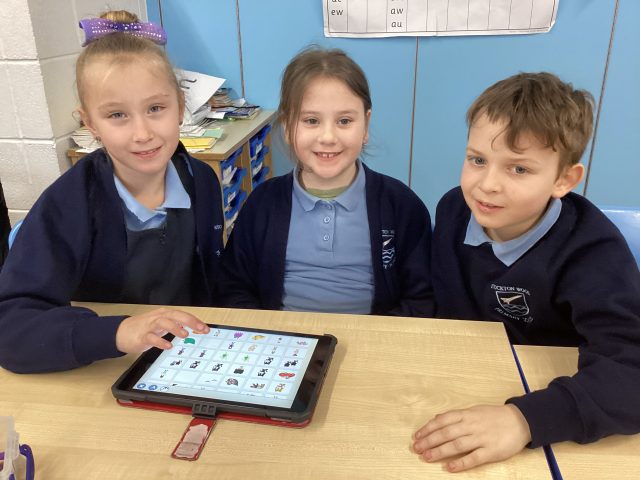
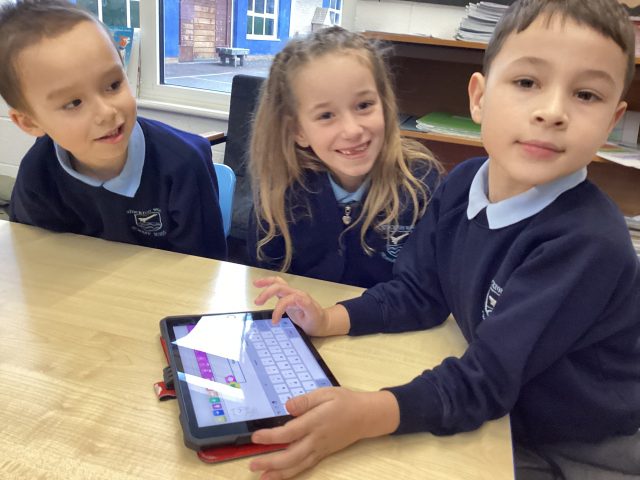
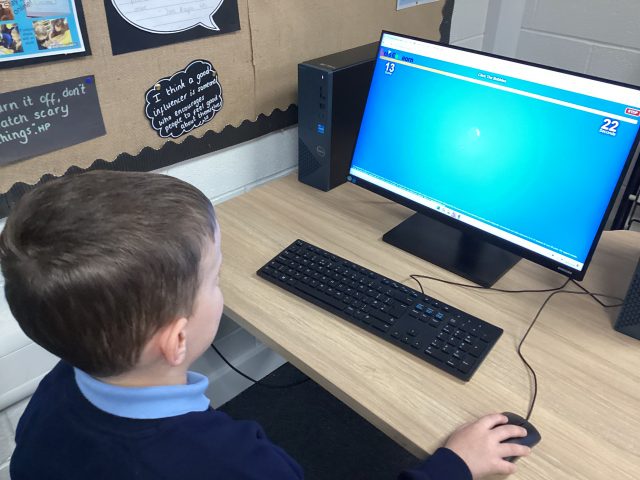
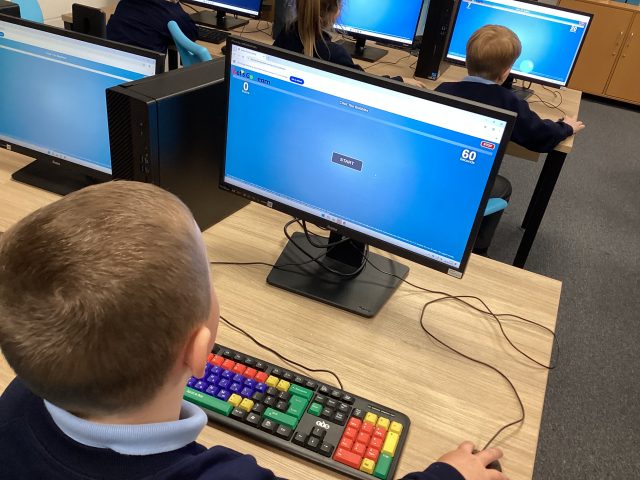
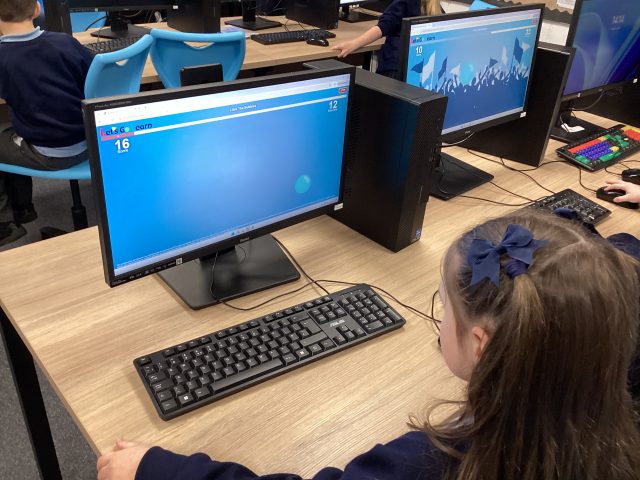
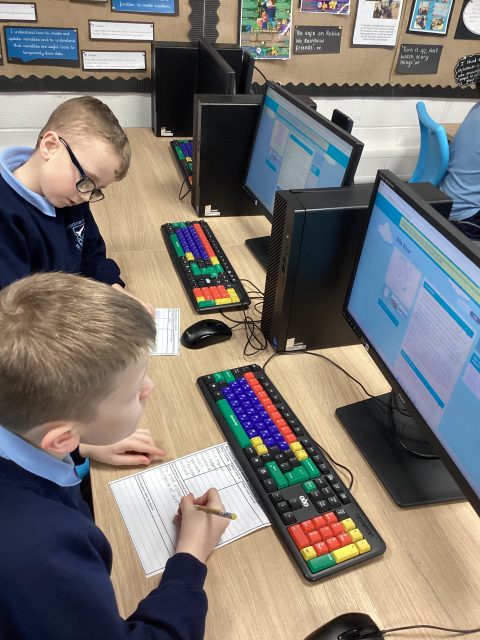
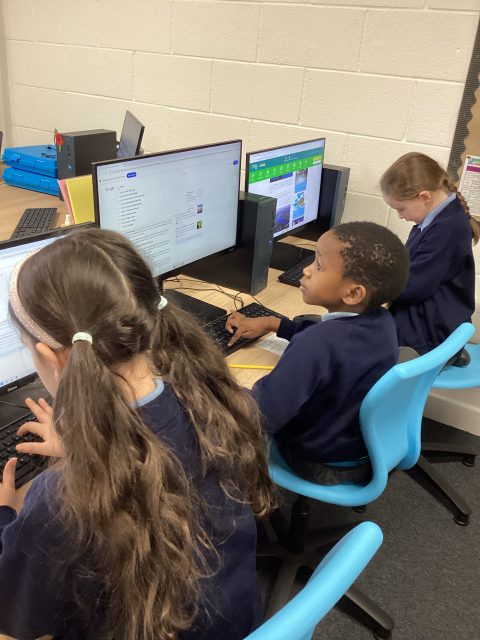
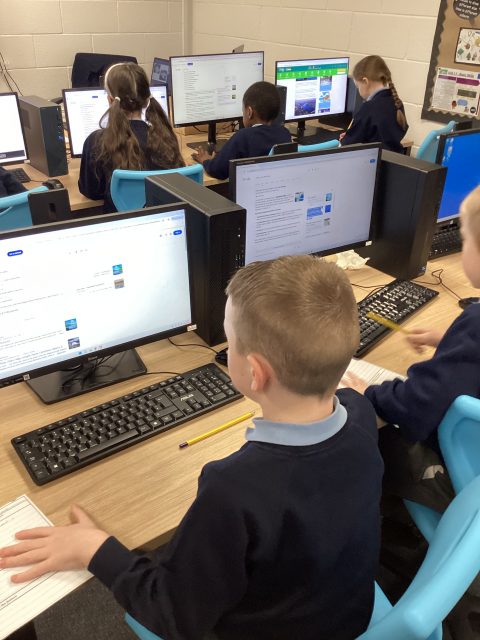
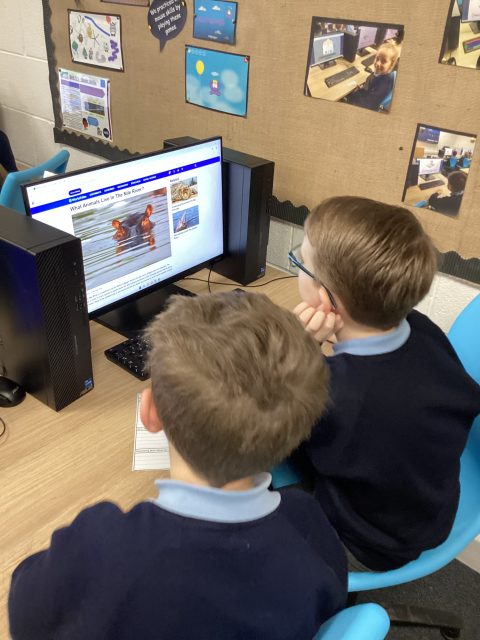
Today in English, we used the computers to search for facts about the river Nile which we will use to write our information text about the river.
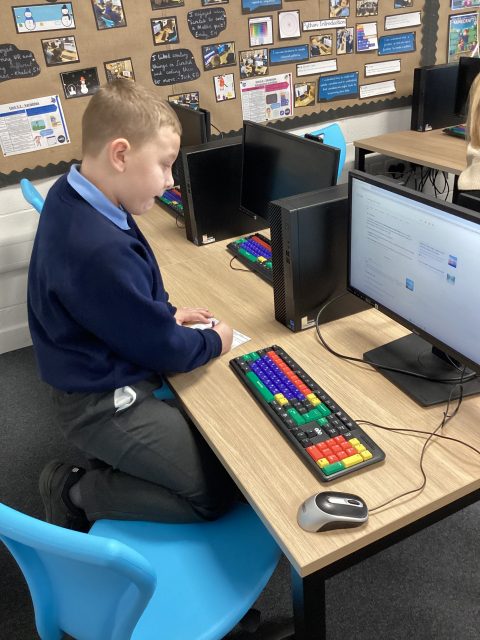
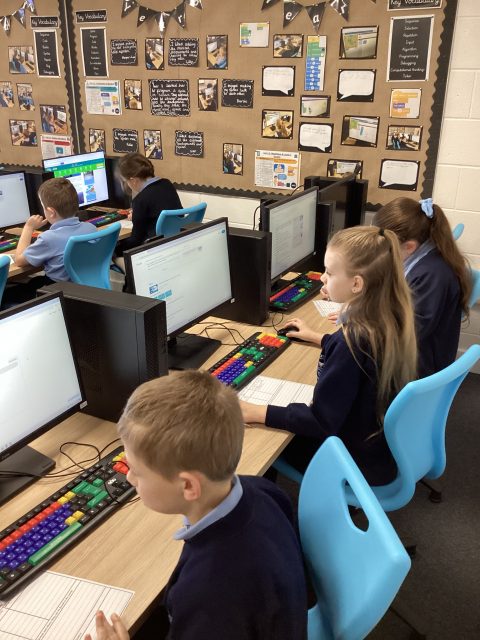
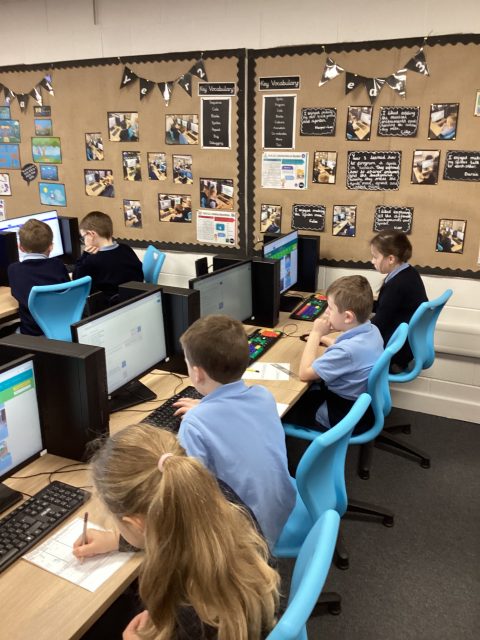
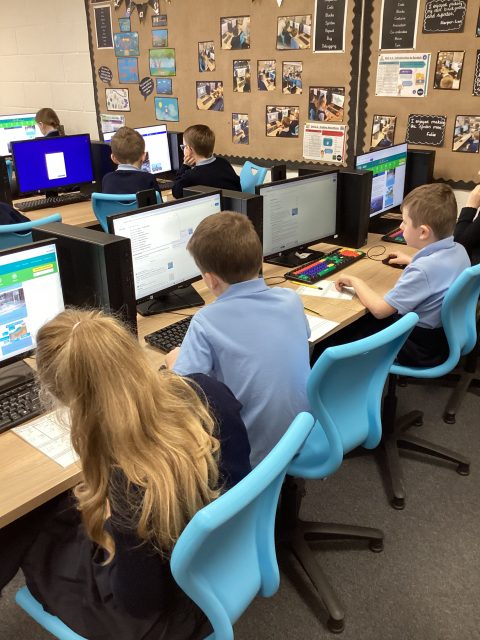
Coding
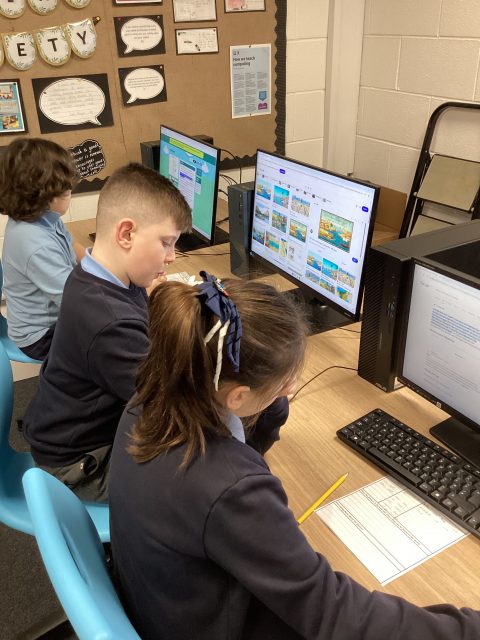
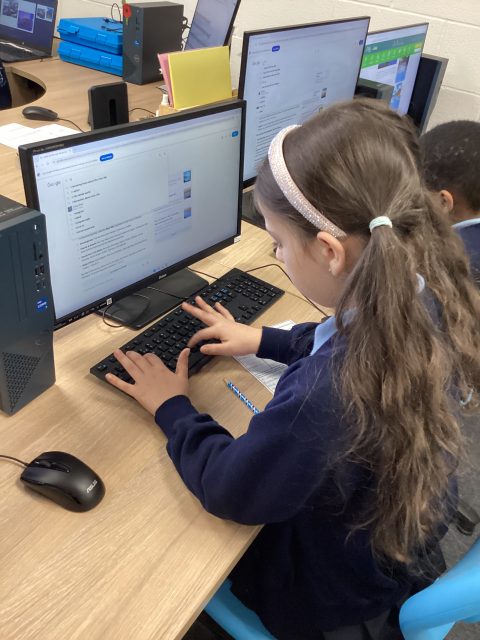
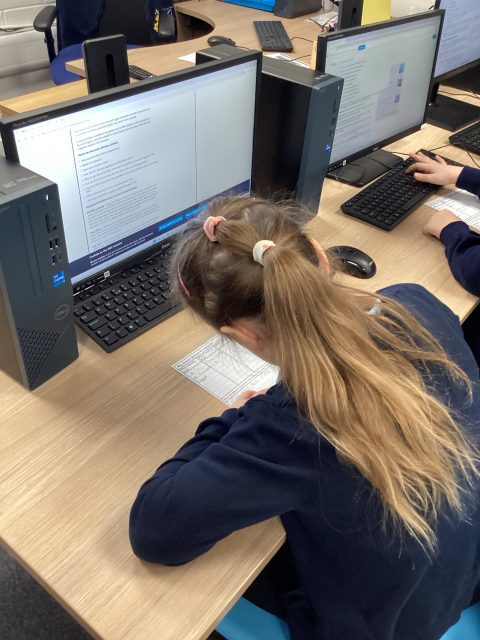
This week in Computing, we have identified errors in coding and fixed them so they were correct. We then wrote comments explaining what we had changed.
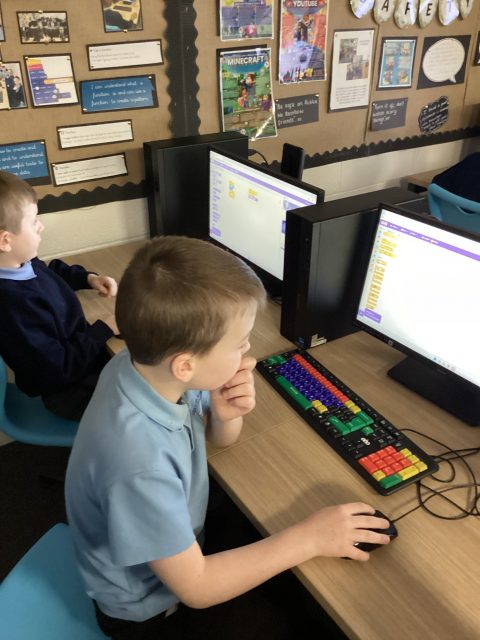
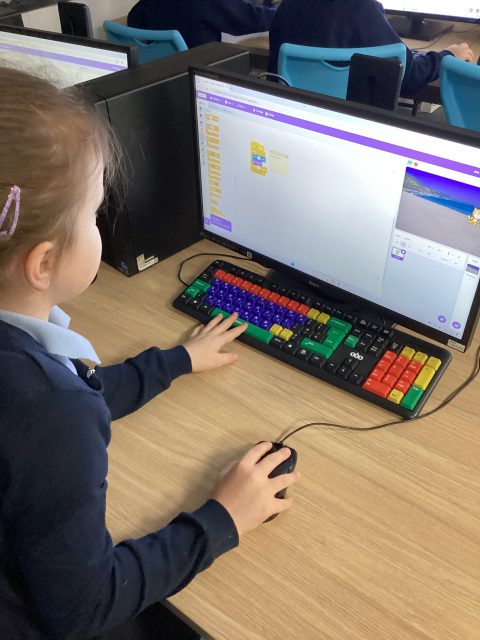
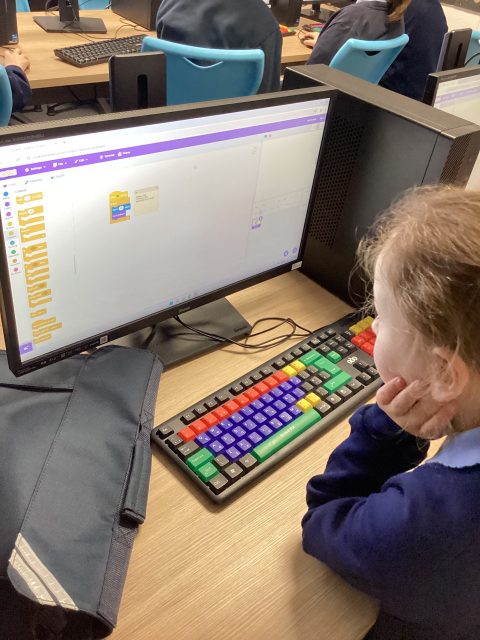
Microbits in year 5
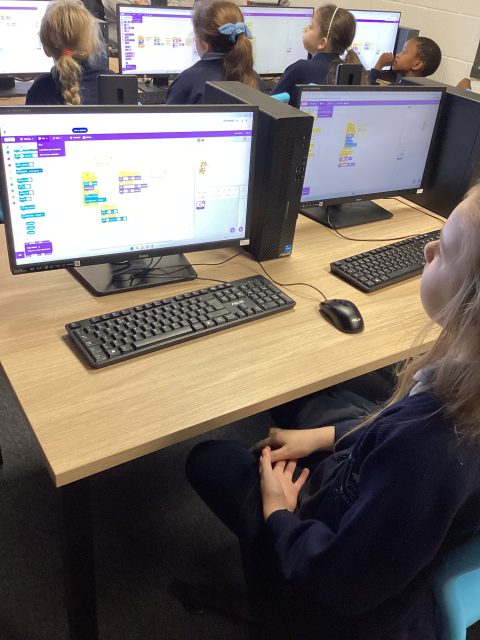
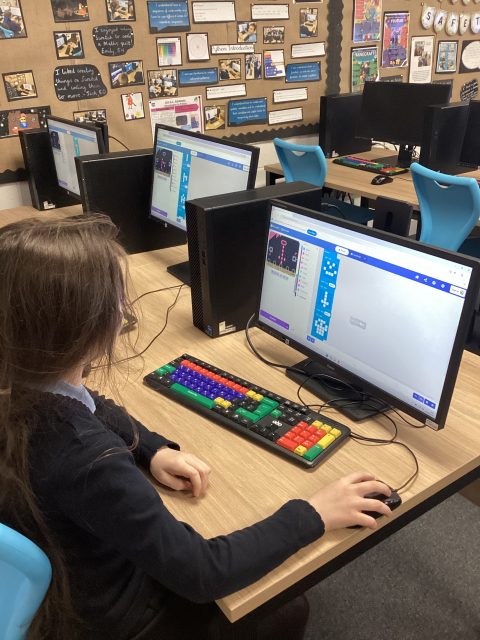
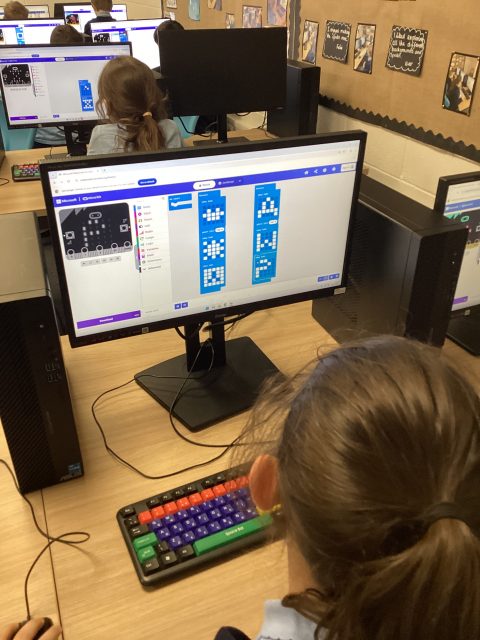
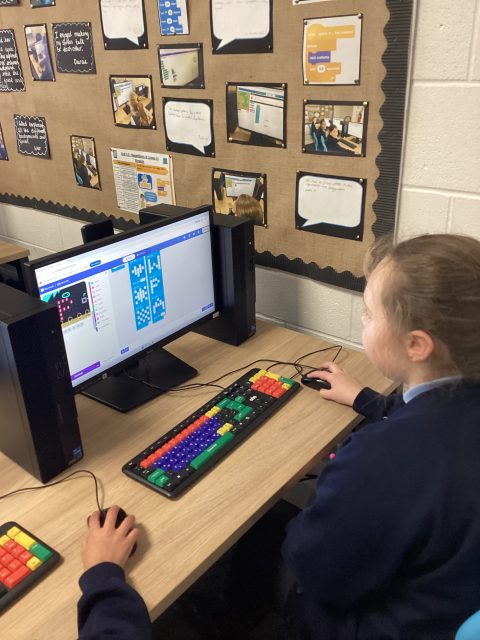
This week, 5H have been using Microbits to create games and animation.
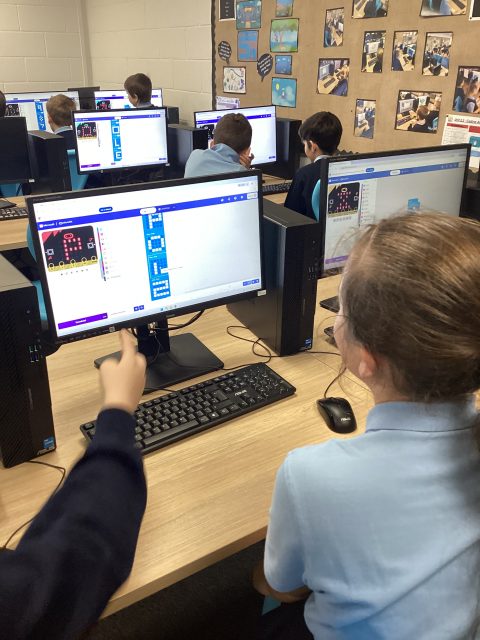
Computing
Today in Computing, Year 3 have been debugging code and developing a further understanding of what the instructions do.
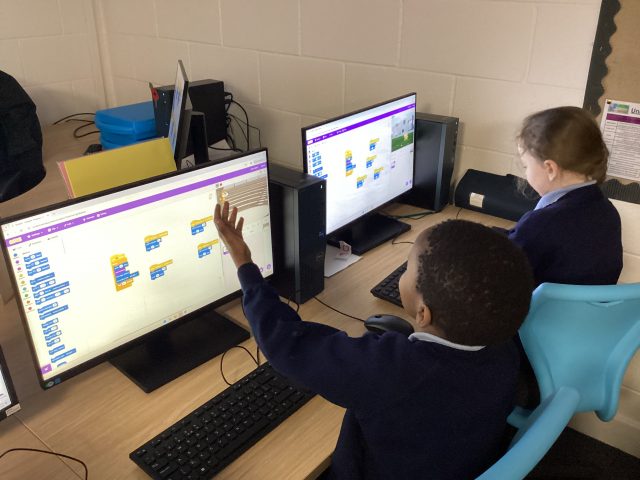
Scratch
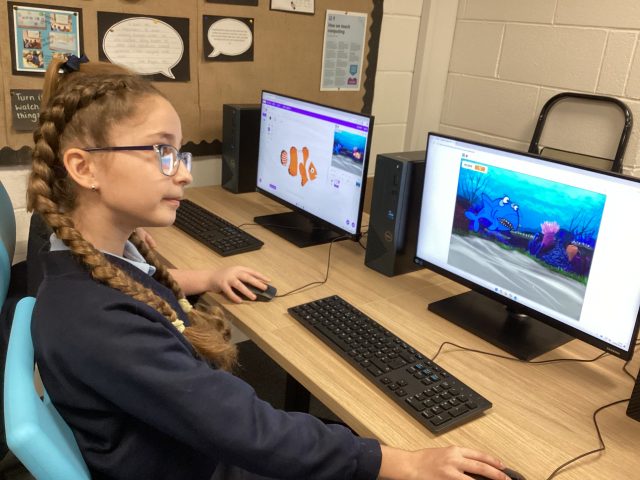
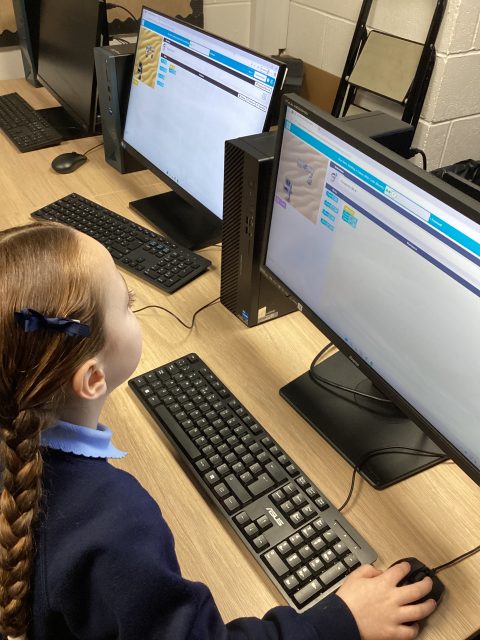
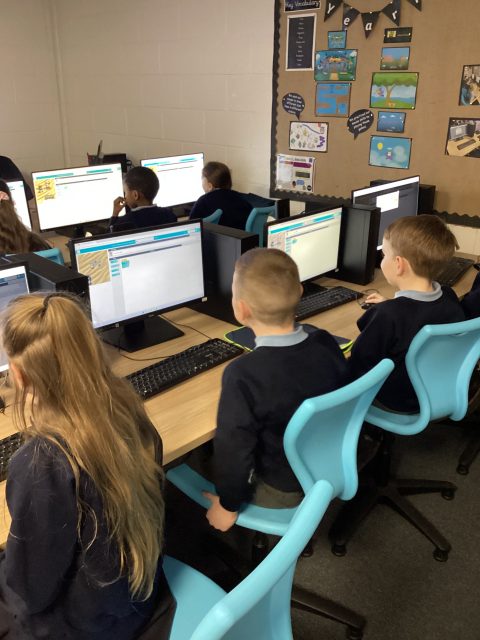
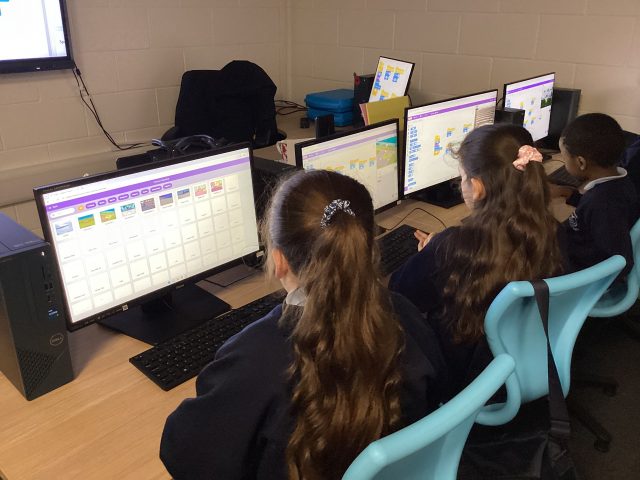
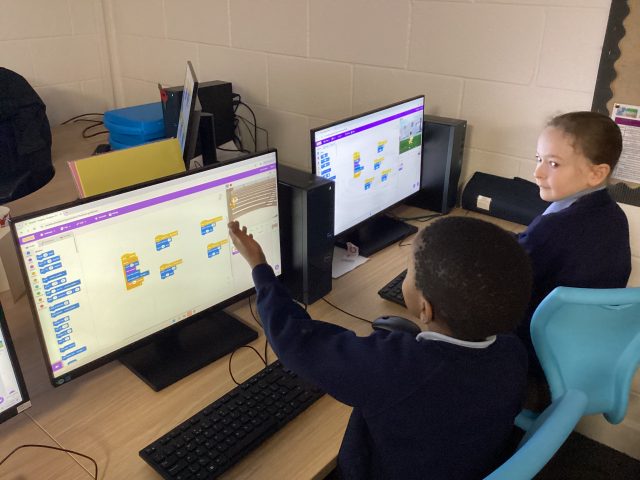
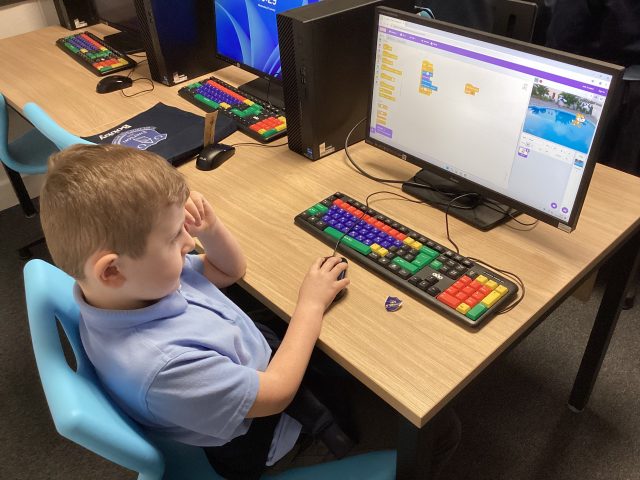
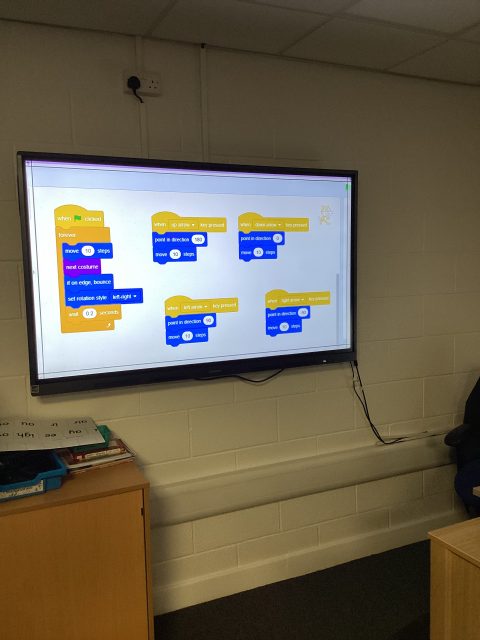
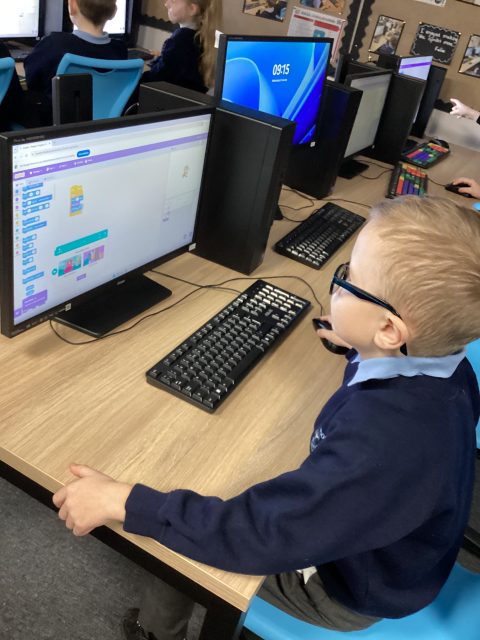
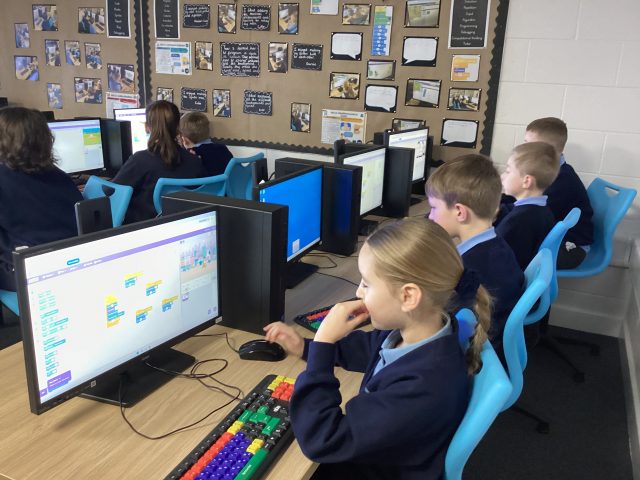
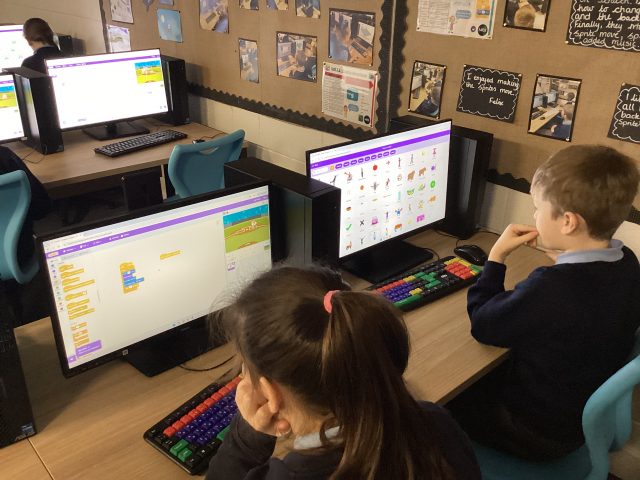
Yesterday, Mr Moffat showed us how to write code for a game where a shark is trying to eat fish. Some of us even made the game more challenging with a scorer and multiple fish.
1.96K
Computing -Prediction and Debugging
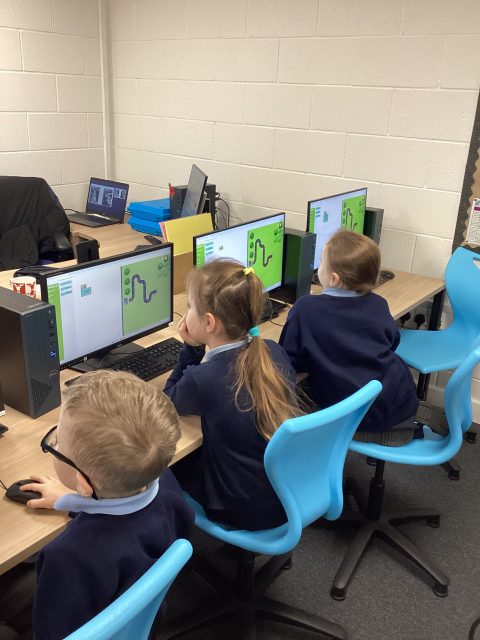
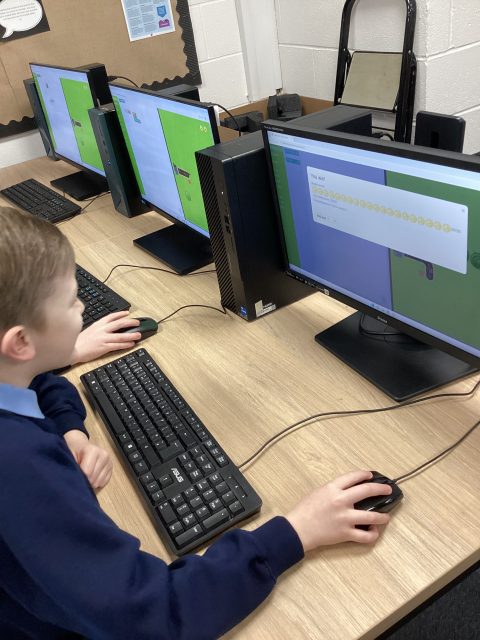
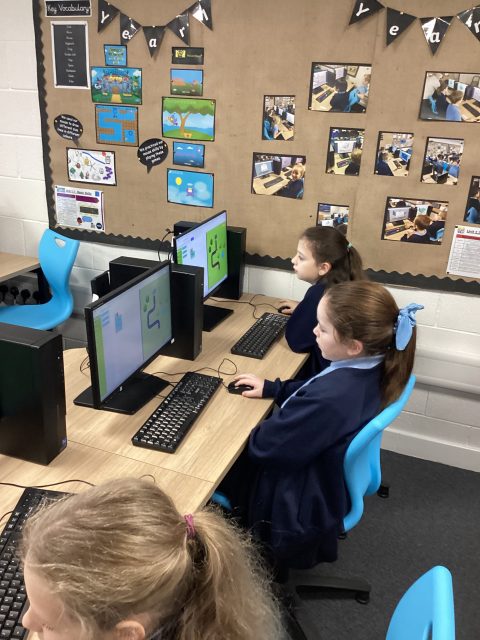
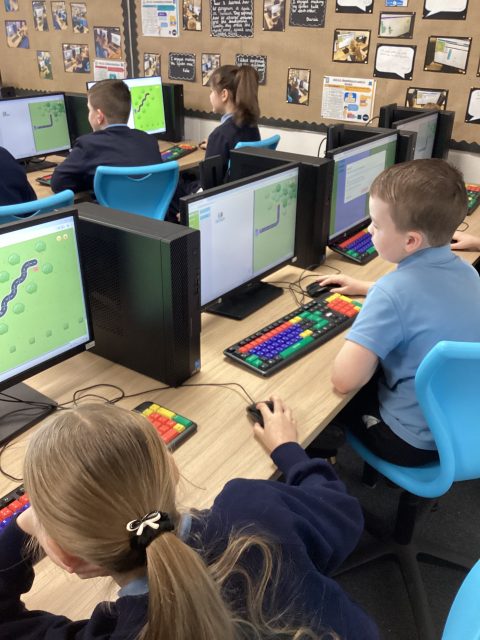
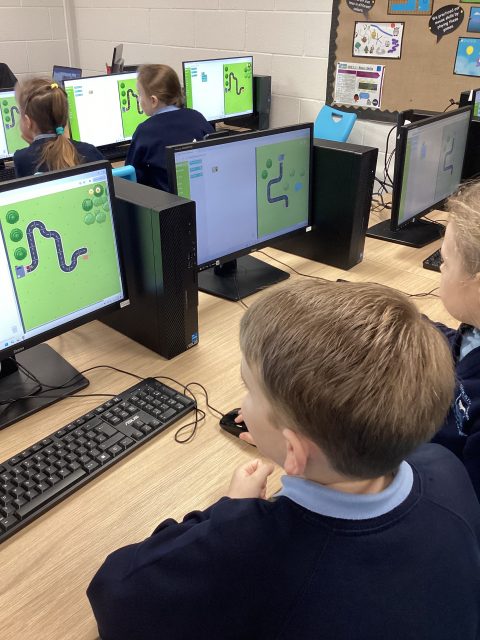
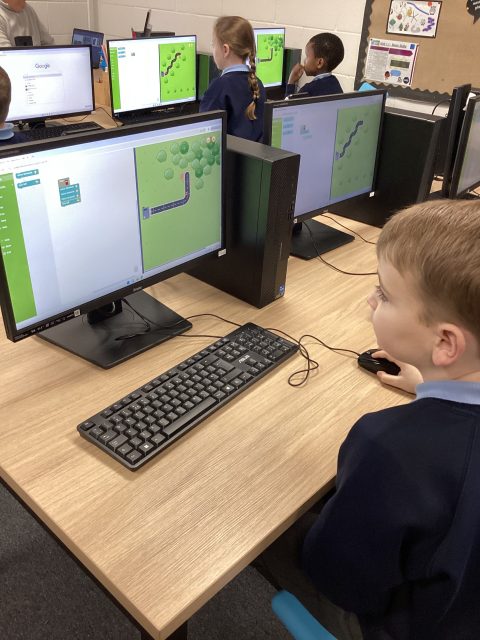
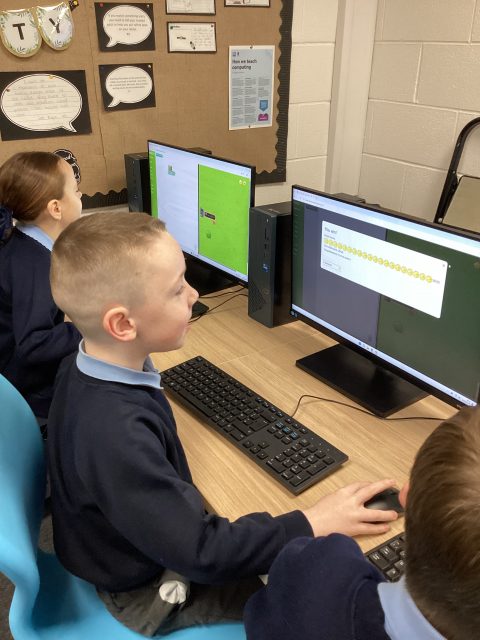
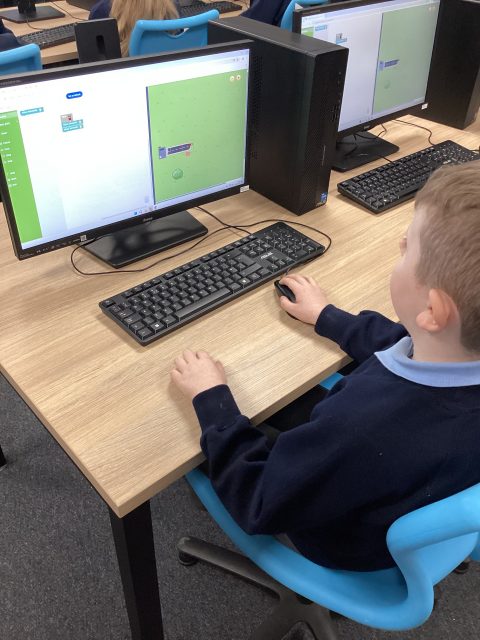
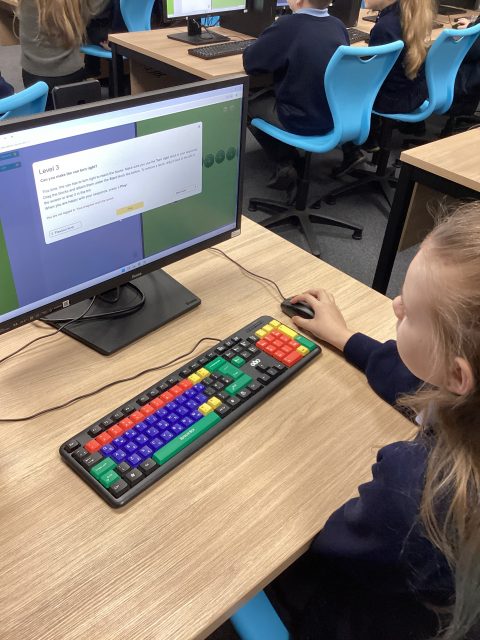
Today in Computing, we explored the importance of sequencing. We went on the coding game Rapid Router and created instructions to get the car home.
5D Christmas Card Winner!
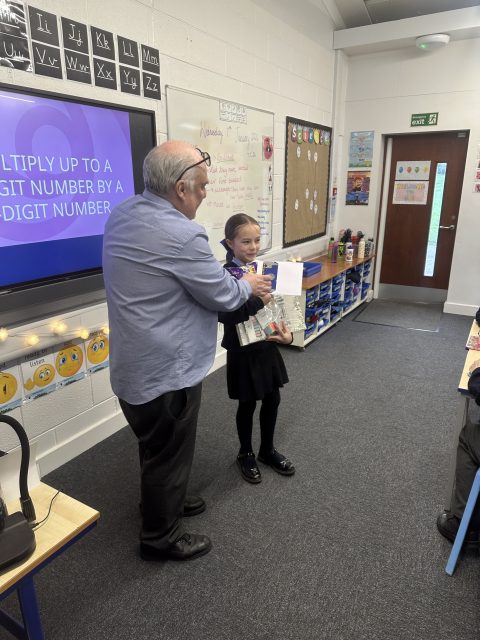
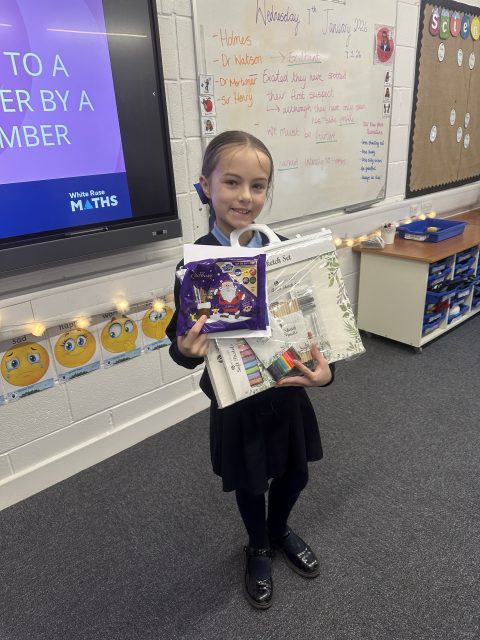
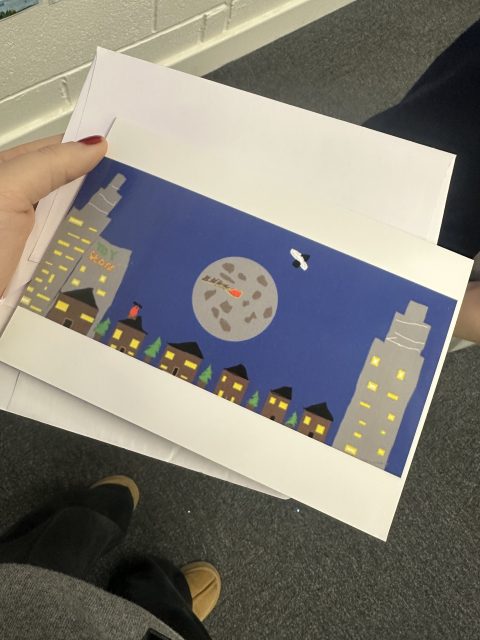
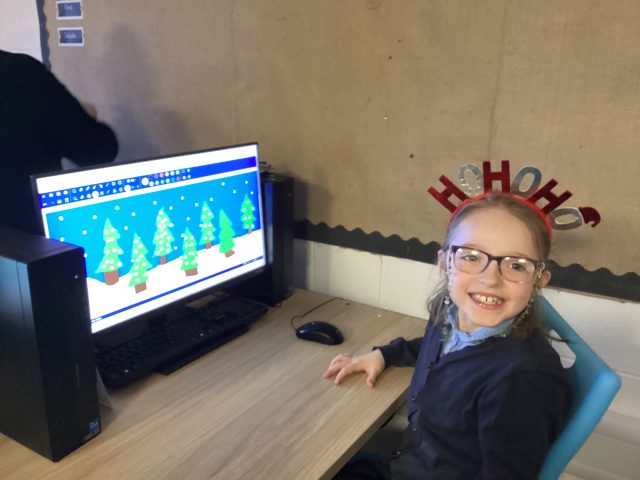
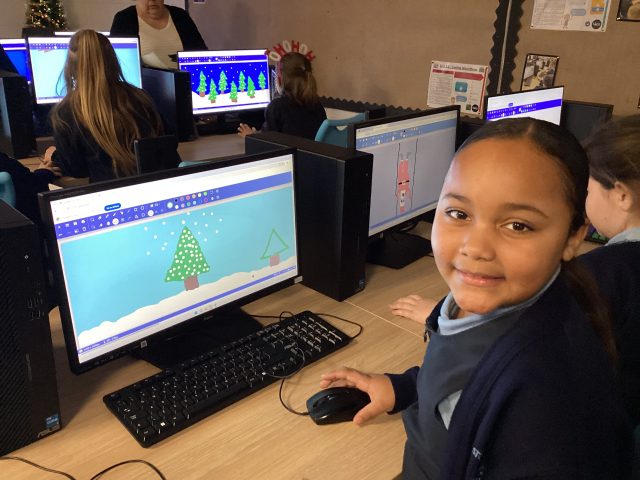
Ellie from 5D has won the Christmas card competition for computing, which was run and judged before the Christmas holidays. Her award was presented to her today by Mr Moffat. Well done, Ellie — we are all very proud of you!
Christmas Computing!
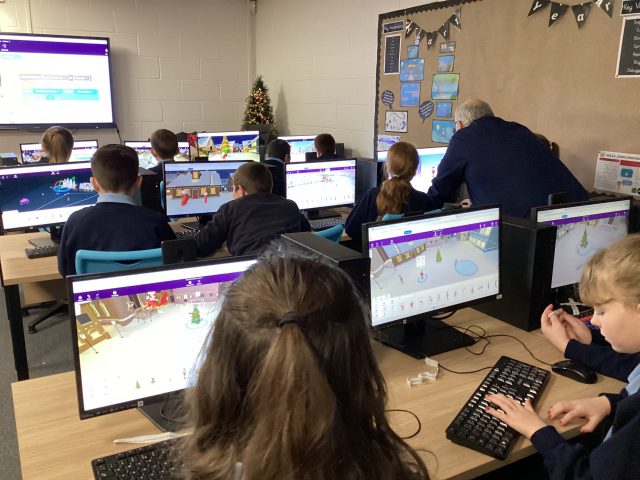
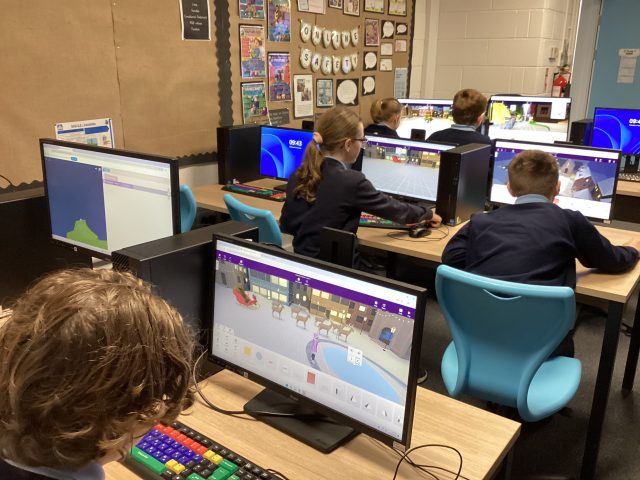
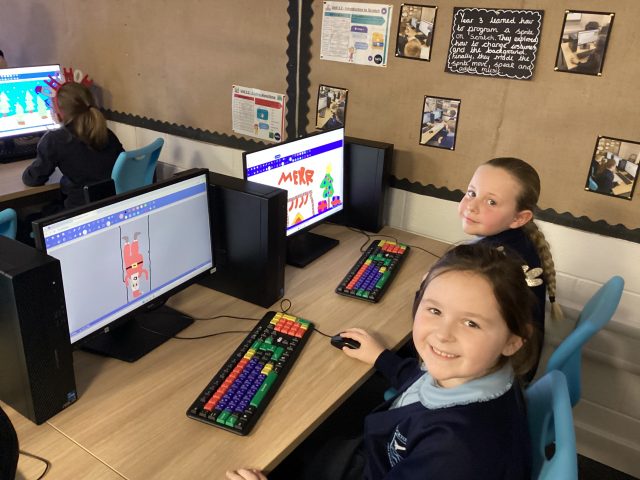
The children have been creating their own VR Christmas worlds in computing today. They loved getting so creative!
Computing
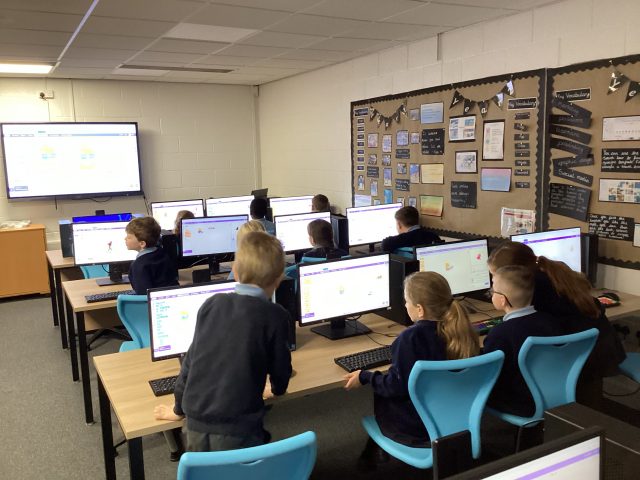
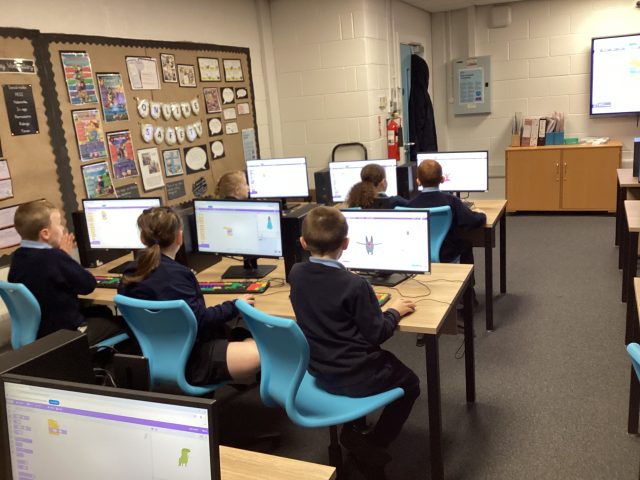
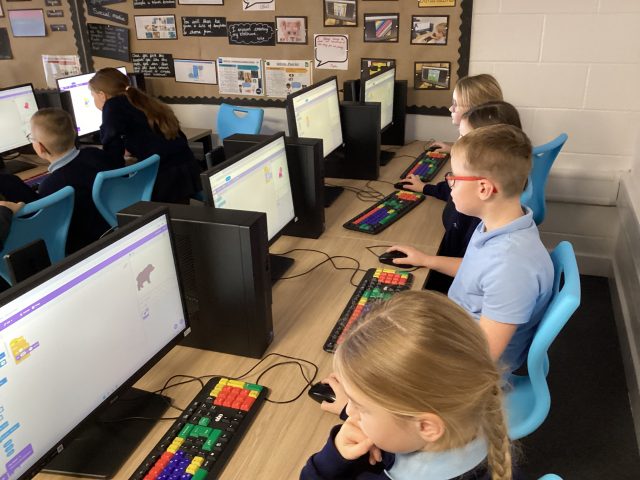
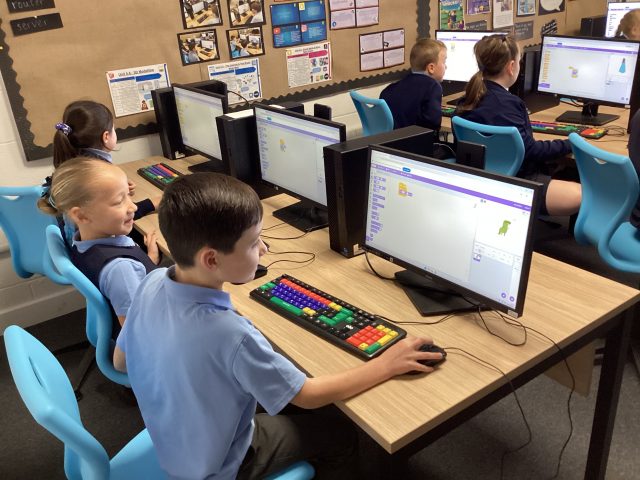
Year 3 have been continuing their work on Scratch. This week we learnt how to code our character to move.
Coding in Year 2
2P practiced coding and tested their problem solving skills during computing this week!
Scratch – Computing
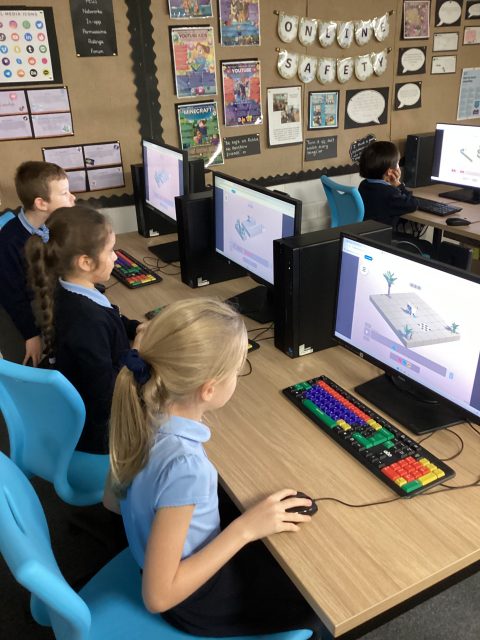
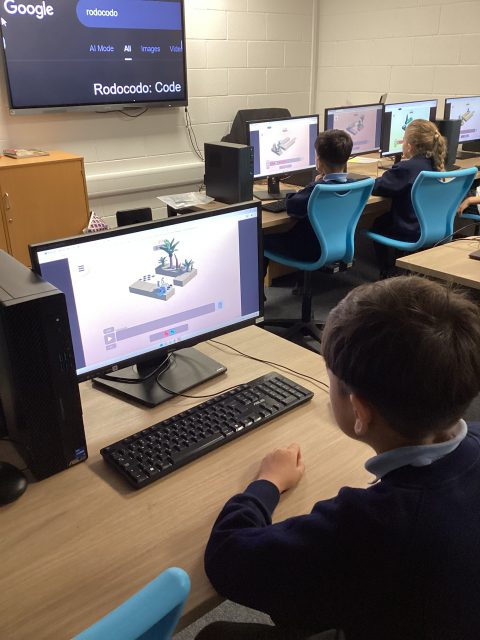
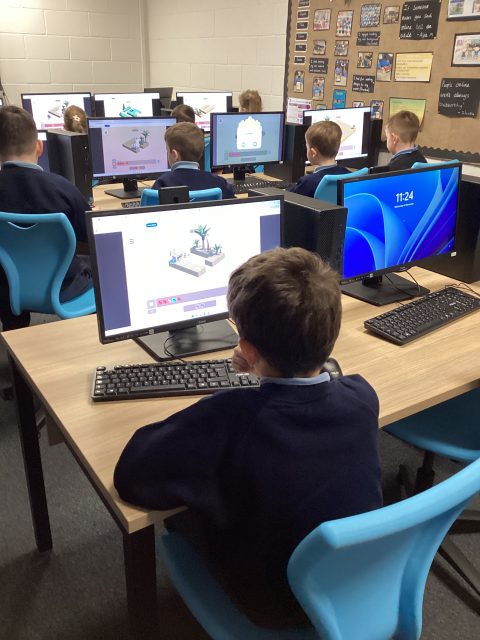
3M enjoyed their Computing lesson with Mr Moffatt this week. We explored how to animate our Sprites by changing the costumes.
Using scratch
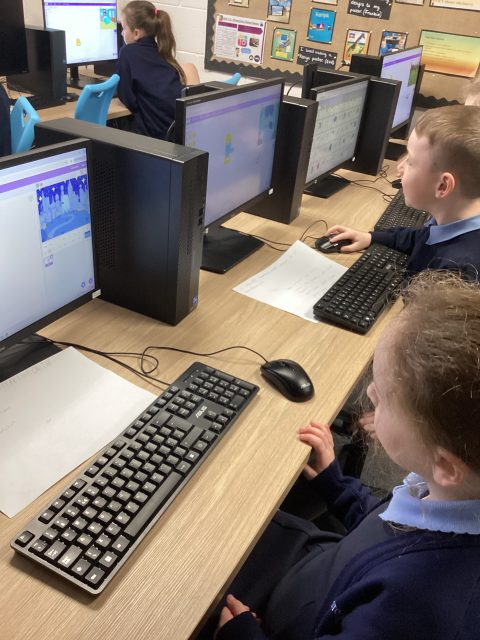
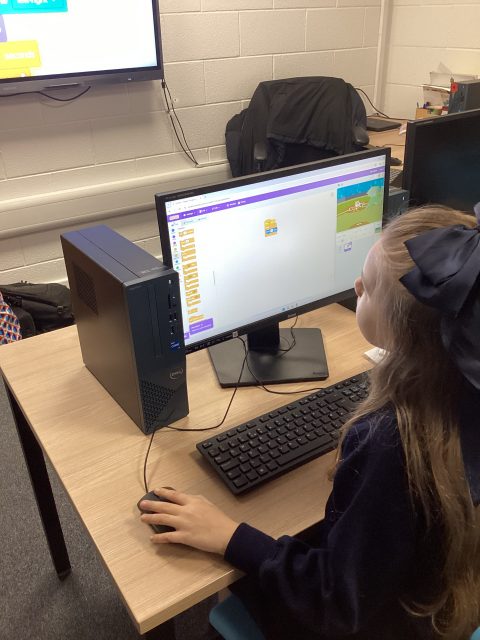
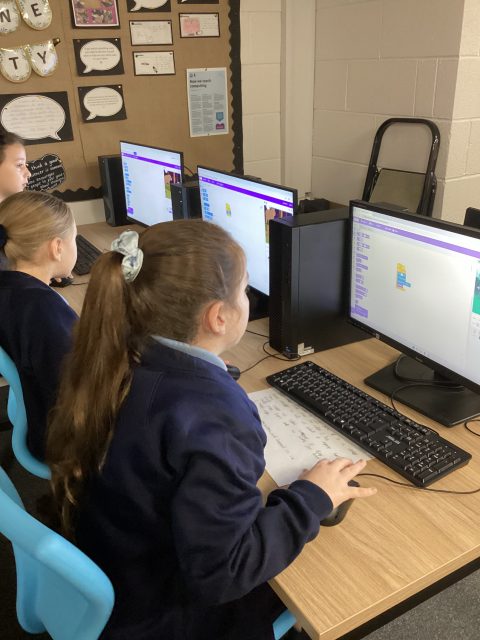
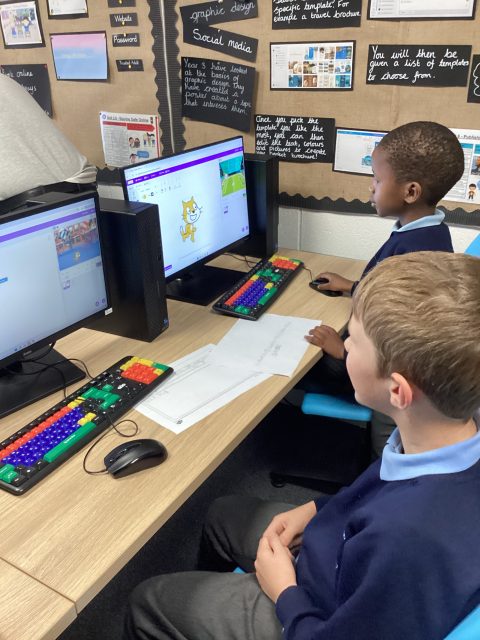
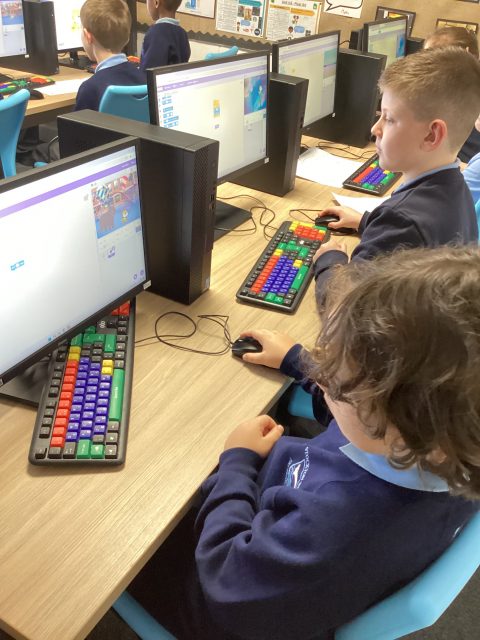
4D had a great computing lesson learning how to use scratch to create loops with Mr Moffat.
Scratch
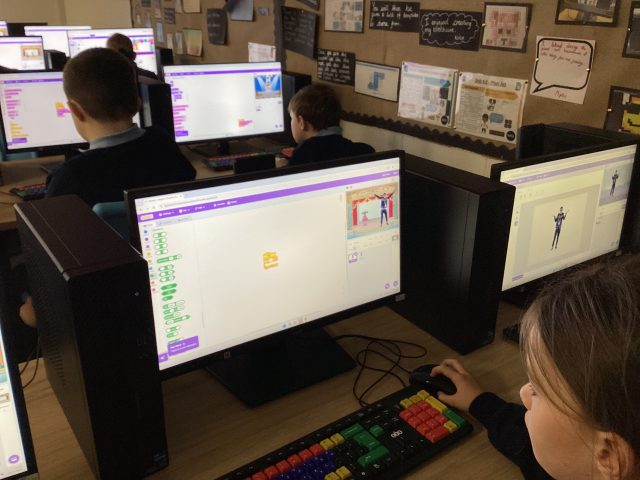
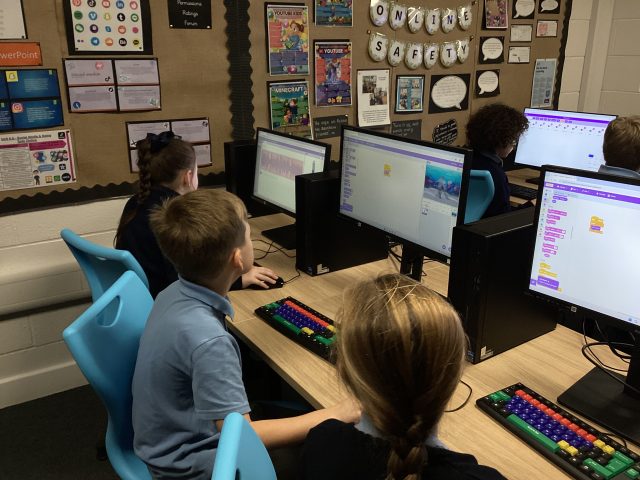
Today in Computing, we started our new topic introducing Scratch. We chose different backgrounds and sprites. After that, we programmed the sprites movement using commands.
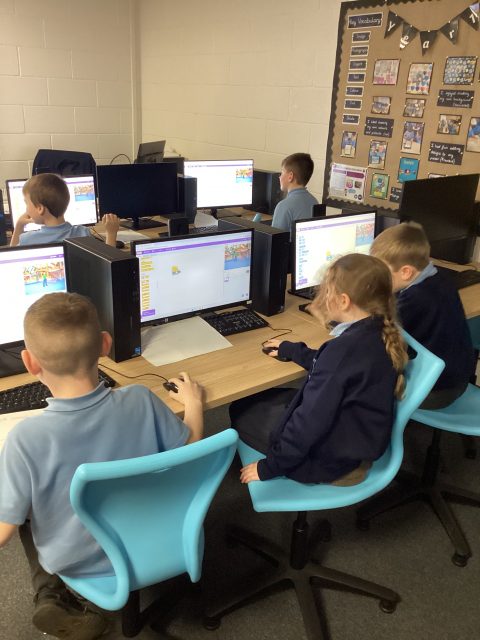
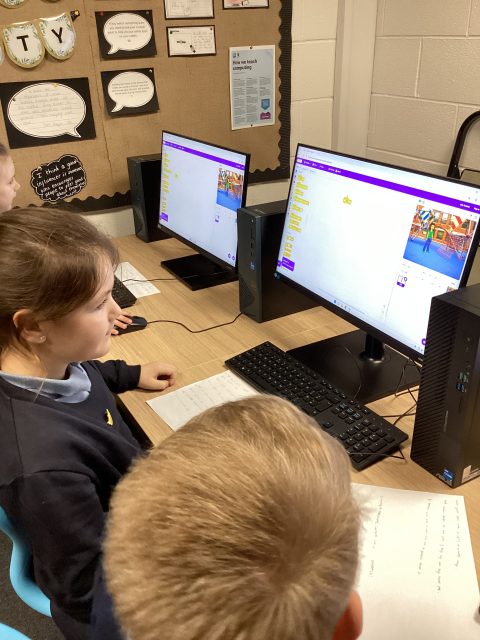
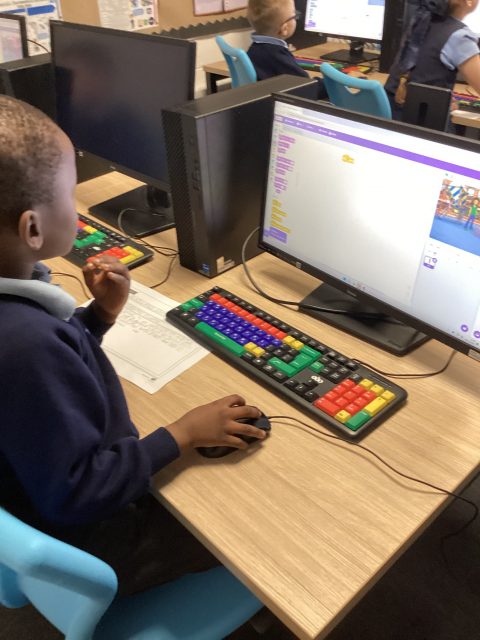
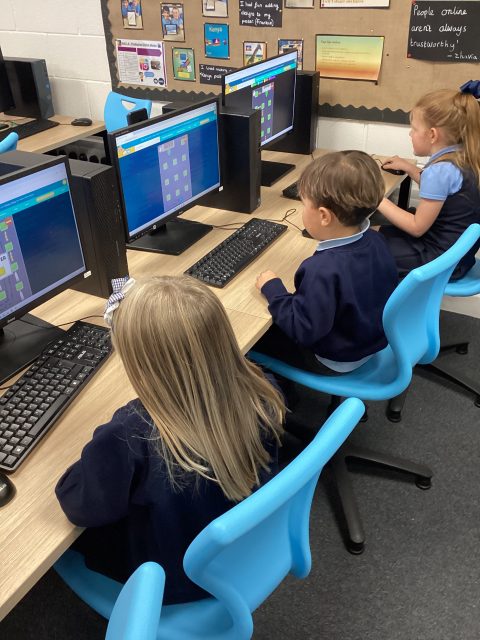
Computing – Year One
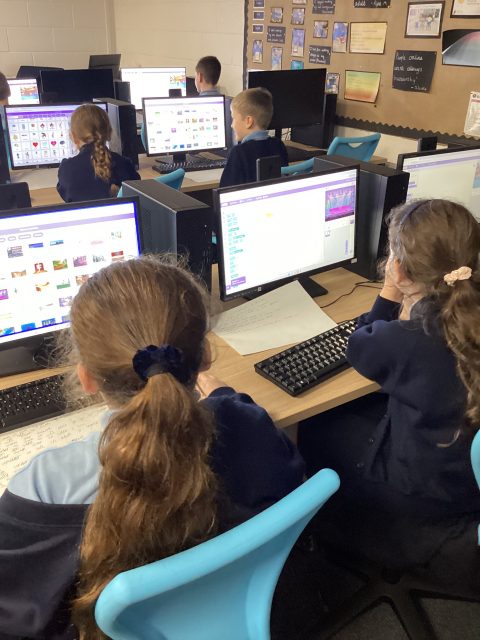
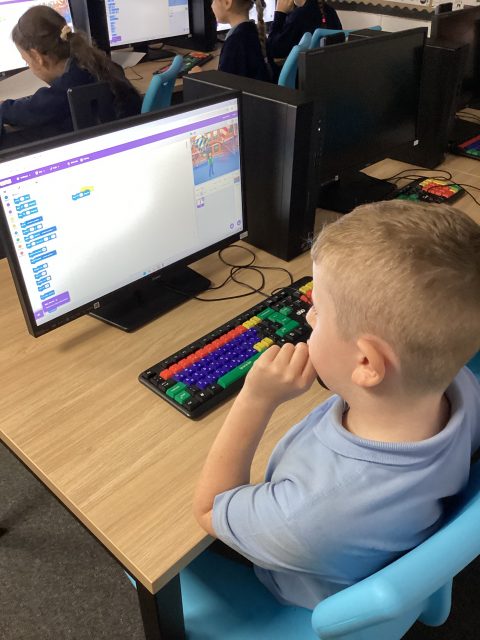
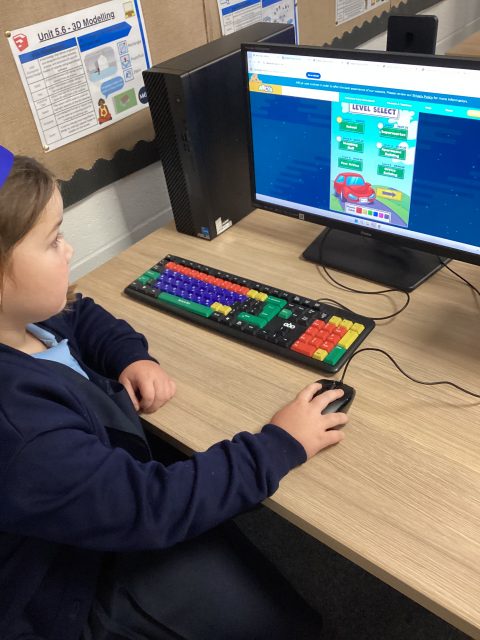
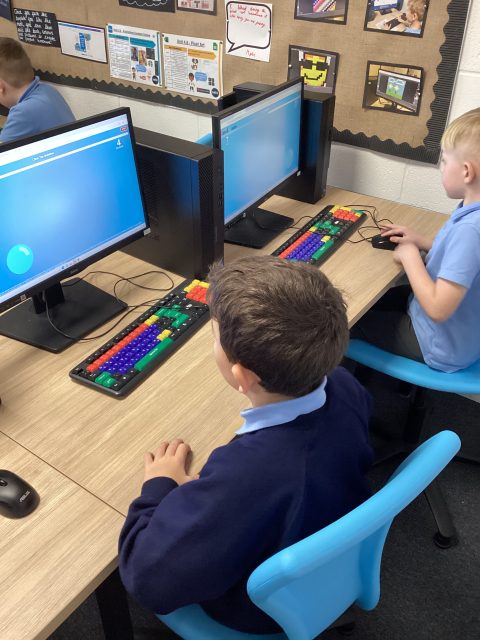
We have been working really hard this term to log in to the computers and use our mouse skills to click and drag items.
1.37K
Computing
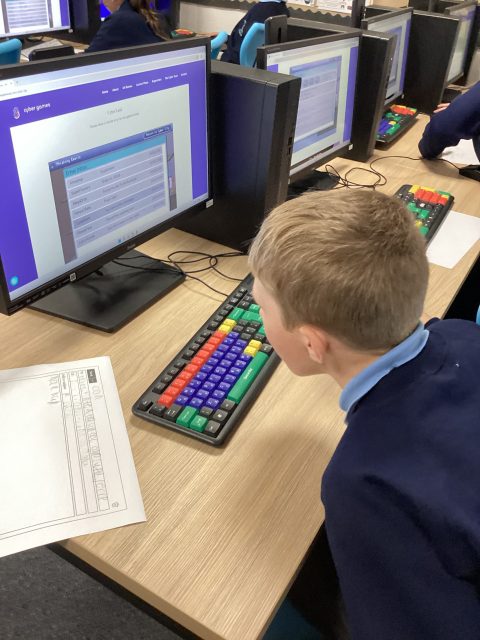
3McK have enjoyed learning about using emails this half term. We finished off our unit by going on Cyberland and identifying phishing emails and scams.
Year 2 Computing
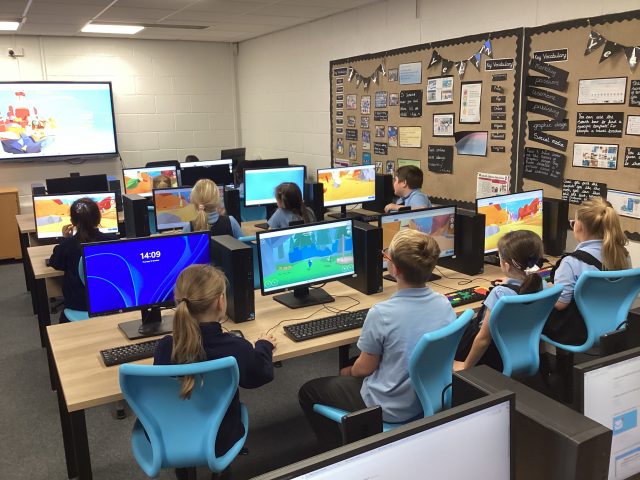
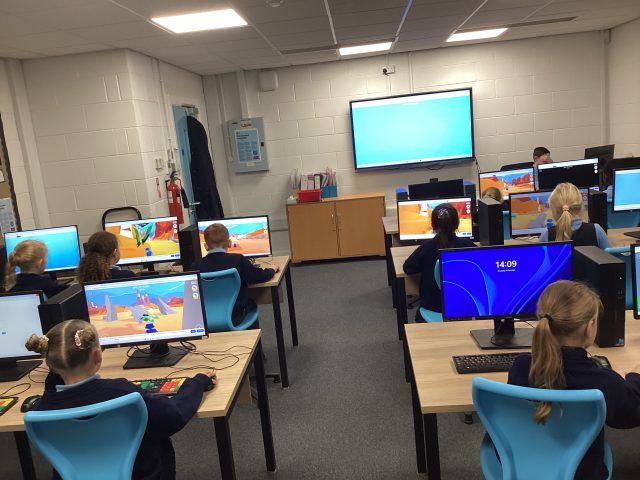
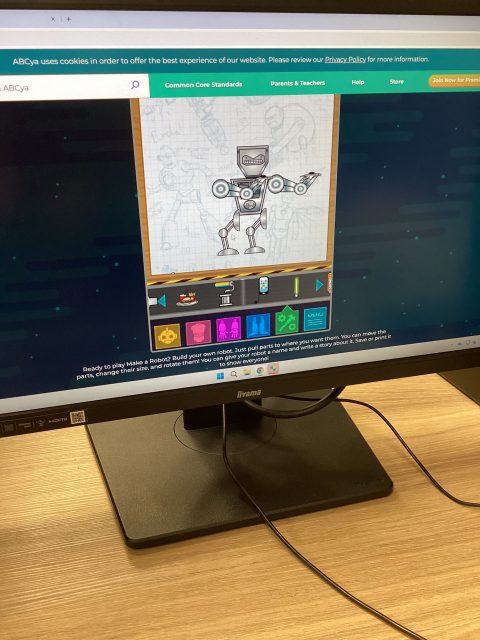
2P enjoyed their computing lesson on inputs and outputs this afternoon, discussing different places we find computers, and creating our own robots! We even had a robot doing heart breaths!
Computing
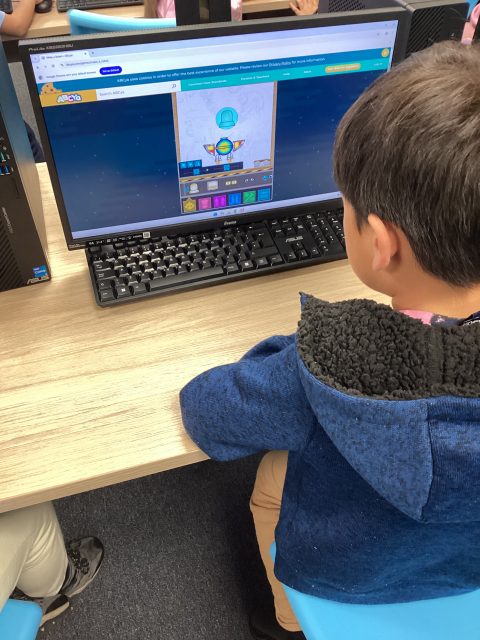
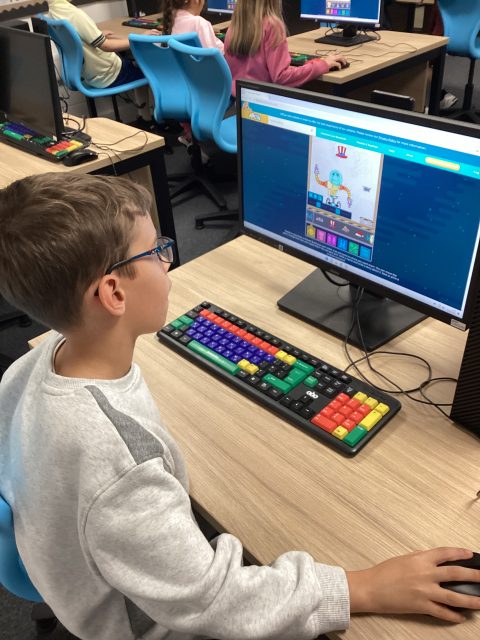
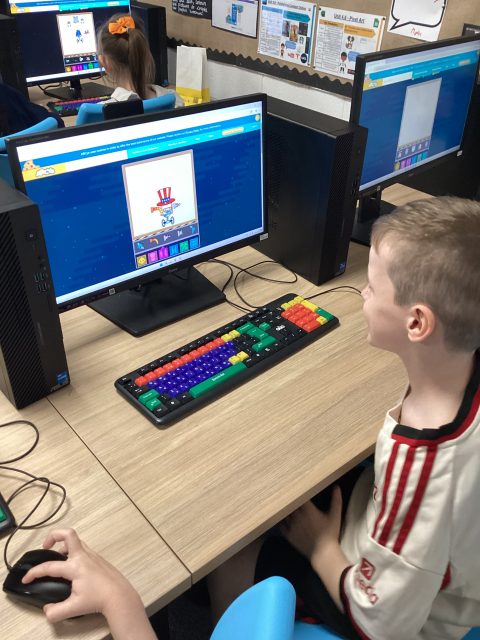
We have been discovering all sorts of different computers, we made images of some of the computers we know about.
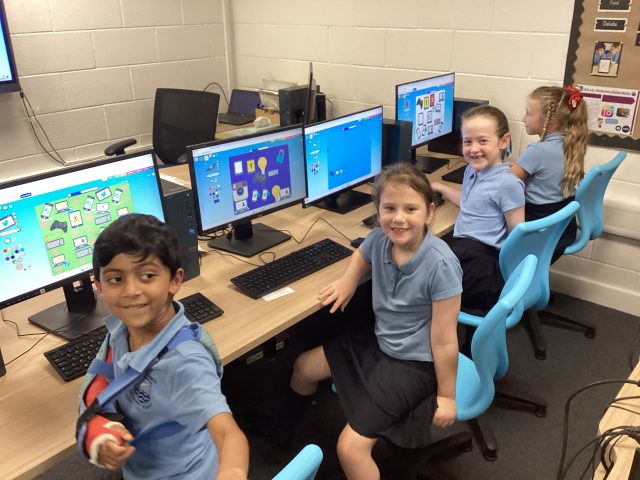
Mouse skills
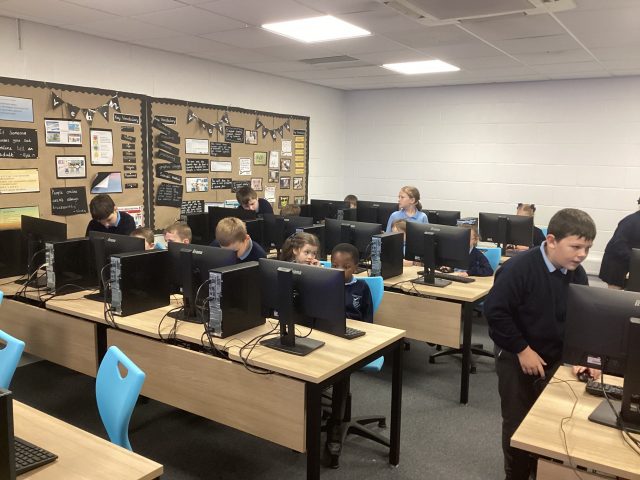
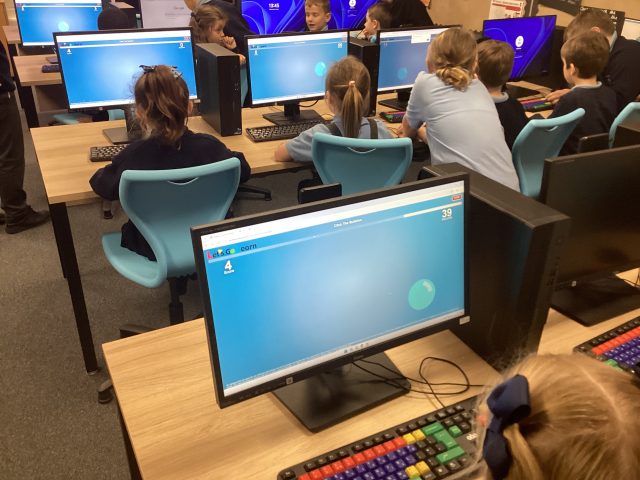
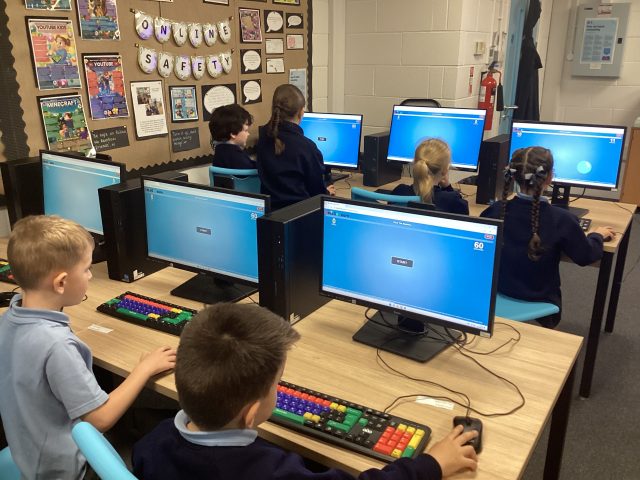
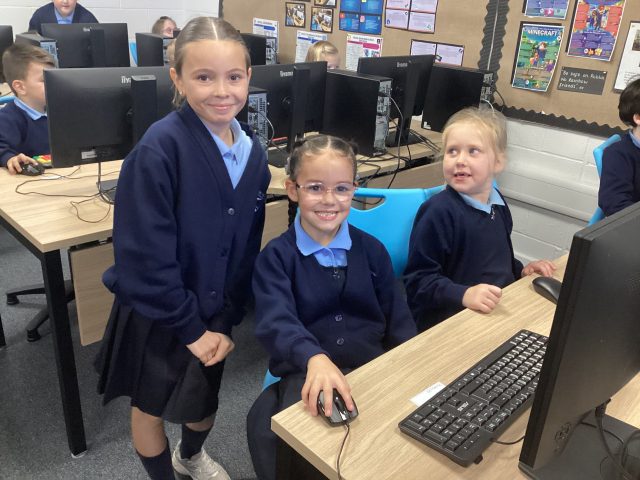
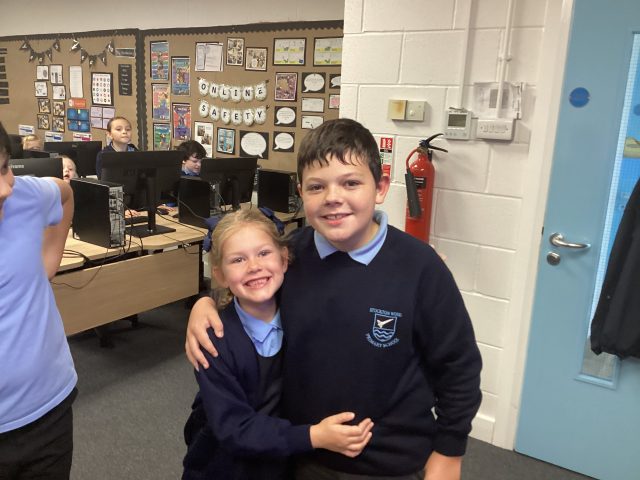
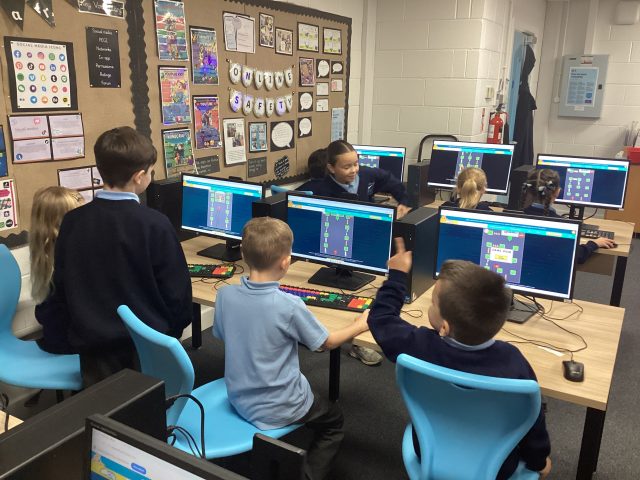
Today was a very successful computing lesson, our friends from year 6 helped us log on and supported us using the mouse. 😁 very happy children.
1.38K
Computing – 5D
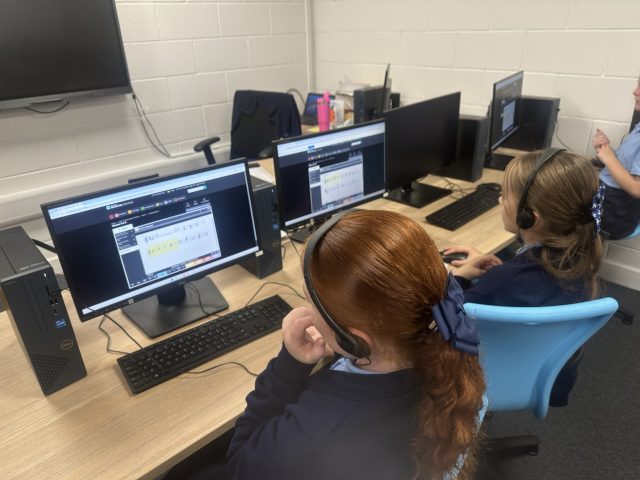
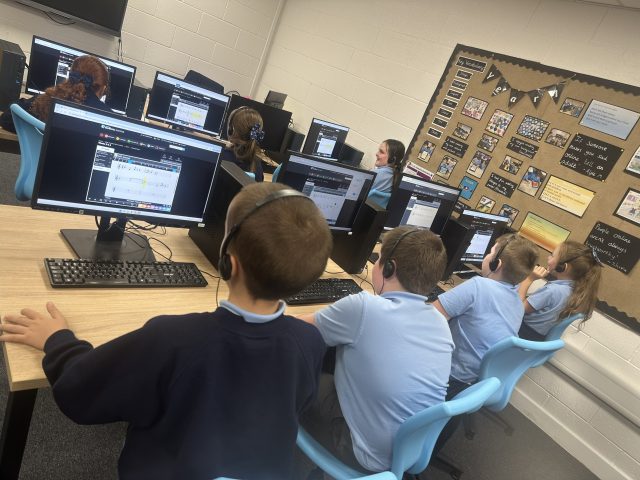

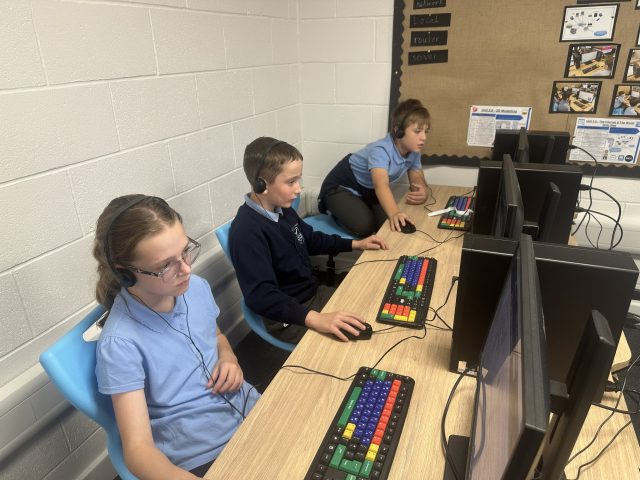
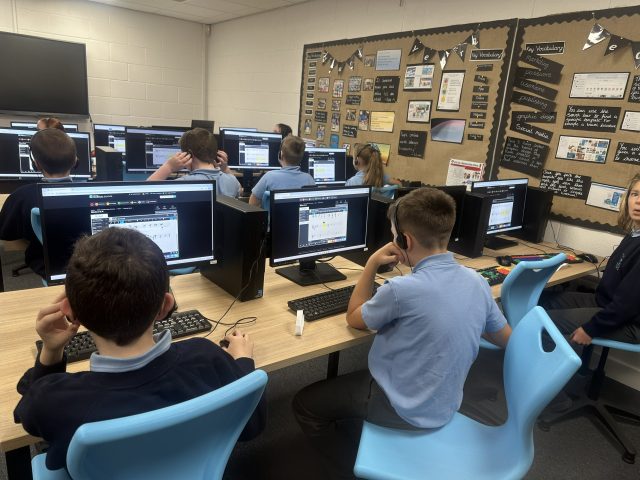
In computing, the children were using Charanga to create their own compositions. This involved both computing skills and music knowledge. The children created brilliant tunes and loved the process!
2.21K
Computing
This week, 3M continued their work on emails by identifying phishing emails and scams on Cyberland.
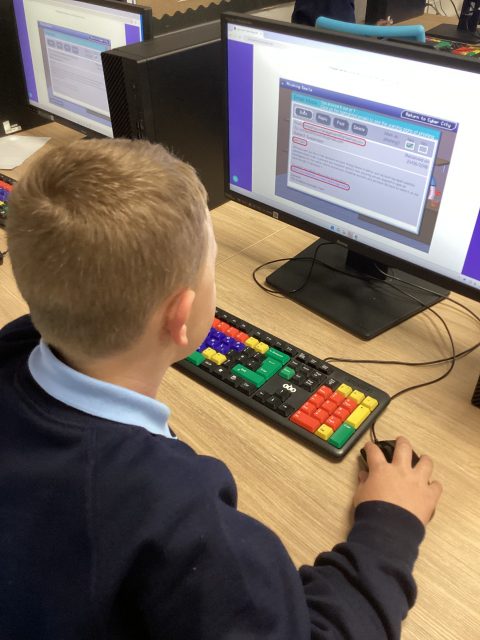
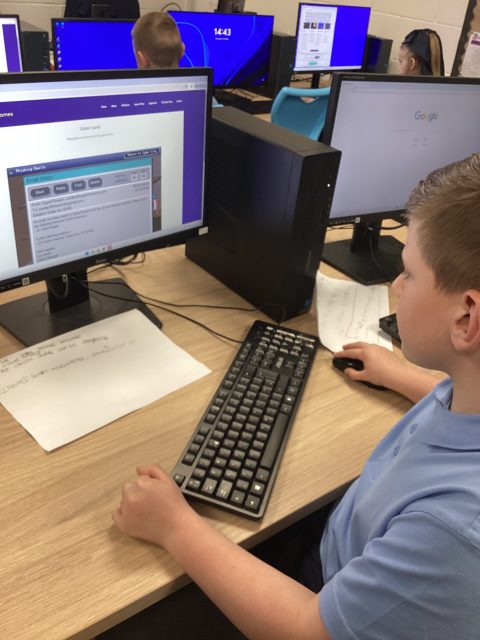
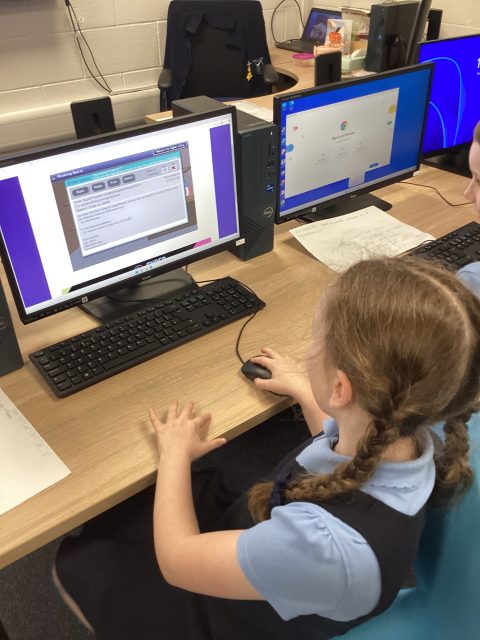
Computing
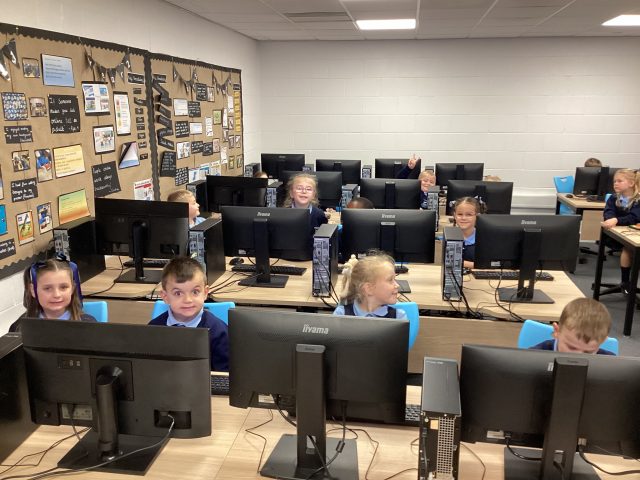
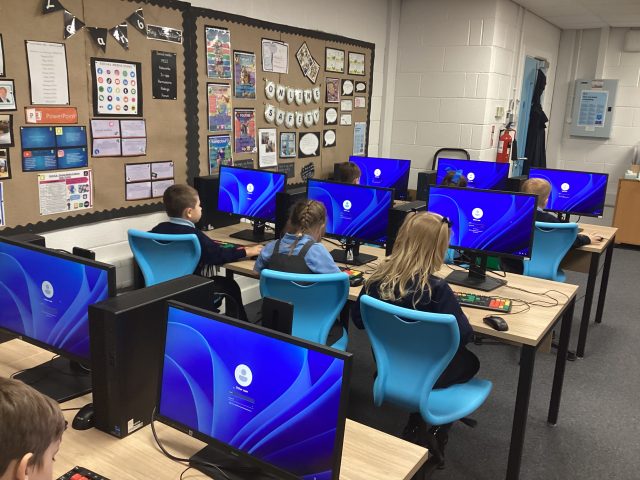
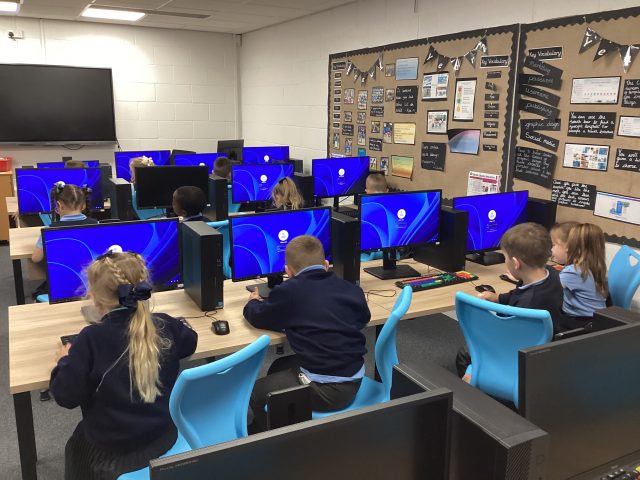
We are trying really hard to log on to the computers with our very own username and password.
1.41K
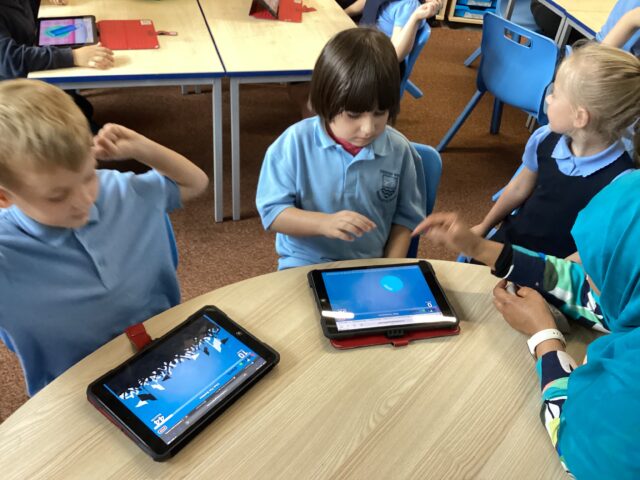
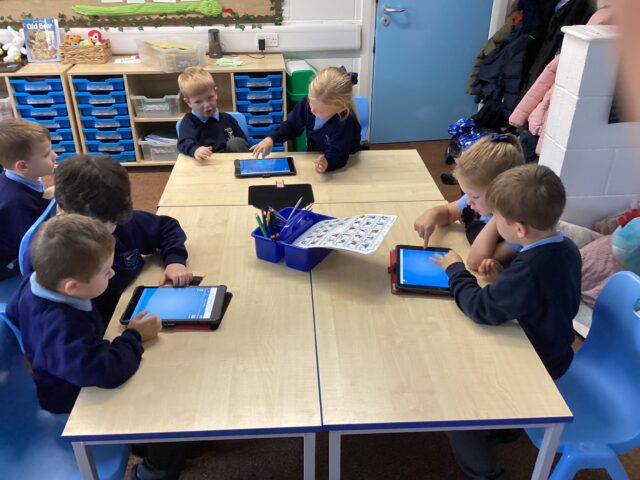
Computing
We learnt that there are all sorts of different types of computers. We used iPads to make a collage of the computers we can see in school.
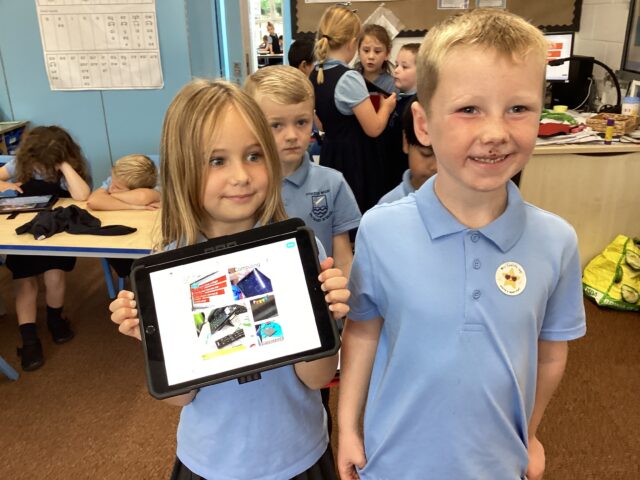
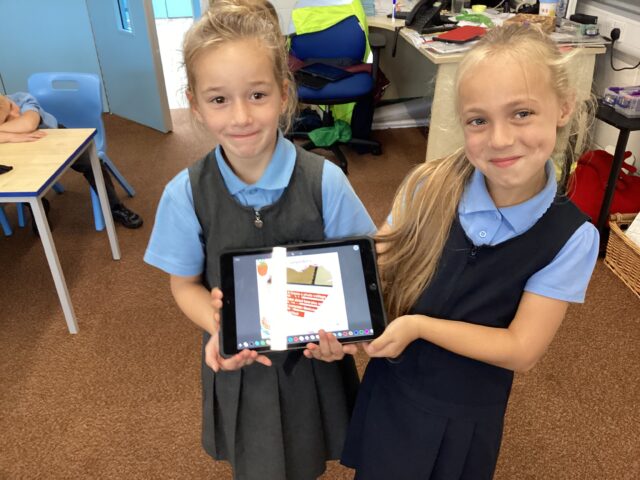
Staying Safe Online
3M have been learning about emails this half term in Computing. This week’s lesson focused on how to recognise fraudulent emails and gave other hints at how to stay safe online. After discussion, 3M began to create their own poster telling people how to stay safe online.
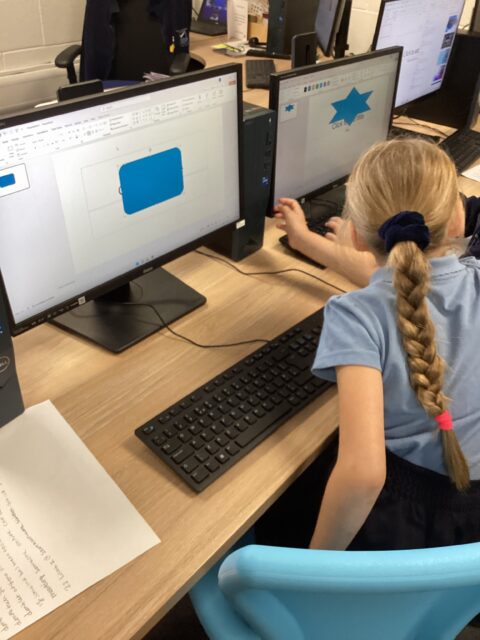
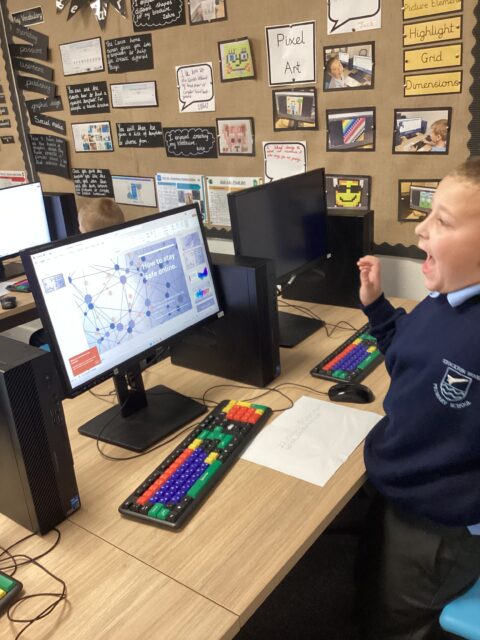
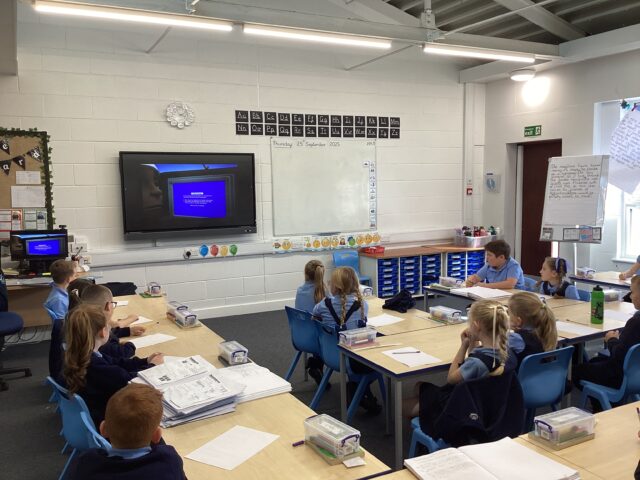
Staying safe online
Today Year 3 talked about staying safe online, specially when using emails. We discussed the dangers of clicking attachments from people we don’t know.
Branching Databases
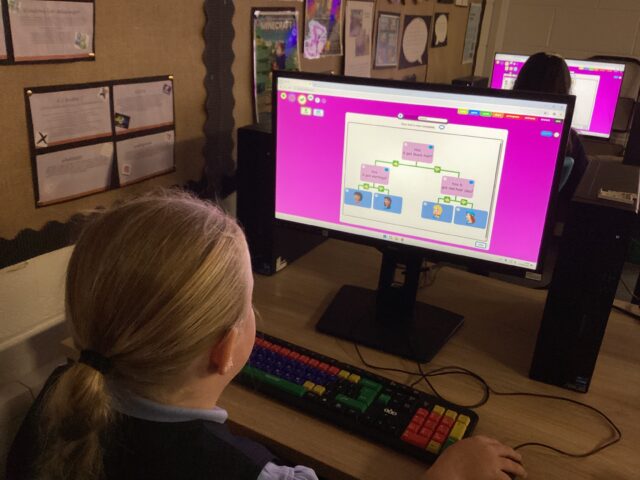
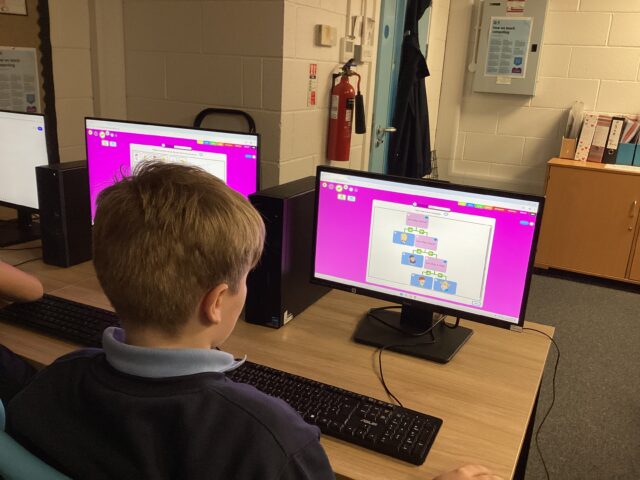
In computing lessons, 4D have been using JIT5 software to create branching databases.
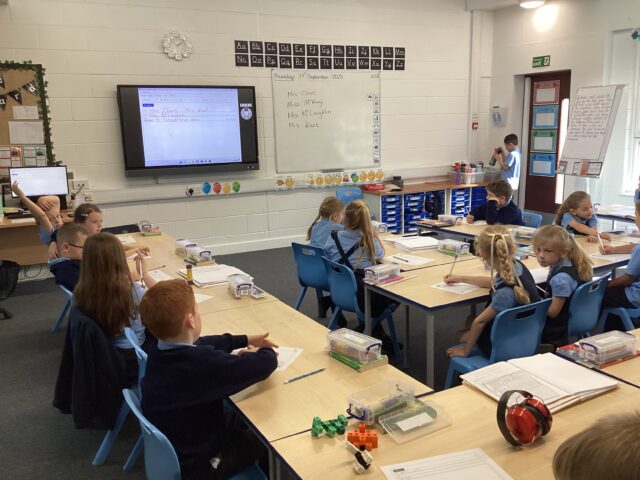
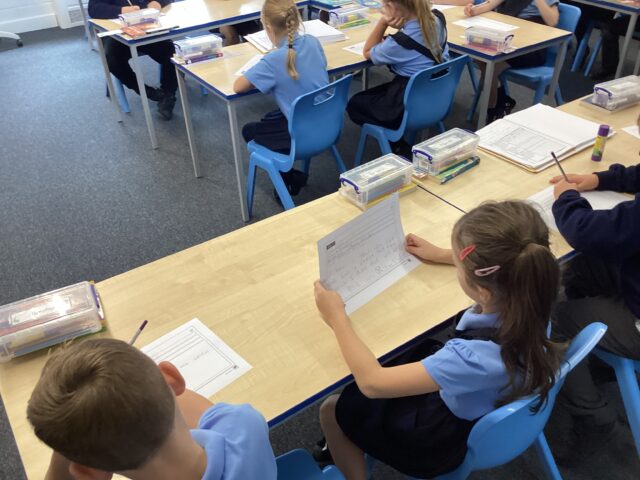
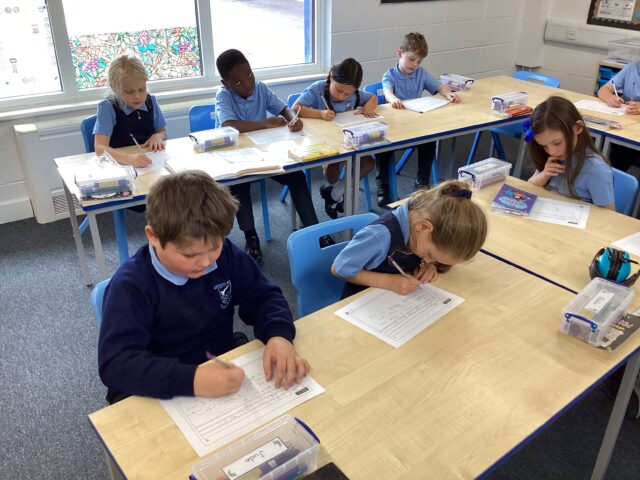
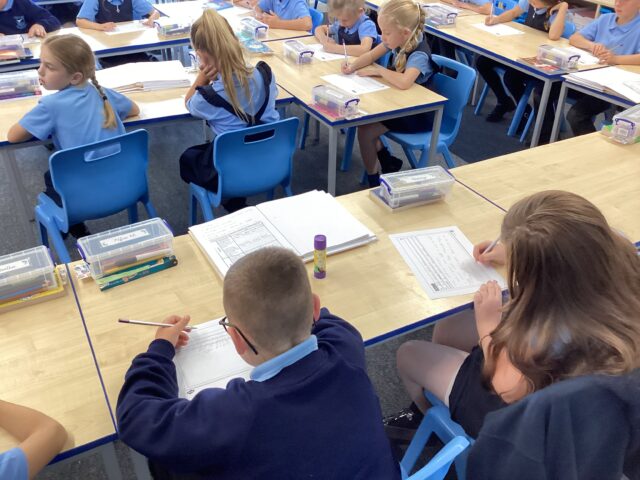
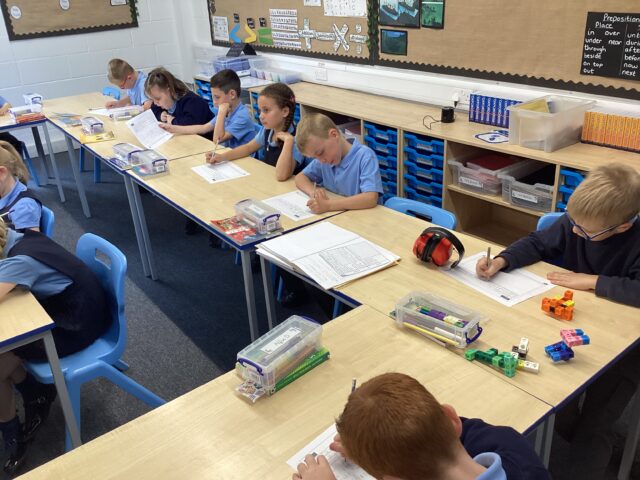
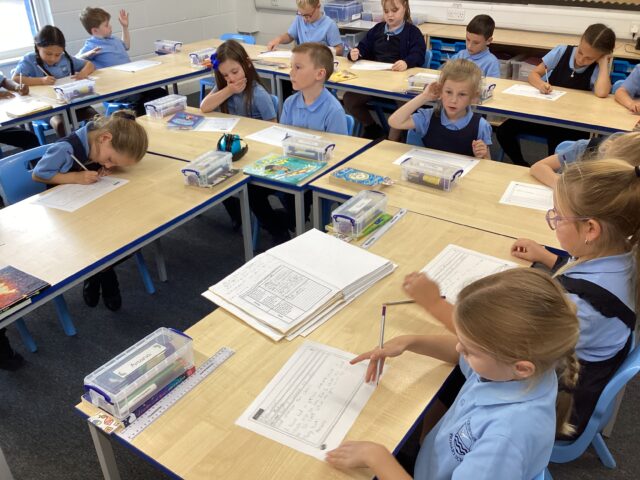
Computing
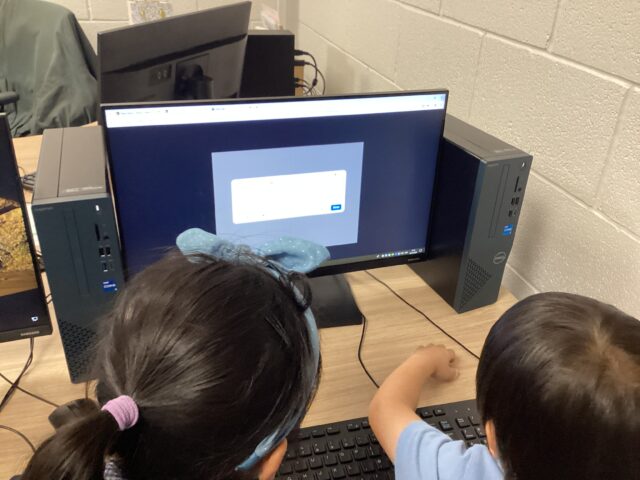
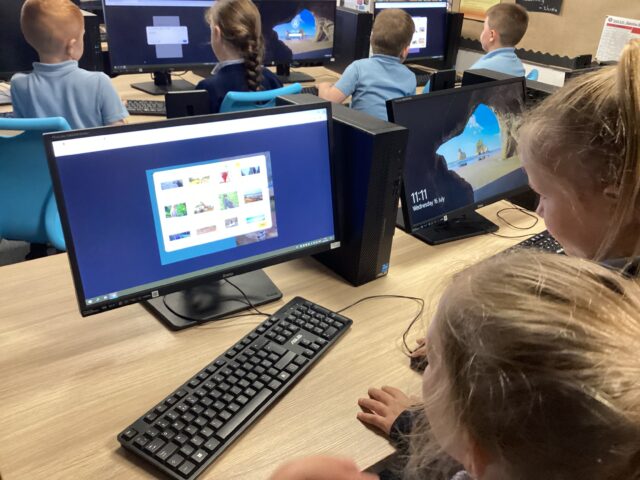
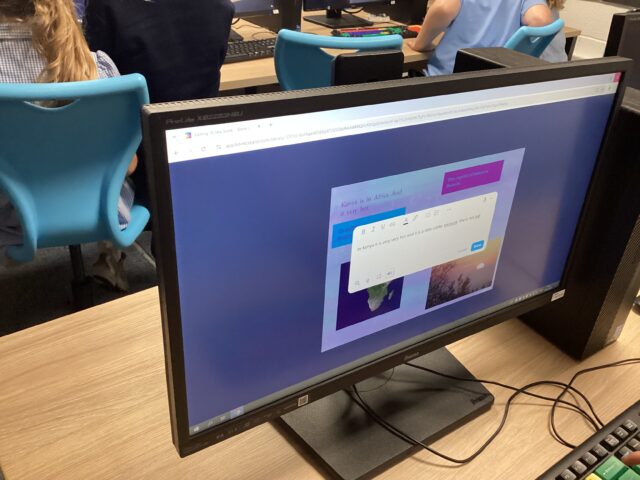
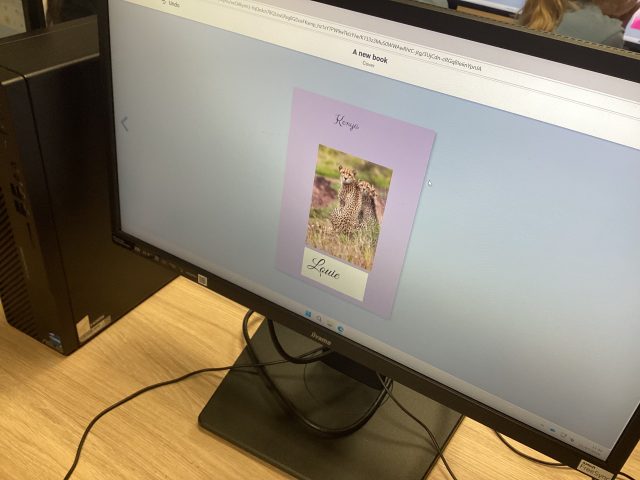
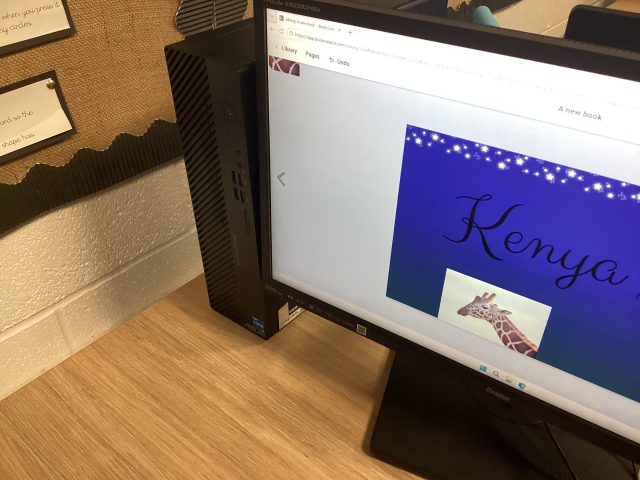
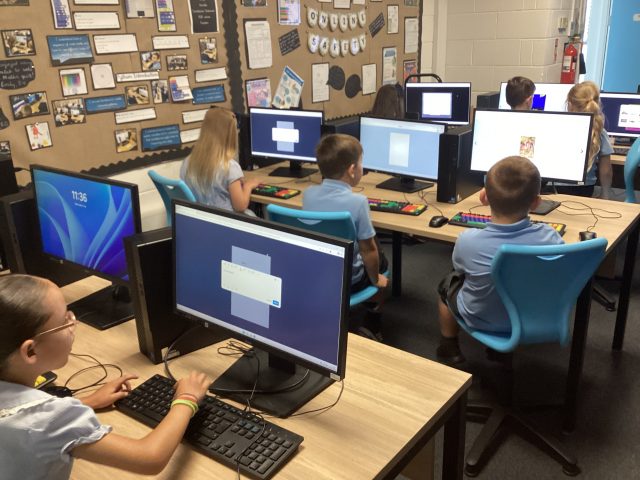
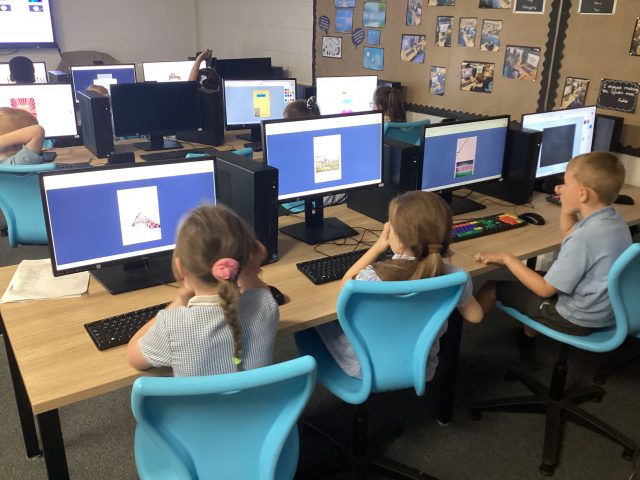
Today we finished our photo books all about 🇰🇪 Kenya, the children have really enjoyed this.
1.60K
Everton in the community coding event
Year 3 enjoyed coding their own little robots to try and get them to move different directions.


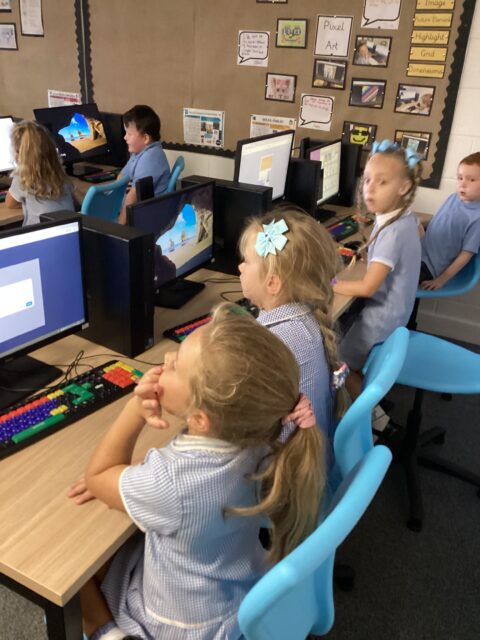
Coding with Everton in the community


This morning, the children were learning how to code to instruct a robot to score goals.
3.02K


Computing
We continued learning about online safety, this week we discovered that people online may not be trustworthy. We made a poster about being safe when playing online games, we know to stay away from strangers and to only talk with our trusted friends.


Binary Pixel Art


This week in Computing we have been learning about binary and how we can use that to create pixel art.
3.32K


LIFESAVERS WEEK
‘What does it mean to be charitable?’
Year 4 discussed the importance of being charitable. We researched different charities and the important work they do.


Y2 computing
2D combined text and pictures to show what they know about Mary Seacole and Florence Nightingale.


Y2 computing
We combined text and graphics today to share information about our History learning. We enjoyed retrieving facts about Mary Seacole and Florence Nightingale.


Pixel Art

A great first lesson of our new unit, the children did a great job designing pixel art using pen and paper.
3.10K
Y2 computing
Today 2D spent time creating PowerPoints of emotions words; using skills of changing font style, size, colour and formatting backgrounds of the slides.


Researching Anglo-Saxons
We have been learning about Anglo-Saxon’s beliefs. We used our web search skills from our computing lessons to guide our research. It helped us find accurate and reliable information.


Computing

Today we used a paint program to produce work in the style of Piet Mondrian.


Digital Painting – Year One
Great use of paint tools during computing this week to create work in the style of Wassily Kandinsky.
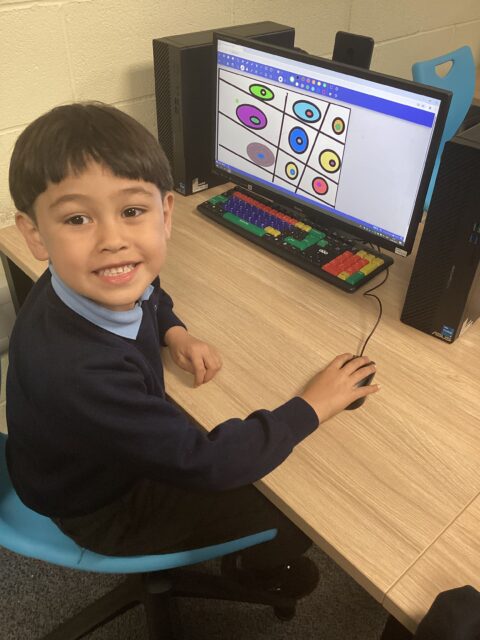


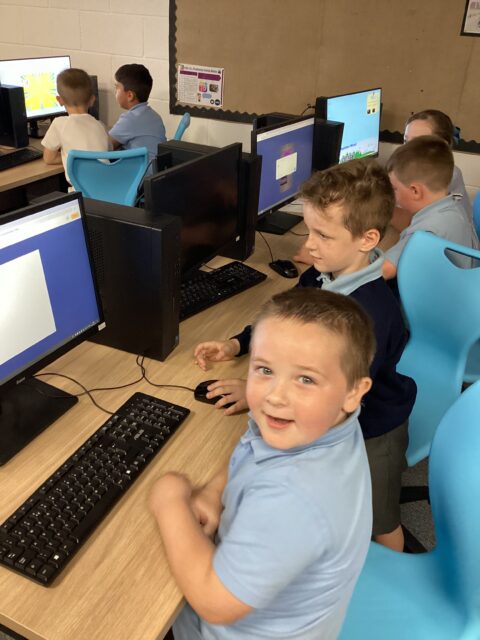
Online Safety
In computing, 4D have been learning about the importance of keeping safe online.


Year 2 Computing
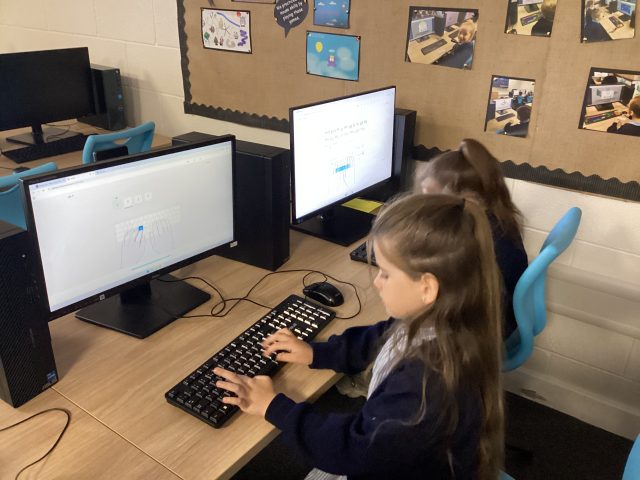
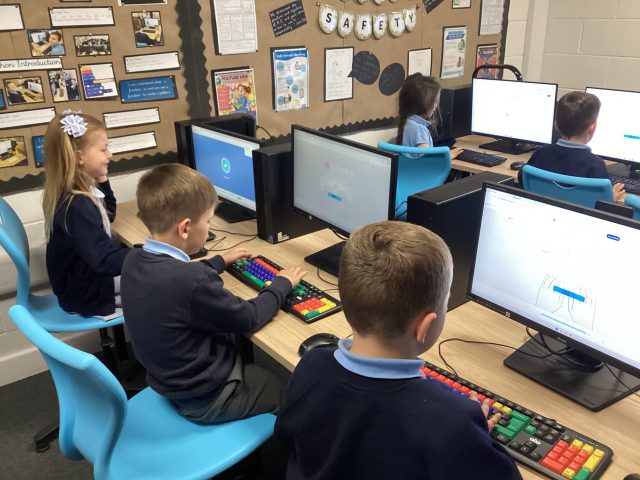
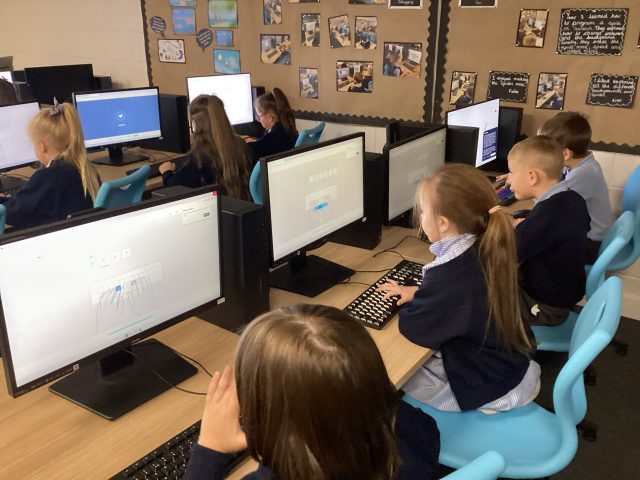
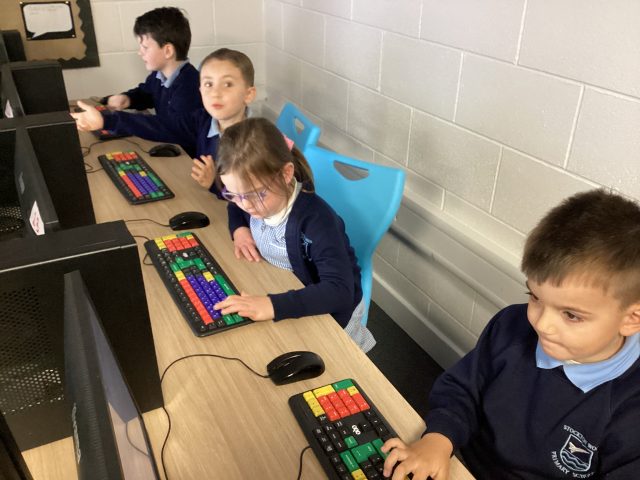
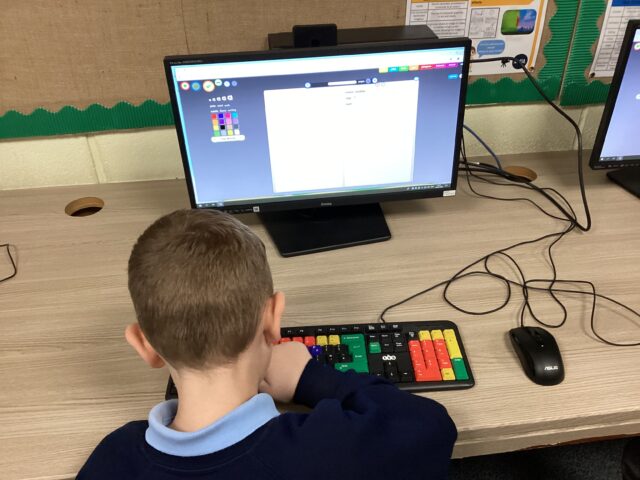
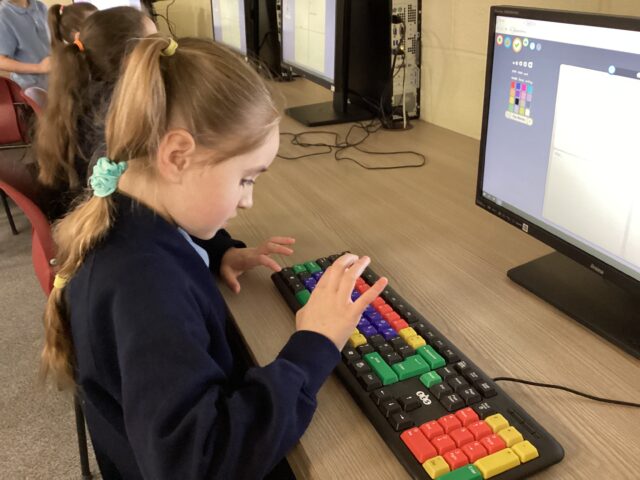
This week we learnt how to properly type using a keyboard playing the games on Typing Club, this is a free resource you can play with at home.
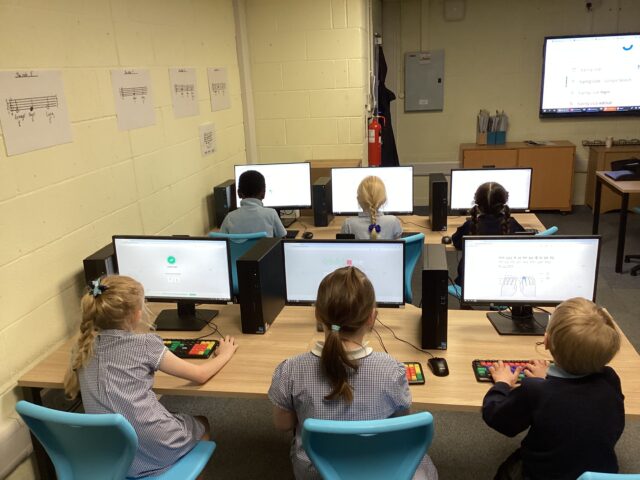
New computer suite


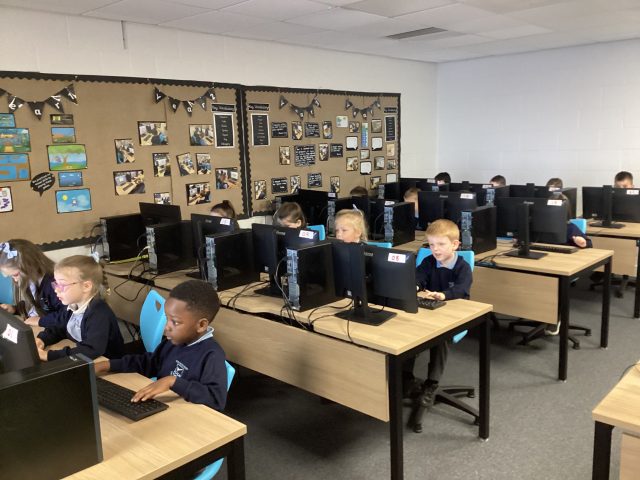
Thanks Mr Moffat for an excellent computing lesson in our new computer suite. The children were so exciting!
3.39K
Computing
This week, we have matched the components of a computer to their function.
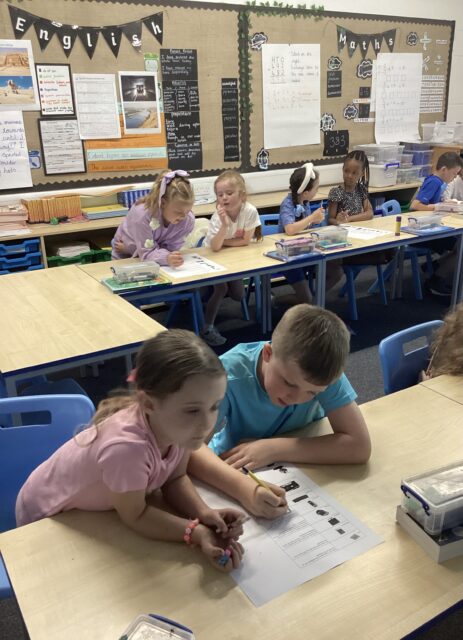
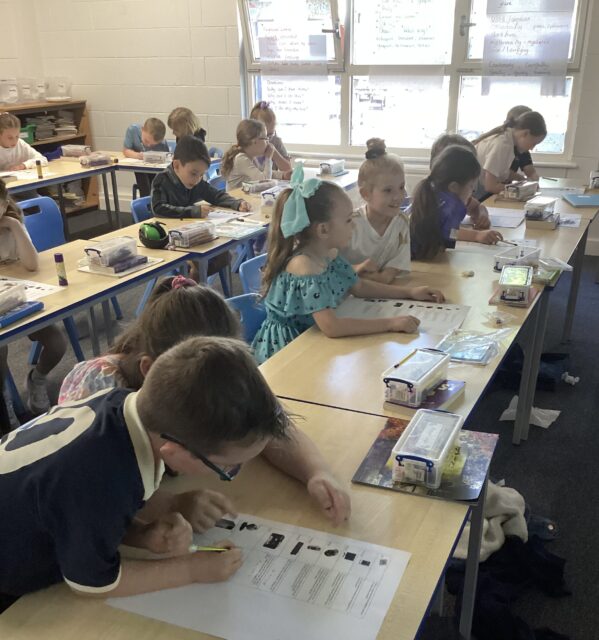
Computing

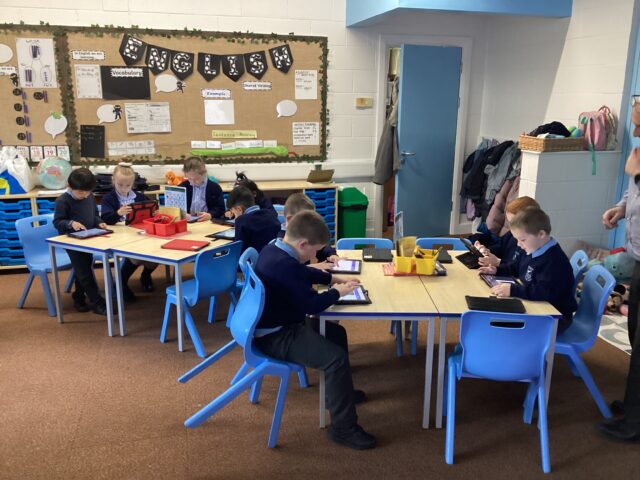
We started today’s lesson by watching a e-safety video. Then we used a QR code get on to a painting tool. We then explored the app and the different tools/icons within it.
1.82K


Computing
We have been enjoying altering images to create an atmosphere in computing this week.


Year 2 Computing
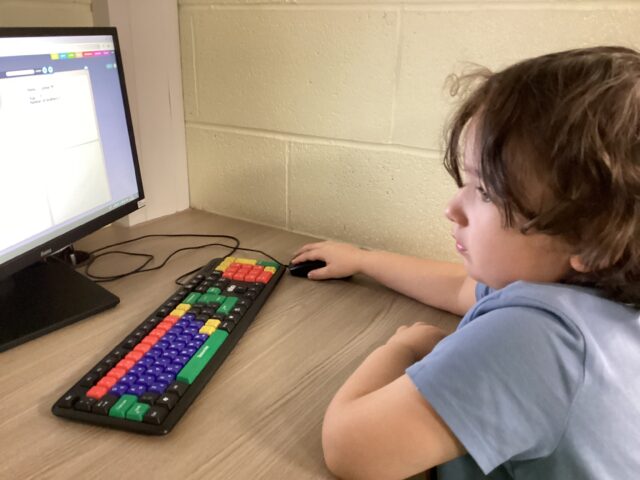
This week in our data work we created fact files about ourselves using our typing skills and drawing skills to add to each field.

LFC Foundation Central Library Trip
Some of our Year 3 children enjoyed their trip to Central Library yesterday where they got a tour of the library and got read a story. We even programmed our own robot to tell our own made up stories!


Computing
Year 3 have been learning about altering media this half term. We have been taking pictures and changing their appearances by using tools like filters and adding text!

Y2 Computing
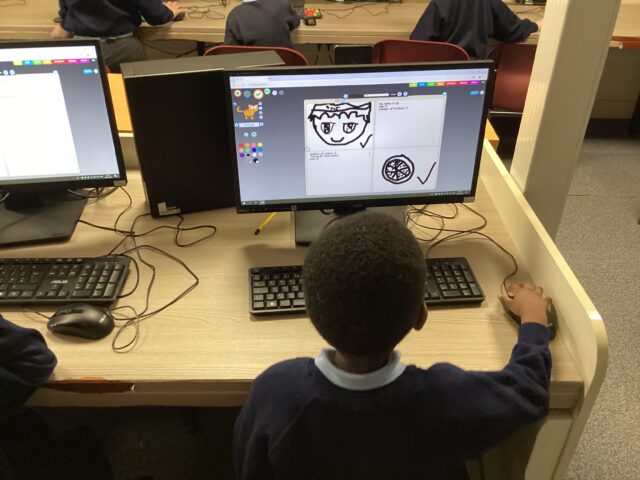
Today 2D worked with Mr Moffatt to create fact files including text, drawings and stickers.
Year 2 Computing and Science
Another element of science week is computing. This week we looked at robots. We programmed the robots to move based on the colours they register.

TECHNOLOGY
We have been learning about STEM in Science Week. Today, we looked at technology. We enjoyed using AI and coding to make our robots talk.


Science Week 👩🏻🔬👨🏽🔬🔬🧬
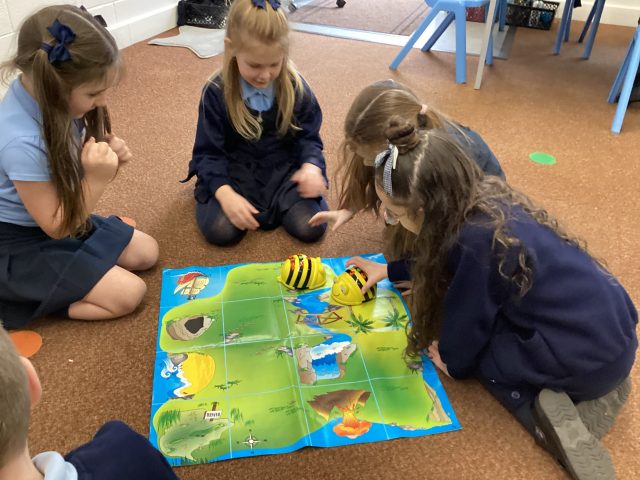
Today Reception have explored engineering. We programmed the Bee Bots to move across the grid.


Computing
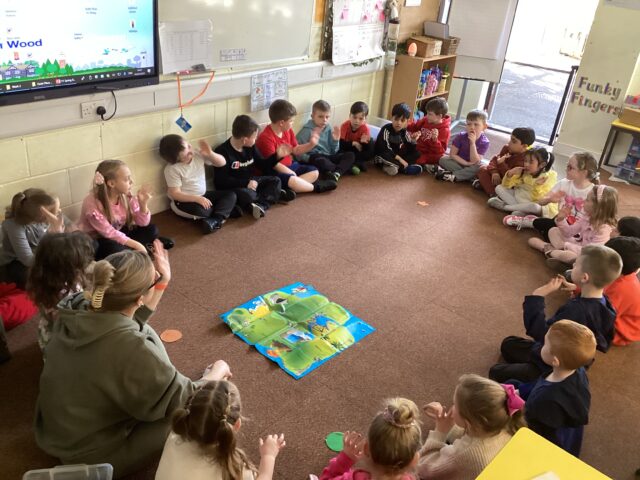


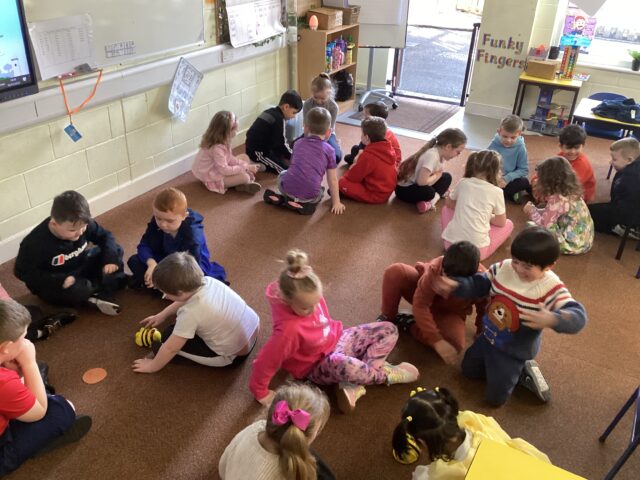
Programming, coding and robotics.
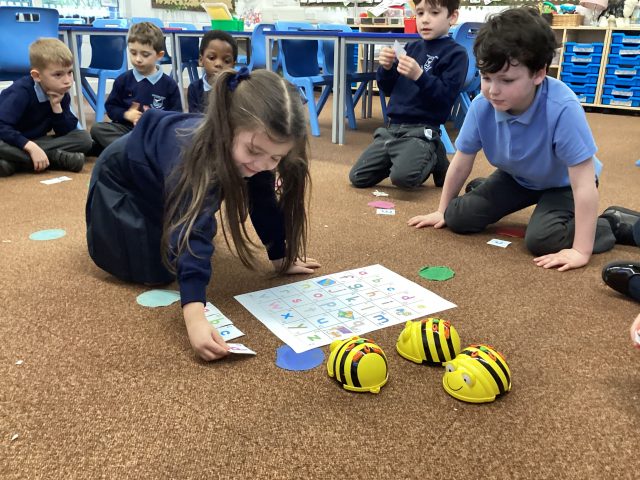
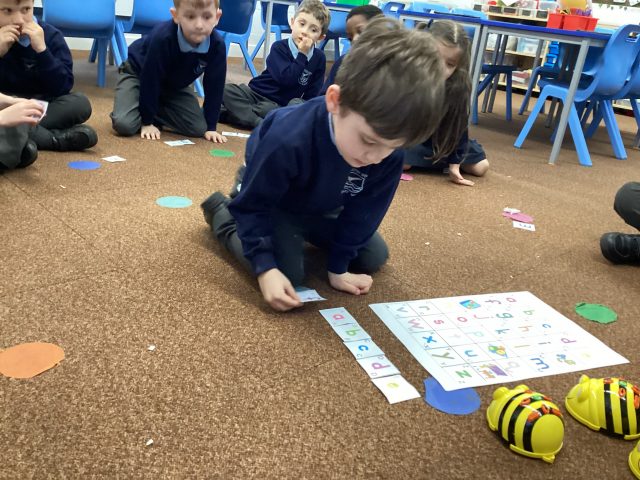
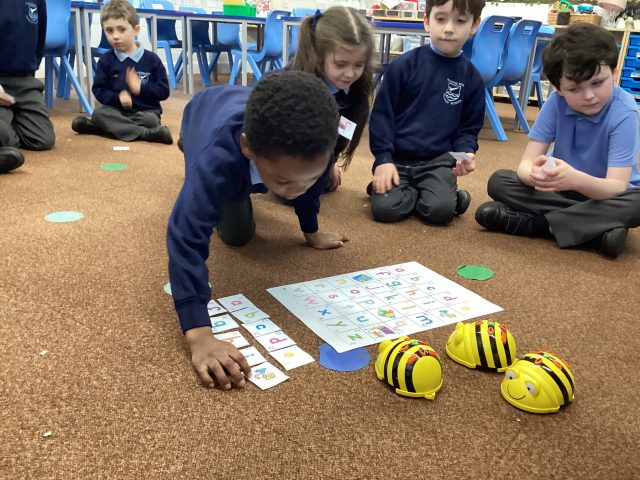
Today we had to give the Bee-Bots commands to make them move.
3D Design 5H
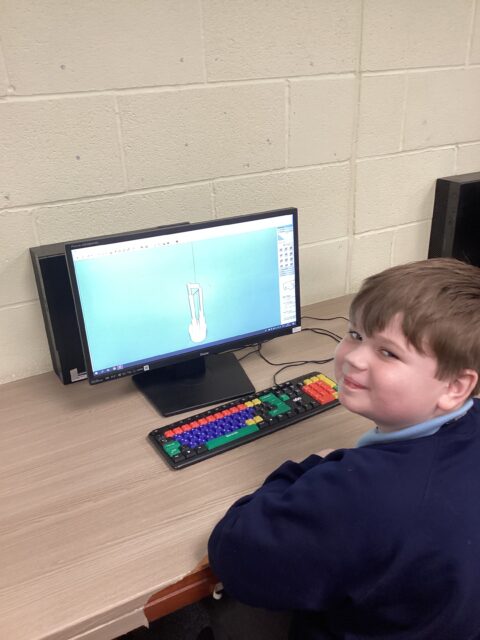
5H have been using Sketch up to design objects in 3D during computing.


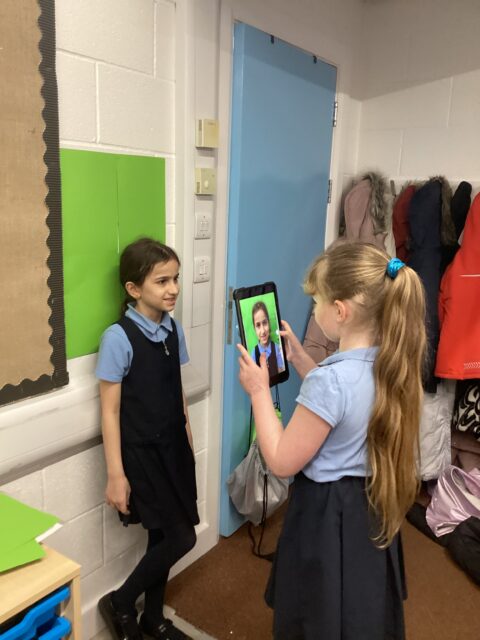
Year 2 Computing
This half term we are working with Mr Moffat to show how computers show data and information. This week we made pictograms of the classes favourite fruits.

Year One – Computing
Great coding skills today whilst exploring ‘Bee-Bot Online’ resource. Did your Bee-Bot reach the target each time?
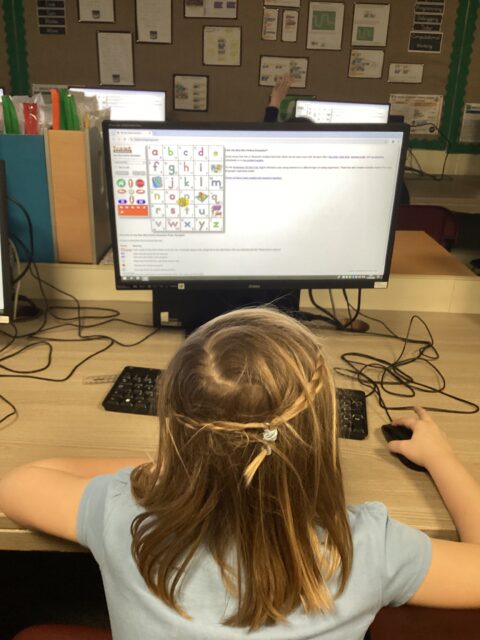
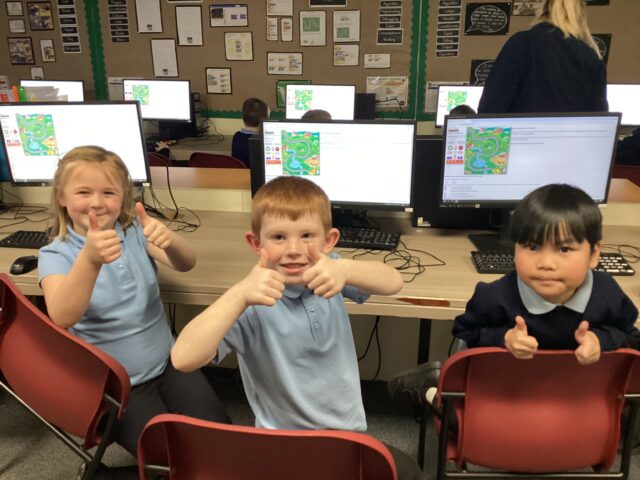
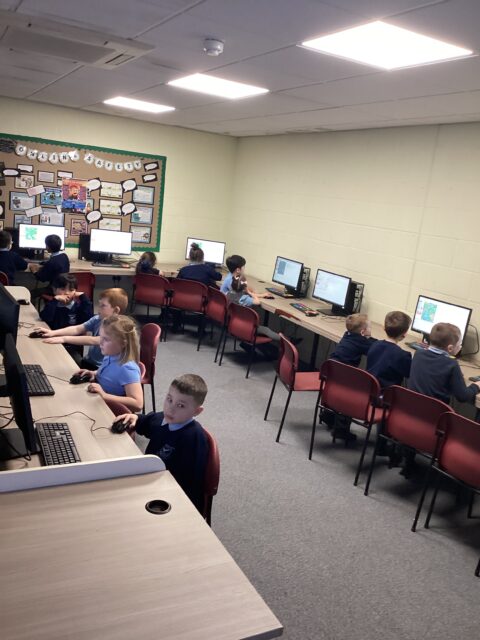
Safer internet Day!
Year 5 discussed online safety and how to be careful to avoid scams and fake news online. Some of our lucky children went to Anfield to represent our school in further discussions.
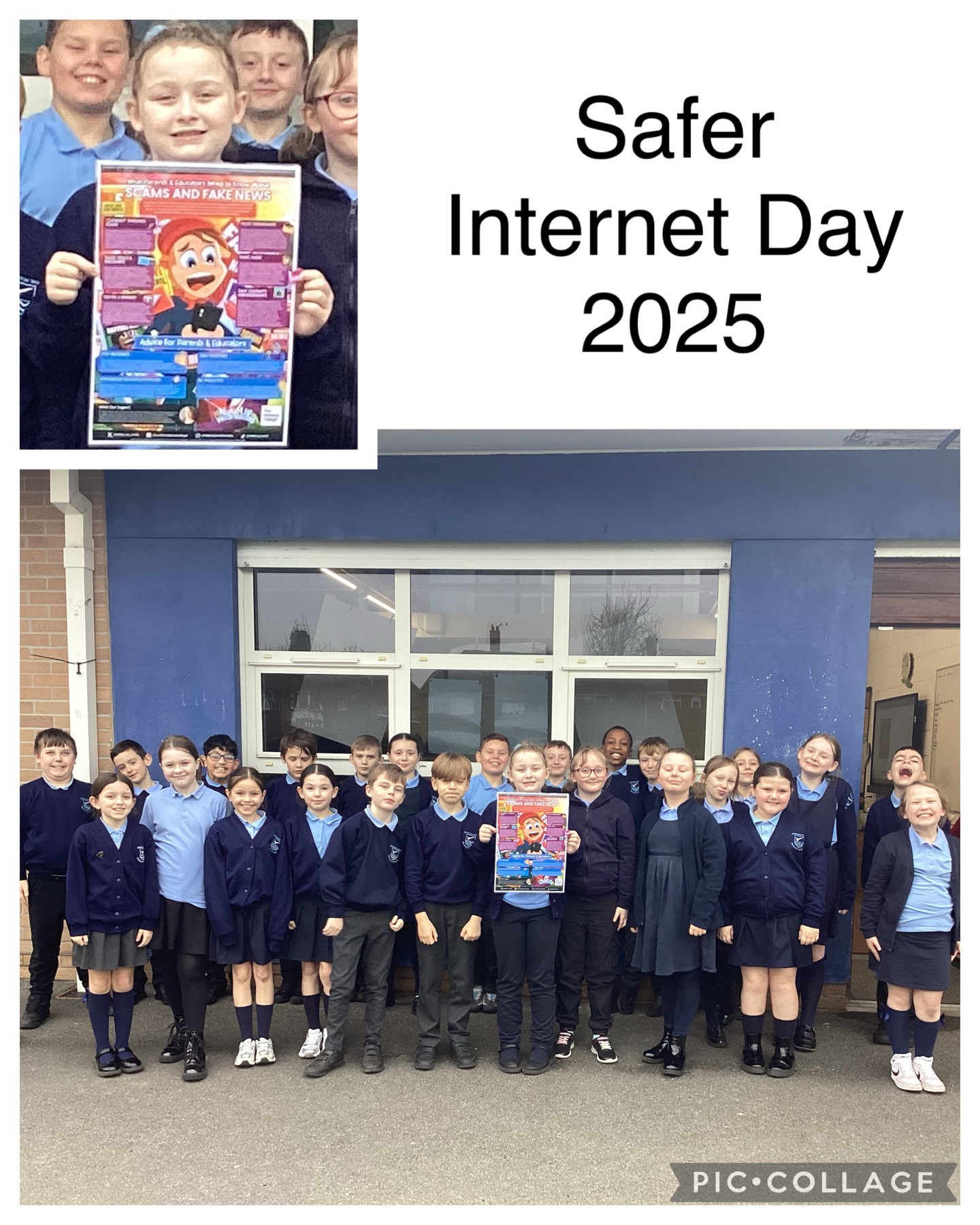

Internet Safety – Year One
Excellent internet safety session today learning all about ‘Trusted Adults.’


Safer Internet Day – Scams
In Year 4 we have been spotting scams. We’ve had lots of good discussions.


Year 5 – Computing
5M are making their own interactive pets this morning in Computing. Mr Moffat is very impressed with their coding skills!


Y2 Computing
This week we explored using the microphone button to make our characters talk.


Computing- algorithm


We enjoyed giving Daisy a command and making her move in different ways across the screen.
2.15K
Year One – Computing
Great computing skills using Daisy Dino app to create simple algorithms. How did you make Daisy move across the screen?


Year 2 Computing
This week year 2 used scratch to programme two characters to talk to each other. We had to input what we wanted them to say, and also make the other character wait and then reply.

Year 3 Computing
3McK have been using the Makecode Editor on the Micro:bit website 👨🏼💻👩🏽💻 They looked at the similarities and differences between Madecode Editor and Scratch!

Y2 computing
Today 2D have worked with Mr. Moffatt to use Scratch Jr to make our characters talk, and even tell jokes!


